Text-to-Speech Software for YouTube Creators
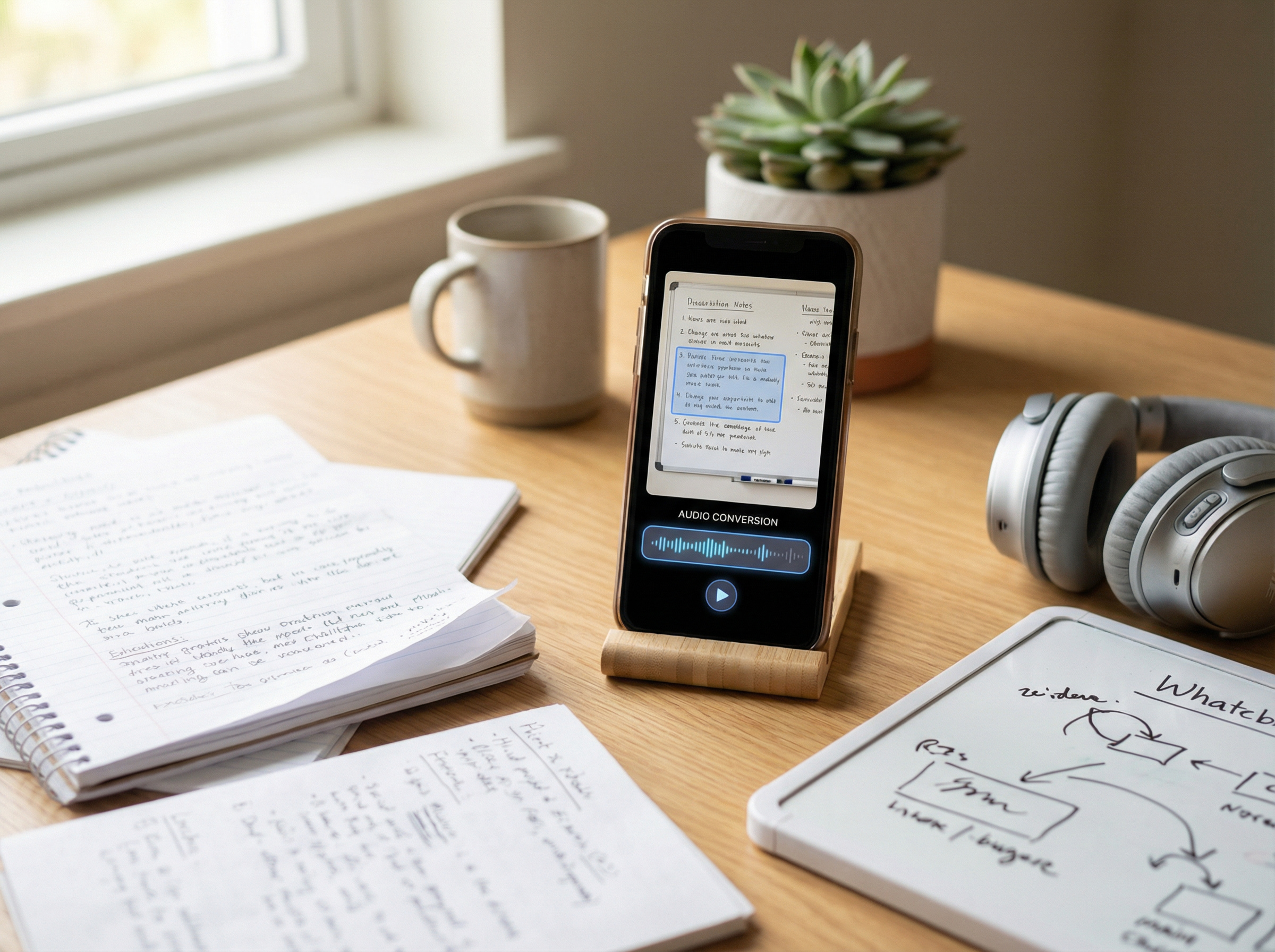
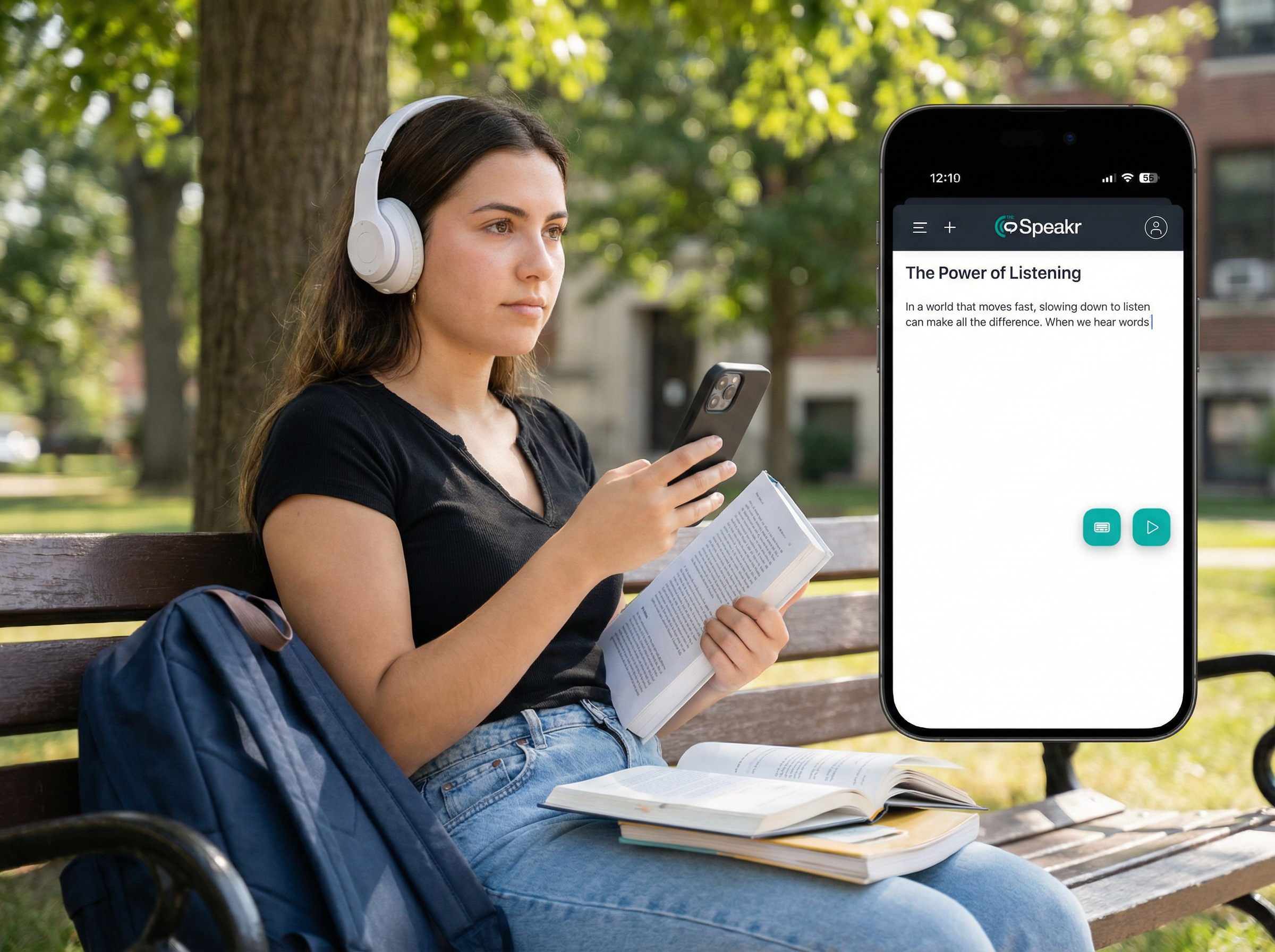
Try The Speakr text-to-speech for YouTube videos and transform your content production. According to a media cognition study, TTS narration delivers viewer comprehension and retention equal to human voiceovers in educational and informational videos – all while cutting production time by over 50%.
Why The Speakr Is the Best Text-to-Speech Tool for YouTube Creators
Turn to the The Speakr for voiceovers that sound human, scale fast, and keep costs low. YouTube pilot program found that channels adding TTS-dubbed tracks saw over 25% of watch time coming from non-primary language audiences.
✅ Natural Human-Like Voices: Powered by cutting-edge neural TTS engines.
✅ Affordable Plans: 10,000 free characters monthly + 200,000 characters for just $7.99.
✅ Global Reach: Voice content in 70+ languages and accents.
✅ Voice Cloning: Build a consistent brand voice across videos.
The Speakr Boosts These YouTube Workflows:
1. Faceless Video Narration with TTS
What creators struggle with:
Hiring voice talent is expensive. Recording voiceovers takes time. Consistency across videos is hard to maintain.
How it works with TTS:
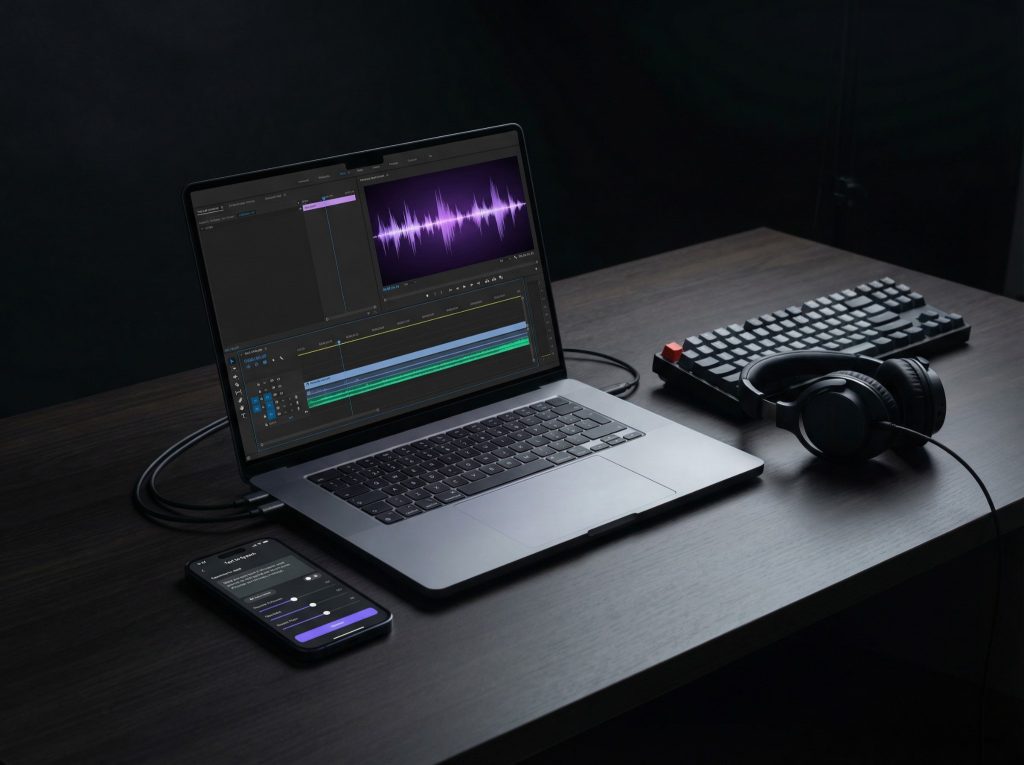
Paste your script into TheSpeakr and select a voice persona. Export the audio for instant upload to your editing timeline. Some creators even use multiple AI voices for different “characters.”
Why it works:
AI narration provides a clean, neutral voice – ideal for top-10 lists, Reddit stories, and explainer channels. TTS lets creators stay anonymous while maintaining quality.
Best for:
- Listicles
- Commentary
- Trivia
- “Faceless” storytelling
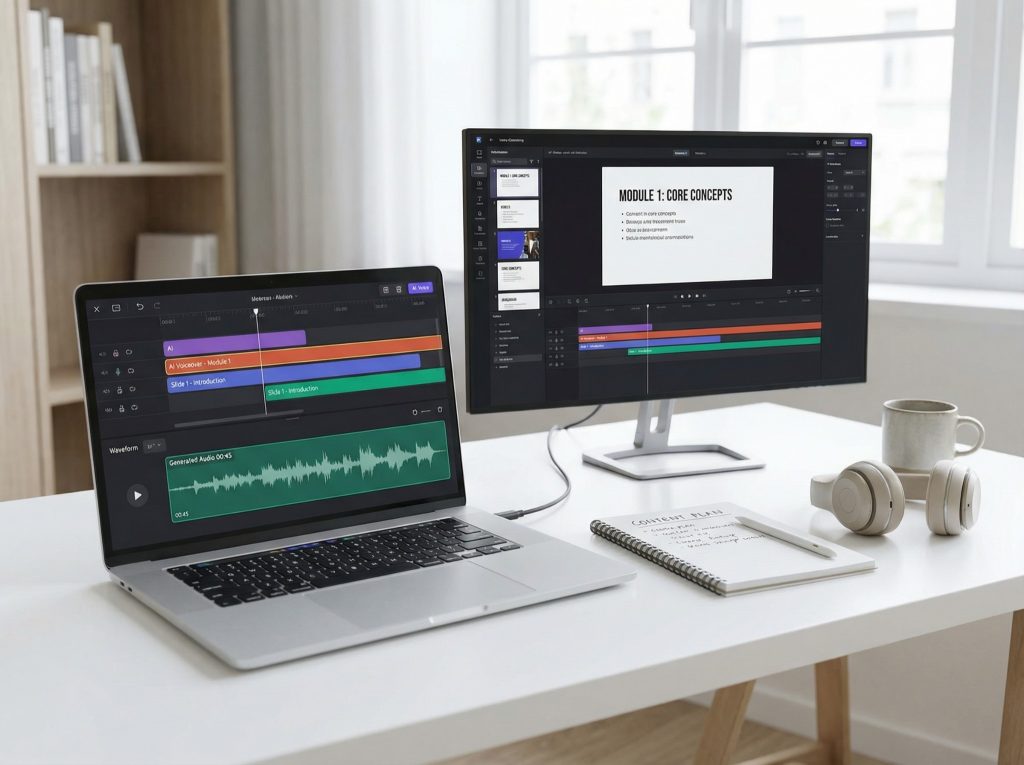
2. Educational & Explainer Video Voiceovers
What creators struggle with:
Explainers and tutorials need accurate, clear speech. Updating content means re-recording audio.
How it works with TTS:
Generate high-clarity voiceovers from your script. Easily update mistakes by changing the text and re-generating – no need to re-record.
Why it works:
Research shows viewers retain just as much with synthetic narration – especially when pacing is optimized. TTS ensures fast edits and consistency.
Best for:
- How-to videos
- E-learning
- Course content
- Slideshows
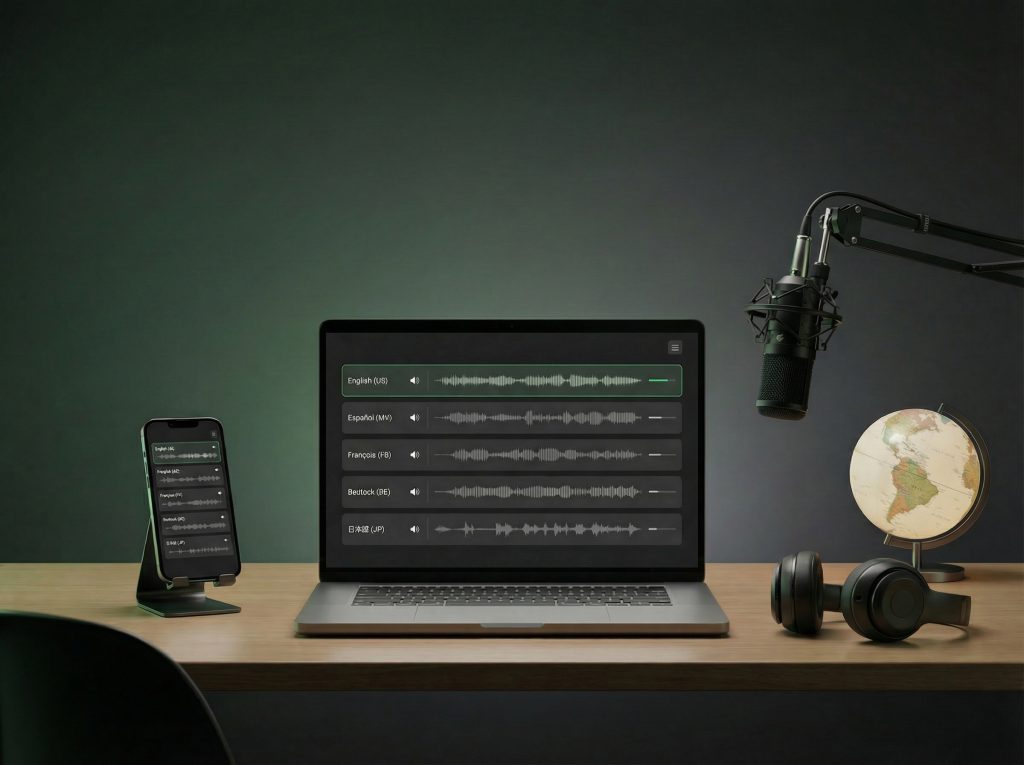
3. Multilingual Dubbing for Global Reach
What creators struggle with:
Hiring multilingual speakers is costly. Subtitles alone don’t fully engage non-English viewers.
How it works with TTS:
Translate your script and use The Speakr to generate native-sounding narration in 70+ languages. Export multi-language audio tracks for the same video.
Why it works:
YouTube reports show that channels using TTS dubbing saw up to 3x viewership increases from non-English regions. Viewers stay longer when narration is in their language.
Best for:
- Global channels
- Tutorials
- Product explainers
- Tech reviews
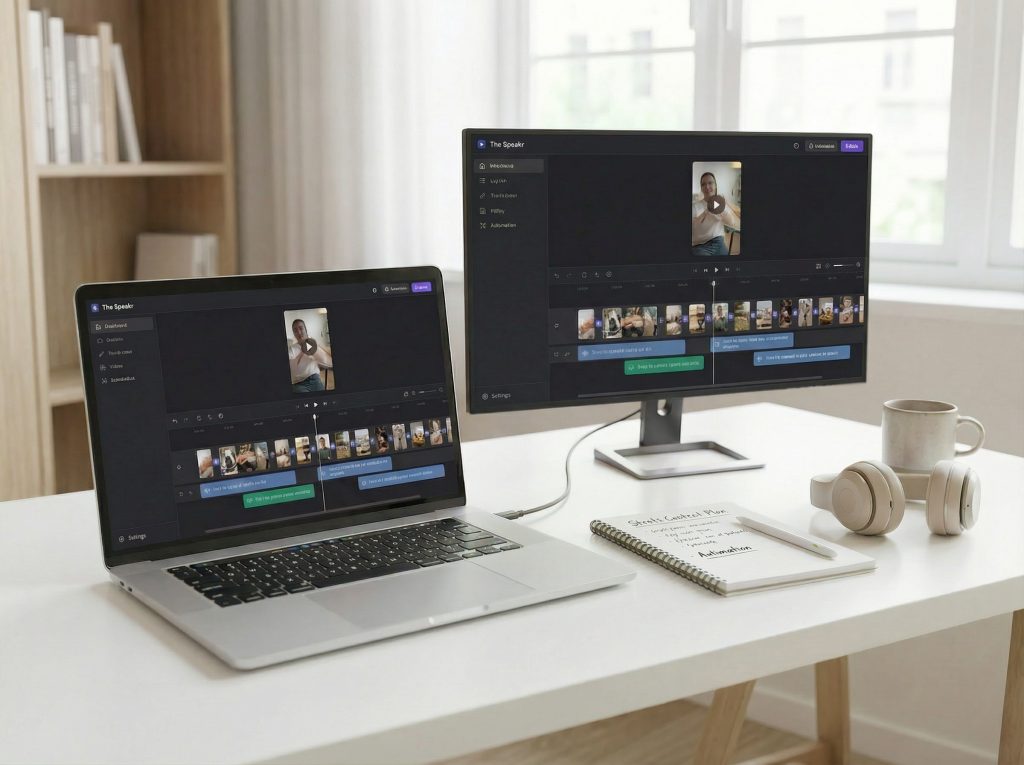
4. Shorts & Social Video Automation
What creators struggle with:
Shorts need fast production and voiceover variety. Recording 10+ videos/day isn’t sustainable.
How it works with TTS:
Batch-generate voices for trending scripts. Match tones (funny, serious, energetic) and output engaging audio in minutes.
Why it works:
AI voices are now native to short-form content trends. Platforms like TikTok and YouTube Shorts already use TTS by default.
Best for:
- News bites
- Tips & hacks
- Story snippets
- Daily Shorts
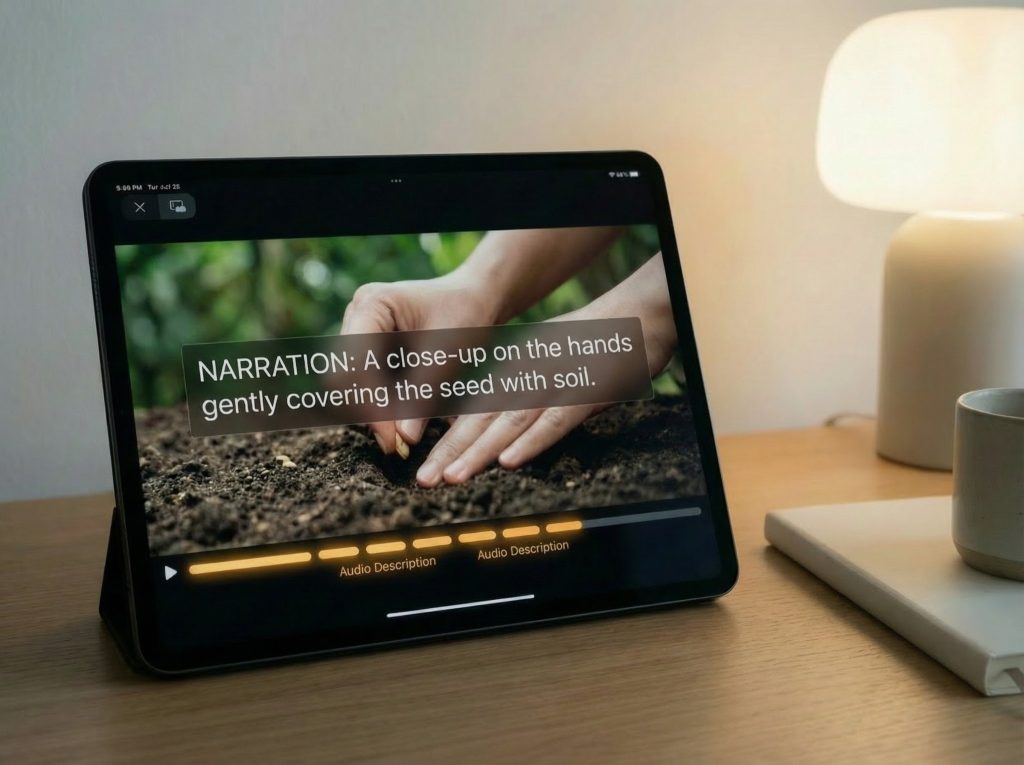
5. Accessibility & Audio Description
What creators struggle with:
Visually impaired users miss out on text-heavy videos. Audio descriptions are expensive to produce.
How it works with TTS:
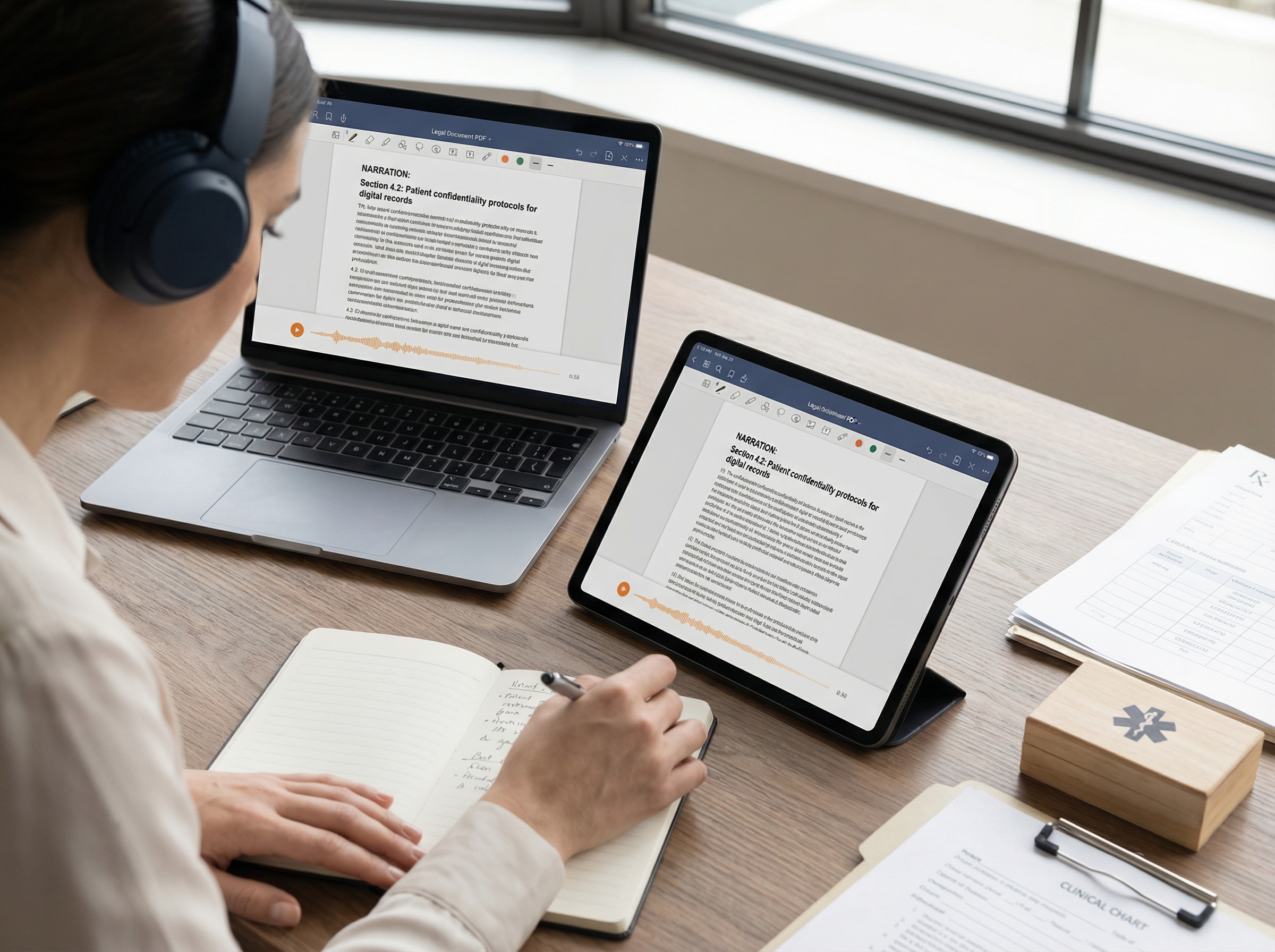
Use The Speakr to add narration for on-screen text or describe visual scenes for the blind/low-vision audience.
Why it works:
Studies show blind users accept synthetic voices for descriptions – especially in educational and factual content.
Best for:
- Educational videos
- Slideshows
- Visual essays
- Screen-free viewing
Why YouTube Creators Choose The Speakr
- Voice Quality: Lifelike voices tested for comprehension and retention.
- Multilingual: Narrate in 70+ languages for global reach.
- Speed: Produce narrated content 3x faster than with human voiceovers.
- Viewer Retention: AI voiceovers shown to improve learning and replay rate.
- Flexible Licensing: Use across all platforms, including commercial use.