Best NaturalReader Alternatives in 2026: Top Text-to-Speech Apps Compared
NaturalReader is one of the best-known text-to-speech tools, but it is not the only option in 2026 and for many users, it may not be the best fit. Some people need a simpler way to listen to PDFs, web pages, screenshots, scanned documents, and everyday text. Others are looking for more natural AI voices, clearer pricing, better OCR, mobile-friendly reading, or a tool that feels less complicated than a full voiceover studio.
Quick Answer: What Is the Best NaturalReader Alternative?
The best NaturalReader alternative for most everyday users is TheSpeakr. It is designed for people who want to quickly turn text, PDFs, web pages, images, and scanned documents into natural-sounding audio without a complicated setup. While NaturalReader is a popular and established text-to-speech platform, TheSpeakr offers a simpler reading-focused experience for users who want to listen to content across different formats.
Why Look for a NaturalReader Alternative?
NaturalReader is a popular text-to-speech platform, but its personal and commercial products can make choosing the right option confusing. Users who only want to listen to PDFs, web pages, notes, screenshots, or scanned documents may prefer a simpler reading-focused tool.
Pricing and feature limits can also vary depending on voices, OCR, documents, downloads, and intended use. A suitable alternative should offer clear pricing, natural-sounding voices, document and web support, OCR, and an easy reading experience across devices.
8 Best NaturalReader Alternatives in 2026
Choosing the best NaturalReader alternative depends on what you actually need from a text-to-speech app. Some tools are built for everyday reading, PDFs, OCR, and web articles. Others are better for professional voiceovers, YouTube narration, API access, or commercial audio production.
| App | Best for | Free plan | PDF support | OCR | Web page reading | MP3 download | Languages | Best NaturalReader replacement for |
| TheSpeakr | Everyday reading, PDFs, OCR, web articles, scanned text | Yes – 10,000 free characters; Plus plan offers 200,000 characters for $7.99 | Yes – PDF, Word, and plain text uploads | Yes – photos, screenshots, and scanned PDFs | Yes – paste a URL and listen | Yes | 40+ languages | Users who want a simple NaturalReader alternative for PDFs, OCR, web pages, and daily listening |
| Speechify | Premium reading, accessibility, dyslexia support, cross-device listening | Yes – free plan available; Premium listed at $29/month | Yes – docs, articles, PDFs, emails, and websites | Yes – “Scan & Listen” on Premium | Yes | Yes, but MP3 export is handled through Speechify Studio / AI podcast workflows, not the standard Premium TTS subscription | 60+ languages | Users who want a premium NaturalReader alternative with strong brand recognition |
| ElevenReader | Free mobile reading, audiobooks, PDFs, articles, and eBooks | Yes – free to download and use; ElevenReader Ultra listed at $11/month | Yes – PDFs, docs, ePubs, and article links | Yes – scan content from images | Yes – import articles via links | No – the app is for personal listening; audio export requires ElevenLabs web tools | 32 languages | Users looking for a free, reading-first NaturalReader alternative |
| Voice Dream Reader | iPhone, iPad, and Mac users who need accessibility-focused reading | Free trial / in-app purchases | Yes – PDFs, textbooks, documents, eBooks | Yes – text recognition for scanned PDFs | Yes – web articles via browser extensions | Yes – save speech to audio files | 27 languages on macOS voices | iOS and Mac users who want a mature document reader |
| Murf AI | Professional voiceovers, eLearning, ads, training videos, and creator workflows | Yes – free plan with 10 minutes of voice generation; Creator starts at $19/month billed annually | Partial – supports documents and scripts, but it is not a reading-first PDF app | No dedicated OCR | Partial – can convert web content/scripts, but it is not primarily a web article reader | Yes – MP3/WAV export after signing in | 35+ languages | Creators who need a NaturalReader alternative for voiceovers rather than everyday reading |
| ElevenLabs | Realistic AI voices, voice cloning, API, audiobooks, and creator audio | Yes – 10,000 characters/month | No dedicated PDF reader in the core TTS product; use ElevenReader for reading | No dedicated OCR in the core TTS product | No dedicated web reader in the core TTS product | Yes – supports audio generation and MP3 output via platform/API workflows | 32+ TTS languages | Creators and developers who care most about voice quality and voice cloning |
| Narakeet | Presentation narration, training videos, downloadable audio, and batch voiceovers | Yes – free testing/no registration; paid usage is duration-based | Yes – PDF, Word, EPUB, RTF, ODT and more | No dedicated OCR | No dedicated URL reader; best with pasted/uploaded text | Yes – MP3, WAV, and M4A | 112 languages and regional accents | Users who want downloadable narration for slides, videos, or structured content |
| TTSReader | Lightweight browser-based reading and simple audio export | Yes – free WebSpeech voices; Premium listed at $10.99/month or $99/year | Yes – PDF, DOCX, EPUB, TXT and more | No dedicated OCR | Yes – import a webpage or paste a URL | Yes – MP3 export | Multilingual, depending on browser and premium voice options | Users who want a simple browser-based NaturalReader alternative |
1. TheSpeakr: Best overall alternative for everyday reading
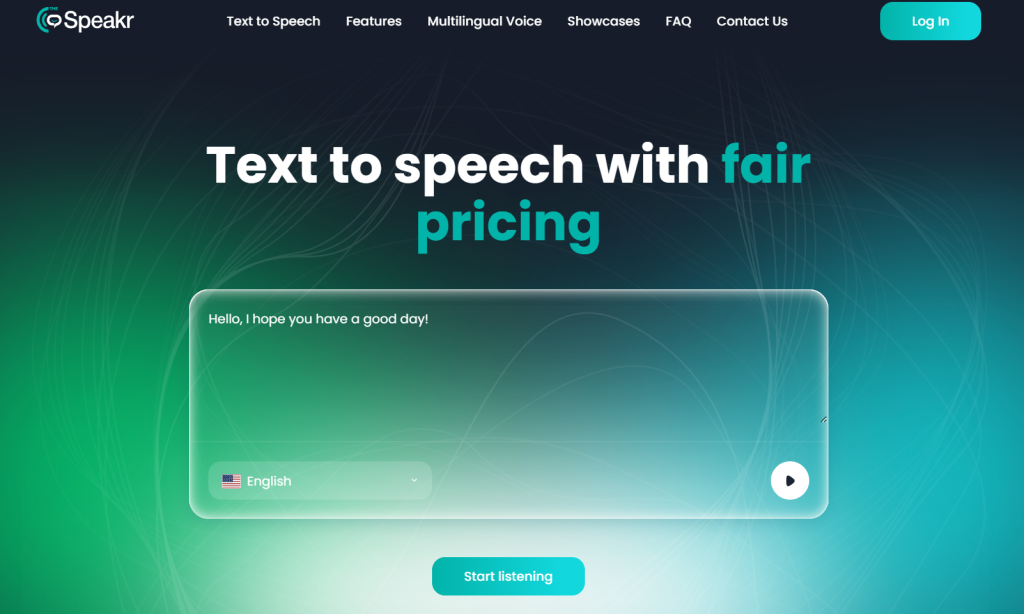
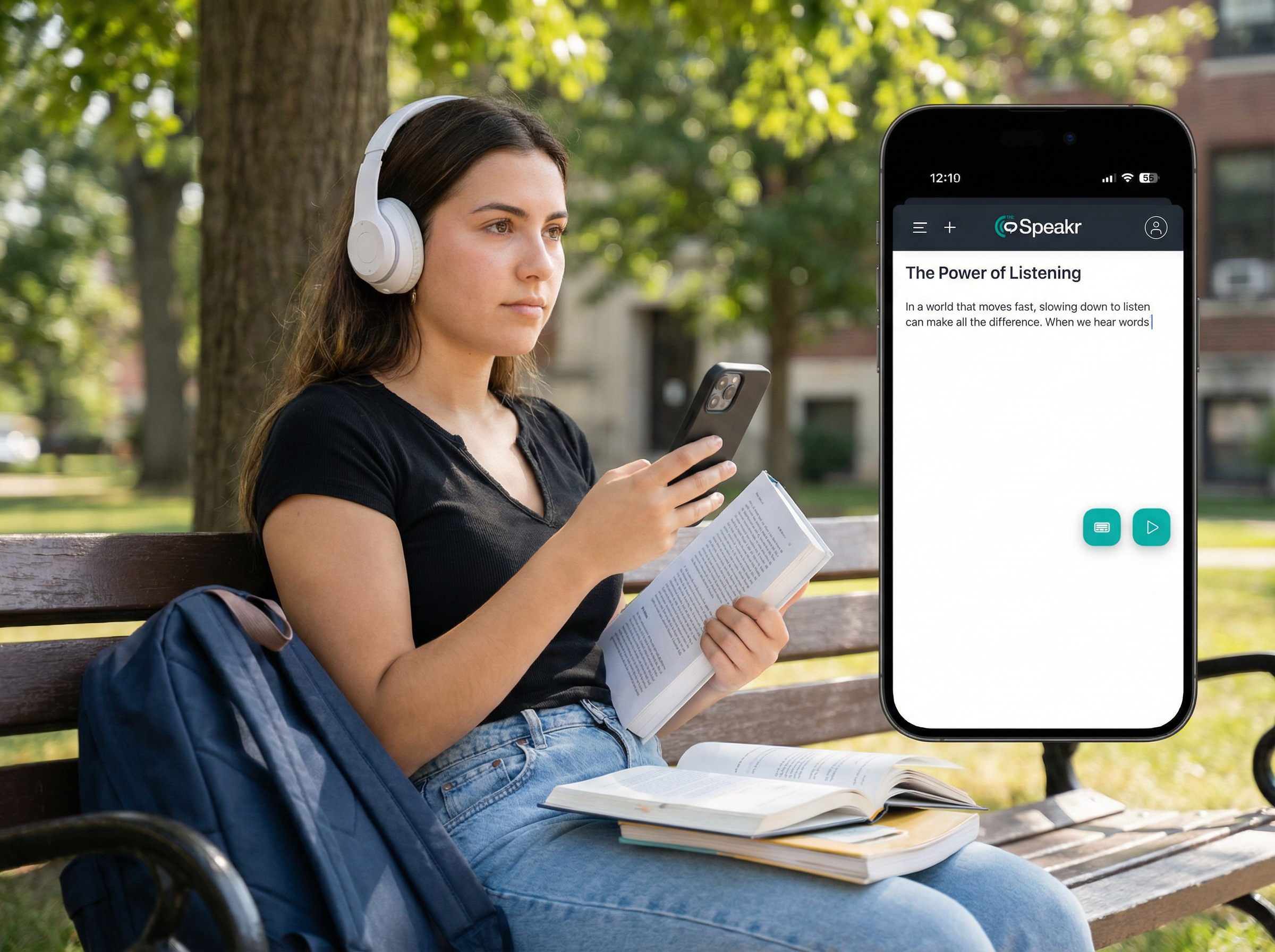
TheSpeakr is a practical NaturalReader alternative for users who want to listen to everyday written content without navigating complex voiceover or audio production tools. It supports PDFs, documents, web pages, screenshots, scanned pages, notes, and pasted text.
TheSpeakr also offers a straightforward text-to-speech workflow. These features make them particularly useful for students reviewing study materials, researchers working through lengthy documents, professionals listening to reports, and accessibility users who find audio more convenient than reading from a screen.
OCR and Scanned Document Support
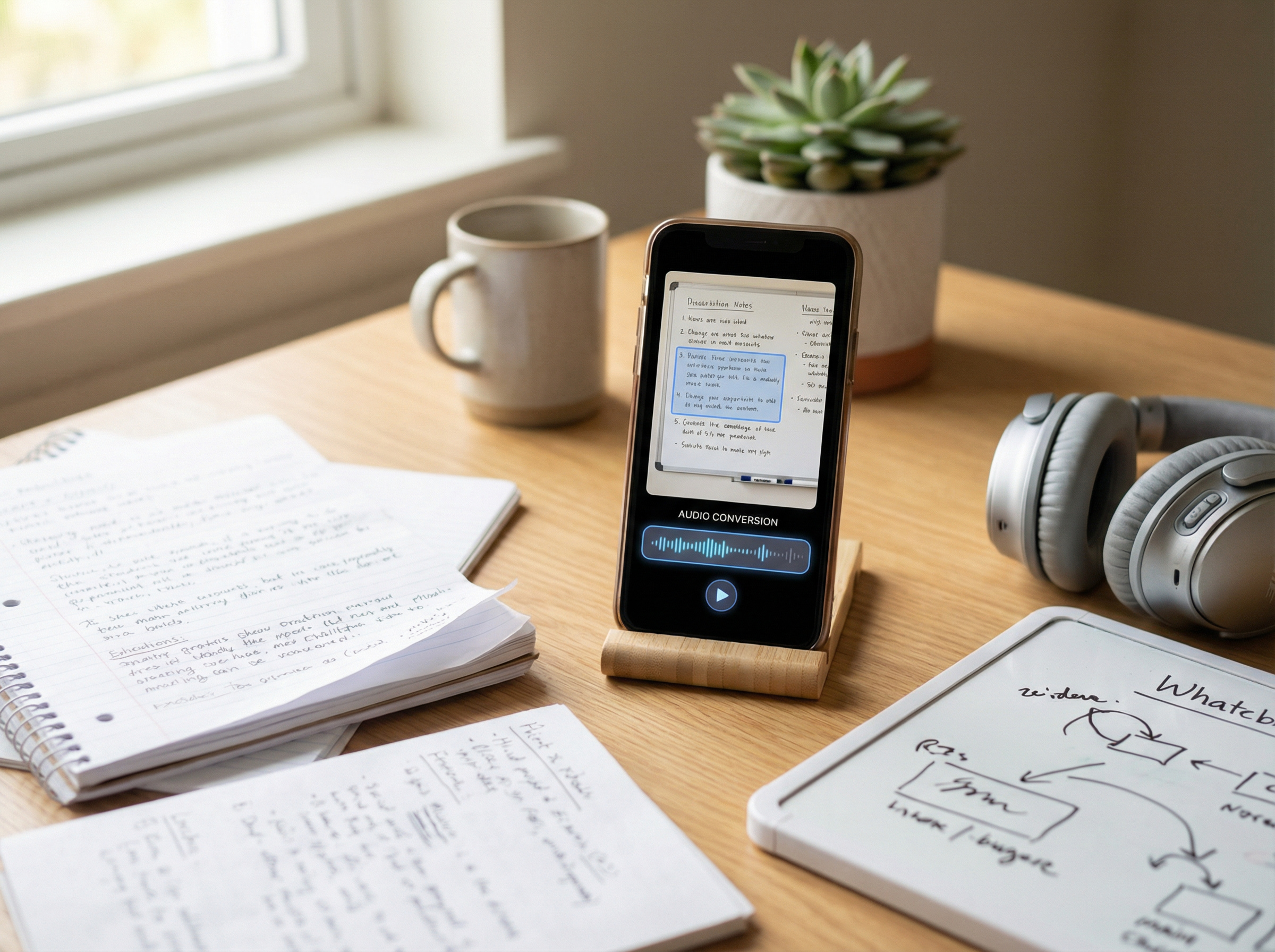
TheSpeakr includes OCR text recognition for screenshots, photographs, image-based PDFs, and scanned documents. Instead of manually retyping the content, users can upload an image or document, extract the detected text, and convert it into speech.
This functionality can be valuable for people working with academic papers, scanned notes, receipts, workplace documents, and other content that standard text-to-speech tools may not recognize automatically.
Strengths
- Supports PDFs, web pages, documents, images, and pasted text
- Includes OCR for scanned and image-based content
- Focuses on everyday reading rather than professional audio production
- Suitable for study, research, work, and accessibility needs
- Offers a simpler alternative to creator-focused voice platforms
Limitations
TheSpeakr may not be the best choice for users who need:
- Advanced voice cloning
- Detailed audio editing
- AI dubbing tools
- Professional voiceover production
- Complex creator-focused workflows
Who Should Choose TheSpeakr?
Choose TheSpeakr if your main goal is to listen to PDFs, online articles, scanned documents, notes, or other everyday written content. It is best suited to users who value accessibility and a simple reading workflow more than advanced audio production features.
2. ElevenReader: Best free reading-first alternative
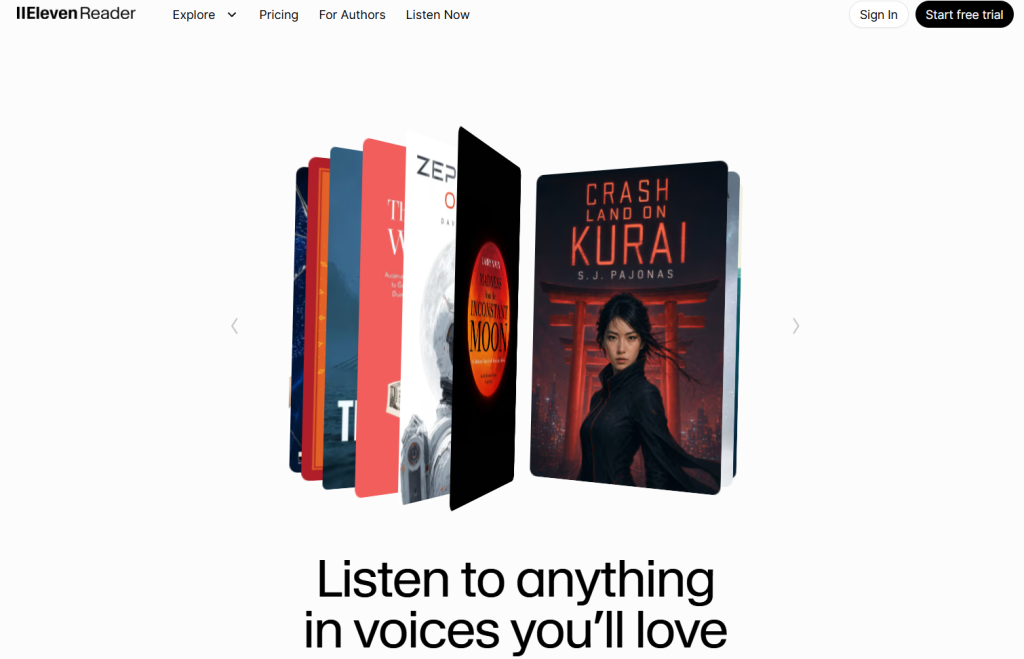
ElevenReader is a strong NaturalReader alternative for users who want a free, reading-focused text-to-speech app for books, PDFs, articles, scanned images, and other long-form content. Frateca’s 2026 text-to-speech app comparison highlights its natural-sounding voices, support for multiple content formats, and availability in more than 30 languages, while also noting that character limits may create friction when reading longer documents. Superlore’s TTS comparison similarly positions ElevenReader as a high-quality option for personal listening rather than professional audio production.
Strengths:
- Natural-sounding AI voices.
- Supports PDFs, EPUBs, web links, and scanned images.
- Available in more than 30 languages.
- Simple mobile reading experience.
- Free option for personal listening.
Limitations:
- Character limits may restrict longer documents.
- Primarily designed for personal listening.
- Limited professional editing and export features.
- Not intended for complete commercial voiceover workflows.
Who should choose ElevenReader?
Choose ElevenReader if you are a student, commuter, language learner, or casual reader looking for a simple way to listen to books, articles, and documents. It may be less suitable for creators who need commercial usage rights or advanced audio production tools.
3. Speechify: Best premium NaturalReader alternative
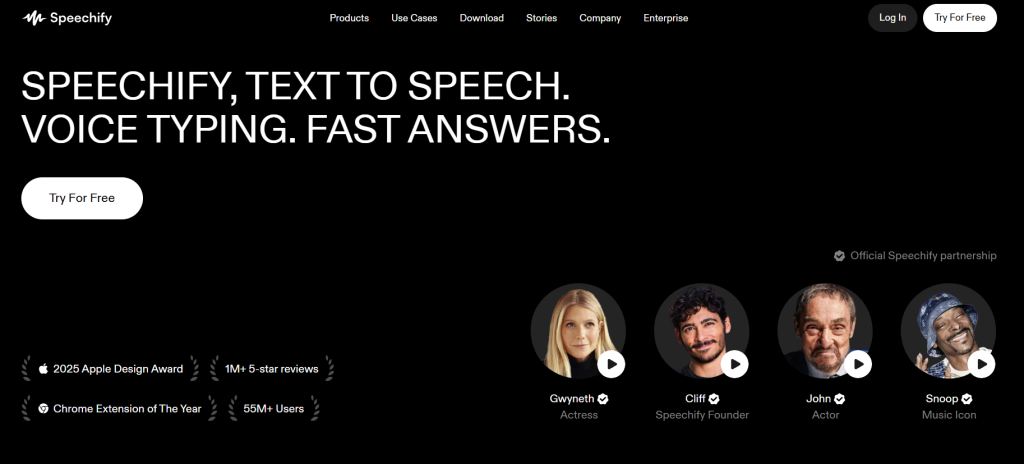
Speechify is one of the most recognizable NaturalReader alternatives for users seeking a polished reading experience across multiple devices. It can read books, PDFs, documents, web pages, emails, and scanned content aloud. Frateca’s 2026 TTS app comparison describes Speechify as a fast, cross-platform ecosystem with strong premium voices, while noting its relatively high price and limited free tier. AnySpeech’s 2026 TTS tools guide similarly highlights premium pricing, frequent upgrade prompts, and a mobile experience that may feel more complete than its desktop version.
Strengths:
- Natural-sounding premium voices.
- Supports documents, web pages, emails, and scanned content.
- Available across multiple devices and platforms.
- Offers cross-device syncing.
- Strong focus on accessibility and reading productivity.
Limitations:
- More expensive than many simpler TTS tools.
- The free version has notable restrictions.
- Frequent upgrade prompts may feel intrusive.
- The desktop experience may be less polished than the mobile app.
- May offer more features than occasional users need.
Who should choose Speechify?
Choose Speechify if you regularly listen to written content and want a polished, cross-platform reading app with premium voices. It is particularly suitable for students, professionals, and accessibility users who can justify the cost of a paid subscription.
4. Voice Dream Reader: Best NaturalReader alternative for iPhone and iPad users
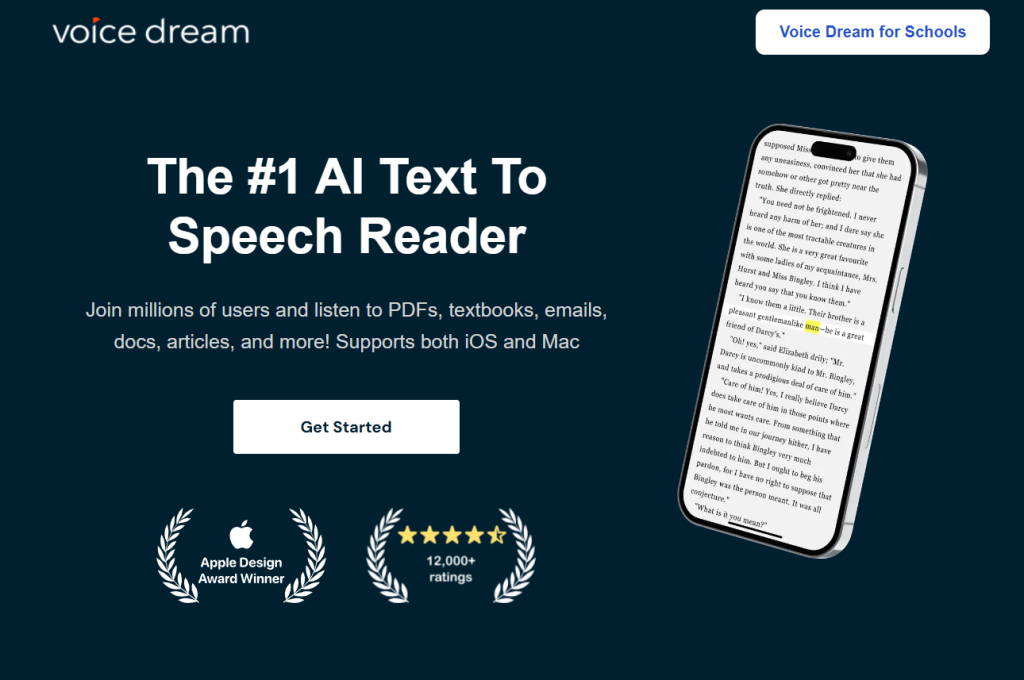
Voice Dream Reader is a strong NaturalReader alternative for users who primarily read on an iPhone, iPad, or Mac. It is designed around accessible everyday reading rather than professional voiceover production. TechRadar’s 2026 text-to-speech software guide highlights its multilingual voices, cloud integrations, offline functionality, and focus on Apple devices. Frateca’s 2026 TTS app comparison also describes it as a powerful accessibility tool with extensive highlighting, annotation, navigation, and customization controls.
Strengths:
- Optimized for iOS, iPadOS, and macOS.
- Supports PDFs, books, web pages, textbooks, and long documents.
- Offers highlighting, annotation, and navigation tools.
- Supports offline reading and cloud integrations.
- Strong accessibility features and voice customization options.
Limitations:
- Primarily designed for users within the Apple ecosystem.
- Less suitable for browser-first and cross-platform workflows.
- Not intended for professional audio production.
- Limited suitability for commercial voiceovers and YouTube narration.
- Does not provide a complete AI voice generation studio.
Who should choose Voice Dream Reader?
Choose Voice Dream Reader if you mainly use Apple devices and want extensive reading and accessibility controls. It is particularly suitable for students and users with dyslexia, ADHD, visual impairments, or anyone who prefers listening to long-form content instead of reading it on a screen.
5. Murf AI: Best for professional voiceovers
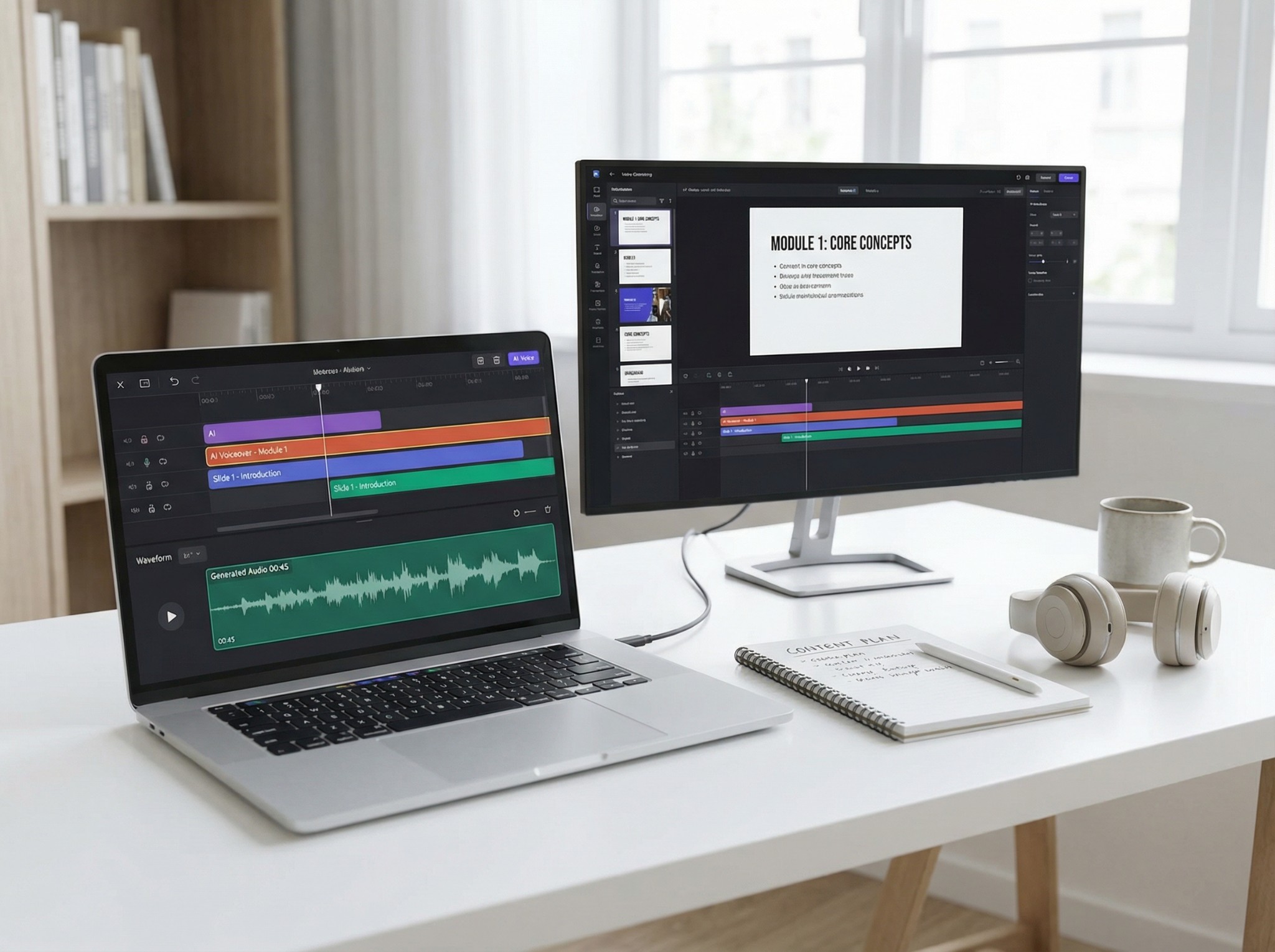
Murf AI is a strong NaturalReader alternative for users who need professional voiceovers rather than everyday reading. It is designed for creators, educators, marketers, and businesses producing videos, courses, product demos, and corporate presentations. AI Dictation’s NaturalReader alternatives guide positions Murf as the best option for professional narration, highlighting its production interface, timeline editing, voice controls, background music, and team collaboration features.
Strengths:
- Professional voiceover production interface.
- Controls for pitch, speed, timing, and pauses.
- Suitable for videos, courses, presentations, and product demos.
- Supports team-based content production.
Limitations:
- More complex than casual readers need.
- Limited free version.
- Requires an internet connection.
- Not designed for personal document reading or dictation.
Who should choose Murf AI?
Choose Murf AI if you need to create polished narration for professional or commercial content. It is less suitable for users who simply want to listen to PDFs, articles, or study materials.
6. ElevenLabs: Best for realistic AI voices and creators
ElevenLabs a strong NaturalReader alternative for users who prioritize realistic AI voices and professional audio creation. It is particularly relevant to creators producing narration for videos, podcasts, audiobooks, and other published content. ReadAloud’s NaturalReader alternatives comparison ranks ElevenLabs as the best option for voice quality, highlighting its human-like voices and emotional intonation while noting that its workflow is less intuitive for document reading and can become expensive at scale.
Strengths:
- Realistic and expressive AI voices.
- Strong voice quality for professional narration.
- Suitable for videos, podcasts, and audiobooks.
- Supports multilingual audio creation.
- Offers advanced tools for creators and developers.
Limitations:
- Not primarily designed for document reading.
- Less convenient for PDFs and research materials.
- Usage costs can increase at scale.
- More complex than everyday reading-focused apps.
Who should choose ElevenLabs?
Choose ElevenLabs if voice quality and professional audio creation are your main priorities. Users who primarily want to listen to documents, articles, or study materials may prefer a reading-focused alternative.
7. TTSReader: Best simple browser-based NaturalReader alternative
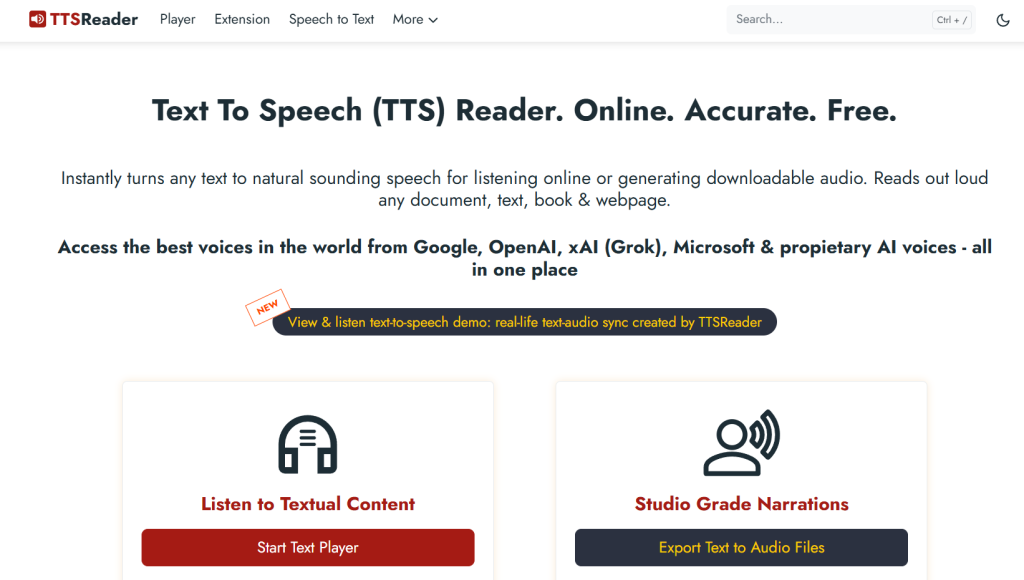
TTSReader is a lightweight, browser-based NaturalReader alternative for users who want to paste text, upload a file, or import a web page and start listening without a complicated setup. SourceForge’s NaturalReader alternatives comparison highlights TTSReader’s simple drag-and-drop workflow, multilingual voices, background listening, and lack of login or software download requirements.
Strengths:
- Simple browser-based interface.
- No login or software installation required.
- Supports pasted text, files, and web content.
- Offers multiple languages, accents, and voices.
- Useful for casual listening and proofreading.
Limitations:
- Less polished than premium reading apps.
- Limited OCR and document management features.
- Not designed for professional voiceover production.
- Voice quality depends on the selected browser and voice engine.
- Limited tools for commercial audio workflows.
Who should choose TTSReader?
Choose TTSReader if you want a simple way to listen to text in your browser without creating an account or learning a complex platform. Users who need advanced OCR, document organization, or professional audio production may need a more specialized tool.
8. Narakeet: Best for presentation and video narration
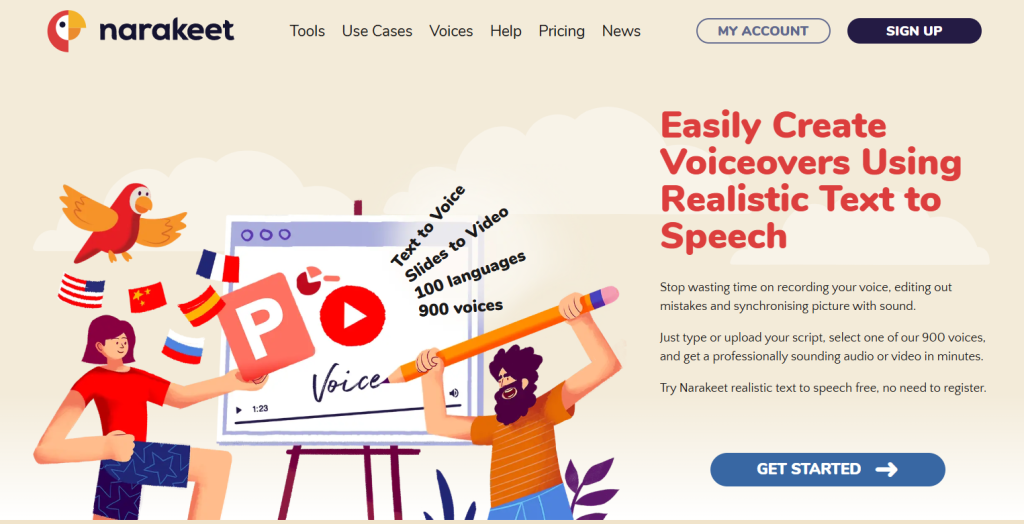
Narakeet is a NaturalReader alternative for creating narrated presentations, videos, and audio content. Fliki’s NaturalReader alternatives comparison highlights its ability to convert PowerPoint, Google Slides, and Keynote presentations into narrated videos. It positions Narakeet as a practical option for educators, marketers, content creators, and businesses producing tutorials, training videos, and promotional content.
Strengths:
- Converts presentations into narrated videos.
- Combines text-to-speech with video creation.
- Supports multilingual voiceovers.
- Provides pitch adjustment and API access.
- Uses top-up pricing without a recurring subscription.
Limitations:
- The interface could be improved.
- Some voices may sound robotic.
- Does not offer voice cloning.
- The free version has restrictive usage limits.
Who should choose Narakeet:
Choose Narakeet if you need to create narrated presentations, tutorials, training videos, or marketing content without recording your own voice.
Final Verdict: What Is the Best NaturalReader Alternative?
TheSpeakr is the best overall NaturalReader alternative for users who want a simple way to listen to PDFs, web pages, notes, images, scanned documents, and other written content. Its reading-focused workflow makes it a practical choice for students, professionals, researchers, and accessibility users.
Frequently Asked Questions
Why should I consider an alternative to NaturalReader?
You may prefer another tool if you need simpler pricing, better OCR, easier document support, more realistic voices, or clearer commercial usage rights.
Can NaturalReader alternatives read PDFs and web pages?
Many reading-focused alternatives support PDFs, documents, pasted text, and web pages. Always check supported formats before choosing a tool.
Which alternatives can read scanned documents and images?
Tools with OCR can extract and read text from screenshots, photographs, and scanned PDFs. TheSpeakr and Speechify are relevant options for OCR-based reading workflows.
What is the difference between a TTS reader and an AI voice generator?
A TTS reader helps users listen to documents and online content privately. An AI voice generator is designed to create downloadable narration for videos, podcasts, advertisements, and commercial projects.