PDF Text-to-Speech: Make Every PDF Work for You
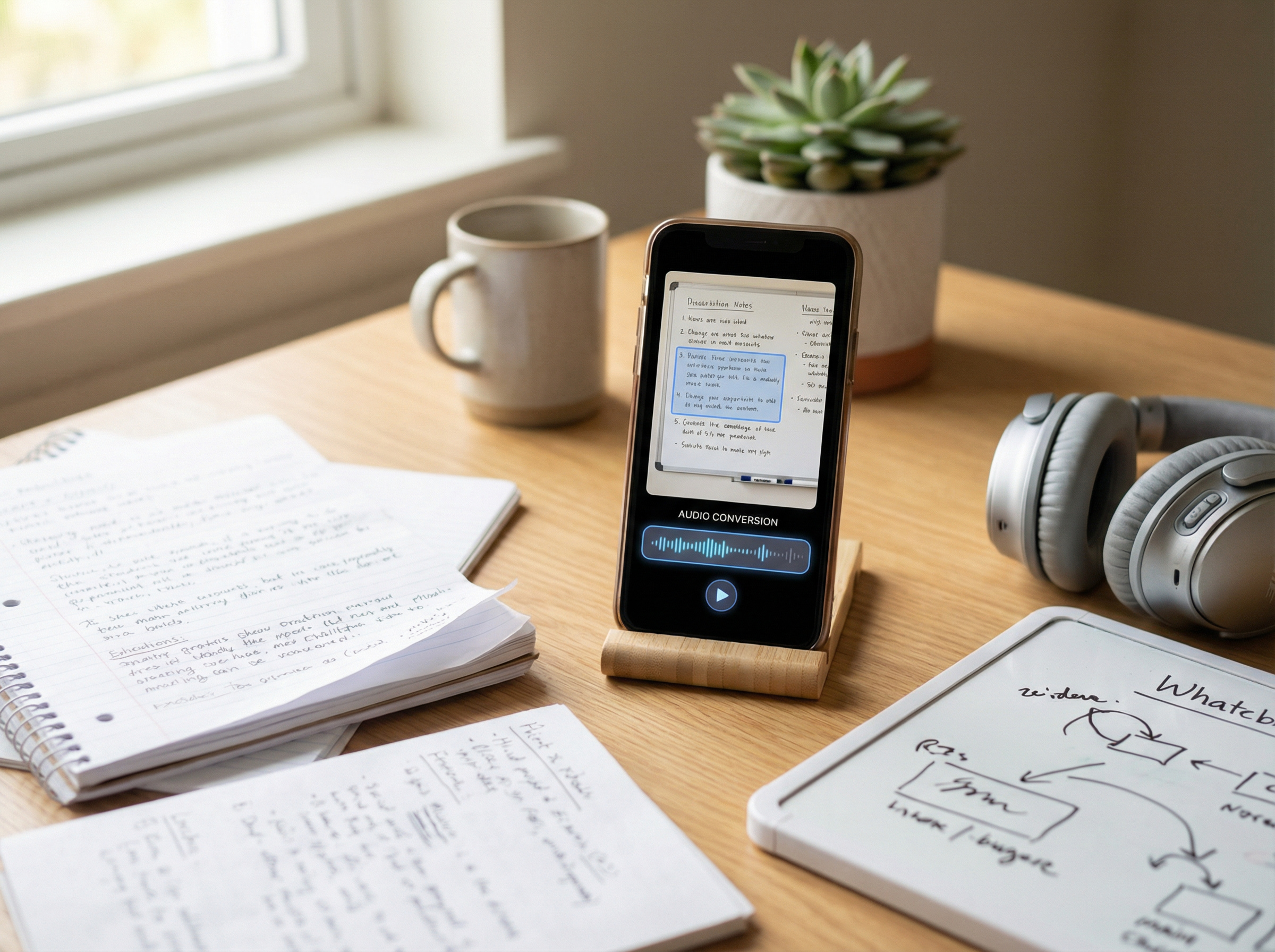
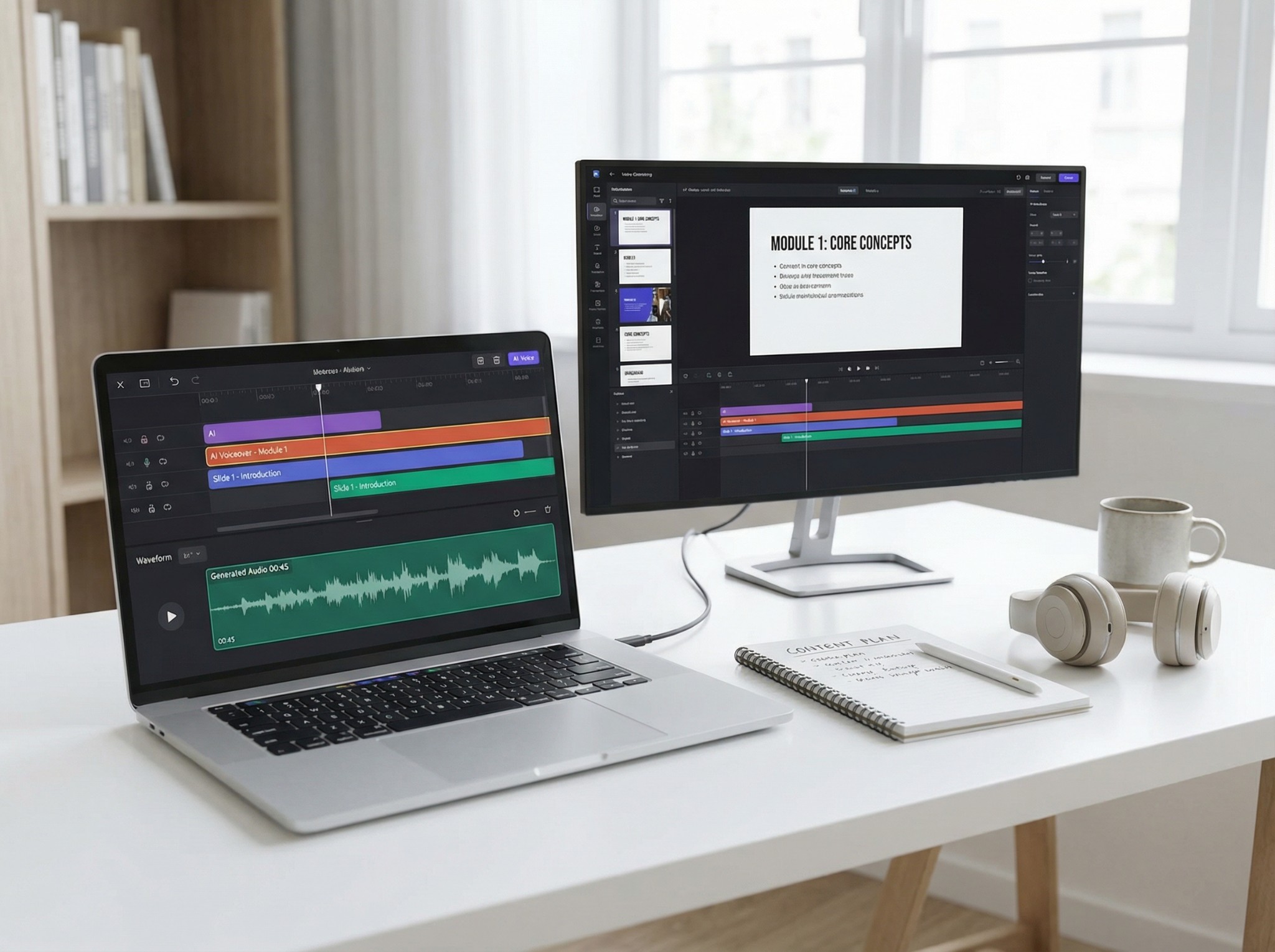
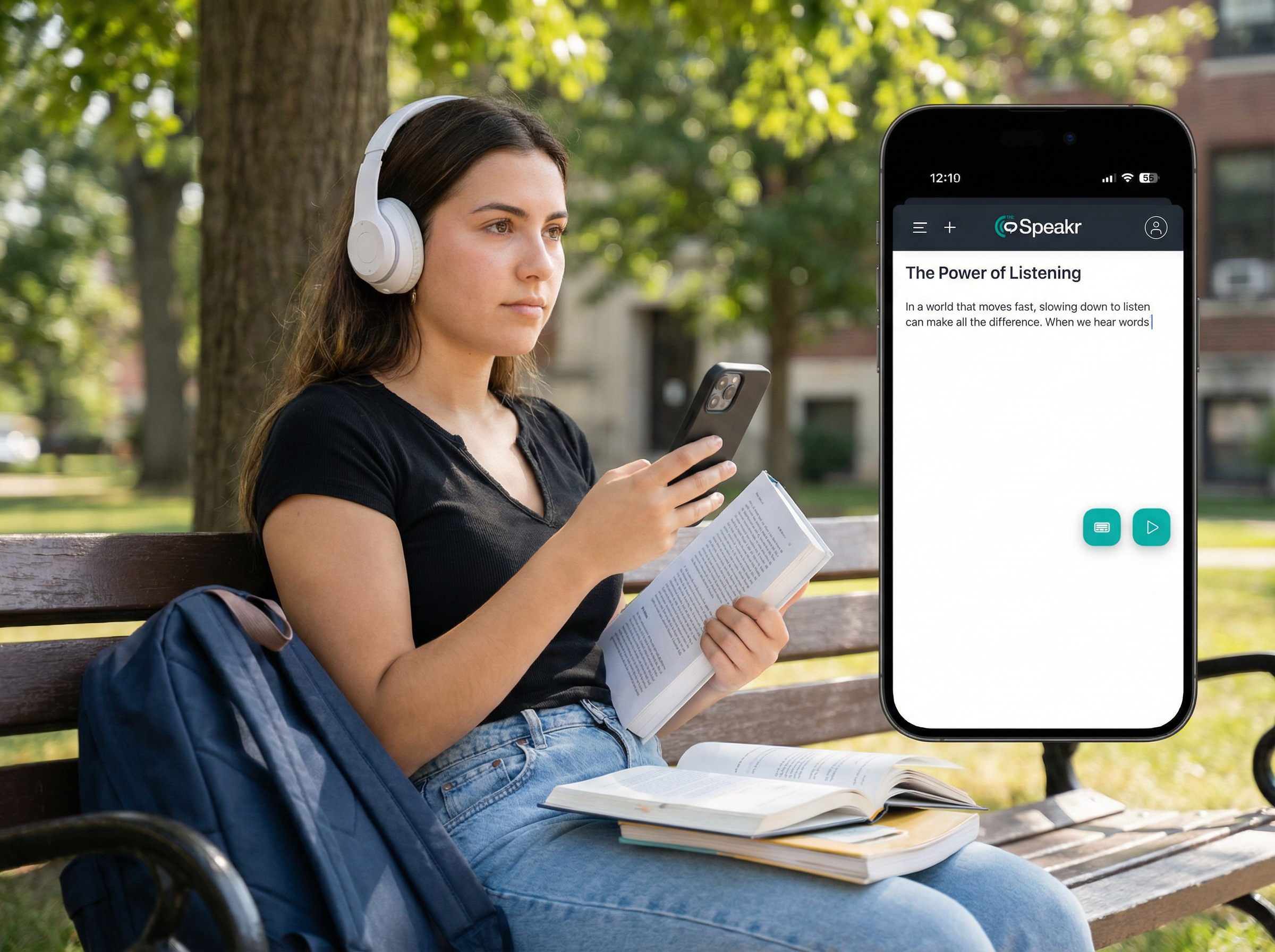
Listen smarter, not harder. Whether you’re reviewing legal disclosures, regulatory guidelines, medical literature, or business reports, The Speakr transforms your PDFs into natural-sounding audio – enhancing focus, reducing fatigue, and unlocking multitasking potential.
According to Paivio’s Dual Coding Theory, the combination of auditory and visual encoding strengthens recall.
Why Professionals Choose The Speakr for PDF Listening
Text-to-speech isn’t just for students. Legal professionals, healthcare providers, publishers, and accessibility teams are adopting TTS tools like The Speakr to power through reading-heavy workflows with greater speed and clarity.
1. Reviewing Legal or Medical PDFs with Text-to-Speech
What professionals usually struggle with:
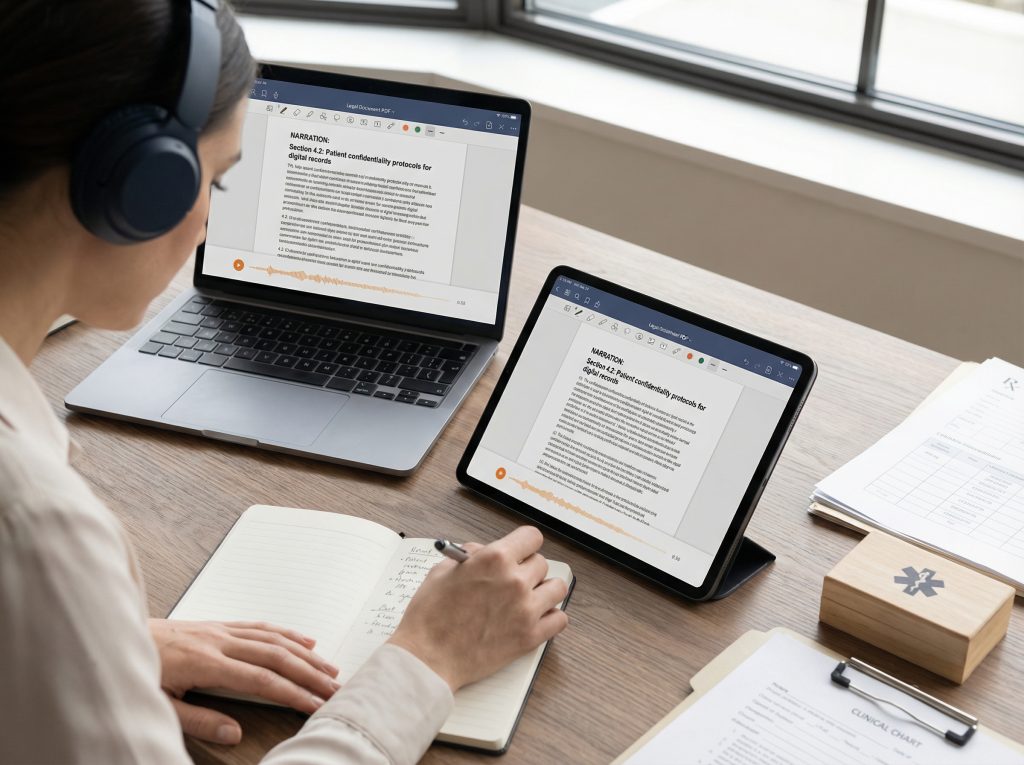
Legal contracts, case law documents, medical protocols, and compliance guidelines are often lengthy and dense. Reading them onscreen for hours can lead to eye strain, decreased accuracy, and mental fatigue.
How TTS helps:
Upload your PDF to The Speakr, choose your preferred voice and playback speed, and listen while annotating, commuting, or multitasking. Many professionals now combine TTS with on-screen review to boost comprehension.
Best used when:
- Reviewing regulatory or legal documentation
- Reading clinical guidelines or patient safety protocols
- Listening during transit between meetings
Why this improves outcomes:
Peer-reviewed research from JMIR Human Factors (2023) shows that audio-assisted document review enhances recall and error detection in complex materials by 12–15% compared to reading alone.
2. Accessibility for Visually Impaired or Neurodivergent Professionals
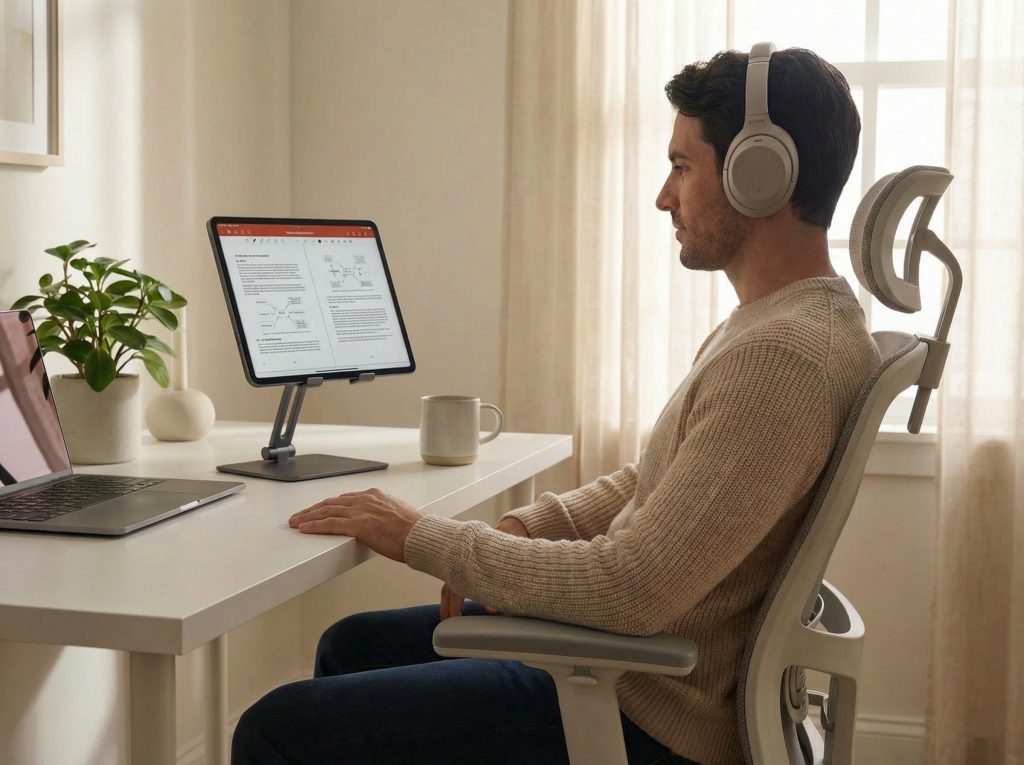
What users usually struggle with:
Traditional PDFs can be inaccessible for blind, low-vision, dyslexic, or ADHD individuals. Visual clutter and small fonts impair readability.
How TTS helps:
TTS offers screen-free access to any structured PDF – reading aloud headings, alt text, tables, and continuous body text. The Speakr supports navigation by section or sentence, with voice speed and pitch customization.
Best used when:
- Creating an inclusive workspace
- Reviewing materials during visual fatigue or migraines
- Accommodating employees with cognitive differences
Why this improves outcomes:
Studies from Disability & Rehabilitation: Assistive Technology (2024) report that TTS users with dyslexia or ADHD saw a 28% improvement in sustained attention and a 2x increase in content completion rates.
3. Productivity and Multitasking with PDF Audio

What professionals usually struggle with:
Finding time to read reports, whitepapers, or eBooks during busy schedules can be difficult, especially when travel or screen fatigue limits concentration.
How TTS helps:
Convert full PDFs into high-quality audio for passive consumption – listen while driving, walking, or meal prepping. Speed up playback for a 2x productivity boost.
Best used when:
- Catching up on market reports or research
- Reviewing during daily routines
- Managing screen fatigue from long work hours
Why this improves outcomes:
A 2024 report in Cognitive Research: Principles and Implications found that professionals using TTS to review documents during multitasking experienced no loss in comprehension compared to dedicated reading – and saved 30% of their time.
4. Proofing and Publishing Quality Control via Audio
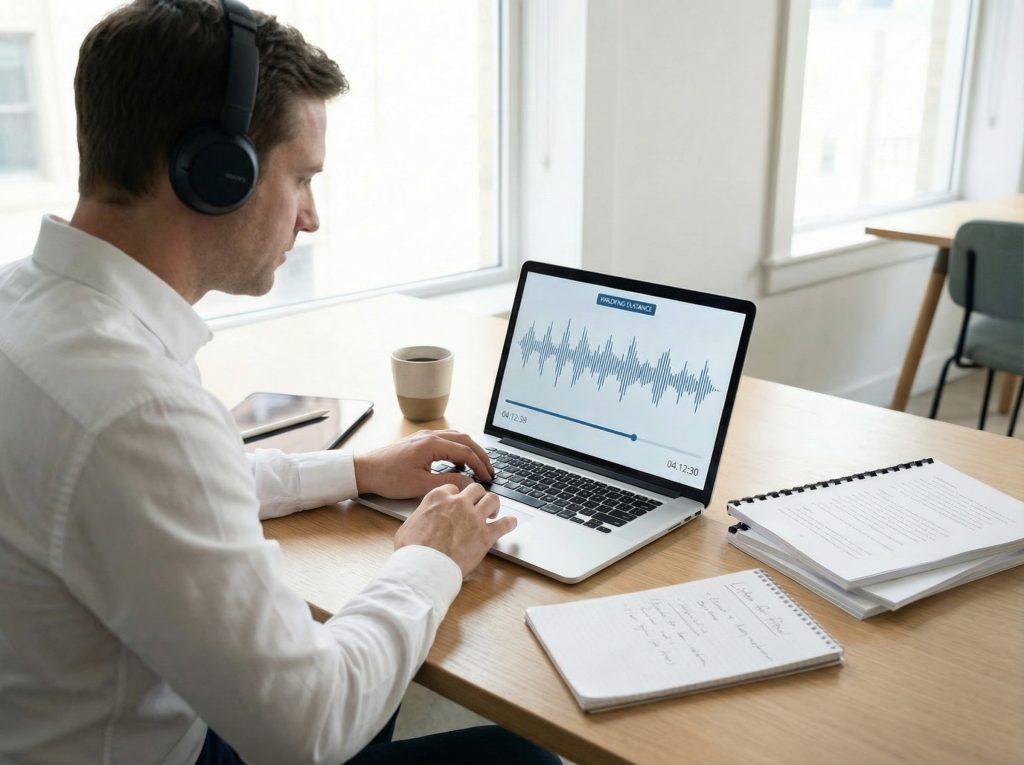
What editors and publishers usually struggle with:
Visual proofreading of lengthy PDFs (articles, reports, books) often misses grammar issues, repetition, or awkward phrasing – especially during late-stage reviews.
How TTS helps:
Listening to written content highlights rhythm, clarity, and pacing issues that are easy to overlook visually. The Speakr allows you to hear your copy as your audience would experience it.
Best used when:
- Final review before publishing whitepapers or reports
- Catching tone inconsistencies or unnatural phrasing
- Validating multilingual formatting through audio
Why this improves outcomes:
Publishing teams using TTS during final proof stages reported 23% higher detection of syntax and repetition issues in a 2023 internal pilot at a Fortune 500 firm.
5. Reducing Fatigue and Cognitive Load

What professionals usually struggle with:
Hours of screen reading leads to cognitive overload, decision fatigue, and decreased performance – especially in data-heavy fields.
How TTS helps:
Audio delivery allows professionals to alternate input modes, supporting mental recovery while maintaining productivity. Adjustable playback speed and voice options reduce monotony and strain.
Best used when:
- Battling digital fatigue or burnout
- Taking audio breaks between visual tasks
- Managing cognitive bandwidth on high-focus days
Why this improves outcomes:
Cognitive load theory research (2023, University of Copenhagen) confirms that multimodal input (listening + reading) improves working memory processing and reduces mental exhaustion during document-heavy workflows.
Why People Use The Speakr Text-to-Speech for PDFs
- Productivity: Listen to long reports, whitepapers, or legal texts while on the move.
- Accessibility: Empower neurodivergent and visually impaired teams with voice-first content.
- Comprehension: Improve recall and clarity with natural-sounding audio.
- Focus: Switch off your screen and still absorb critical information.
- Proofing: Hear your copy come alive – catch what the eye misses.