8 Best Narakeet Alternatives in 2026, Compared by Use Case
Narakeet is a practical tool for turning scripts, presentations and subtitles into narrated audio or video. However, it is not the best fit for every workflow. Some users need more realistic AI voices, advanced voice cloning or a visual video editor, while others simply want an easier way to listen to PDFs, webpages, images and scanned documents.
In this guide, we compare eight leading Narakeet alternatives by their actual use cases, supported formats, voice features, video capabilities, pricing models and key limitations. The goal is to help you find a tool that fits your workflow without paying for features you do not need or losing functions that are essential to your projects.
Quick Answer: What Is the Best Narakeet Alternative?
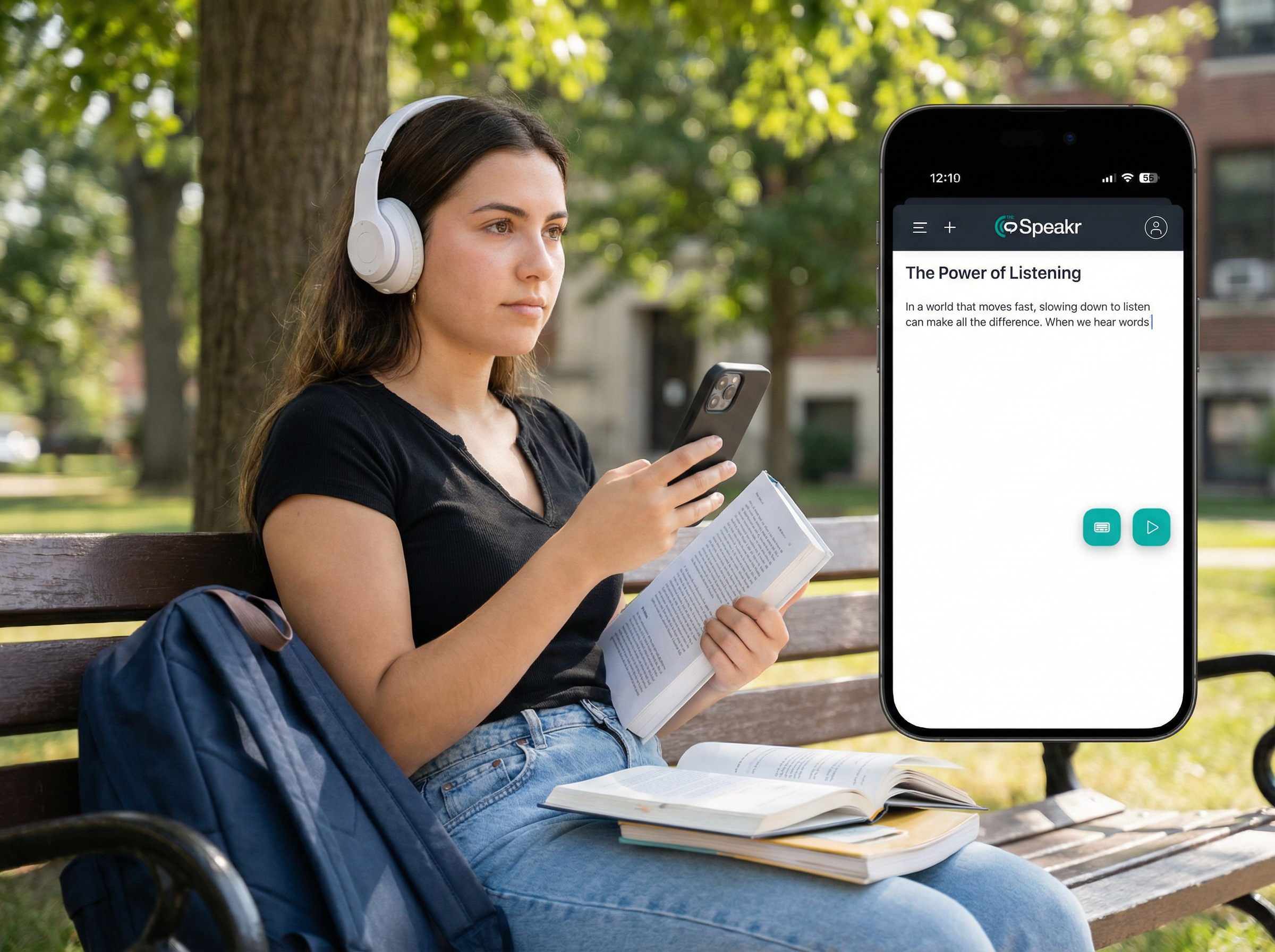
TheSpeakr is the best Narakeet alternative for users who want a simple, reading-focused tool for PDFs, webpages, Word documents, images and scanned files. Its OCR support makes it especially useful for listening to content that standard text-based tools may not process correctly. While Narakeet remains stronger for presentation-to-video creation, TheSpeakr is the better choice for everyday document listening.
Why Look for a Narakeet Alternative?
Narakeet is a versatile platform for converting text, documents, and presentations into narrated audio or video. It supports 928 voices across 112 languages and accents, accepts formats such as Word, PDF, EPUB, PowerPoint, Google Slides, Keynote, and Markdown, and can export MP3, WAV, MP4, and subtitle files.
However, its broad feature set means that specialised alternatives may perform better for particular workflows.
- More advanced voice generation: Narakeet provides a large voice library and basic controls for pronunciation, speed, pitch, volume, and pauses. Voice-focused platforms such as ElevenLabs offer more expressive voices, voice design, self-service cloning, and real-time applications.
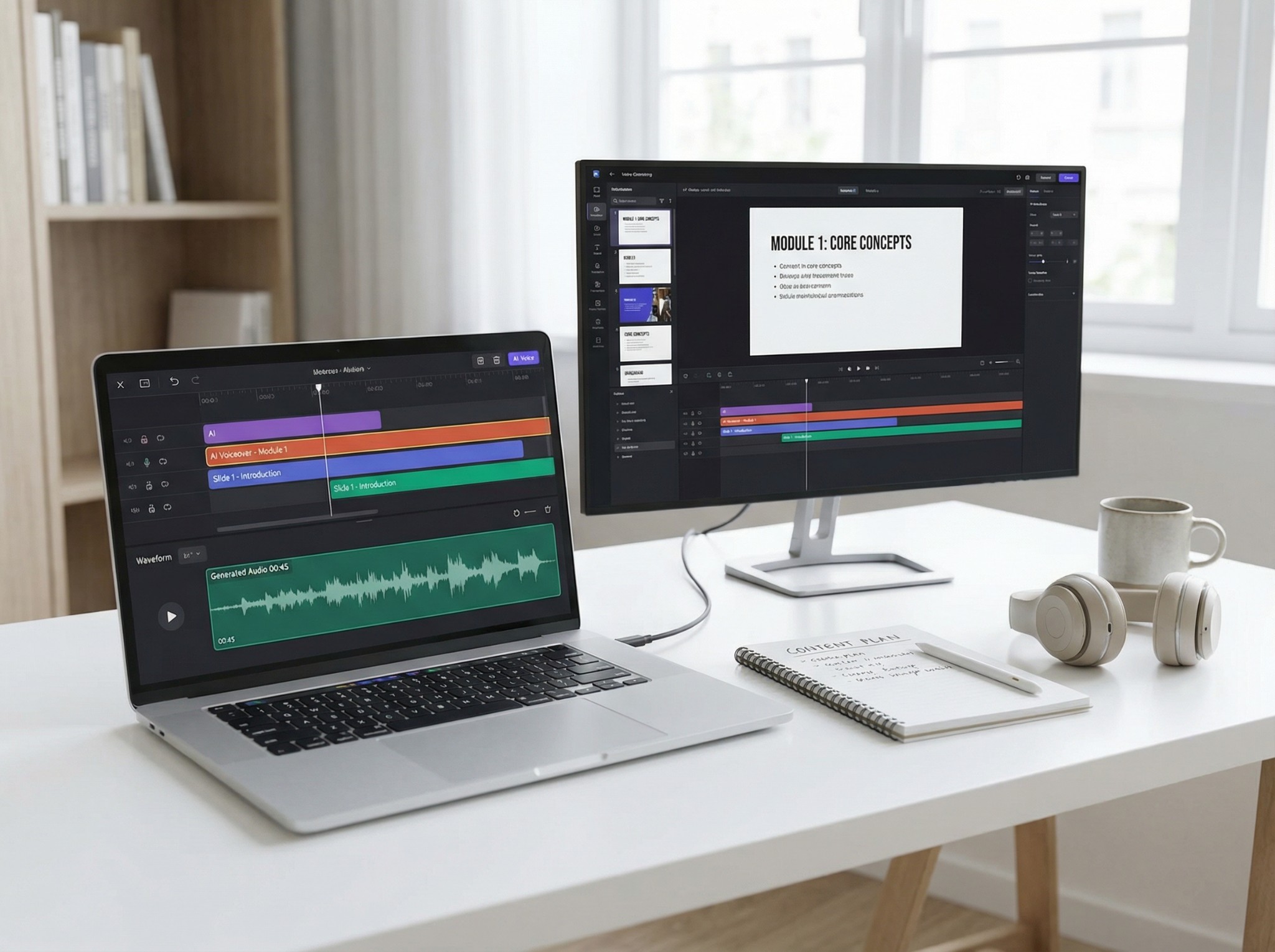
- AI presenters and visual video editing: Narakeet works well for slide-based and script-controlled videos, but it is not primarily an AI-avatar platform. Tools such as Synthesia provide digital presenters, editable visual elements, translation features, and broader brand-management tools.
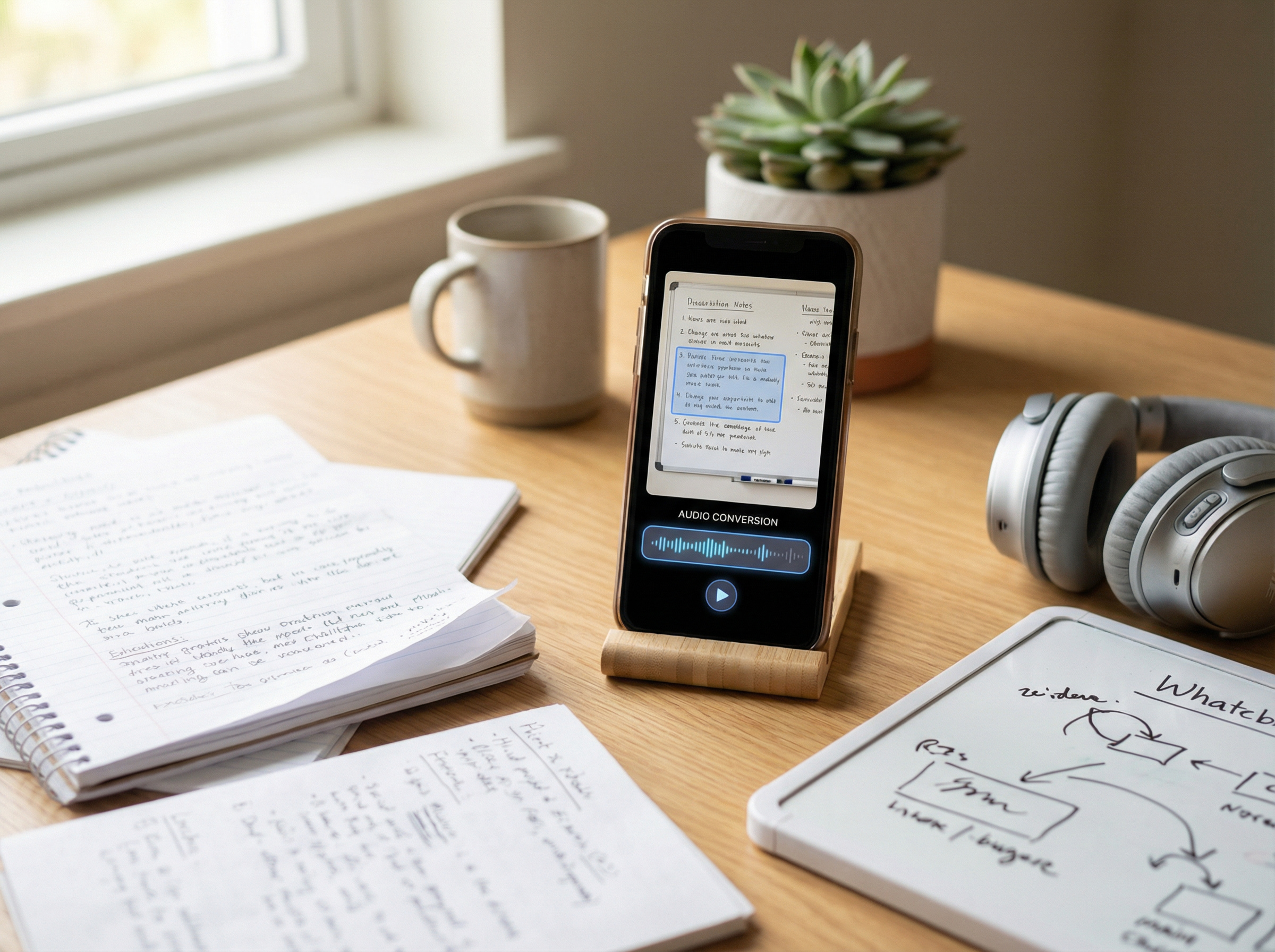
- OCR for scanned documents: Narakeet can process PDFs with selectable text, but it cannot directly read image-only or scanned PDFs. Users working with screenshots, photographed pages, scanned papers, or old documents may need a reading-first tool with OCR.
- Different pricing preferences: Narakeet uses one-time credit packages, starting at $6 for 30 minutes, rather than a recurring subscription. This suits occasional use, while frequent users may prefer predictable monthly plans or character-based pricing.
- Real-time and scalable API infrastructure: Narakeet offers several APIs for audio and video automation, but it is not primarily designed for streaming, voice agents, or real-time applications. Developers building high-volume products may prefer an API-first speech platform.
Best Narakeet Alternatives at a Glance
| Tool | Best for | PDF and document support | OCR for scanned files | Video creation | Voice cloning | API | Pricing model |
| TheSpeakr | Reading PDFs, webpages, images, and scanned documents | Yes | Yes | No | Yes, although it is not the primary workflow | No public API | Free access and subscriptions |
| ElevenLabs | Realistic AI voices and voice cloning | Limited; primarily designed for voice-generation projects | No dedicated OCR workflow | Limited creative tools | Yes | Yes | Monthly credits and usage-based API pricing |
| Synthesia | PowerPoint-to-video conversion and AI presenters | Supports document-to-video and PowerPoint import | No reading-focused OCR workflow | Yes | Available on eligible plans | Yes, from the Creator plan | Free access and monthly subscriptions |
| Fliki | Turning scripts, blog posts, and presentations into videos | Supports PowerPoint, scripts, and webpage URLs | No reading-focused OCR workflow | Yes | Available on paid plans | Yes, from the Premium plan | Free access, credits, and subscriptions |
| Murf AI | Business voiceovers and collaborative production | Supports scripts, documents, PDFs, and articles | No dedicated OCR workflow | Basic visual production tools | Available through selected services | Yes | Subscriptions and usage-based API pricing |
| NaturalReader | Accessible document reading and study tools | Yes | Yes | No | Available on selected paid personal and commercial plans | No public API | Free access, personal subscriptions, and commercial plans |
| Speechify | Fast reading across devices | Yes | Yes | Available through separate creator tools | Available through separate creator and developer products | Yes | Free access and subscriptions |
| Amazon Polly | Scalable text-to-speech applications | Requires custom document-processing integration | No built-in OCR; a separate service is required | No | No | Yes | Pay-as-you-go pricing |
The 8 Best Narakeet Alternatives in 2026
1. TheSpeakr: Best for PDFs, Webpages, Images, and Scanned Documents
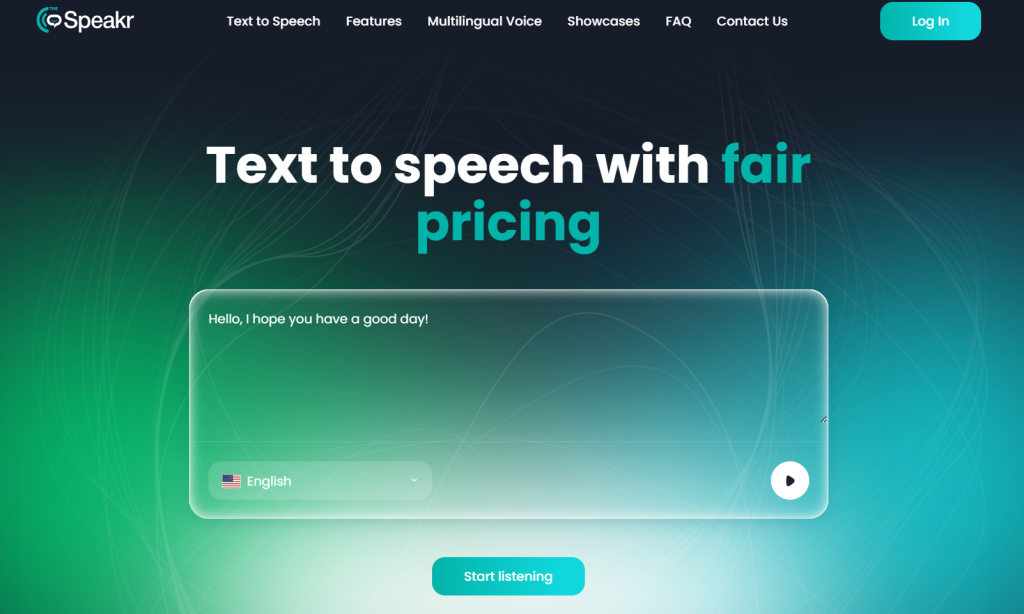
TheSpeakr is the best Narakeet alternative in this comparison for reading PDFs, webpages, Word files, screenshots, photographs, and scanned documents. Users can paste text, enter a webpage URL, or upload supported files, while OCR extracts text from images and scanned PDFs before converting it into speech.
Unlike Narakeet, which focuses on presentation narration and video production, TheSpeakr provides a simpler reading-first workflow. Users can upload content and start listening without creating a structured audio or video project.
The free plan includes 10,000 characters, while the Plus plan provides 200,000 characters for $7.99.
Strengths:
- Supports PDFs, Word files, webpages, images, and pasted text.
- Includes OCR for scanned PDFs, screenshots, and photographs.
- Extracts readable content directly from webpage URLs.
- Provides a simple interface focused on listening.
- Offers an affordable plan for regular document reading.
Limitations:
- Not designed for PowerPoint-to-video conversion.
- Does not include AI presenters or advanced video templates.
- Limited for batch video production and developer automation.
- Not intended as a complete professional voiceover studio.
Best for: Students, researchers, professionals, and everyday users who want to listen to written content rather than create narrated videos.
Why choose TheSpeakr over Narakeet?
Choose TheSpeakr if your main goal is listening to documents, webpages, images, or scanned material. It is better suited to everyday reading and OCR workflows without the complexity of a video-production platform.
2. ElevenLabs: Best for Realistic Voices and Voice Cloning
ElevenLabs is a stronger Narakeet alternative for professional voice generation rather than presentation-based video production. Maestra’s 2026 text-to-speech comparison positions it as a leading option for realistic narration and voice cloning, while Zapier’s AI voice generator comparison highlights its broad voice and sound creation ecosystem.
The platform includes text-to-speech, instant and professional voice cloning, voice design, dubbing, sound effects, speech-to-text, and APIs. According to the official ElevenLabs pricing page, the Free plan includes 10,000 monthly credits, while paid plans add commercial licensing and advanced cloning features. API text-to-speech currently costs $0.05 or $0.10 per 1,000 characters, depending on the model.
Strengths:
- Natural and expressive AI voices.
- Instant and professional voice cloning.
- Large multilingual voice library.
- Strong APIs for apps and real-time products.
- Suitable for audiobooks, games, localisation, and branded voices.
Limitations:
- Not a direct PowerPoint-to-video solution.
- Complete visual projects may require a separate video editor.
- Credit-based pricing can be less predictable for high-volume use.
- More complex than necessary for basic presentation narration.
Best for: Creators, publishers, media teams, game developers, and businesses that prioritise realistic voices, voice cloning, and API access.
Why choose ElevenLabs over Narakeet?
Choose ElevenLabs when voice realism, cloning, emotional delivery, or API integration matters most. Narakeet is better when you need to convert PowerPoint slides directly into synchronised narrated videos without assembling the visuals separately.
3. Synthesia: Best for PowerPoint-to-Video and AI Presenters
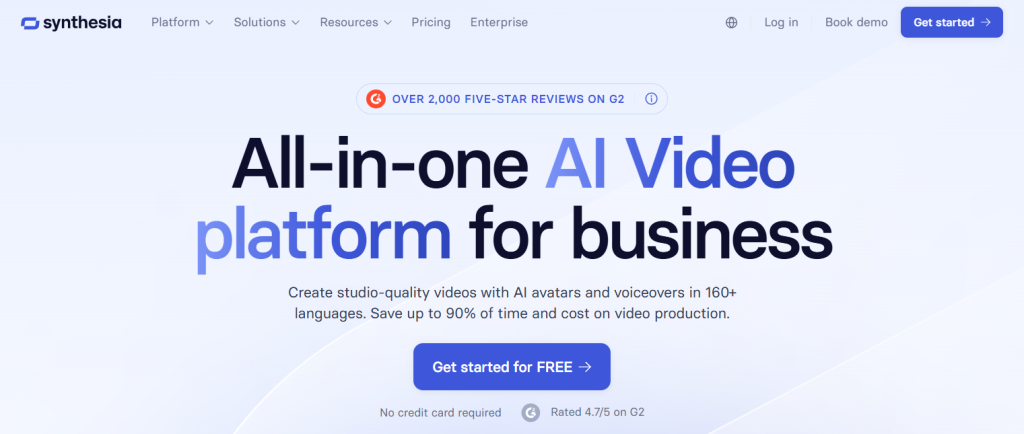
Synthesia is a stronger Narakeet alternative for teams that want to turn presentations into polished videos with AI presenters, branding, templates, and multilingual localisation.
Zapier’s 2026 AI video generator comparison identifies Synthesia as one of the best platforms for creating videos with high-quality digital avatars. Maestra’s AI video generator comparison similarly positions it as a strong option for corporate training, tutorials, explainer videos, and professional presentations, while noting that its higher price may deter smaller teams.
Users can import PPTX files and convert text, shapes, images, videos, and speaker notes into editable video elements. They can then add AI avatars, voiceovers, animations, and translations in more than 160 languages.
The official Synthesia pricing page lists a free plan with up to 10 video minutes per month. Starter costs $29 per month or the equivalent of $18 per month when billed annually, while Creator costs $89 per month or $64 per month with annual billing.
Strengths:
- Converts PowerPoint slides and speaker notes into editable videos.
- Adds AI presenters, voiceovers, captions, and translations.
- Supports branded templates and team collaboration.
- Suitable for training, onboarding, sales, and corporate communication.
- Offers multilingual video production in more than 160 languages.
Limitations:
- More expensive than basic narration and text-to-speech tools.
- Video-minute limits can restrict frequent production.
- AI presenters may not suit every creative style or large-screen format.
- More complex than necessary for straightforward slide narration.
- Not intended for everyday PDF, webpage, or document listening.
Best for: Learning and development teams, corporate communications, sales enablement, and businesses creating presenter-led videos.
Why choose Synthesia over Narakeet?
Choose Synthesia if you want to transform slides into polished, presenter-led videos with avatars, branding, and multilingual localisation. Narakeet is simpler and potentially more economical when you only need to narrate presentations, create subtitles, or convert structured scripts into videos without adding AI presenters.
4. Fliki: Best for Turning Scripts, Blogs, and Presentations Into Video
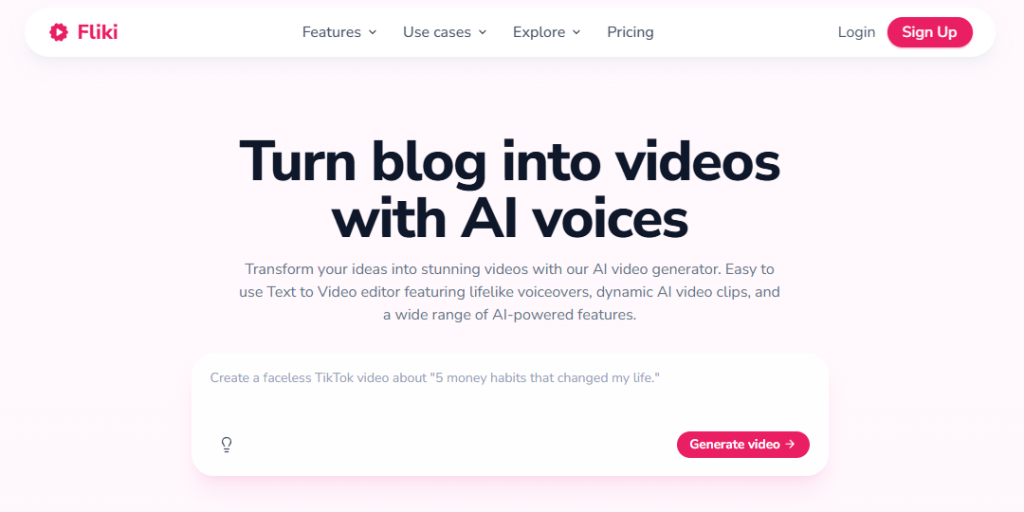
Fliki is a stronger Narakeet alternative for users who want to turn scripts, blog posts, URLs, PDFs, and presentations into complete videos with narration, visuals, captions, and music.
TechRadar’s hands-on Fliki review highlights its user-friendly interface, broad selection of content-creation tools, voice cloning, avatars, and fast video generation. However, it also notes that the free plan is highly limited and that even paid exports are capped at 1080p.
The platform offers more than 2,000 voices across over 80 languages and can combine narration with stock media, AI-generated visuals, avatars, captions, and music. Its PowerPoint converter also accepts PPT, PPTX, and PDF files.
The official Fliki pricing page lists Standard at $28 per month or $21 per month when billed annually. Premium costs $88 monthly or $66 per month with annual billing. Paid plans add 1080p exports, voice cloning, commercial rights, larger voice libraries, and longer videos.
Strengths:
- Converts scripts, blog URLs, PDFs, and PowerPoint files into videos.
- Includes stock media, AI-generated visuals, captions, and music.
- Offers more than 2,000 voices in over 80 languages.
- Supports voice cloning and commercial use on paid plans.
- Provides formats and templates for YouTube and social media.
Limitations:
- The free plan includes few credits and watermarked 720p exports.
- Credit usage can be difficult to predict when regenerating audio or visuals.
- Paid exports are limited to 1080p.
- More complex than necessary for simple voiceover generation.
- Not designed for everyday document listening.
Best for: YouTube creators, marketers, educators, and teams repurposing written content into social or informational videos.
Why choose Fliki over Narakeet?
Choose Fliki if you want to turn blogs, URLs, scripts, or presentations into visually complete social and marketing videos. Narakeet is simpler when your slides, timings, and speaker notes are already prepared and you mainly need automated narration.
Narakeet may also be more economical for occasional projects because its one-time top-up credits do not expire.
5. Murf AI: Best for Business Voiceovers and Collaborative Editing
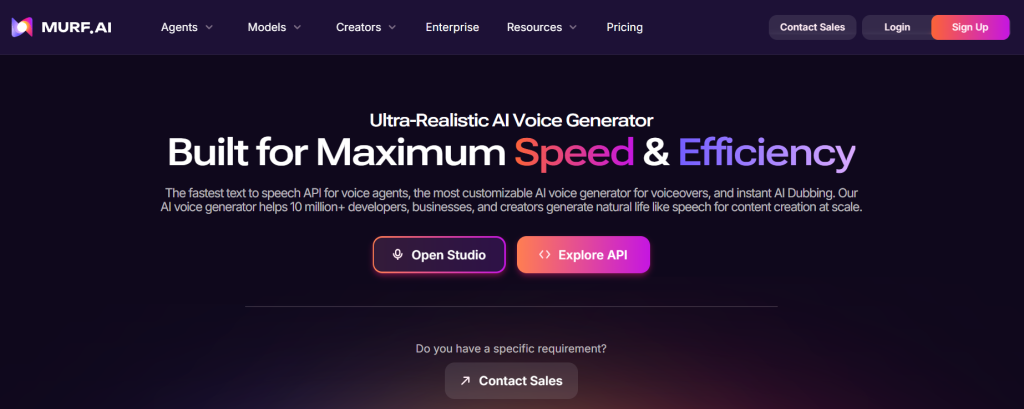
Murf AI is a stronger Narakeet alternative for professional voiceover creation and collaborative editing. TechRadar’s text-to-speech comparison positions Murf as a strong option for realistic AI voices, e-learning, and corporate content, while Maestra’s comparison highlights it for clean, professional narration and voiceovers.
The platform offers more than 200 voices across over 35 languages. Murf Studio includes controls for pitch, speed, emphasis, pauses, pronunciation, and delivery. Its workspaces help teams organise projects, share feedback, and collaborate, although some advanced collaboration features are limited to Enterprise plans.
The official Murf pricing page lists paid Studio plans from $19 per month when billed annually. Separate products and pricing are available for Studio, dubbing, and API use.
Strengths:
- Detailed controls for pronunciation, speed, pitch, pauses, and emphasis.
- Suitable for advertising, e-learning, podcasts, and branded narration.
- Provides organised workspaces for voiceover projects.
- Supports review and collaboration workflows.
- Offers separate dubbing and API products.
Limitations:
- More complex than necessary for basic narration.
- Advanced collaboration features may require an Enterprise plan.
- Not designed primarily for OCR, scanned documents, or everyday reading.
- Does not provide Narakeet’s direct PowerPoint-to-video workflow.
Best for: Marketing teams, e-learning producers, agencies, and businesses that need a controlled voiceover production environment.
Why choose Murf AI over Narakeet?
Choose Murf AI if your team needs to create, revise, review, and approve professional voiceovers inside a structured production environment. Narakeet is better when you want to convert prepared slides or scripts directly into synchronised narrated videos with minimal editing.
6. NaturalReader: Best for Accessibility-Focused Document Reading
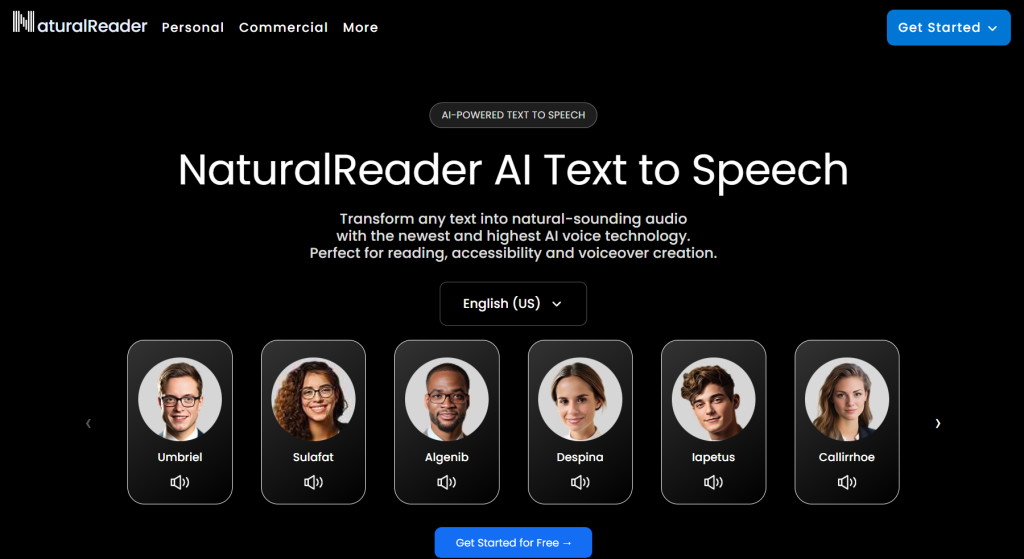
NaturalReader is a stronger Narakeet alternative for reading documents, webpages, images, and scanned material rather than producing narrated presentations. TechRadar’s 2026 text-to-speech comparison highlights its built-in OCR, broad file support, browser extension, and dyslexia-friendly reading features.
The Personal version accepts uploaded documents, pasted text, scanned PDFs, images, and webpage URLs. Supported formats include PDF, DOCX, EPUB, PPTX, ODT, and TXT.
NaturalReader separates personal listening from commercial audio production. Its Personal version is intended for private reading, while the Commercial AI Voice Generator provides licensed audio, MP3 and WAV downloads, pronunciation controls, cloned voices, and professional voice models. Commercial plans start at $29 per user per month or $198 per year.
Strengths:
- Supports documents, webpages, scanned PDFs, and images.
- Includes OCR and accessibility-focused reading features.
- Offers web, mobile, and browser-extension access.
- Provides separate products for personal reading and commercial voiceovers.
Limitations:
- Personal subscriptions do not include commercial publishing rights.
- OCR and premium voices may require a paid plan.
- Separate personal and commercial products can be confusing.
- Not designed for automated PowerPoint-to-video production.
Best for: Students, educators, accessibility users, and individuals who need structured document listening.
Why choose NaturalReader over Narakeet?
Choose NaturalReader if your priority is accessible document reading, OCR, webpage listening, and study-focused features. Narakeet is better for converting presentations and structured scripts into narrated videos, subtitles, and other production-ready media.
7. Speechify: Best for Cross-Device Speed Listening
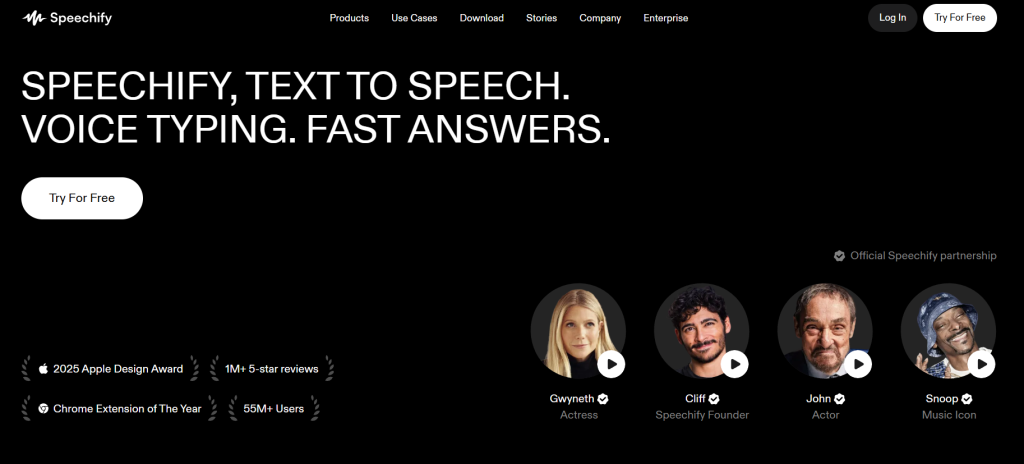
Speechify is a stronger Narakeet alternative for everyday reading across multiple devices. Users can listen to PDFs, documents, webpages, emails, and scanned text through its mobile apps, desktop apps, web platform, and browser extensions.
Frateca’s 2026 text-to-speech app comparison highlights Speechify’s broad reading ecosystem and strong playback-speed controls, while noting that its relatively high price may be a drawback for users who only need basic text-to-speech features.
According to the official Speechify pricing page, Premium costs $29 per month and includes more than 1,000 voices, over 60 languages, playback speeds up to 5×, Scan & Listen, AI summaries, and cloud-storage integrations. Speechify’s Studio and API are presented as separate products from its standard reading subscription.
Strengths:
- Reads PDFs, webpages, documents, emails, and scanned text.
- Works across mobile, desktop, web, and browser extensions.
- Synchronises the listening library across devices.
- Offers OCR for photographs, screenshots, and printed material.
- Supports playback speeds of up to 5×.
Limitations:
- More expensive than many simpler document readers.
- Some features may be unnecessary for occasional listening.
- Studio, commercial voiceover, and API tools are separate products.
- Not designed primarily for automated presentation-to-video production.
Best for: People who listen to large volumes of content across phones, computers, browsers, and tablets.
Why choose Speechify over Narakeet?
Choose Speechify if your priority is fast, cross-device listening to documents, webpages, and scanned material. Narakeet is better for producing downloadable voiceovers and synchronised videos from presentations or structured scripts.
8. Amazon Polly: Best for Developers and Scalable API Use
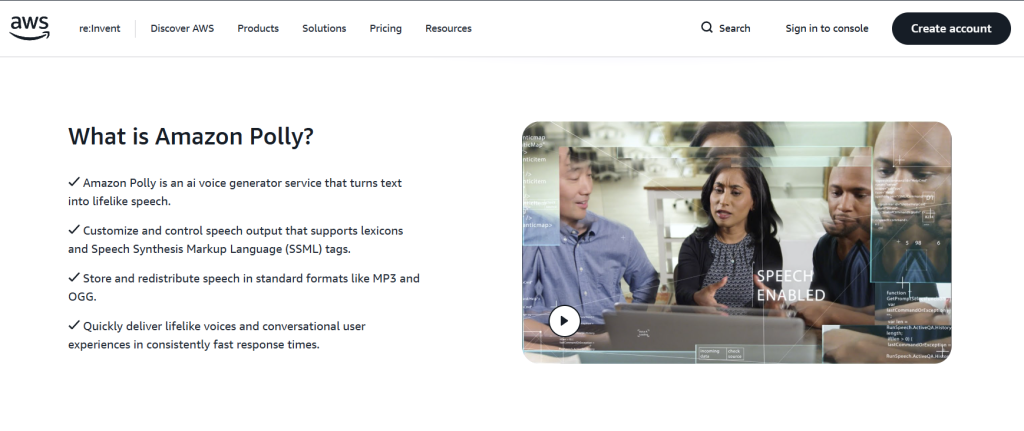
Amazon Polly is a stronger Narakeet alternative for integrating text-to-speech into applications and automated systems. TechRadar’s 2026 text-to-speech comparison presents it as a developer-focused service with a powerful API for adding speech to apps and digital platforms.
Polly supports Standard, Neural, Generative, and Long-Form voice engines, along with SSML, speech marks, and formats such as MP3, OGG, and raw PCM. According to the official Amazon Polly pricing page, usage costs:
- $4 per one million characters for Standard voices;
- $16 per one million characters for Neural voices;
- $30 per one million characters for Generative voices;
- $100 per one million characters for Long-Form voices.
Strengths:
- Predictable pay-as-you-go pricing.
- Built for API integration and automated speech generation.
- Supports multiple voice engines and SSML controls.
- Integrates with other AWS services.
- Suitable for SaaS products, IVR systems, accessibility tools, and high-volume applications.
Limitations:
- Requires development knowledge and AWS setup.
- Does not include a ready-made document library or production studio.
- Has no built-in PowerPoint-to-video converter.
- OCR requires a separate service, such as Amazon Textract.
- Developers must build the interface, storage, playback, and document-processing workflow.
Best for: Developers, SaaS companies, and organisations that need programmable, usage-based speech generation.
Why choose Amazon Polly over Narakeet?
Choose Amazon Polly if you need scalable text-to-speech inside an application or automated system. Narakeet is better when you want a no-code interface for turning presentations and scripts into narrated audio or video.
When Narakeet Is Still the Better Choice
Switching platforms is not always necessary. Narakeet remains a practical choice for presentation-based narration and text-controlled video production.
You should consider staying with Narakeet if:
- Your source material is already prepared in PowerPoint or can be exported from Google Slides or Apple Keynote as a PPTX file.
- You want narration to be synchronized automatically with your slides.
- You create Markdown-based videos.
- You need audio, video and subtitle outputs—including MP3, WAV, MP4, SRT and VTT—from one platform.
- You regularly produce multiple short audio files in batches.
- You prefer one-time credit top-ups instead of a recurring subscription.
- You use multiple voices or languages within the same project.
- You want to update videos by editing the original script, speaker notes or slides.
Narakeet directly supports PowerPoint formats such as PPTX, PPT, PPSX and ODP. Google Slides and Keynote presentations must first be exported as PowerPoint files before being uploaded. The platform also supports multilingual projects, batch audio production and a range of audio, video and subtitle outputs.
Commercial accounts include commercial-use rights, SSML scripting and batch audio creation. API keys are available to top-up and metered commercial accounts, but not to free accounts or unmetered subscriptions. Free accounts are limited to 20 conversions and do not include commercial use, API access, SSML or batch audio creation.
Narakeet’s main limitation is not a lack of features. Rather, specialized alternatives may handle a particular workflow—such as OCR-based document reading, advanced voice cloning, AI avatar video production or real-time text-to-speech integration—more directly.
Frequently Asked Questions
What is the best alternative to Narakeet?
TheSpeakr is the best Narakeet alternative for PDF, webpage, image and scanned-document listening. ElevenLabs is better for realistic voices and cloning, while Synthesia and Fliki are more suitable for video production. Amazon Polly is a better choice for developers building text-to-speech into applications.
Is there a free Narakeet alternative?
Yes. TheSpeakr, ElevenLabs, Synthesia, Fliki, Murf AI, NaturalReader and Speechify all provide a free entry option or limited free usage. Free plans may restrict characters, minutes, exports, voice quality, watermarks or commercial rights, so check the applicable licence before publishing generated content.
What is the cheapest Narakeet alternative?
The cheapest option depends on usage. TheSpeakr starts with a free character allowance and a $7.99 Plus plan. Narakeet starts at $6 for 30 minutes without a subscription. Amazon Polly can be inexpensive at scale, beginning at $4 per one million characters for Standard voices, but requires technical implementation.
Which Narakeet alternative is best for PDFs?
TheSpeakr is the strongest choice for listening to PDFs, especially when users also need support for Word documents, webpages, images and screenshots. It is designed around document consumption rather than video production, making it a more straightforward option for students, researchers and professionals who regularly listen to written material.