10 Best Luvvoice Alternatives in 2026: Free and Paid TTS Tools Compared
Luvvoice is a convenient text-to-speech tool for turning written content into audio, but it may not suit every workflow. Some users need more natural voices, better document support, voice cloning, commercial usage rights, multilingual dubbing, mobile apps, or stronger editing and API features.
This guide compares 10 of the best Luvvoice alternatives available in 2026, including both free and paid text-to-speech tools. Each option is assessed based on voice quality, supported content types, pricing, platform availability, commercial use, and its suitability for tasks such as reading PDFs and web pages, creating voiceovers, producing audiobooks, generating character dialogue, or integrating speech into applications.
Whether you need a simple tool for everyday listening or a more advanced platform for professional audio production, this comparison will help you choose the right Luvvoice alternative for your needs.
Why Look for a Luvvoice Alternative?
Luvvoice may not be the best fit if your workflow requires:
- reliable OCR for scanned PDFs, screenshots, or photographed pages;
- direct reading of webpages and online articles;
- cross-device access, text highlighting, and library synchronisation;
- highly expressive voices for advertising, entertainment, or character-based content;
- professional timeline-based audio or video editing;
- WAV files or other production-ready export formats;
- detailed pronunciation and voice controls;
- clear commercial licensing for a particular type of content;
- scalable API infrastructure with predictable usage-based pricing.
Users planning to publish or monetise generated audio should also review Luvvoice’s licensing terms carefully, as the information presented across its public pages appears to differ.
The main Luvvoice homepage states that users own the audio they generate and may use it for commercial projects. However, the official eBook-to-audiobook page indicates that audio created using the Free plan is limited to personal use, while a Plus or higher plan is required for YouTube videos, podcasts, and other forms of commercial distribution.
Because these statements do not provide a fully consistent explanation of commercial usage rights, users creating monetised, client, or branded content should confirm which licence applies to their account, subscription plan, and chosen Luvvoice feature before publishing or distributing the audio.
Luvvoice Alternatives Comparison
| Tool | Best for | Free access | PDF and documents | OCR for scans | Voice cloning | Commercial use | API |
| TheSpeakr | Everyday reading, PDFs, webpages, and scanned content | Yes, 10,000 free characters per month | Yes | Yes | Available, although it is not the main reading workflow | Available; check the current plan terms before publishing | Not positioned as an API-first platform |
| ElevenLabs | Realistic voice generation, dubbing, and voice cloning | Yes, with limited monthly credits | Limited; designed primarily for content creation rather than everyday document reading | No dedicated OCR reading workflow | Yes; Instant Voice Cloning is available on Starter and Professional Voice Cloning on Creator | Included with Starter and higher plans | Yes |
| Murf AI | Business voiceovers, presentations, training, and marketing content | Free trial | Supports script- and document-based creator workflows, but is not a reading-first app | No dedicated OCR workflow | Available on the Enterprise plan only | Included with paid Studio plans | Yes |
| Speechify | Premium cross-device reading | Yes, with a limited free version | Yes | Yes, including Scan & Listen | Available through Speechify’s developer and creator products | Depends on the product and subscription | Yes |
| NaturalReader | Students, accessibility, and document reading | Yes, with basic features | Yes | Yes, with paid personal plans | Available on selected paid plans; personal-version clones are limited to personal use | Requires the separate NaturalReader Commercial product for public or business use | No public API |
| TTSMaker | Free and affordable commercial voiceovers | Yes | No dedicated document-reading workflow | No | No standard public voice-cloning feature | Yes; audio generated with the free version may also be used commercially | Available on selected paid plans |
| LOVO | Voiceover and video production | Free plan and 14-day trial | Not designed as a reading-first document tool | No dedicated OCR workflow | Yes | Included with paid subscriptions | Yes |
| Amazon Polly | Developers building speech-enabled applications | AWS Free Tier credits and introductory allowances | Requires a custom application or document-processing workflow | Available through Amazon Textract, a separate AWS service | No | Permitted subject to the applicable AWS agreement and service terms | Yes |
| Narakeet | Presentations, narrated videos, and batch audio production | Limited free generation | Supports PowerPoint, Word, PDF, EPUB, and script-based workflows | No dedicated OCR workflow | Not offered as a standard self-service feature | Commercial rights are included with paid commercial accounts | Available to eligible commercial accounts |
| Balabolka | Free Windows desktop reading and audio conversion | Free for personal and non-commercial use | Yes | No built-in OCR workflow | No | Commercial use requires a Balabolka licence and may also depend on the licence of the installed system voice | Command-line utility available, but no hosted web API |
Best Luvvoice Alternatives in 2026
1. TheSpeakr: Best for PDFs, Webpages, and OCR Reading
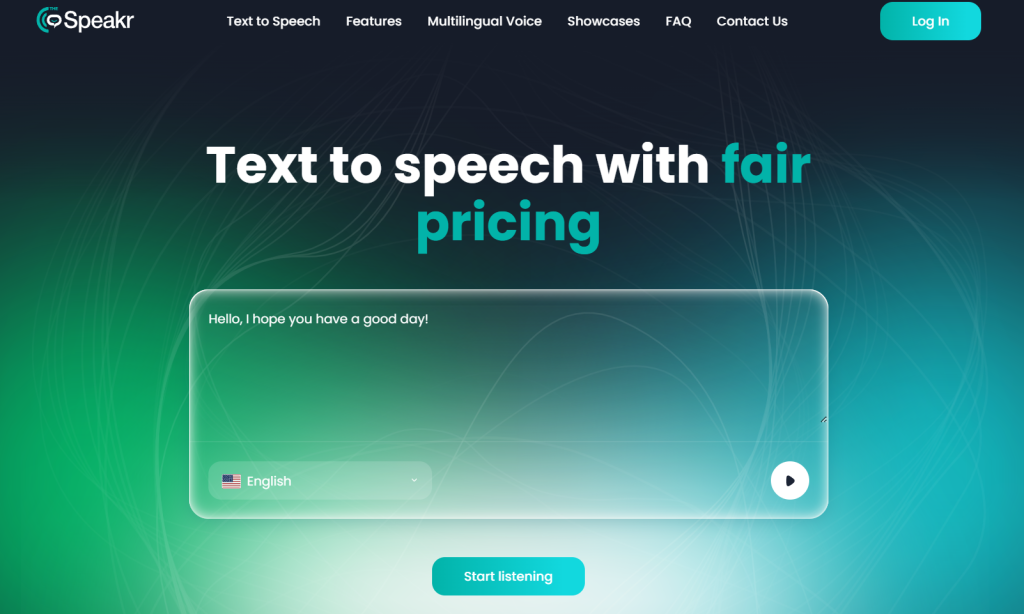
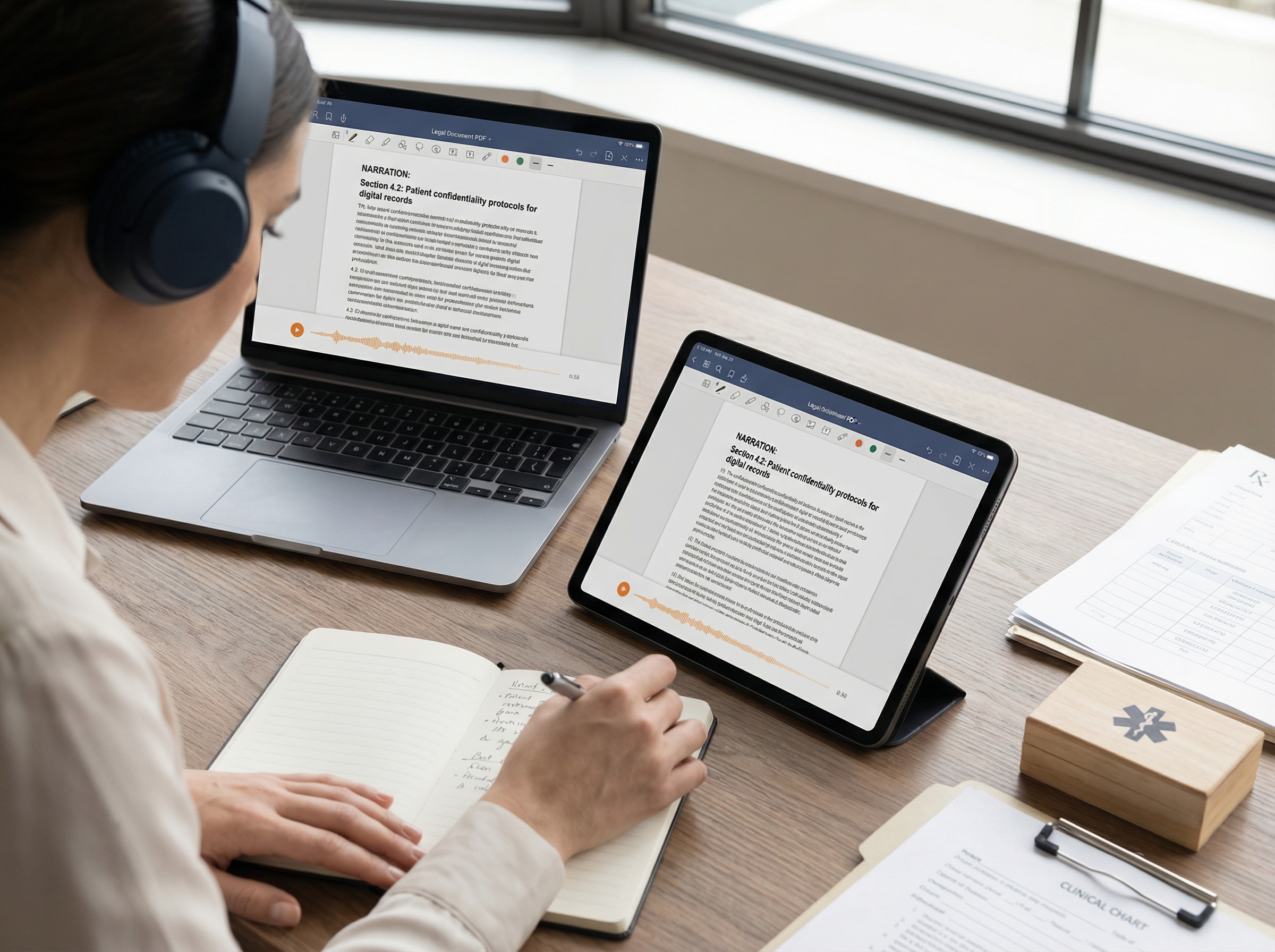
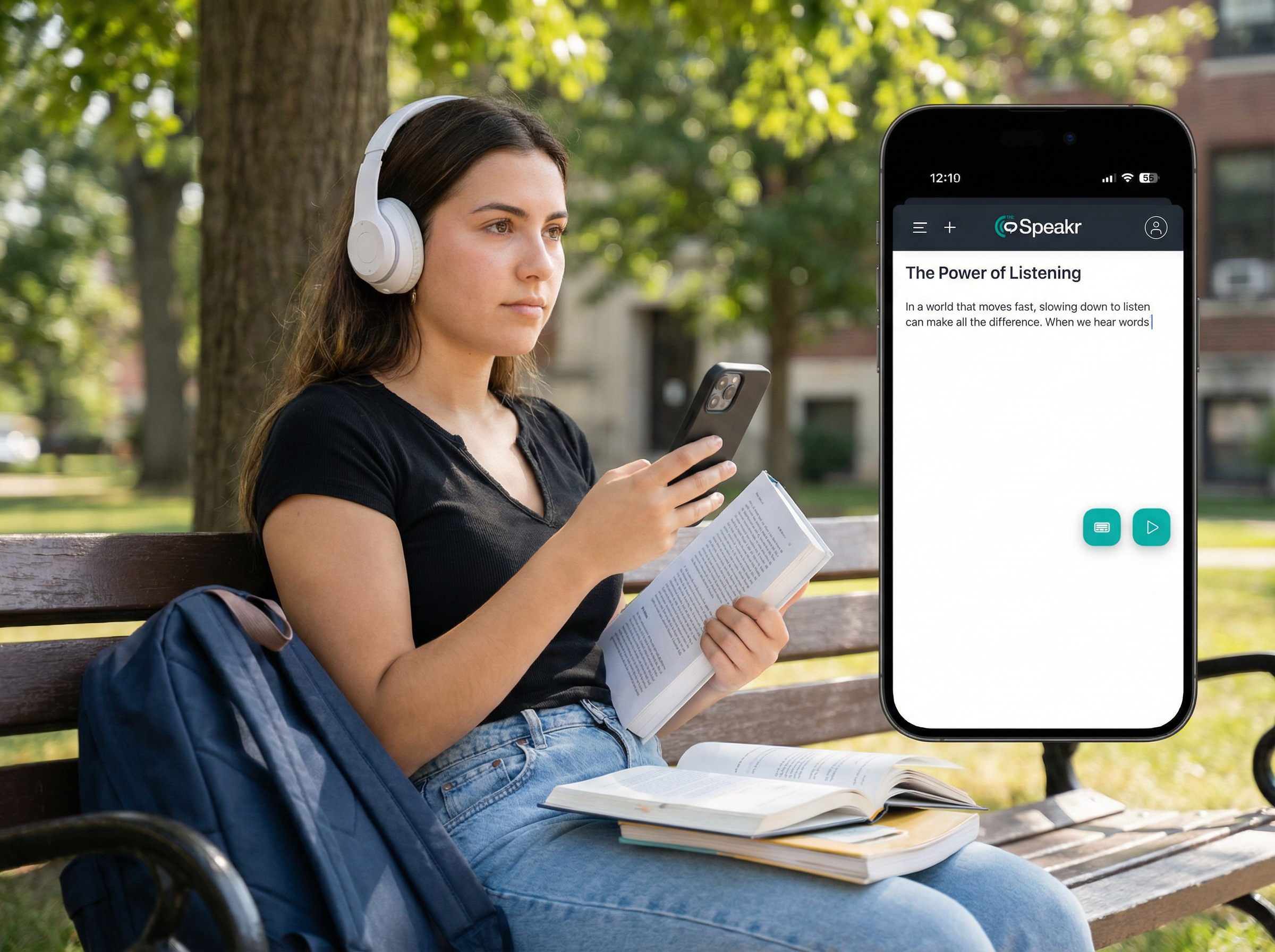
TheSpeakr is the strongest Luvvoice alternative in this comparison when the main goal is turning existing reading material into audio. Users can paste text, upload PDF, Word, and plain-text documents, enter a webpage URL, or extract text from photographs, screenshots, and scanned PDFs using OCR.
This is particularly useful for image-only documents, which may not work properly in standard document readers without built-in OCR. TheSpeakr also supports MP3 downloads, mobile and web access, more than 40 languages, and adjustments to speed, pitch, and mood.
Unlike Luvvoice, which combines basic reading with creator-focused voice generation, TheSpeakr is designed primarily for listening to written content. It provides a simpler workflow for reports, research papers, online articles, study materials, screenshots, and scanned documents.
Strengths:
- Supports PDFs, Word files, webpages, images, and pasted text.
- Includes OCR for scanned PDFs, screenshots, and photographs.
- Extracts readable content directly from webpage URLs.
- Provides web and mobile access.
- Supports MP3 downloads and adjustable playback settings.
- Combines document extraction, OCR, and text-to-speech in one workflow.
Limitations:
- Not designed for advanced voice cloning.
- Does not provide cinematic character voices or detailed performance controls.
- Not intended for timeline-based audio or video production.
- Less suitable for large-scale API integrations and automated speech systems.
Best for: Students, researchers, professionals, and everyday users who want to listen to written content rather than produce advanced voiceovers.
Why choose TheSpeakr over Luvvoice?
Choose TheSpeakr if your main goal is listening to PDFs, webpages, Word files, images, or scanned documents. It is a better fit for everyday reading and OCR-based workflows, while Luvvoice is more focused on generating individual audio files and creator-oriented speech.
2. ElevenLabs: Best for Realistic Voices and Voice Cloning

ElevenLabs is a strong Luvvoice alternative for users who care more about voice quality, emotional delivery, and professional audio production than reading PDFs, webpages, or scanned documents.
Maestra’s 2026 text-to-speech software comparison positions ElevenLabs as one of the strongest options for realistic AI voices, long-form narration, and voice cloning. It highlights the platform’s suitability for audiobooks, podcasts, YouTube narration, and character voices in games. Zapier’s hands-on AI voice generator comparison similarly presents ElevenLabs as an all-in-one voice and sound creation platform, praising its lifelike voices and extensive multilingual voice library.
ElevenLabs combines text-to-speech, instant and professional voice cloning, dubbing, voice design, sound effects, audiobook production, APIs, and a large library of community-created voices. Its Free plan currently includes 10,000 credits. The $6-per-month Starter plan adds a commercial licence and instant voice cloning, while the $22-per-month Creator plan adds professional voice cloning and a larger credit allowance.
Strengths:
- Produces natural-sounding voices with stronger emotional and contextual delivery than basic text-to-speech generators.
- Offers both instant and professional voice-cloning options.
- Provides a large multilingual voice library and community voice marketplace.
- Supports narration, dubbing, audiobooks, sound effects, voice design, and API workflows within one platform.
- Suitable for professional creator, publishing, gaming, and branded-content workflows.
- Paid plans clearly separate commercial licensing and advanced voice-cloning features.
Limitations:
- The Free plan does not include a commercial licence.
- Higher-tier plans can become expensive when producing large volumes of audio.
- Generated results may occasionally vary and require adjustments to the voice, model, stability, style, or prompt.
- Some advanced features can be difficult to find because the platform contains several separate tools and production environments.
- Credits are shared across different products, which can make usage less transparent than a simple monthly character allowance.
- ElevenLabs is not primarily designed for reading PDFs, webpages, screenshots, or scanned documents with OCR.
Best for: Creators, publishers, game developers, production teams, and businesses that prioritise expressive AI voices, narration, and voice cloning.
3. Murf AI: Best for Business Voiceovers
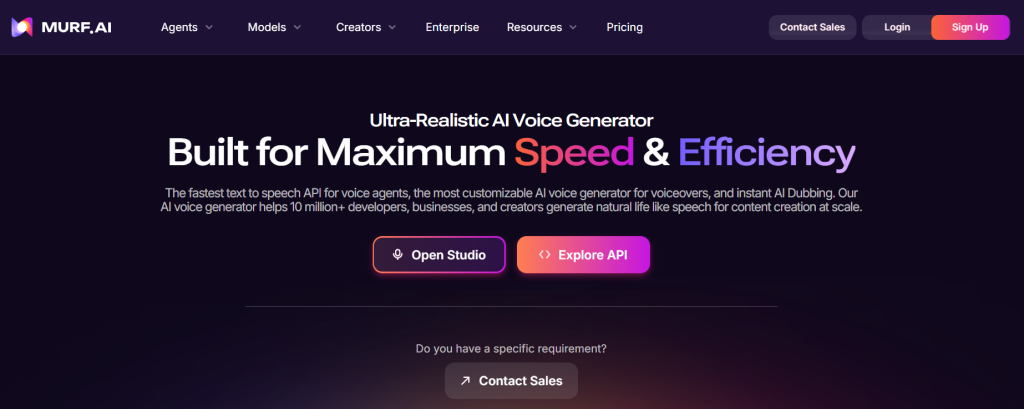
Murf AI is a better Luvvoice alternative for structured business voiceovers rather than everyday document reading. Its Studio includes script editing, voice selection, timing, pronunciation controls, project management, and collaboration features.
TechRadar’s text-to-speech comparison presents Murf as a strong option for e-learning, corporate presentations, and professional voiceover production. Maestra’s comparison similarly highlights its suitability for training, explainer videos, presentations, and consistent narration across longer projects.
According to the official Murf pricing page, the free plan includes ten minutes of voice generation but does not allow downloads or commercial use. Paid plans start at $19 per month when billed annually and include downloads and commercial rights.
Strengths:
- Structured editor for multi-scene voiceover projects.
- Controls for timing, pronunciation, pacing, and voice changes.
- Suitable for training, presentations, e-learning, and marketing videos.
- Supports team collaboration and repeatable business workflows.
- Paid plans include commercial-use rights.
Limitations:
- Audio cannot be downloaded on the free plan.
- More complex than necessary for simple text-to-speech.
- Some advanced features require higher-priced plans.
- Not designed primarily for PDFs, OCR, webpage reading, or study-focused listening.
Best for: Training teams, marketers, agencies, and businesses creating repeatable voiceover content.
Why choose Murf AI over Luvvoice?
Choose Murf AI if you need to create, edit, and manage professional voiceovers across several scenes or projects. Luvvoice is simpler for quick text-to-MP3 generation, while Murf is better suited to business content, team collaboration, and structured production.
4. Speechify: Best Premium Reading App
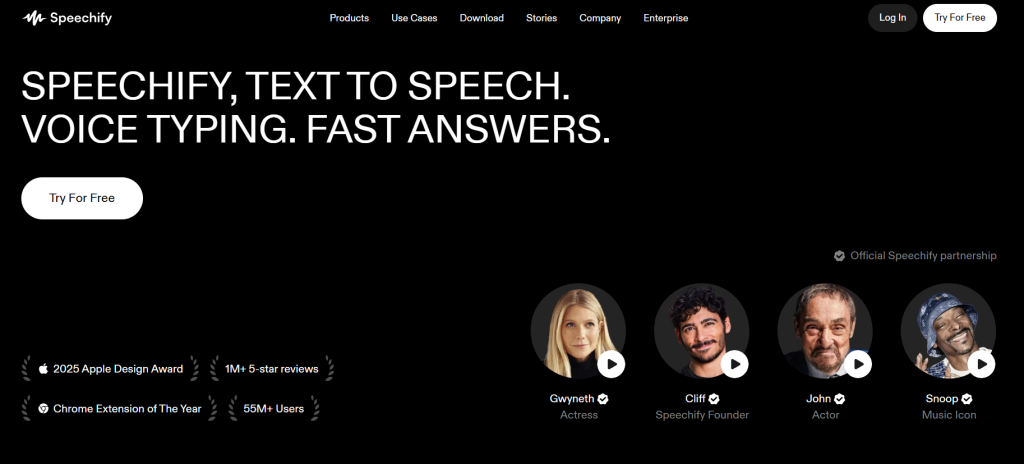
Speechify is a stronger Luvvoice alternative for everyday reading rather than professional voiceover production. It works across web, mobile, desktop, and browser extensions, making it suitable for users who frequently move between articles, PDFs, documents, and photographed text.
Frateca’s 2026 text-to-speech app comparison positions Speechify as a premium reading app with a broad ecosystem and strong speed controls. It highlights the platform’s extensive feature set but also identifies price as one of its main drawbacks. An ElevenReader comparison similarly highlights Speechify’s cross-platform availability, broad file support, and OCR for images and scanned PDFs.
According to the official Speechify pricing page, the Premium plan costs $29 per month and includes more than 1,000 voices, over 60 languages, playback speeds up to 5×, Scan & Listen, AI summaries, and cloud-storage integrations. The Free plan includes ten basic voices and playback up to 1.5× speed.
Strengths:
- Reads PDFs, webpages, documents, and scanned text.
- Works across mobile, desktop, web, and browser extensions.
- Supports OCR through its Scan & Listen feature.
- Offers fast playback for long-form content.
- Provides a polished and established reading experience.
Limitations:
- More expensive than many simpler TTS readers.
- Some of its broader feature set may be unnecessary for basic listening.
- Advanced creator, Studio, and API tools are separate from the standard reading experience.
- Not primarily designed for professional voice cloning or detailed voiceover editing.
Best for: Users who want to listen to PDFs, webpages, documents, and scanned text across multiple devices.
Why choose Speechify over Luvvoice?
Choose Speechify if you want a polished cross-device reading app with OCR, fast playback, and broad document support. Luvvoice is simpler for quick text-to-MP3 generation, while Speechify is better suited to users who regularly listen to long-form content across different devices.
5. NaturalReader: Best for Students and Accessibility
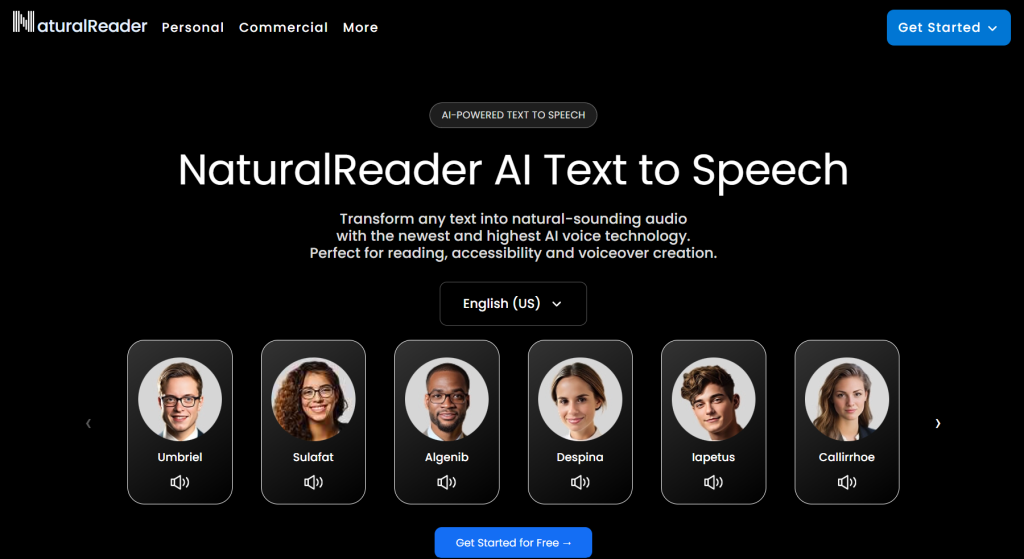
NaturalReader is a stronger Luvvoice alternative for document reading, study, and accessibility-focused workflows. Its Personal version reads webpages, PDFs, ebooks, presentations, and other documents while providing highlighting, annotations, and playback controls.
TechRadar’s 2026 text-to-speech comparison presents NaturalReader as a leading option for personal and work use, highlighting its broad file support, cloud-based access, and ability to read documents across computers and mobile devices.
According to the official NaturalReader pricing page, Personal plans start at $13.90 per month. The $20.90-per-month Plus plan adds OCR for images and scanned documents, MP3 conversion, a pronunciation editor, and cloned voices.
NaturalReader clearly separates personal listening from commercial audio production. Its Personal version is intended for private reading, while public, client, business, or monetised voiceovers require the separate Commercial AI Voice Generator.
Strengths:
- Reads PDFs, ebooks, webpages, presentations, and other documents.
- Provides synchronised highlighting, annotations, and accessibility tools.
- Supports OCR for images and scanned documents on selected paid plans.
- Works across web, mobile, and browser extensions.
- Clearly separates personal reading from commercial voice generation.
Limitations:
- OCR requires a paid subscription.
- Personal-plan audio cannot be used for public or commercial projects.
- Personal and commercial products have separate plans and interfaces.
- Users who only need simple text-to-speech may find the platform more complex than necessary.
Best for: Students, educational users, people who need reading assistance, and users who prefer synchronised highlighting alongside speech.
Why choose NaturalReader over Luvvoice?
Choose NaturalReader if you need highlighting, OCR, annotations, and broad document support for studying or accessible reading. Luvvoice is more convenient for quick text-to-MP3 generation, while NaturalReader provides a more developed environment for reading and working with documents.
6. TTSMaker: Best Free Option for Commercial Audio
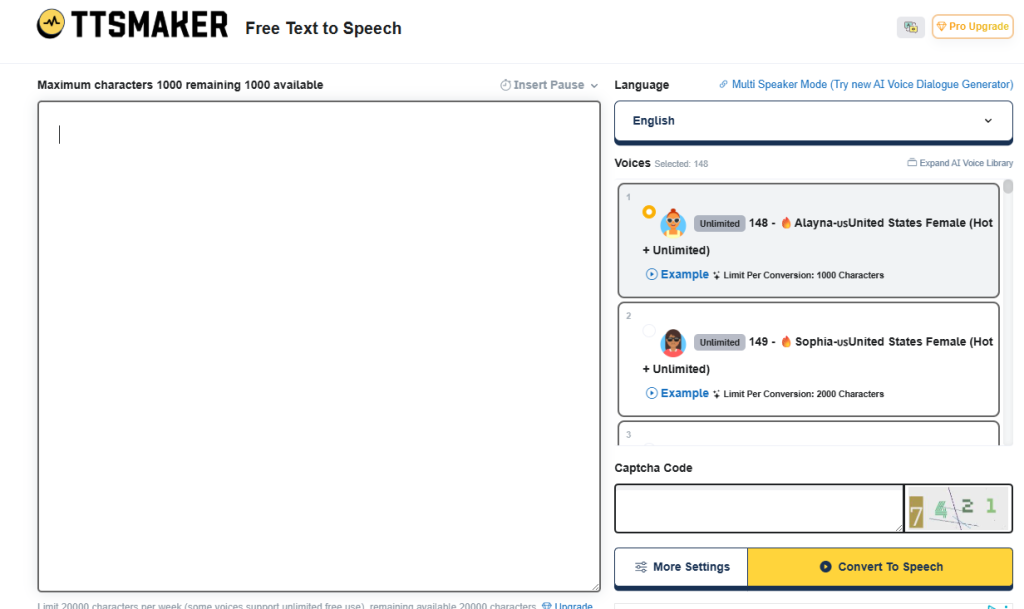
TTSMaker is a practical Luvvoice alternative for users who want to generate and download audio without purchasing a commercial plan. Business.com’s 2026 free text-to-speech comparison highlights its broad language support and easy audio downloads, while noting friction such as CAPTCHA verification and character limits.
According to the official TTSMaker commercial licence terms, generated audio can be used, modified, reproduced, and distributed for lawful personal and commercial purposes, including videos, advertisements, audiobooks, games, and educational materials.
Strengths:
- Allows free commercial use of generated audio.
- Makes it easy to download completed voiceovers.
- Supports a broad selection of languages and voices.
- Suitable for simple narration, videos, and educational content.
- Does not require a paid creator subscription for basic commercial projects.
Limitations:
- CAPTCHA and character limits can slow repeated generation.
- Voice quality may vary between individual voices.
- Not designed for PDF libraries, OCR, webpage reading, or synchronised highlighting.
- Provides fewer advanced editing and project-management tools than professional voiceover platforms.
Best for: Small creators, educational content, basic YouTube narration, and users who need downloadable audio with free commercial-use rights.
Why choose TTSMaker over Luvvoice?
Choose TTSMaker if free commercial-use rights and simple audio downloads are your main priorities. Luvvoice offers a broader combination of document conversion and voice features, while TTSMaker provides clearer licensing for basic commercial narration.
7. LOVO: Best Voice and Video Workspace
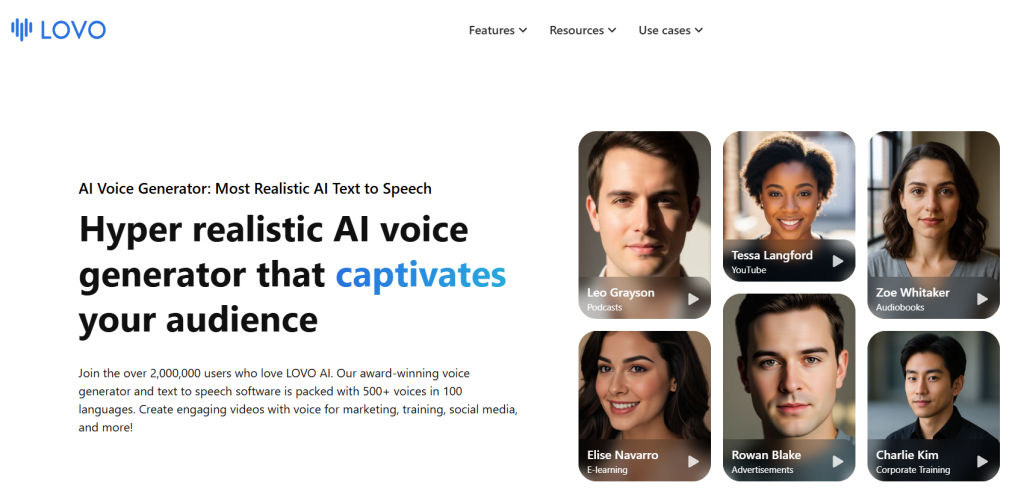
LOVO is a stronger Luvvoice alternative for users creating complete audio and video projects rather than listening to documents. Its Genny platform combines text-to-speech, video editing, subtitles, translation, stock media, AI-generated images, and voice cloning in one workspace.
Maestra’s 2026 AI voice generator comparison presents LOVO as a suitable option for training videos, explainer content, and corporate presentations because users can generate narration and synchronise it with visuals without switching between several applications.
According to the official LOVO website, the platform provides more than 500 voices in over 100 languages. Its voice-cloning feature requires approximately one minute of recorded audio and is available to paid and free-trial users.
Strengths:
- Combines voice generation and video editing in one workspace.
- Supports subtitles, translation, stock media, and visual assets.
- Offers more than 500 voices across over 100 languages.
- Suitable for advertisements, training, explainers, and social media videos.
- Supports custom voice cloning from a short recording.
Limitations:
- More complex than necessary for simple text-to-speech.
- Not designed primarily for PDFs, OCR, or webpage reading.
- Voice quality may vary between languages and individual voices.
- Its main value depends on needing both audio and video production tools.
Best for: Video marketers, social media teams, educators, and creators who want voice generation and video editing in one platform.
Why choose LOVO over Luvvoice?
Choose LOVO if you want to create voiceovers and assemble the accompanying video in one platform. Luvvoice is simpler for quick text-to-MP3 generation, while LOVO is better suited to complete marketing, training, and social media production.
8. Amazon Polly: Best for Developers and API Usage
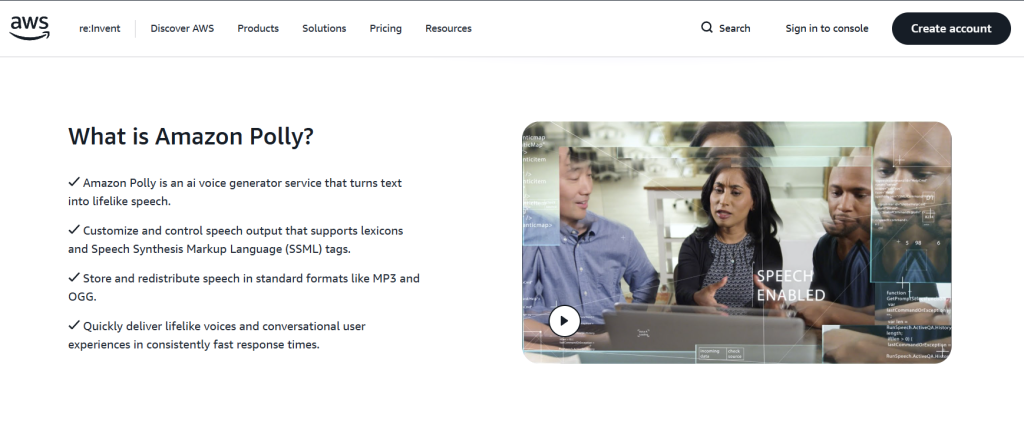
Amazon Polly is a stronger Luvvoice alternative for developers who need to integrate text-to-speech into an application or automated workflow. It is an AWS cloud service rather than a ready-made PDF or webpage reading app.
TechRadar’s 2026 text-to-speech comparison presents Amazon Polly as a developer-focused option with a powerful API for adding speech to applications and digital platforms.
According to the official Amazon Polly pricing page, usage-based pricing starts at:
- $4 per one million characters for Standard voices;
- $16 per one million characters for Neural voices;
- $30 per one million characters for Generative voices;
- $100 per one million characters for Long-Form voices.
AWS also allows generated audio to be stored and replayed without paying again for the original speech generation.
Strengths:
- Predictable pay-as-you-go pricing.
- Designed for API integration and automated speech generation.
- Offers Standard, Neural, Generative, and Long-Form voice models.
- Supports MP3, OGG, and raw PCM audio formats.
- Integrates with other AWS services.
- Suitable for scalable and high-volume applications.
Limitations:
- Requires technical setup and AWS knowledge.
- Does not provide a ready-made PDF reader or listening library.
- OCR requires a separate service, such as Amazon Textract.
- Developers must build the upload, extraction, playback, storage, and user-interface layers.
- Less convenient than Luvvoice for users who only need quick browser-based TTS.
Best for: Developers, SaaS companies, enterprise applications, automated systems, and high-volume speech generation.
Why choose Amazon Polly over Luvvoice?
Choose Amazon Polly if text-to-speech needs to be built into an application, SaaS platform, or automated system. Luvvoice is easier for individual users generating audio manually, while Amazon Polly is better suited to scalable API usage and custom development.
9. Narakeet: Best for Presentations and Batch Narration
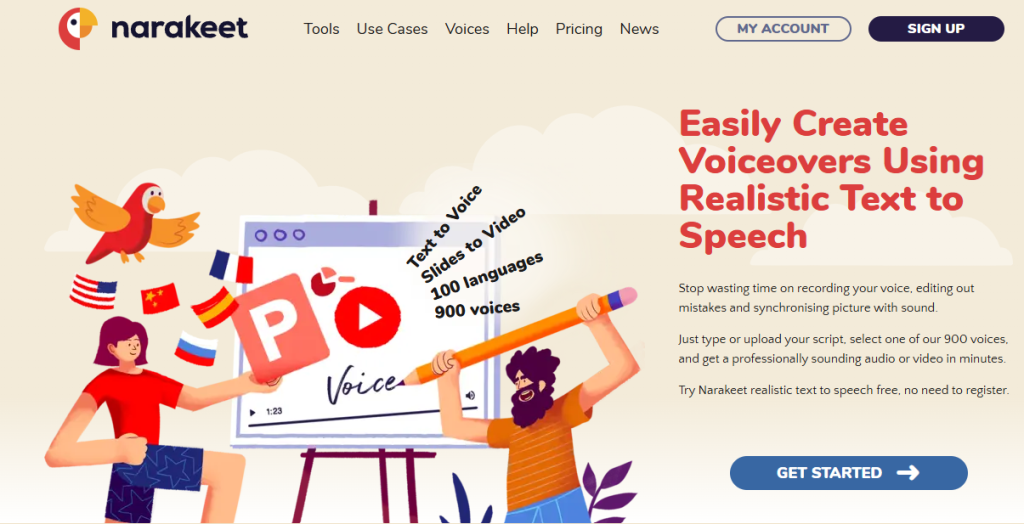
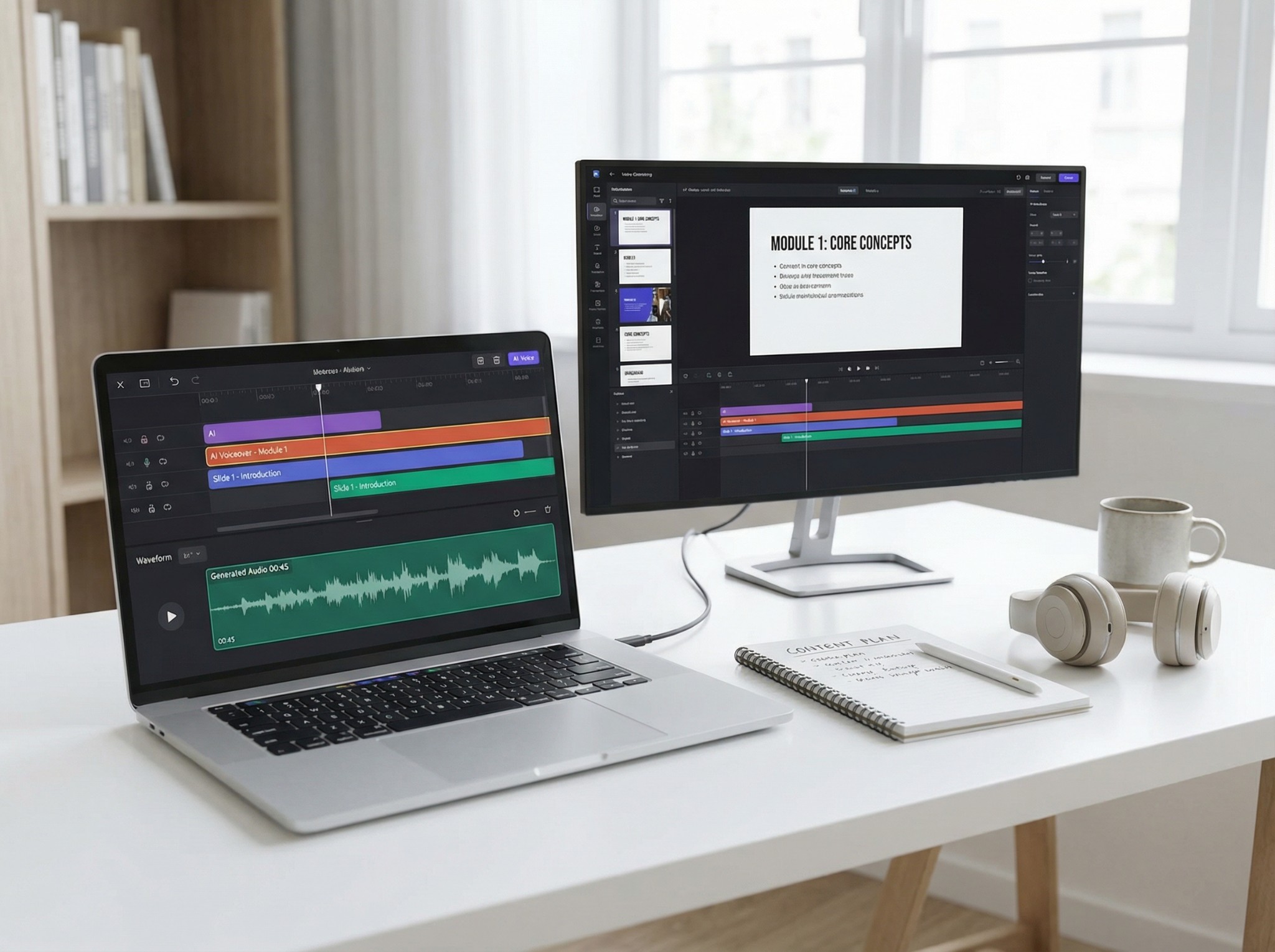
Narakeet is a stronger Luvvoice alternative for turning presentations and structured scripts into narrated content. It can convert PowerPoint slides into videos, add voiceovers and subtitles, create multilingual versions, and generate multiple audio files in batches.
Maestra’s 2026 Murf AI alternatives comparison presents Narakeet as a specialised option for e-learning, educational videos, business presentations, and narrated slideshows. This makes it more suitable for repeatable presentation workflows than general document listening.
Narakeet also provides automation and API tools. According to its official API documentation, API access is included with commercial Top-Up and metered subscriptions, but it is unavailable to free users and unmetered subscription accounts.
Strengths:
- Converts PowerPoint presentations into narrated videos.
- Supports subtitles and multilingual content.
- Can generate multiple audio files from structured scripts.
- Useful for e-learning, training, product demonstrations, and presentations.
- Offers API and command-line automation for commercial users.
Limitations:
- Not designed primarily for PDFs, OCR, or continuous webpage reading.
- Less suitable for everyday document listening.
- Voice cloning is not a central feature.
- API access requires an eligible commercial plan.
Best for: Trainers, educators, presentation creators, localisation teams, and users producing multiple related audio or video files.
Why choose Narakeet over Luvvoice?
Choose Narakeet if you need to automate presentation narration or produce many related audio and video files. Luvvoice is simpler for individual text-to-speech conversions, while Narakeet is better suited to slideshows, training materials, multilingual presentations, and batch production.
10. Balabolka: Best Free Windows Desktop Alternative
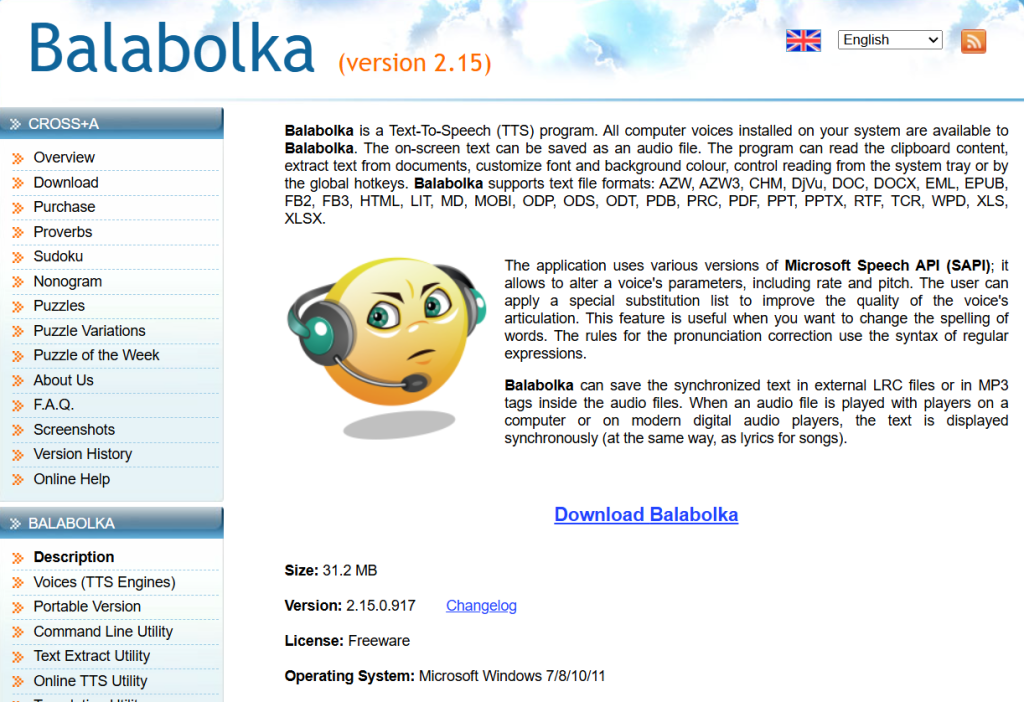
Balabolka is a free Windows text-to-speech program that reads documents using voices installed on the user’s computer. TechRadar’s 2026 free text-to-speech comparison highlights Balabolka’s broad file support, voice customisation, pronunciation tools, bookmarks, and ability to save narration as audio, while identifying its old-fashioned interface as the main drawback.
According to the official Balabolka website, it supports formats including PDF, DOCX, EPUB, HTML, MOBI, PPTX, ODT, XLSX, and many others. Users can adjust speed and pitch, create pronunciation rules, export audio, or run a portable version without installation.
Strengths:
- Completely free Windows desktop software.
- Supports a wide range of document formats.
- Uses installed SAPI-compatible voices.
- Offers detailed pronunciation, speed, and pitch controls.
- Can save spoken text as audio files.
- Includes portable and command-line versions.
Limitations:
- Available only for Windows.
- Voice quality depends on the voices installed on the computer.
- The interface feels dated compared with modern cloud-based tools.
- Does not include integrated OCR, mobile synchronisation, or AI voice cloning.
- Commercial rights may depend on the licence of the selected voice engine.
Best for: Windows users who want free local document reading and control over installed system voices.
Why choose Balabolka over Luvvoice?
Choose Balabolka if you want a free Windows application for reading documents locally without character limits or subscription fees. Luvvoice is easier for browser-based generation and modern AI voices, while Balabolka offers more control for offline and desktop-focused reading.
Luvvoice vs. Its Alternatives: Key Differences
| Requirement | Best-matched option |
| Reading PDFs, webpages, images, and scanned documents with OCR | TheSpeakr |
| Premium reading across multiple devices | Speechify |
| Reading and accessibility tools for students | NaturalReader |
| Realistic and expressive voice generation | ElevenLabs |
| Instant and professional voice cloning | ElevenLabs |
| Business voiceover production | Murf AI |
| Integrated voice and video editing | LOVO |
| Free text-to-speech audio for commercial use | TTSMaker |
| Developer APIs with usage-based pricing | Amazon Polly |
| PowerPoint narration and batch audio generation | Narakeet |
| Free desktop text-to-speech on Windows | Balabolka |
| Lightweight browser-based text-to-speech | Luvvoice |
Final Verdict: What Is the Best Luvvoice Alternative?
The best Luvvoice alternative depends on the workflow you want to improve. The right choice should address Luvvoice’s limitations without introducing features or complexity you do not need.
For everyday reading, TheSpeakr is the best overall Luvvoice alternative. It is designed for listening to PDFs, webpages, Word documents, screenshots, images, and scanned files. Its reading-first interface and built-in OCR support make it particularly suitable for users who need to convert different types of written content into speech, including documents that simpler browser-based TTS tools may not process effectively.
Choose ElevenLabs when realistic voice generation and voice cloning are your main priorities. Murf AI is better suited to structured business voiceovers, while Speechify offers a more premium cross-device reading experience. NaturalReader is a strong option for accessibility and study tools, and TTSMaker stands out for users seeking free text-to-speech audio with commercial usage rights.
LOVO is best suited to integrated voice and video production, Amazon Polly to API-based applications, Narakeet to presentation narration and batch audio generation, and Balabolka to free desktop text-to-speech on Windows.
Luvvoice itself remains a practical option for quick browser-based text-to-speech, MP3 generation, multilingual voices, basic document conversion, and voice cloning. Switching to an alternative makes the most sense when you have identified a specific limitation, such as missing OCR support, unclear commercial licensing, limited voice controls, an unsuitable reading experience, or the need for a more scalable content-production workflow.
Frequently Asked Questions
What is the best Luvvoice alternative?
TheSpeakr is the best overall Luvvoice alternative, especially for users who want to listen to PDFs, webpages, Word documents, images, screenshots, and scanned files. Its reading-first interface and OCR support make it a more practical choice for everyday document and web content listening.
What should I check before choosing a Luvvoice alternative?
Confirm that the product supports your source format, including scanned PDFs when relevant. Then compare voice quality in your language, commercial rights, monthly and per-generation limits, available exports, storage duration, mobile access, API requirements, cancellation terms, and the total cost of your expected usage.
Is there a free alternative to Luvvoice?
Yes. Several Luvvoice alternatives offer free access, although limits and features vary. TheSpeakr provides a free allowance for everyday reading, while TTSMaker is useful for generating free text-to-speech audio. ElevenLabs, Speechify, NaturalReader, and LOVO also offer free plans or trials with certain restrictions.
How should I choose the right Luvvoice alternative?
Start by identifying the main task you want to complete. Choose TheSpeakr for everyday document and webpage reading, ElevenLabs for realistic voices and cloning, Murf AI for business voiceovers, Speechify for premium cross-device reading, TTSMaker for free commercial audio, and Amazon Polly for developer integrations.