8 Best Murf AI Alternatives in 2026: Compared by Use Case
Murf AI is a well-known platform for creating voiceovers, dubbing videos, and generating AI speech, but it is not the best fit for every workflow. Some users need a simpler tool for reading PDFs and web pages, while others are looking for more advanced voice cloning, video editing, multilingual dubbing, enterprise controls, or real-time text-to-speech APIs.
The most suitable alternative therefore depends on what you want to replace. A content creator producing YouTube voiceovers has different requirements from a student listening to scanned documents, a business creating training materials, or a developer building a conversational voice assistant.
This guide compares eight Murf AI alternatives by their strongest use cases, key features, pricing approach, and main limitations. It will help you identify which tools are closest to Murf, which are better suited to specialised tasks, and what trade-offs to consider before switching.
Quick Answer: What Is the Best Murf AI Alternative?
TheSpeakr is the best Murf AI alternative for users who want a simple way to listen to PDFs, scanned documents, web pages, screenshots, and other written content.
Murf AI Alternatives Comparison Table
| Tool | Best for | Product type | Free access | Closest Murf workflow | Main trade-off |
| TheSpeakr | PDFs, scanned documents, web pages, and everyday reading | TTS reader | Yes | Listening to existing written content | Not a full voiceover or dubbing studio |
| ElevenLabs | AI voice generation, voice cloning, narration, and APIs | AI voice platform | Yes | Voice generation, cloning, dubbing, and API access | Credits and separate product workflows can be difficult to compare |
| Descript | Editing podcasts, recordings, and videos through text | Audio and video editor | Yes | Script corrections and media editing | Not designed primarily for document reading |
| LOVO | Creator voiceovers and video production | Voiceover and video studio | Trial access | Murf Studio-style content production | Less suitable for reading PDFs and web pages |
| WellSaid | Enterprise narration, training, and learning content | Enterprise voice platform | Trial access | Team narration and controlled voice production | More enterprise-focused than tools for individual users |
| Maestra | Video translation, subtitles, and multilingual dubbing | Localization platform | Limited free access | Murf Dubbing | Less suited to simple standalone narration |
| Cartesia | Voice agents and low-latency applications | Developer TTS platform | Yes | Murf Falcon and TTS API | Requires technical development and integration |
| Speechify | Cross-device reading and accessibility support | TTS reader and separate creator studio | Yes | Reading PDFs, documents, and web content | Reader and Studio are separate products and workflows |
Why Look for a Murf AI Alternative?
Murf is a capable AI voice platform, but another tool may be a better fit if you need a more specialised workflow, simpler pricing, or features that Murf does not prioritise.
- You want to listen to existing content. Murf Studio is designed mainly for creating and exporting voiceovers. If your goal is to listen to PDFs, web pages, screenshots, or scanned documents, a reading-first tool such as TheSpeakr offers a simpler workflow.
- You need advanced voice cloning. Platforms such as ElevenLabs focus more heavily on custom voices, voice libraries, cloning, dubbing, and API access. They may be more suitable when voice creation is the main requirement.
- You edit recorded audio or video. Descript is designed around transcript-based editing, allowing users to edit recordings, remove filler words, repair audio, and generate corrected speech in one workspace.
- You need video dubbing or localisation. Dedicated localisation platforms such as Maestra combine transcription, translated subtitles, multilingual voiceovers, and video dubbing.
- You are building a real-time voice application. Developers creating voice agents or interactive applications may prefer platforms such as Cartesia, which focus on streaming text-to-speech, low-latency output, and API integration.
- Murf’s pricing or usage limits do not fit your needs. Another platform may be more cost-effective for a specific use case. However, pricing should be compared carefully because providers measure usage in minutes, characters, credits, exports, or media hours.
The 8 Best Murf AI Alternatives in 2026
1. TheSpeakr: Best for PDFs, Scanned Documents, and Web Reading
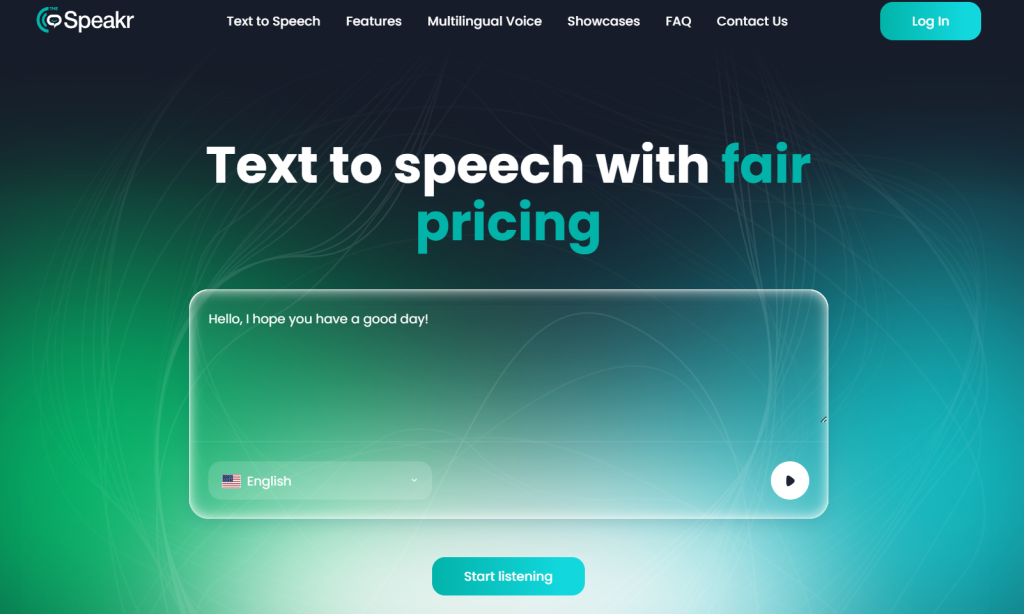
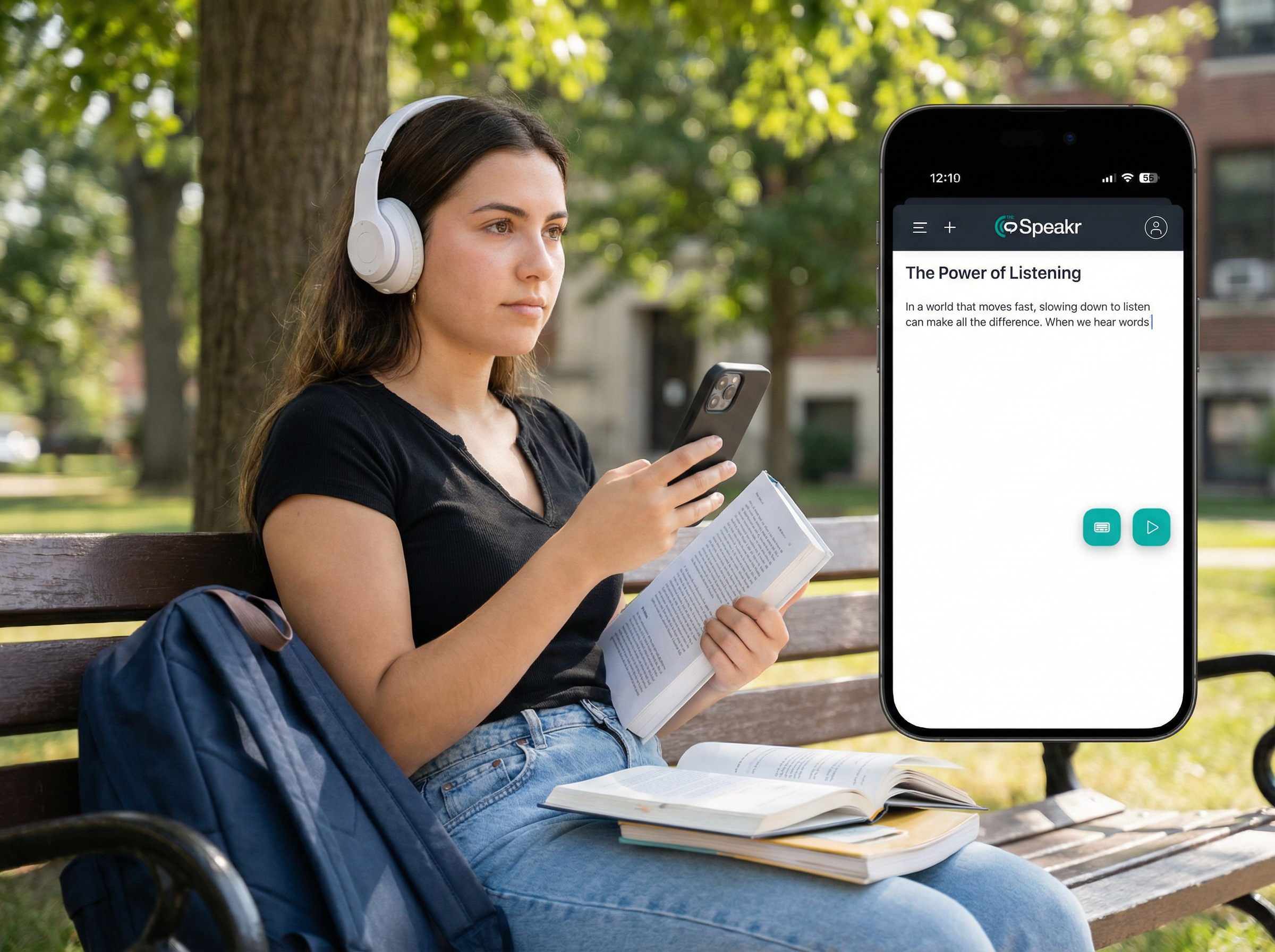
TheSpeakr is the strongest Murf alternative in this comparison for users whose main goal is to listen to existing written content rather than produce complex voiceovers.
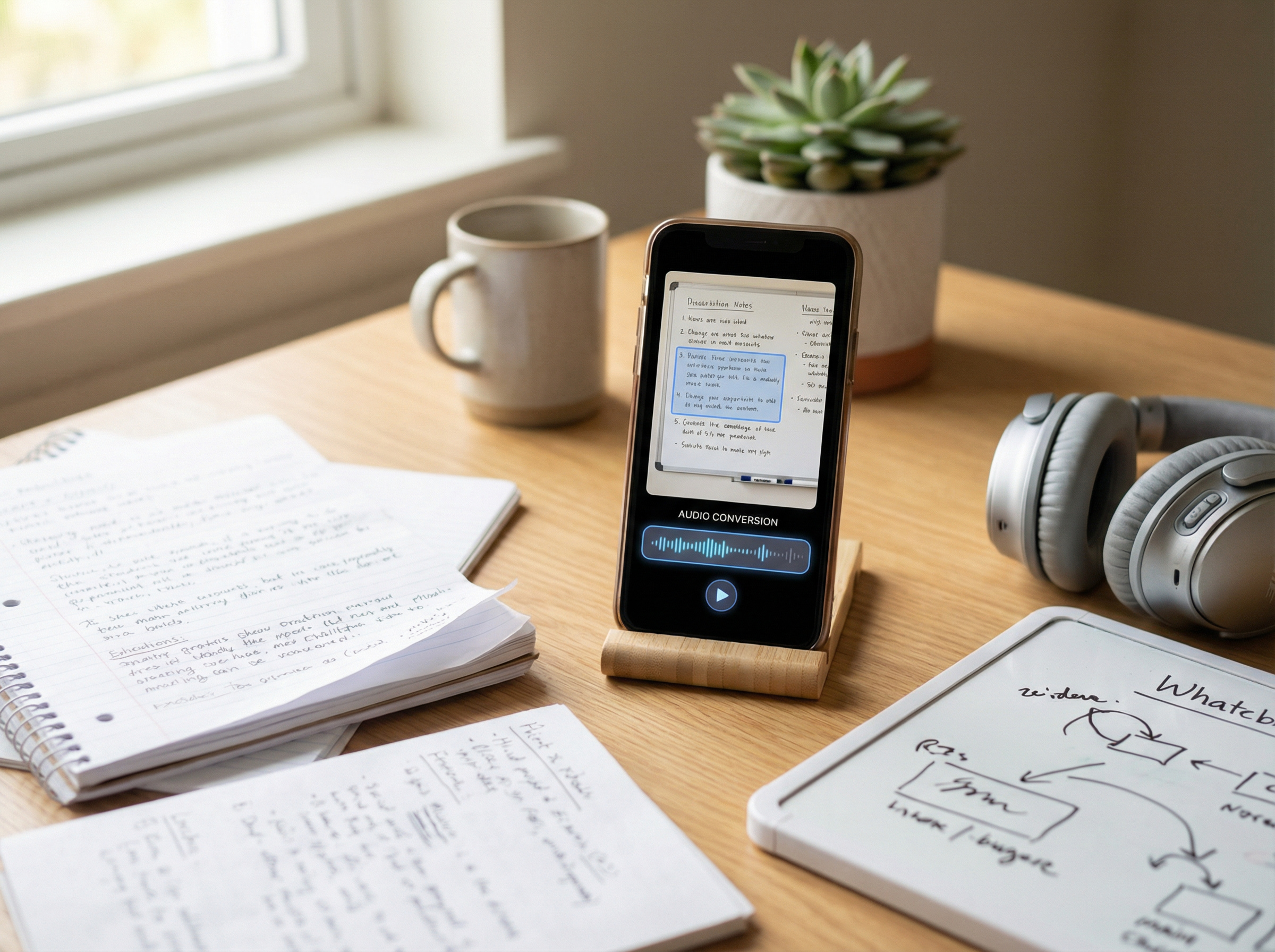
The platform supports pasted text, PDF, Word, and plain-text files, web-page URLs, images, screenshots, and scanned PDFs. Its optical character recognition (OCR) technology extracts text from image-based content and converts it into speech. TheSpeakr also supports more than 40 languages and allows users to download generated audio.
This makes it particularly useful for:
- Students listening to academic papers and course materials
- Professionals reviewing lengthy reports and documents
- Researchers working through articles and source material
- Users who prefer listening to reading
- Anyone converting screenshots or scanned pages into speech
- People who want a simpler alternative to a production-focused voice studio
The workflow is intentionally different from Murf Studio. Instead of creating a project timeline and producing a polished commercial voiceover, users can upload a document, paste text, or enter a URL and start listening.
The free plan currently includes 10,000 characters, while the Plus plan offers 200,000 characters for $7.99. Because pricing and usage limits may change, users should verify the latest plan details before subscribing.
Best for: Everyday reading, PDFs, OCR-based content, web articles, study materials, and scanned documents.
Main strengths:
- PDF, Word, plain-text, image, screenshot, and scanned-document support
- OCR for extracting text from image-based content
- Direct web-page reading through URL input
- Support for more than 40 languages
- Downloadable audio
- Simple, reading-focused workflow
Main limitation: TheSpeakr is not a complete replacement for Murf Studio. Users who need advanced video editing, multilingual dubbing, enterprise team management, real-time APIs, or sophisticated voice cloning should choose a platform designed specifically for those workflows.
2. ElevenLabs: Best for AI Voices and Voice Cloning
ElevenLabs is a broad Murf AI alternative for users who prioritize AI voice generation, voice cloning, multilingual narration, dubbing, and API access.
The platform includes text-to-speech, speech-to-speech, voice cloning, a community Voice Library, dubbing, sound-effect generation, Studio projects, and developer APIs. Eleven v3 supports more than 70 languages and is designed for expressive speech and multi-speaker dialogue. For real-time applications, Flash v2.5 supports 32 languages and has an advertised latency of approximately 75 milliseconds, excluding application and network latency.
ElevenLabs offers two main voice-cloning options:
- Instant Voice Cloning: Creates a voice clone from a relatively short audio sample.
- Professional Voice Cloning: Uses longer training material and voice verification to create a more detailed custom voice.
Professional Voice Cloning can only be used to clone the account holder’s own voice. Even with permission, users cannot create a Professional Voice Clone of another person’s voice. Instant Voice Cloning requires users to confirm that they have the necessary rights and consent to use the submitted voice recordings.
The free plan currently includes 10,000 monthly credits and three Studio projects. The Starter plan costs $6 per month and includes 30,000 credits, a commercial licence, Instant Voice Cloning, Dubbing Studio, and up to 20 Studio projects. The Creator plan normally costs $22 per month, with a current first-month price of $11, and includes 121,000 credits and Professional Voice Cloning.
ElevenLabs supports a wider range of voice-generation workflows than a basic browser-based TTS tool. It can be used for narration, audiobooks, character dialogue, multilingual content, dubbing, voice-enabled applications, and conversational agents.
Best for: AI voice generation, custom voices, expressive narration, multilingual projects, dubbing, and developer access.
Main strengths:
- Multiple voice-generation models for different quality and latency requirements
- Instant and Professional Voice Cloning
- Dubbing and Studio workflows
- Developer APIs
- Large community Voice Library
- Commercial licensing from the Starter plan
Main limitations:
- Models differ in language support, latency, character limits, and credit usage
- All products draw from the same monthly credit pool
- The range of models and tools can make pricing and plan selection more difficult to compare
- Professional Voice Cloning requires identity verification and is limited to the user’s own voice
3. Descript: Best for Text-Based Audio and Video Editing
Descript is the best Murf alternative in this comparison for users who want to edit existing audio or video through a transcript.
The platform transcribes recorded media and allows users to remove, rearrange, or rewrite sections by editing the text. It also combines video editing, captions, Studio Sound, filler-word removal, clip creation, and AI Speech in the same workspace. Users can create a custom AI voice or use stock voices to correct mistakes and generate new spoken sections without re-recording the entire project.
This makes Descript particularly useful for:
- Podcast and interview editing
- YouTube and social media videos
- Recorded courses and presentations
- Correcting spoken lines without re-recording
- Turning long recordings into shorter clips
- Cleaning up audio and removing filler words
Descript offers a free plan with one media hour per month. The Hobbyist plan costs $16 per editor per month with annual billing, or $24 with monthly billing. It includes ten media hours, 400 AI credits, AI Speech, and watermark-free 1080p exports. The Creator plan costs $24 per editor per month annually, or $35 monthly, and includes 30 media hours, 800 AI credits, and 4K exports.
Descript’s main advantage over Murf is not a larger selection of AI voices. It is the close connection between transcription, audio and video editing, recorded speech, and AI-generated corrections.
Best for: Podcasts, interviews, recorded presentations, and video projects that require transcript-based editing.
Main strengths:
- Audio and video editing through text
- Integrated transcription and captions
- Custom AI voices and stock voices
- Studio Sound and filler-word removal
- Strong workflow for correcting and repurposing recorded media
- Watermark-free exports on paid plans
Main limitations:
- Not designed primarily for reading PDFs or documents
- Media hours and AI credits are separate usage limits
- A full editing workspace may be unnecessary for basic voice generation
- Its stock voice library is not the main reason to choose the platform
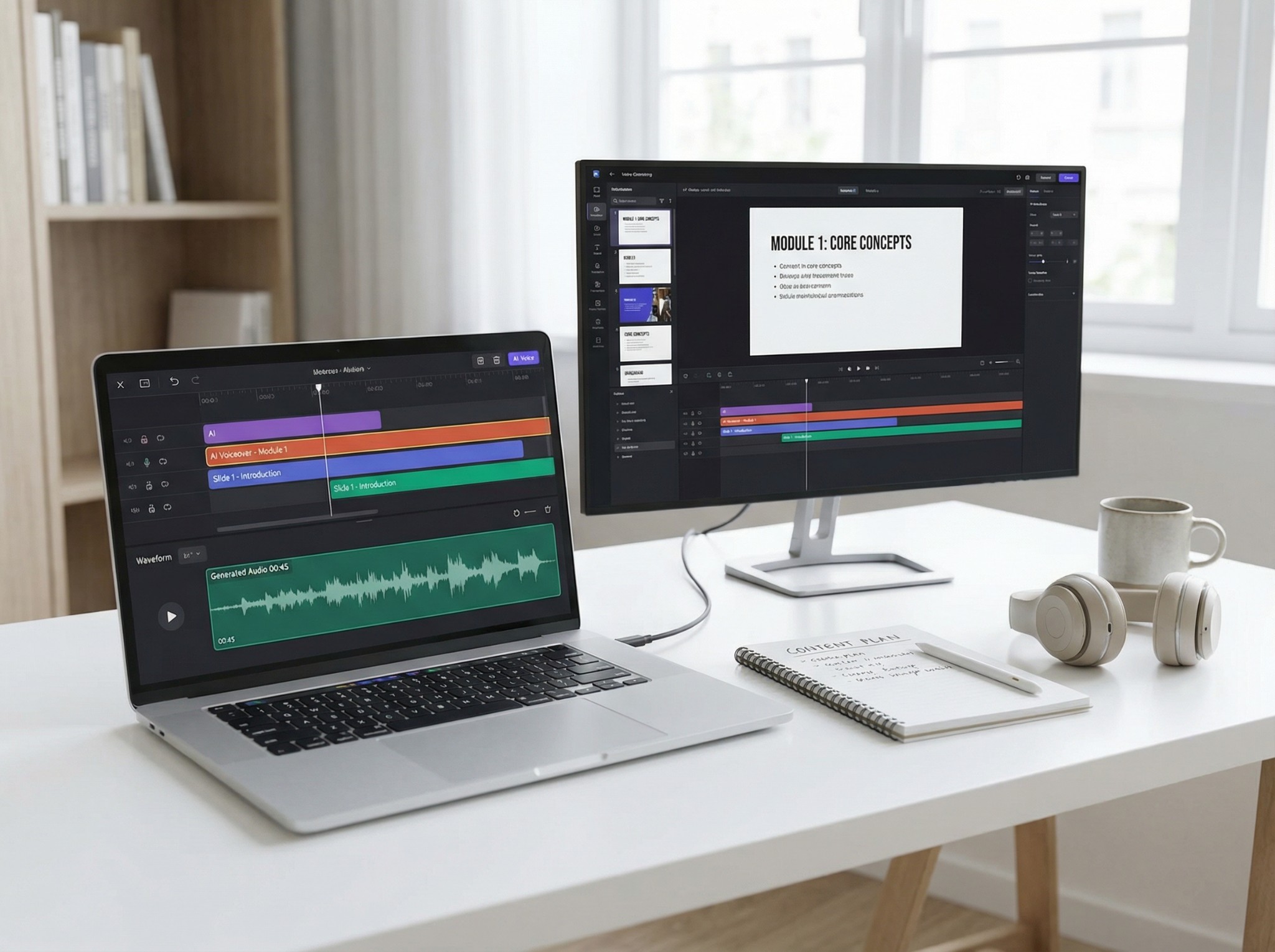
4. LOVO: Closest Murf-Style Creator Studio
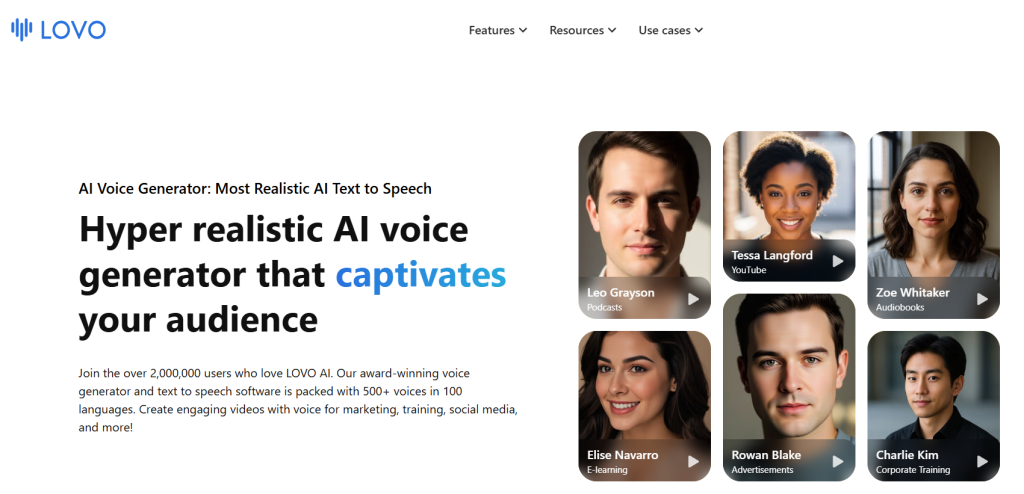
LOVO is one of the closest alternatives to Murf Studio for users who want to combine AI voice generation and visual content creation in a single browser-based workspace.
Its Genny platform combines text-to-speech, voice cloning, video editing, automatic subtitles, script-writing tools, and AI-generated images. LOVO currently advertises more than 500 voices across 100+ languages, making it suitable for multilingual voiceovers and video projects.
LOVO is particularly useful for:
- Marketing and social media videos
- Training and eLearning content
- Product demonstrations and explainers
- YouTube voiceovers
- Narrated presentations
- Character- and dialogue-based content
LOVO offers a 14-day trial of its Pro plan without requiring payment details. The trial is intended primarily for evaluating the platform; LOVO’s help center states that projects cannot be downloaded during the trial period.
Commercial usage rights depend on the selected subscription. LOVO defines commercial use as monetized or business-related content, including advertising, audiobooks, promotional videos, and product integrations. These rights do not include reselling or white-labeling access to LOVO’s core service. Users who upload voice samples for cloning must also have the necessary consent, releases, and permission from the person whose voice is being used.
Best for: Creators seeking an all-in-one AI voiceover and video-production workspace similar to Murf Studio.
Main strengths:
- Integrated voiceover and video production
- More than 500 AI voices
- Support for 100+ languages
- Voice cloning
- Automatic subtitle generation
- Script-writing and AI image tools
- Team collaboration and API options
Main limitations:
- Not designed primarily for reading PDFs, articles, or scanned documents
- The range of production tools may be unnecessary for basic voice generation
- The free trial does not include project downloads
- Commercial-use and voice-cloning rights must be checked against the selected plan and intended use
- Current paid pricing should be confirmed directly during signup
5. WellSaid: Best for Enterprise Narration and L&D Teams
WellSaid is a professional AI voice platform with a particularly strong fit for companies that regularly produce narration for learning, marketing, product, and internal communication.
The platform emphasizes team collaboration, shared workspaces, pronunciation management, commercial usage rights, and enterprise security. WellSaid states that its voices are modelled on licensed recordings from professional voice actors. The company also reports SOC 2 Type 2 certification and GDPR compliance and states that customer content is not used to train its AI models.
WellSaid is particularly useful for:
- Learning and development teams
- Corporate training and onboarding
- Internal communications
- Product demonstrations and walkthroughs
- Marketing and creative teams
- Agencies producing recurring client narration
- Organisations with security and procurement requirements
The free plan currently includes three downloadable audio minutes per month but does not provide commercial usage rights. The Starter plan costs $10 per month with annual billing, or $19 when billed monthly, and includes 240 downloaded minutes per year on the annual plan. The Pro plan costs $33 per month annually, or $49 monthly, and includes 2,160 downloaded minutes per year with annual billing. Both paid individual plans include unlimited generation and full commercial usage rights.
The Business plan costs $160 per user per month with annual billing and adds team workspaces, collaborator access, commenting, invoicing, and Adobe Premiere Pro integration. Enterprise pricing is customised and can include additional languages, translation, SSO, advanced security controls, custom workspaces, onboarding, and priority support.
WellSaid differs from Murf by maintaining a narrower focus on controlled, professional narration. Murf offers a broader ecosystem that extends further into dubbing, visual media production, publisher-focused reading tools, and conversational voice APIs.
Best for: Enterprise narration, eLearning, corporate training, and controlled team production.
Main strengths:
- Full commercial usage rights on paid plans
- Unlimited generation and retakes on paid plans
- Usage limits based primarily on downloaded finished audio
- Team workspaces and collaboration features
- Voices based on licensed recordings from professional voice actors
- Enterprise security, SSO, and procurement support
- Strong fit for recurring corporate and learning content
Main limitations:
- Business pricing is relatively high for multi-user teams
- Individual plans primarily include English voices
- Less suitable for casual PDF and document reading
- Not primarily designed for multilingual dubbing or real-time voice agents
- The free plan does not include commercial usage rights
6. Maestra: Best for Multilingual Dubbing
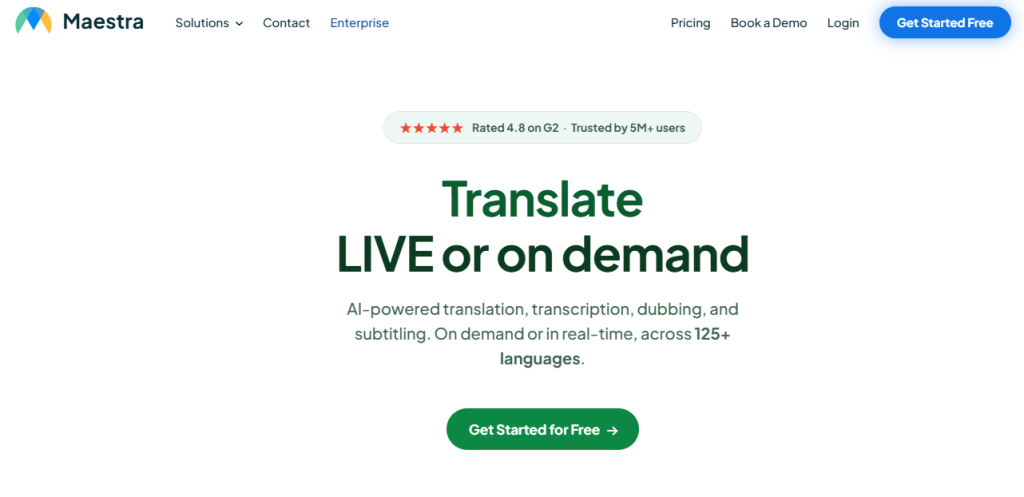
Maestra is the most specialized Murf alternative in this comparison for translating, subtitling, and dubbing video or audio content.
The platform combines transcription, subtitle generation and translation, AI voiceovers, voice cloning, lip sync, and built-in editing tools. Separate real-time features also support live captions, translation, and dubbing. Maestra currently advertises support for 125+ languages. Users can refine translations, timing, and pronunciation before exporting translated videos as MP4 files or subtitles in formats such as SRT and VTT.
This makes Maestra particularly useful for:
- Localizing training and eLearning videos
- Translating webinars and online events
- Adapting product demonstrations for international markets
- Dubbing YouTube and social media content
- Creating multilingual subtitles and voiceovers
- Managing content across several target languages
With annual billing, Maestra’s Voiceover Basic plan costs $39 per month and includes 120 minutes of translated voiceover per month. Premium costs $79 per month and includes either 300 standard voiceover minutes or 100 minutes using Pro voices and voice cloning. Business costs $159 per month and includes either 600 standard minutes or 200 Pro voice and voice-cloning minutes. The Business plan also unlocks lip sync at an additional $2 per minute.
These allowances show why a localization platform should not be compared with a basic text-to-speech reader solely by its monthly price. Maestra combines transcription, translation, subtitle editing, dubbing, and synchronization within a wider production workflow.
Best for: Multilingual video dubbing, subtitle translation, and media localization.
Main strengths:
- Support for 125+ languages
- Transcription, subtitles, translation, and dubbing in one platform
- Voice cloning on eligible plans
- Lip-sync functionality
- Live captioning, translation, and dubbing options
- SRT, VTT, MP4, and other export formats
- Collaboration and API access on higher plans
Main limitations:
- More expensive than basic voice-generation or reading tools
- Voice cloning requires an eligible paid plan
- Lip sync is available only on higher plans and incurs an additional per-minute charge
- Less focused on simple standalone narration in one language
- Important translations should still be reviewed by a fluent speaker or professional translator
7. Cartesia: Best for Real-Time TTS APIs
Cartesia is the strongest developer-focused alternative to Murf Falcon in this comparison. It is designed primarily for teams building real-time voice agents and speech-enabled applications rather than producing voiceovers in a visual editor.
Its Sonic 3.5 text-to-speech model supports streaming audio, voice cloning, localized voices, and 42 languages. Cartesia advertises sub-90-millisecond model latency, although this does not include network delay, language-model response time, speech recognition, telephony, or other parts of a complete voice-agent system.
Cartesia’s WebSocket API can receive text in smaller fragments and begin returning audio before the full response is available. Inputs sent within the same context retain continuity between fragments, helping the generated speech maintain more consistent pacing and prosody.
Typical use cases include:
- Customer-service voice agents
- Conversational assistants
- In-game characters
- Interactive learning applications
- Real-time translation tools
- Appointment and verification calls
- Voice-enabled software products
The free plan currently includes 20,000 monthly credits, equivalent to approximately 27 minutes of Sonic 3.5 text-to-speech. The Pro plan costs $5 per month and includes 100,000 credits, or approximately 133 TTS minutes, along with a commercial-use license and Instant Voice Cloning. Startup costs $49 per month and adds 1.25 million credits, Professional Voice Cloning, and organization features. Scale costs $299 per month and includes eight million credits, higher concurrency limits, and priority support.
Cartesia’s low-cost Pro plan makes it accessible for prototypes and smaller applications. However, the TTS subscription is only one part of the total cost of a real-time voice product. A complete system may also require speech recognition, a language model, orchestration, telephony, monitoring, and application infrastructure.
Best for: Developers building real-time voice agents and speech-enabled applications.
Main strengths:
- Real-time WebSocket text-to-speech API
- Sub-90-millisecond advertised model latency
- Native support for 42 languages
- Free developer plan
- Low-cost commercial Pro plan
- Instant and Professional Voice Cloning
- Separate TTS and speech-to-text concurrency limits
- Enterprise compliance and custom deployment options
Main limitations:
- Requires technical development and integration
- Advertised model latency does not represent complete end-to-end application latency
- Not designed as a visual voiceover or video-production studio
- Credits, concurrency limits, and supporting infrastructure must be planned carefully at scale
- Professional Voice Cloning requires the Startup plan or higher
8. Speechify: Best for Cross-Device Reading
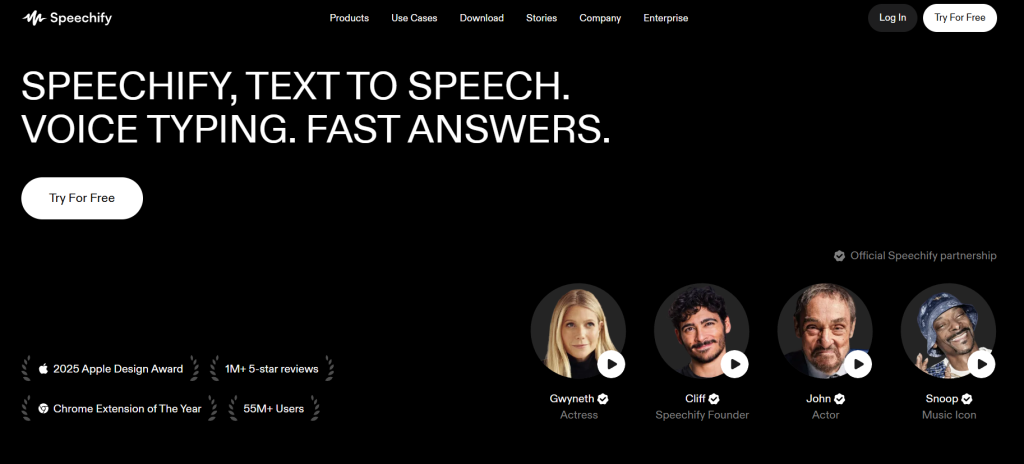
Speechify is a well-established reading-first alternative for users who want to listen to documents across mobile devices, computers, and browser extensions.
Speechify Reader supports PDFs, EPUB, DOCX, XLSX, and TXT files, as well as web links, scanned pages, and pasted text. Its main reading features include synchronized text highlighting, playback-speed controls, mobile and desktop apps, browser extensions, and Scan & Listen functionality for printed content.
This makes Speechify particularly useful for:
- Students listening to textbooks and study materials
- Professionals working through lengthy documents
- Users who need reading or accessibility support
- People who listen while commuting or completing other tasks
- Users who want their reading content available across multiple devices
- Anyone who values dedicated mobile and browser applications
Speechify Reader should be distinguished from Speechify Studio. Reader is designed primarily for consuming written content, while Studio is a separate creator platform for producing voiceovers, dubbing videos, cloning voices, changing voices, and generating commercial audio.
Speechify Reader offers a free plan with ten basic voices and playback speeds of up to 1.5×. The Premium plan currently costs $29 per month and includes access to more than 1,000 voices in over 60 languages, playback speeds of up to 5×, Scan & Listen, AI summaries, and cloud-storage integrations.
Speechify Studio has separate plans and usage limits. Its free plan includes 600 Studio credits and access to the Voiceover, Dubbing, and Voice Changer tools, but it does not include voice cloning or commercial usage rights. Studio Starter costs $19 per month and includes 7,200 credits, voice cloning, stock media, and commercial rights. Studio Creator costs $49 per month and increases the allowance to 28,800 credits.
This distinction is important when comparing Speechify with Murf. Users who primarily want to listen to PDFs, articles, and scanned content should evaluate Speechify Reader. Users producing downloadable voiceovers or dubbed videos should compare Murf with Speechify Studio instead.
Best for: Reading documents across devices, mobile accessibility, and established cross-platform support.
Main strengths:
- Support for PDFs, documents, web pages, and scanned text
- Mobile, desktop, web, and browser-extension availability
- Text highlighting and adjustable playback speed
- More than 1,000 Premium voices across 60+ languages
- Scan & Listen functionality
- Separate Studio environment for commercial voiceover and dubbing workflows
Main limitations:
- Reader and Studio require separate plans
- The free Reader plan provides only basic voices and limited playback speed
- The free Studio plan does not include voice cloning or commercial usage rights
- The wider product ecosystem can make plan selection less straightforward
- Users seeking a simpler and more affordable document reader may not need the additional features
Free vs Paid Murf Alternatives
A free plan is useful for evaluating the interface and generating short samples. It rarely proves that a platform is suitable for commercial production.
| Tool | Free access | Starting paid option referenced in this comparison | Important free-plan limitation |
| TheSpeakr | 10,000 characters | Plus advertised at $7.99 for 200,000 characters | Confirm current billing period and commercial conditions |
| ElevenLabs | 10,000 monthly credits | Starter $6/month | Commercial license begins on Starter |
| Descript | 1 media hour/month | Hobbyist from $16/month annually | Media hours and AI credits are limited |
| LOVO | 14-day Pro trial | Confirm at signup | Trial access is temporary |
| WellSaid | Seven-day trial | Starter from $10/month annually | Trial does not provide production downloads |
| Maestra | Limited free tool access | Voiceover Basic $39/month annually | Full dubbing and cloning require paid plans |
| Cartesia | 20,000 credits/month | Pro $5/month | Commercial-use license starts on Pro |
| Speechify Studio | 600 credits | Starter $19/month | Free Studio plan has no commercial rights |
Final Verdict: What Is the Best Murf AI Alternative?
TheSpeakr is the best Murf AI alternative for users who want a simple and accessible way to listen to PDFs, web pages, screenshots, scanned documents, and other written content. Its reading-focused workflow makes it a practical choice for students, professionals, researchers, and anyone who wants to turn existing text into audio without using a complex voiceover studio.
While other platforms may be more suitable for advanced voice cloning, video editing, dubbing, or real-time APIs, TheSpeakr is the strongest overall choice for everyday document, web, and OCR-based listening.
Frequently Asked Questions
Is there a free Murf AI alternative?
Yes. TheSpeakr, ElevenLabs, Descript, Cartesia, and Speechify offer some form of free access, while other products provide trials or limited free tools. Free access may exclude downloads, commercial rights, voice cloning, higher-quality voices, or sufficient usage for a complete project. Always compare what can be exported and how the resulting audio may be used.
Which Murf alternative is best for PDF reading?
TheSpeakr is the most direct choice in this comparison for reading PDFs, scanned PDFs, images, screenshots, web pages, and documents. Speechify is another established option, particularly for users who value mobile applications, browser extensions, cross-device synchronization, and accessibility-focused reading.
How can I switch from Murf AI without losing my existing workflow?
Start by exporting your finished audio, scripts, pronunciation notes, subtitles, and source files. Then test one representative project in the new platform before moving the rest of your work. Compare voice quality, editing time, usage limits, commercial rights, and export options. Keep your Murf account active until the alternative successfully completes a full production cycle.
Why do users look for alternatives to Murf AI?
Users often look for Murf AI alternatives because they need a more specialised workflow, simpler pricing, different voice-cloning options, stronger video editing, multilingual dubbing, document reading, or real-time API access. Murf offers a broad set of tools, but a focused platform may be easier or more cost-effective for one specific task.