Text-to-Speech Software for Dyslexia Support
Try The Speakr text-to-speech software and improve reading comprehension. According to the Annals of Dyslexia (2023), students with dyslexia showed significantly better understanding when using TTS tools, especially when reading was combined with listening.
Why The Speakr Is the Best Text-to-Speech Software for Dyslexia?
A scientific 2024 review about Dyslexia confirmed that TTS supports users with dyslexia by reducing decoding strain, improving focus, and boosting motivation. The Speakr enables better comprehension, less visual fatigue, and longer engagement for readers with learning differences.
And The Speakr keeps it affordable. With 10,000 free characters each month and 200,000 more for just $7.99, The Speakr is the best-value TTS solution on the market in 2026.
The Speakr Enables These Popular Dyslexia Workflows:
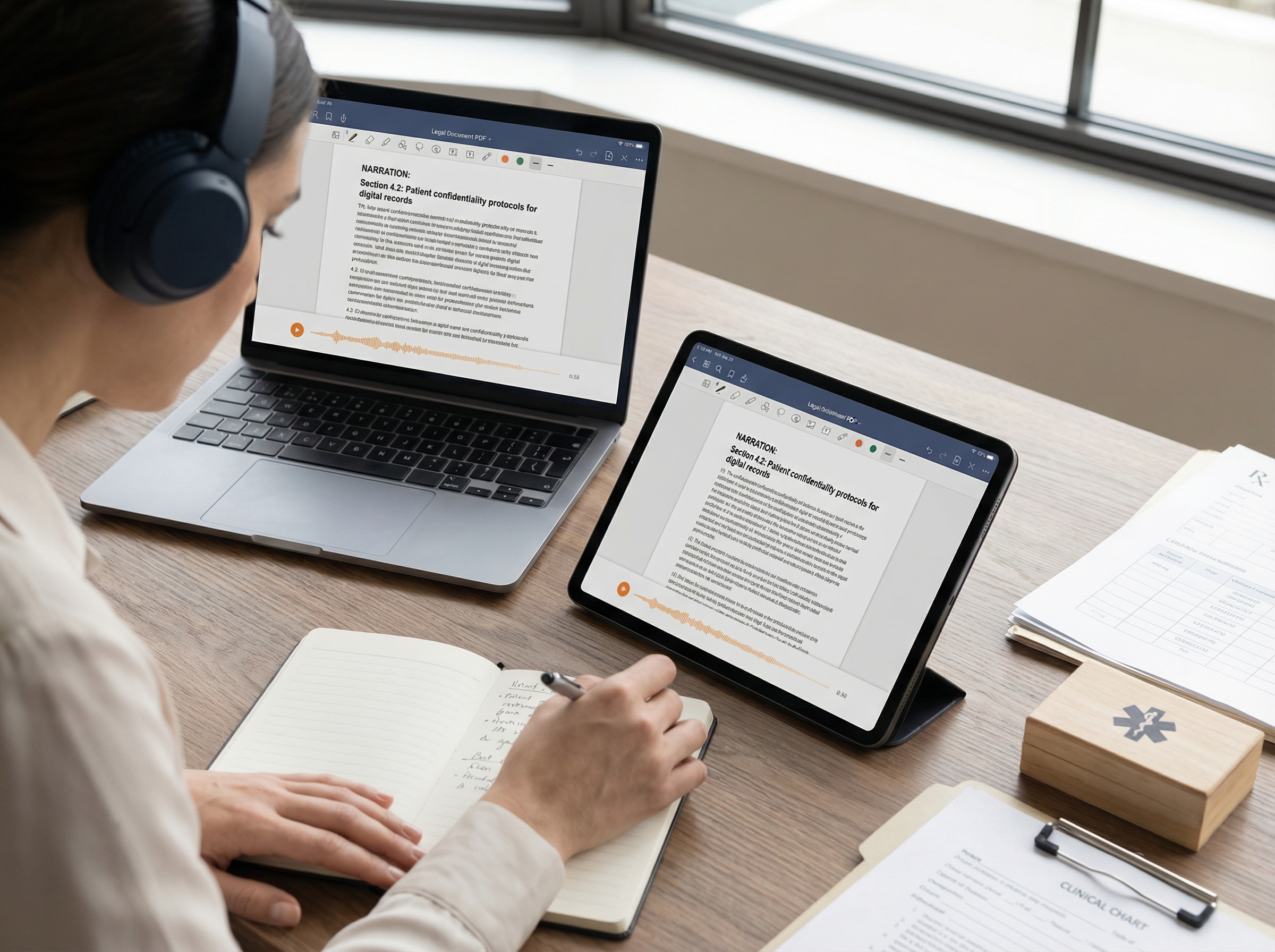
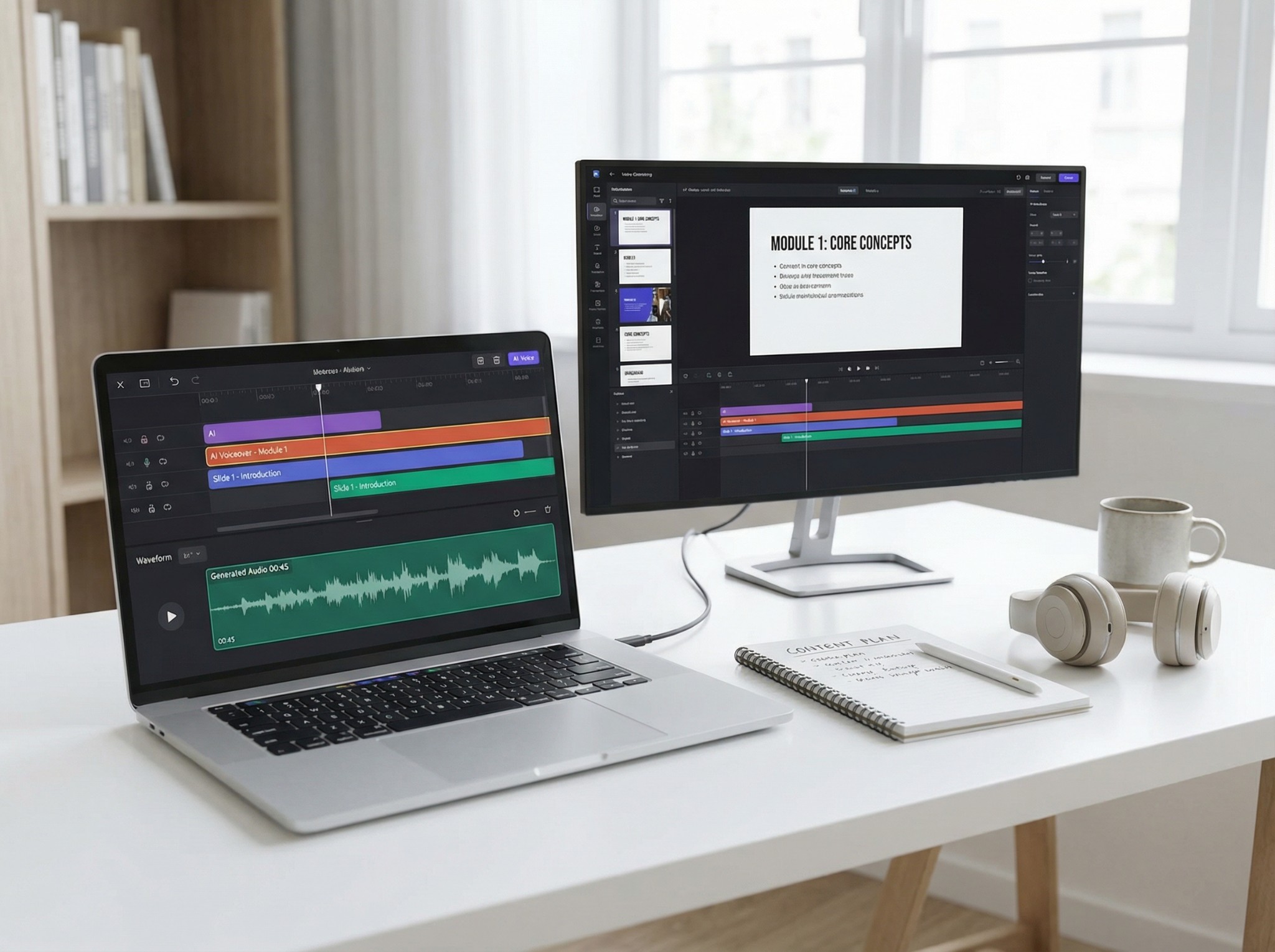
Text-to-speech isn’t just for students. Legal professionals, healthcare providers, publishers, and accessibility teams are adopting TTS tools like The Speakr to power through reading-heavy workflows with greater speed and clarity.
1. Reading with Text-to-Speech for Better Comprehension
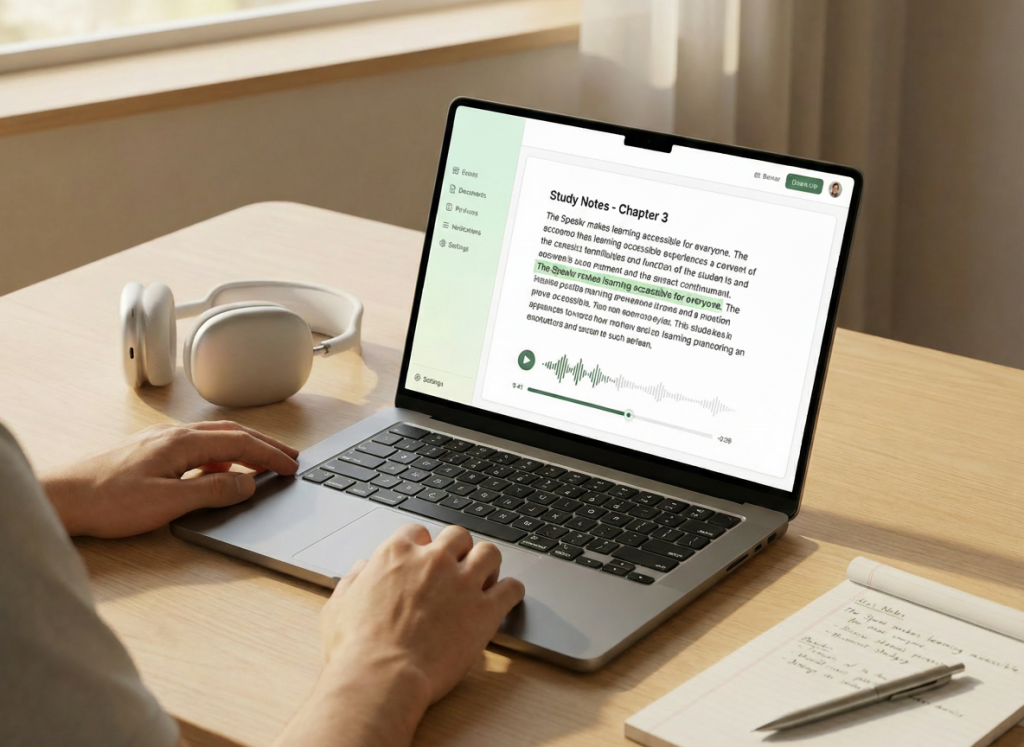
What people usually struggle with
Dyslexic readers often lose comprehension while decoding. Long paragraphs, unfamiliar words, or dense formatting quickly lead to fatigue and distraction.
How the workflow works with TTS
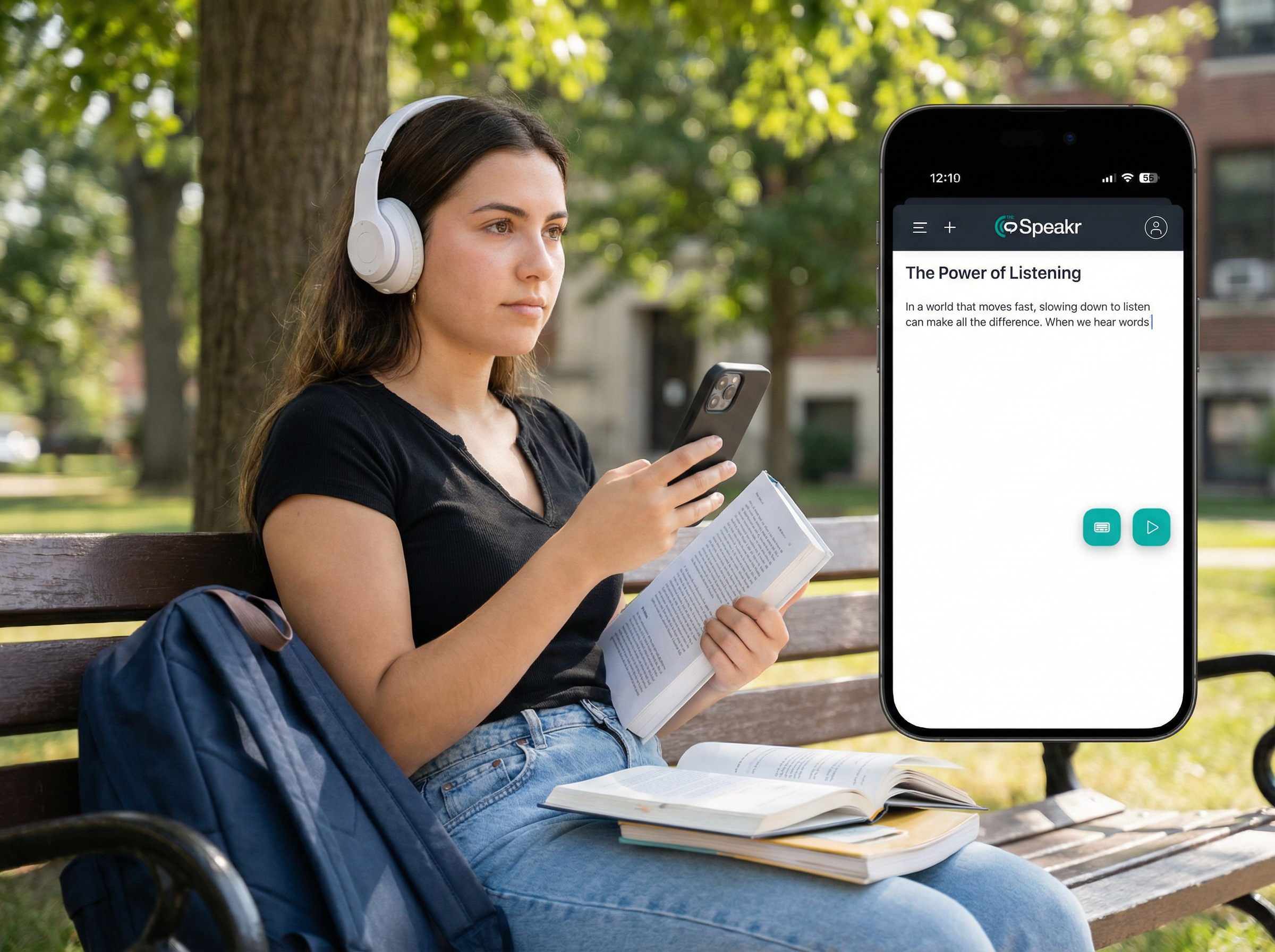
Paste or upload any reading material into The Speakr. It highlights text while reading it aloud with a natural voice. Users can slow playback for clarity or pause and rewind sections.
Why this helps learning
Research shows that “listening while reading” improves comprehension and attention for dyslexic users. TTS helps bypass decoding challenges and frees the brain to focus on meaning.
Best used when:
- Reading textbooks or long articles
- Studying literature or non-fiction
- Trying to stay focused on dense materials
2. Listening to Notes and Homework with TTS

What people usually struggle with
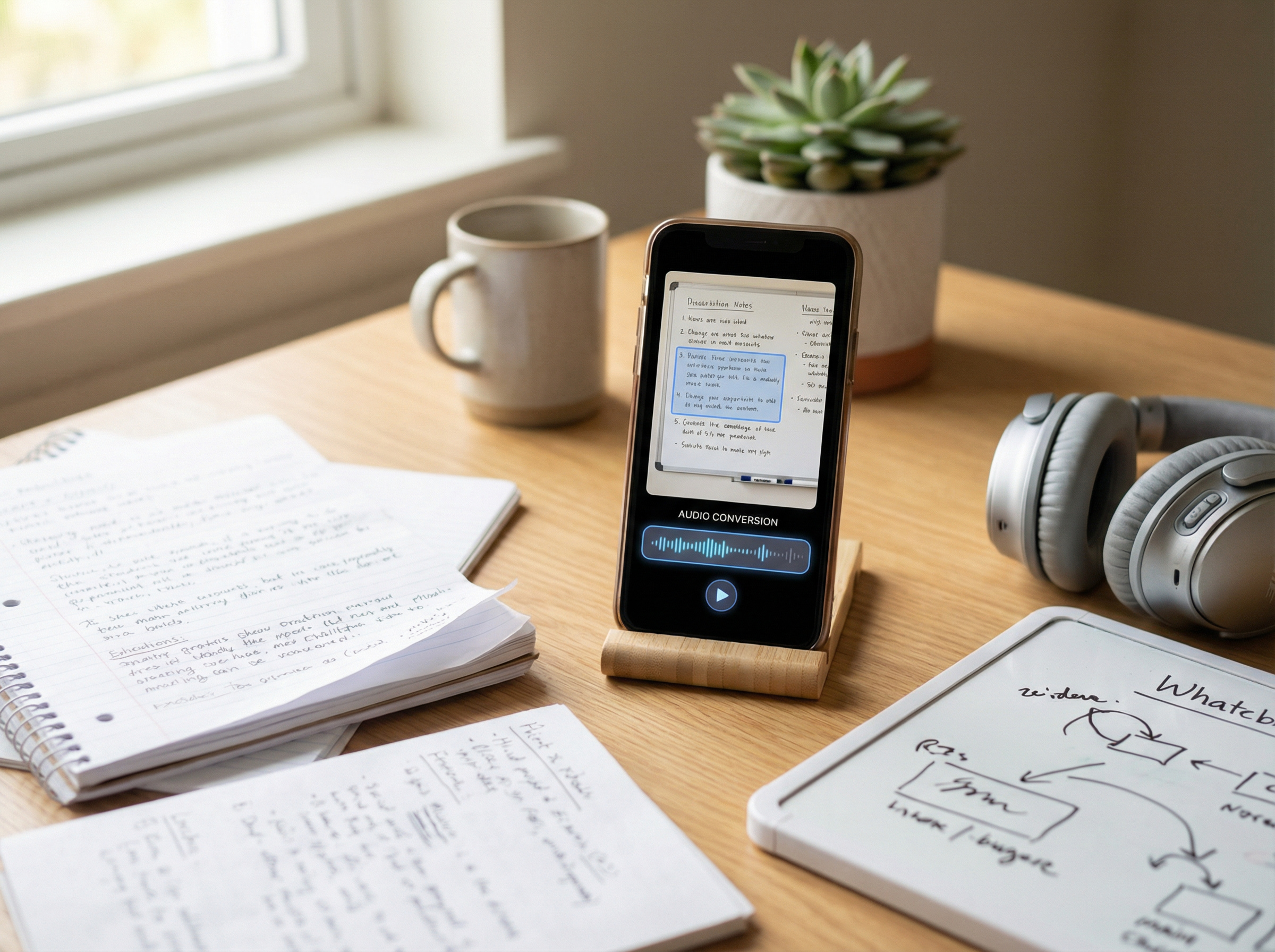
Revisiting typed or handwritten notes can be frustrating – especially after a long day. Dyslexia can make reading and reviewing feel overwhelming.
How the workflow works with TTS
Paste or upload any reading material into The Speakr. It highlights text while reading it aloud with a natural voice. Users can slow playback for clarity or pause and rewind sections.
Why this helps learning
TTS reduces visual overload and reinforces understanding. It’s especially helpful for dyslexic students during review or when managing cognitive fatigue.
Best used when:
- Studying before exams
- Reviewing lectures
- Dealing with low focus or burnout
3. Proofreading and Editing with TTS Playback
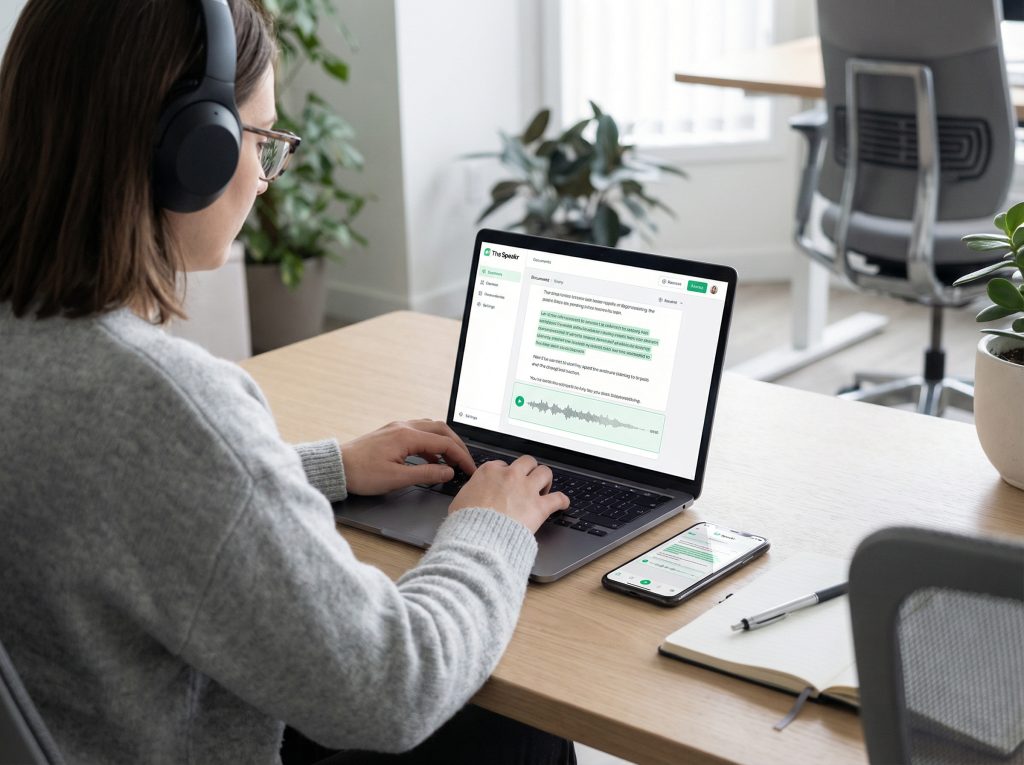
What people usually struggle with
It’s easy to miss typos, grammar issues, or awkward sentences when you have dyslexia. Visual editing alone often doesn’t catch everything.
How the workflow works with TTS
Paste your writing into The Speakr and have it read aloud. Listening helps you hear mistakes you might not see. You can pause and fix issues as you go.
Why this helps learning
Audio playback engages auditory processing and makes errors stand out. It boosts accuracy and confidence – especially for essays, reports, and emails.
Best used when:
- Reviewing written assignments
- Polishing emails or resumes
- Editing with less visual strain
4. Building Confidence with Independent Reading
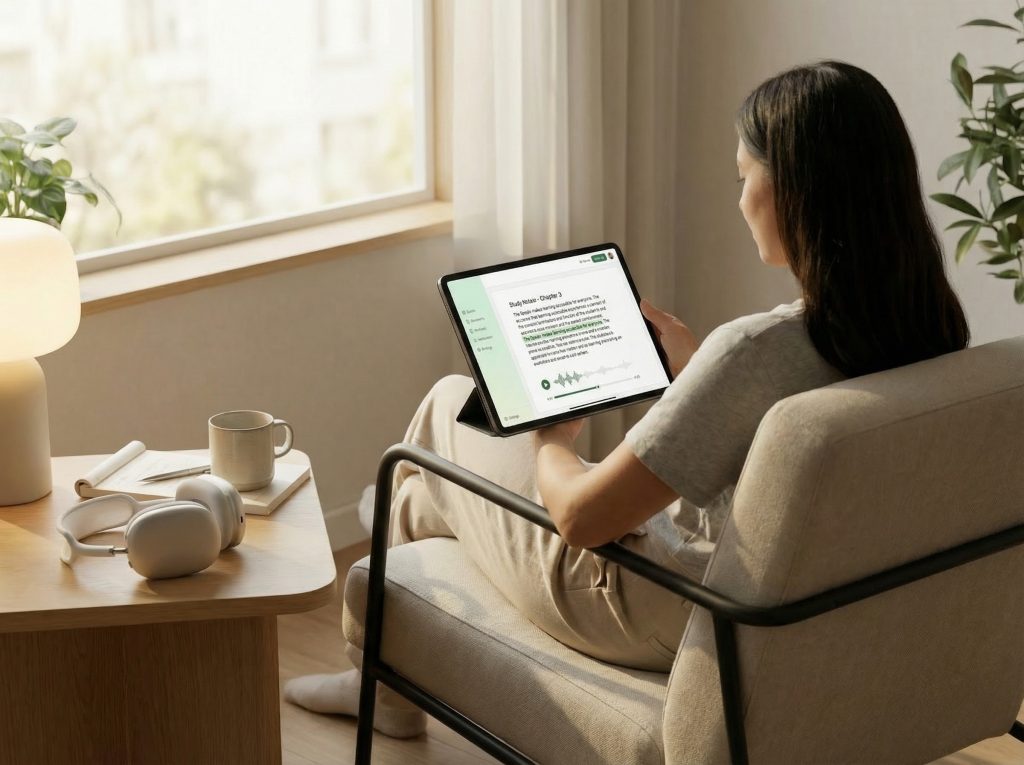
What people usually struggle with
Dyslexic readers may avoid independent reading due to past frustration. This can hold back vocabulary growth and reading enjoyment.
How the workflow works with TTS
TTS creates a positive, supported reading experience. When decoding stress is removed, users read more – and build confidence through success.
Why this helps learning
Publishing teams using TTS during final proof stages reported 23% higher detection of syntax and repetition issues in a 2023 internal pilot at a Fortune 500 firm.
Best used when:
- Exploring books or articles
- Enjoying personal reading time
- Growing fluency and vocabulary
Why People with Dyslexia Use The Speakr
- Accessibility – Supports dyslexic readers with speech, highlighting, and low- strain fonts.
- Retention – Dual input (audio + text) boosts memory and comprehension.
- Reduced Frustration – Bypasses decoding, enabling focus on meaning.
- Customization – Adjustable speed, dyslexia-friendly fonts, and color contrast.
- Daily Use – Works on any device, online or offline, for school, work, and leisure.