PDF to Text to Speech – Use Cases

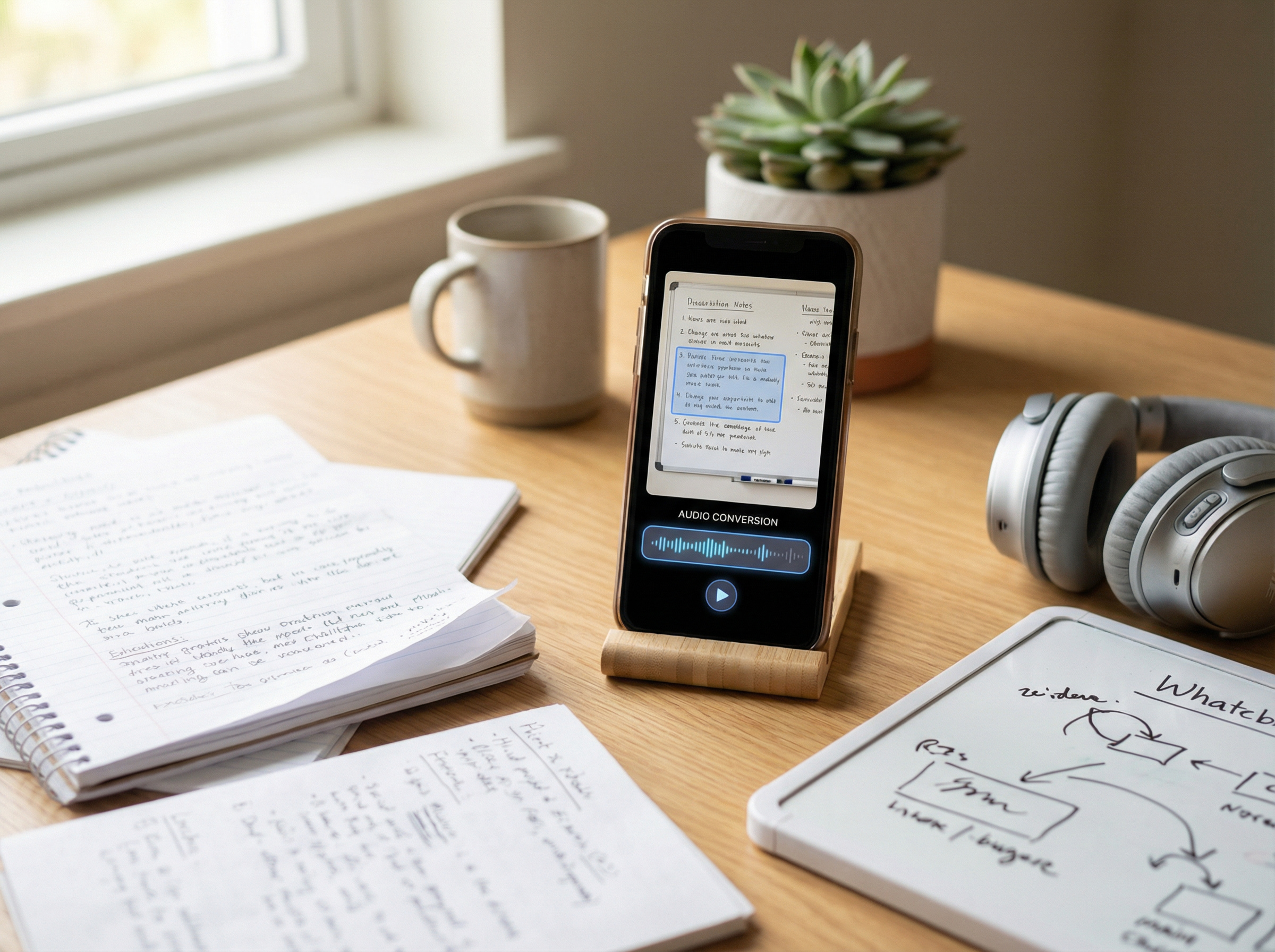
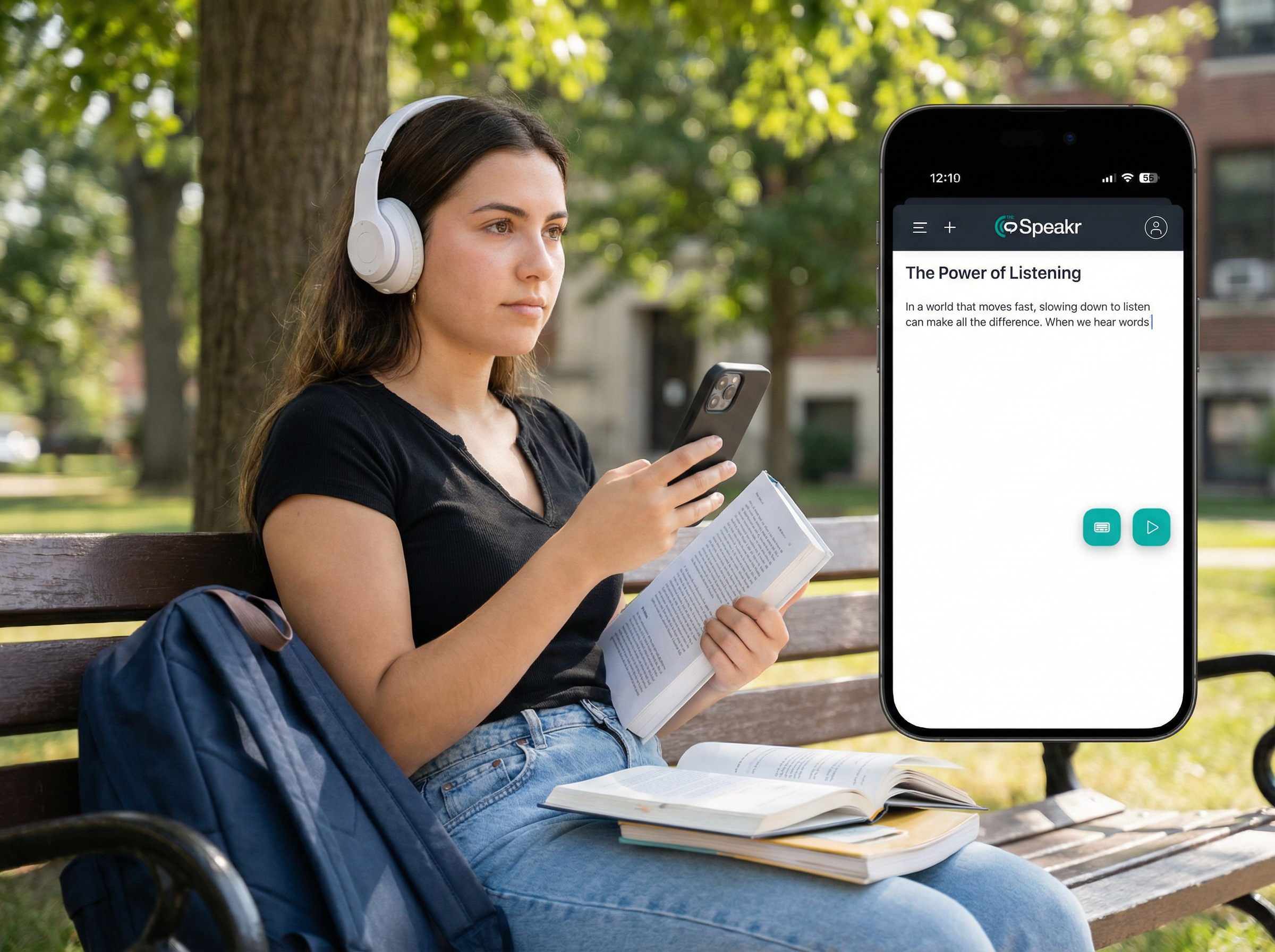
PDF documents are dense, static, and time-consuming to read, but PDF text-to-speech use cases show how easily they can be turned into audio for listening on the go. Tools like TheSpeakr let you try this for free directly with your own PDFs. Across healthcare, law, publishing, and business, professionals are already using TTS this way. And interestingly, the research behind it is stronger than most people assume.
This article covers both sides: where TTS is being applied to PDFs in practice, and what peer-reviewed studies say about its effect on comprehension, memory, and cognitive load.
This article is based on analysis of real-world PDF workflows and recent research on text-to-speech technology, including practical evaluation of how these tools are used across healthcare, legal, and content production environments.
How TTS Is Being Used with PDFs
Healthcare
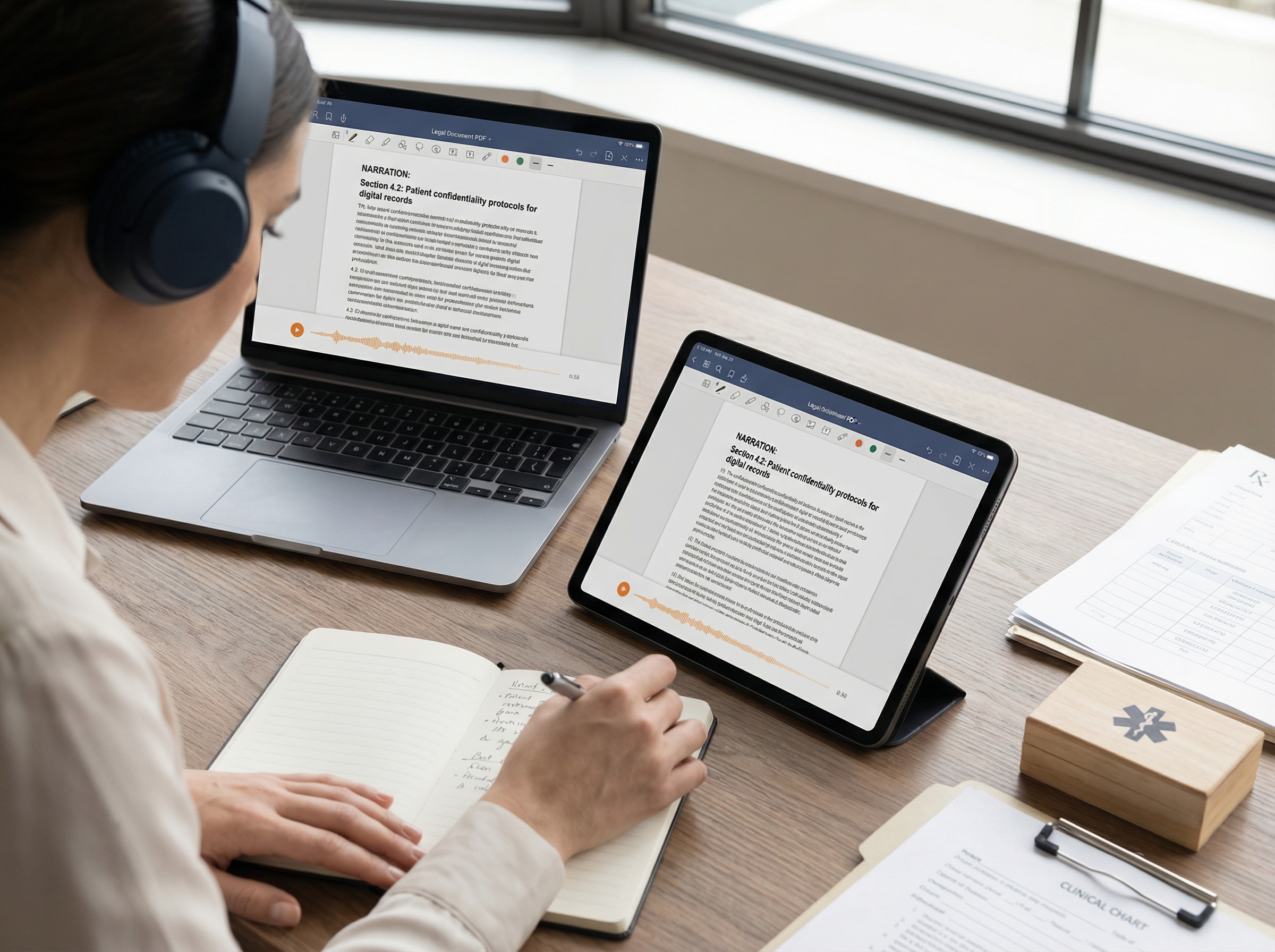
Clinicians use TTS to listen to patient records while examining patients, keeping attention on the person — not a screen. Lengthy journal articles and clinical guidelines can be converted to audio and reviewed during a commute or between appointments.
Audio reduces eye strain from dense clinical documents, extending how long clinicians can productively work through documentation. Recommending screen reader apps to patients with dyslexia, ADHD, or low literacy helps them hear medication instructions and post-visit summaries — which research links to better treatment adherence.
Accessibility
For people with visual impairments, TTS is not a convenience — it is the primary way they access written documents. Screen readers like NVDA and VoiceOver rely on it to vocalize PDFs, enabling independent use. The same applies to people with dyslexia, ADHD, or other print disabilities, where listening reduces the effort of decoding text.
However, the experience depends on how PDFs are structured. A 2025 JAMA Network Open study found that 16% of tested PDFs were unreadable by screen readers, and over half had major accessibility issues. Poor formatting — such as unlabeled images, broken tables, or multi-column layouts — often makes content unusable.
Some organizations are addressing this directly. Services like Horizons for the Blind convert legal documents into audio, allowing clients to review them independently.
Publishing and media
The New York Times announced in 2024 that it would auto-narrate most articles using a custom synthetic voice, targeting commuters and audio-first audiences. News Corp introduced similar features for listeners who prefer audio over reading.
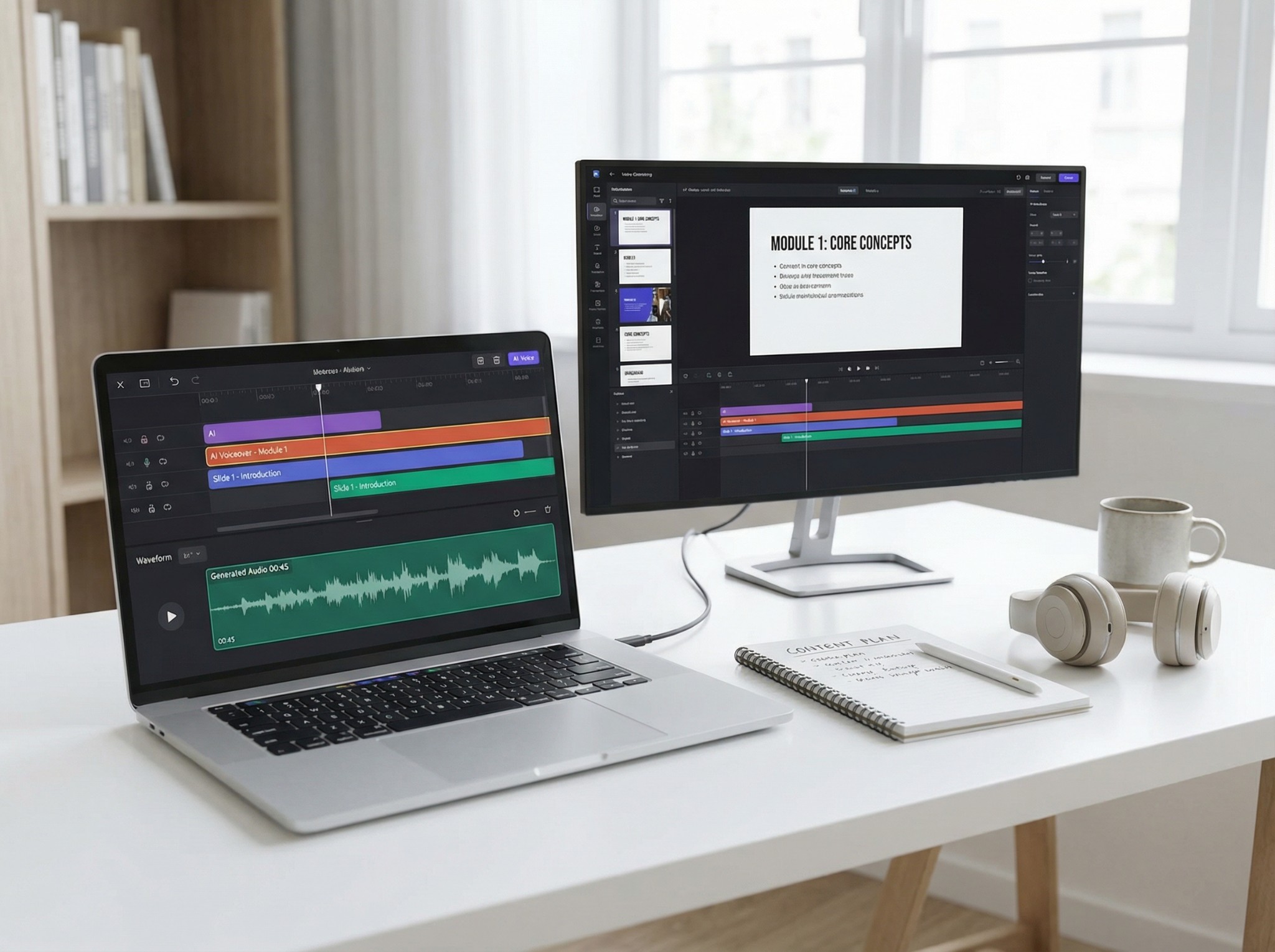
In publishing, AI narration has made audiobook production accessible to authors who previously couldn’t afford it. Traditional recording is slow and expensive, while AI can produce audiobooks much faster and at a fraction of the cost — sometimes up to ten times cheaper. Google Play Books launched a free auto-narration tool in 2022, allowing publishers to generate audiobooks with selectable voices. Non-fiction is the strongest fit, as it requires less expressive delivery than fiction.
Writers also use TTS for proofreading. Listening to a draft helps catch awkward phrasing and errors that silent reading often misses.
Legal
Lawyers use TTS to work through case law, depositions, contracts, and briefs — converting lengthy documents to audio for review during commutes or routine tasks. Law students apply the same approach to get through dense casebooks.
Listening in full removes the temptation to skim, surfacing details that silent reading often misses. Some attorneys use TTS specifically to proofread contracts — ambiguous language is harder to overlook when heard out loud.
As with accessibility more broadly, firms also have a client-service obligation here. Providing audio versions of legal documents ensures blind or visually impaired clients can actually review what they are signing, which is both an ethical and in many jurisdictions a legal requirement.
PDF Text-to-Speech: Real Applications and Research Insights

Comprehension
The central question about TTS is whether people actually understand content as well when they listen to it as when they read it. For most use cases, the answer is yes — with some important nuances around voice quality.
Knollman-Porter et al. published in the American Journal of Speech-Language Pathology, tested adults with aphasia reading passages with and without TTS support. Comprehension accuracy was the same in both conditions, but reading speed with TTS was significantly faster. Most participants preferred the TTS mode and expected it would help them with longer or more complex documents. The finding that TTS maintains comprehension while reducing processing time is directly relevant to anyone working through dense professional or academic material.
Voice quality turns out to matter significantly for comprehension, not just preference. Dylman et al. ran experiments with children listening to passages narrated in different ways. Expressive, natural-sounding narration improves comprehension compared to flat, monotone delivery, and human voices still outperform synthetic ones. Voice quality is not just aesthetic — it directly affects how well people understand content. While neural TTS has improved, the gap has not fully closed.
A 2023 meta-analysis found that reading while listening improves comprehension, especially for people with reading difficulties. This supports multimedia learning theory, which shows that combining audio and text strengthens understanding.
Memory and cognitive load
Paivio’s Dual Coding Theory explains why: auditory and visual input together create stronger memory traces than either alone. Studies confirm it — students using audio alongside text consistently outperform silent readers, with some research citing retention gains of up to 38%.
Jafarian & Kramer published in Computers and Education: AI, tested this in a randomized controlled trial with 108 university students.AI audio alongside course readings improved motivation, engagement, and assessment scores — with ADHD students benefiting most. Cognitive Load Theory explains why: TTS removes the effort of decoding text, freeing mental resources for understanding.
Poorly implemented TTS can shift the burden rather than reduce it — a flat, mispronouncing voice creates its own cognitive strain, forcing listeners to decipher speech instead of processing meaning. Voice quality is not a minor consideration; it determines whether TTS reduces friction or simply trades one kind for another.
Multitasking and its limits
TTS enables multitasking with reading, but research on dual-task performance sets a realistic ceiling on this. Listening to spoken content while doing low-demand physical tasks — commuting, exercising, household tasks — works well because those activities do not compete significantly for the same cognitive resources as listening. Comprehension holds up.
TTS multitasking works well for routine content, but studies show that pairing it with another cognitively demanding task can reduce performance on both. Complex material deserves focused listening — background consumption is best saved for lighter, routine documents.
TTS productivity gains come from reclaiming idle time — not from doing two hard things at once.
PDF to text to speech key researches
The studies discussed above vary in context and methodology, but their findings point in a consistent direction.
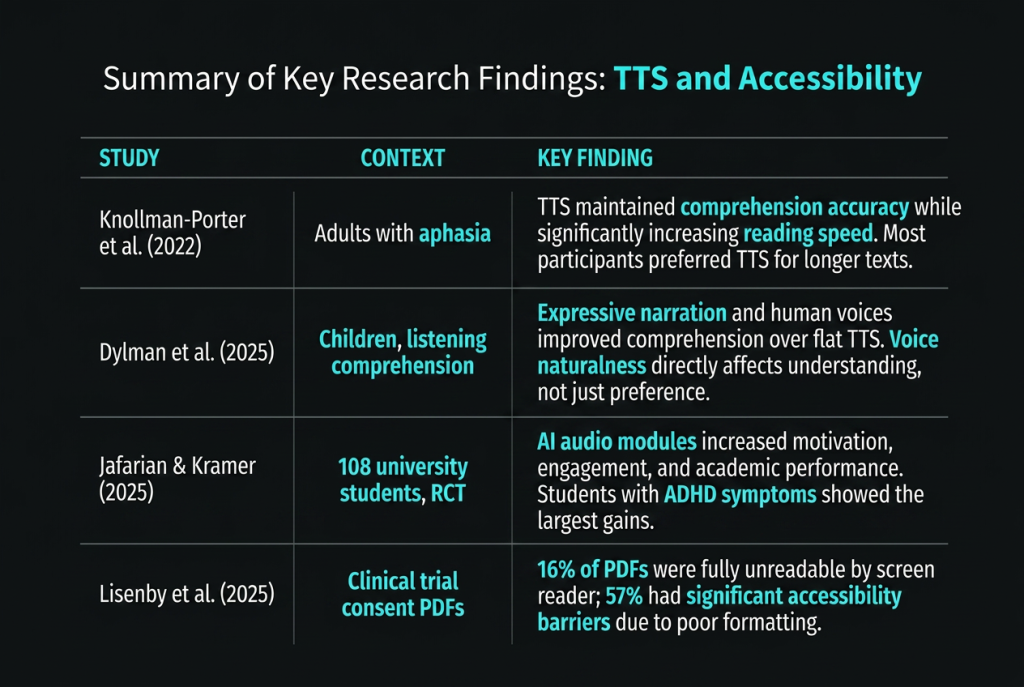
Taken together, these studies suggest that TTS is a reliable tool for comprehension and retention across a range of real-world contexts, provided the voice quality is sufficient.
The Bottom Line
Research shows TTS maintains comprehension, reduces cognitive load, and can improve retention through dual-channel processing. Voice quality matters for understanding, not just comfort.
Across industries, TTS solves a simple problem: people have more content than time to read it. Audio expands when and where people can consume that content. For many users, it also provides essential access to written material.
The main limitation is formatting. TTS performs only as well as the PDF it reads. Poorly structured documents still break the experience. As audio becomes standard, document creators must treat accessibility as part of production, not an afterthought.