NaturalReader Review 2026: A Practical Look at One of the Most Popular AI Text-to-Speech Platforms
Text-to-speech software has shifted from being a niche accessibility tool into a mainstream productivity category. Students use it to listen to textbooks, professionals use it to process PDFs during commutes, and creators use AI voices for videos, podcasts, and e-learning.
NaturalReader is one of the oldest and most recognized platforms in that market. Unlike many newer AI voice startups, it positions itself across both accessibility and commercial voice generation. The platform combines document reading, OCR, AI voices, voice cloning, multilingual narration, and browser-based listening inside one ecosystem.
This article is based on hands-on testing, official NaturalReader documentation, market research, accessibility studies, and a transcript-based walkthrough analysis.
What Is NaturalReader?
NaturalReader is an AI-powered text-to-speech (TTS) platform that converts written content into spoken audio. The platform supports documents, PDFs, webpages, scanned text, subtitle files, and pasted content, making it suitable for both accessibility and productivity workflows.
One of the most important things to understand about NaturalReader is that it operates through two separate ecosystems: NaturalReader Personal and NaturalReader Commercial. The Personal version is designed for reading, studying, accessibility, and private listening, while the Commercial version targets creators and businesses that need redistribution rights for AI-generated audio.
This distinction is useful, but it can also create confusion during onboarding. During testing, the separation between Personal and Commercial workflows was one of the first noticeable UX friction points, as some users may initially land inside the Commercial interface when they are actually looking for the Personal reading experience.
NaturalReader currently offers more than 225 AI voices across 40+ languages, along with features such as OCR support, voice cloning, Chrome extension integration, mobile apps, AI-assisted reading tools, LLM-powered voices, and emotional AI voices on Commercial plans.
Why the TTS Market Is Growing So Quickly
TThe broader text-to-speech market is expanding rapidly as TTS technology moves far beyond traditional accessibility software. According to Global Market Insights, the global text-to-speech market is projected to grow from approximately $5.7 billion in 2026 to more than $35 billion by 2035, with annual growth exceeding 22%. That growth is being driven by several major trends, including AI productivity tools, multilingual content creation, audiobooks, e-learning, voice assistants, AI-generated video narration, and mobile-first content consumption.
NaturalReader sits directly at the center of that shift because it combines traditional accessibility-focused reading tools with newer AI voice and content workflows. Unlike platforms that focus only on voice generation or only on reading assistance, NaturalReader positions itself as a broader ecosystem that supports document listening, OCR, browser reading, multilingual narration, AI voices, and commercial voice generation inside one platform.
NaturalReader Personal vs Commercial
TOne of the most important things users need to understand about NaturalReader is that it is effectively split into two separate products: NaturalReader Personal and NaturalReader Commercial. The Personal version is designed primarily for reading and listening workflows, making it better suited for students, professionals, and accessibility users. The Commercial version focuses on publishable AI-generated audio for YouTubers, businesses, and e-learning creators.
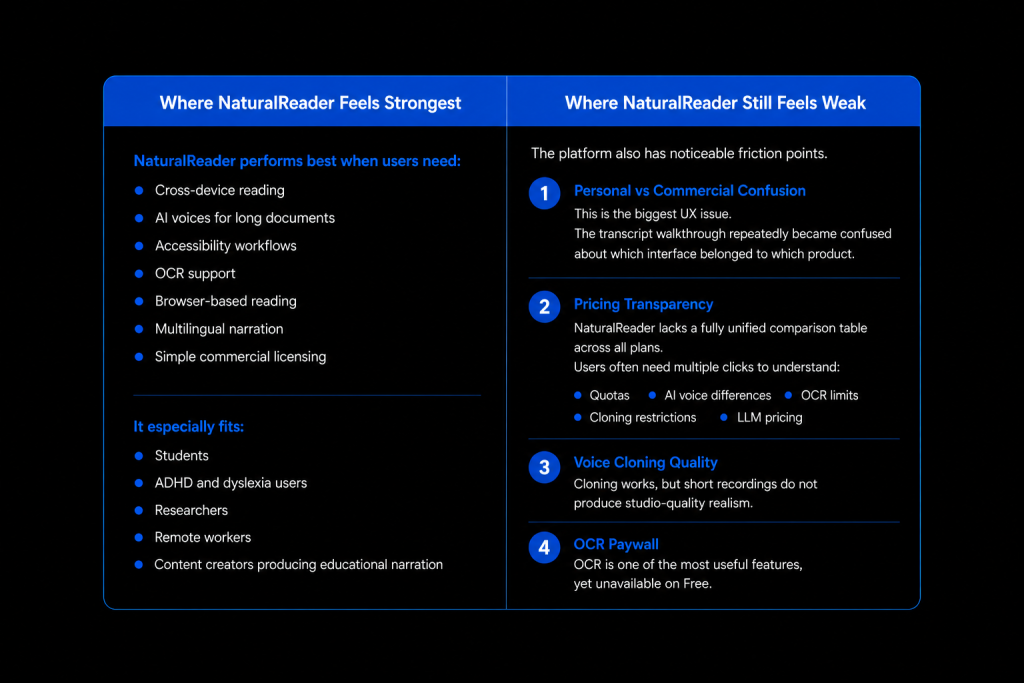
During testing, this separation was also one of the platform’s biggest UX friction points. The transcript walkthrough repeatedly highlighted confusion between the two environments, with the tester initially believing that OCR and PDF uploads were missing because those features were being searched for inside the Commercial interface rather than the Personal dashboard.
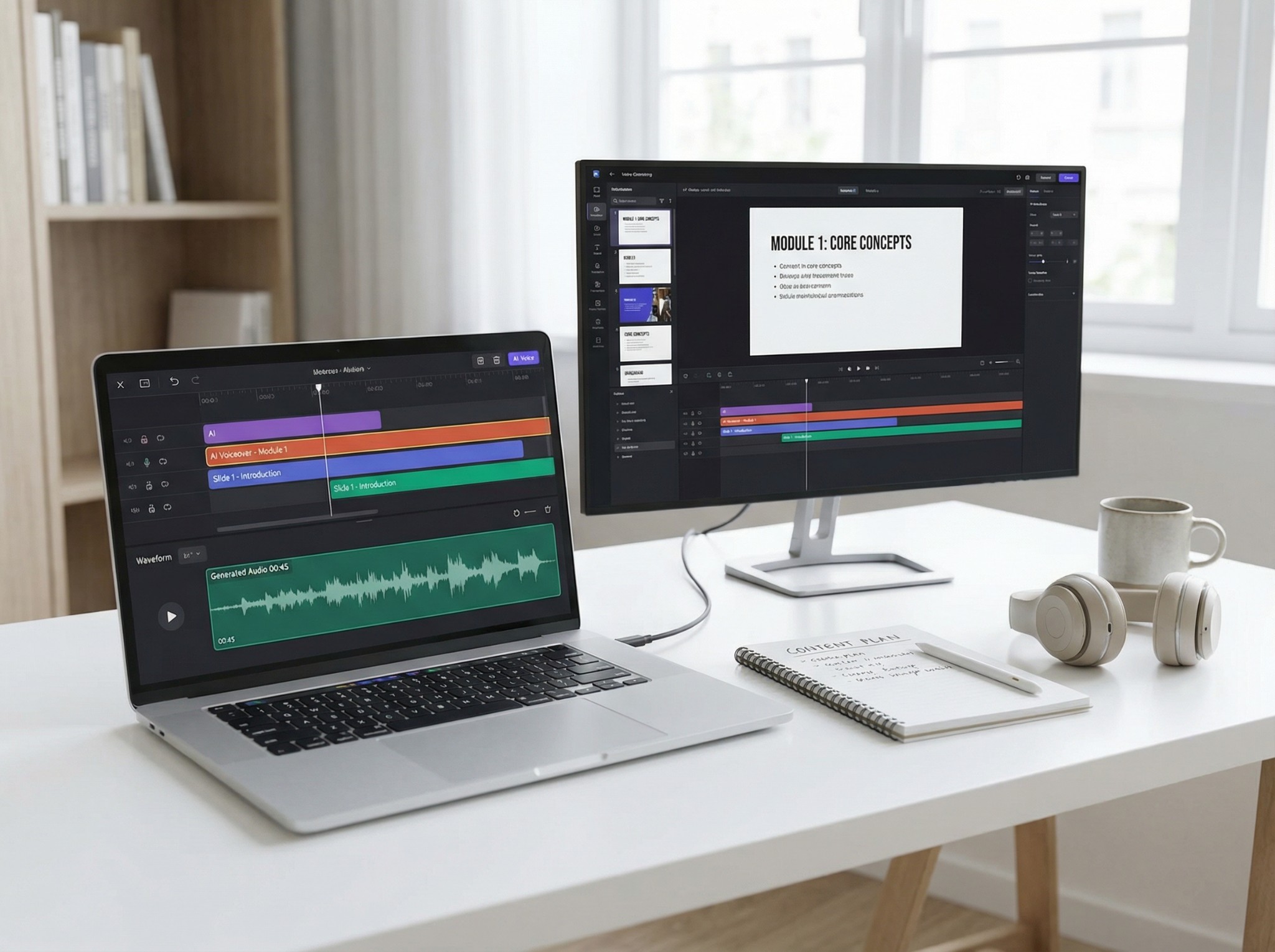
The Personal platform focuses on document reading, browser reading, OCR scanning, AI-assisted study tools, MP3 export, and accessibility features. Meanwhile, the Commercial platform adds redistribution rights, emotional AI voices, multilingual narration, voice cloning, AI scripts, advanced pronunciation controls, and team collaboration features.
At the same time, this licensing separation is also one of NaturalReader’s strongest structural advantages. Unlike many competitors that blur personal and commercial usage together, NaturalReader clearly separates reading-focused workflows from publishable AI audio creation.
To better understand how NaturalReader works in practice, here is a hands-on walkthrough of the platform interface, pricing structure, and voice features.
NaturalReader Free Plan: What You Actually Get
OnOne of the most common questions about NaturalReader is whether the platform is genuinely free. The answer is yes — but with important limitations.
The Free plan includes unlimited access to basic voices, but advanced AI voices are limited to just five minutes per day. Features such as OCR, MP3 exports, LLM voices, and full voice cloning functionality are also restricted or unavailable on the free tier.
During testing, the AI voices on the Free plan sounded noticeably better than the standard voices, but the daily usage cap makes the experience feel more like a trial than a complete workflow. For light usage, the free version is still enough to read short articles, test voices, try browser reading, and evaluate the interface overall.
However, users who regularly work with PDFs, long documents, OCR workflows, or AI narration will likely need one of the paid Plus or Pro plans.
NaturalReader Pricing
NaturalReader’s pricing becomes more complicated because both Personal and Commercial products use different systems.
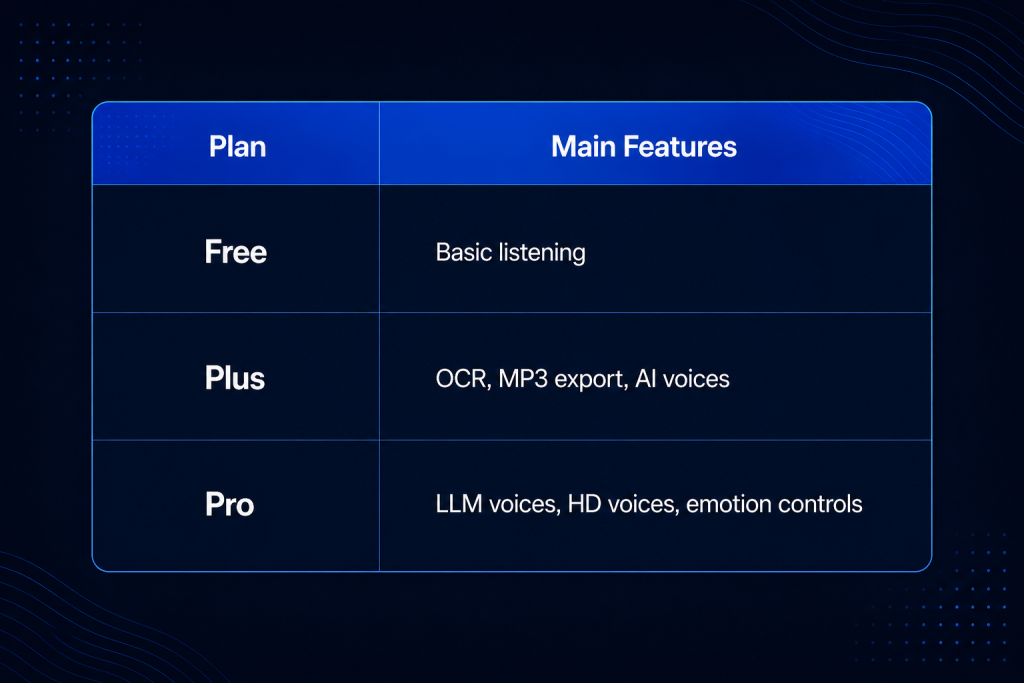
NaturalReader’s pricing can feel slightly confusing because annual billing is heavily emphasized, while monthly plans can cost significantly more over time.
The Personal Plus plan includes OCR, AI voices, 500,000 characters per day, and 1 million MP3 characters per month. The Pro plan adds advanced LLM voices, Gemini/GPT-powered models, emotional delivery, and HD-quality voice options.
Commercial Credits Explained
NaturalReader Commercial uses a credit-based pricing system, which can initially feel confusing because not all AI voices consume credits at the same rate.
During testing, one of the most useful practical calculations involved the Commercial Single plan, which includes 6 million credits per month. Standard AI voices consume 1 credit per character, meaning users can generate roughly 6 million characters of audio monthly. However, advanced LLM voices consume 20 credits per character, reducing that allowance to approximately 300,000 characters per month.
That distinction matters because many users assume all voices use credits equally, when in reality, higher-quality LLM voices can reduce usable output significantly faster than standard AI voices.
Voice Quality: How NaturalReader Actually Sounds
Voice quality is one of the areas where NaturalReader performs surprisingly well, especially for general reading and accessibility workflows. During testing, the English voices sounded natural, pacing remained stable, and pronunciation was generally accurate across most standard content. Some voices also resembled the familiar AI narration styles commonly used in TikTok and short-form content.
The tester specifically noted that “the voices seem natural and good,” which reflects NaturalReader’s strongest use cases: English narration, explanatory content, audiobook-style pacing, and accessibility-focused reading.
Where the platform feels weaker is emotional realism. While the voices are clear and practical for everyday listening, they are less expressive than specialized AI voice-generation platforms like ElevenLabs, which currently lead the market in emotional delivery and studio-quality narration.
Voice Cloning: Fast but Not Studio-Level
NaturalReader includes voice cloning on its paid plans, allowing users to create custom AI voices from short recordings. The process itself is straightforward: users can record or upload a voice sample, generate a cloned voice, and then use it for narration or reading workflows.
During testing, the transcript walkthrough described the cloning quality as “not the worst I’ve heard… but not very good,” noting that the generated voice did not fully imitate the original speaker. That assessment is fairly realistic for fast-sample voice cloning, where shorter recordings prioritize speed and convenience over high-end realism.
In practice, NaturalReader’s cloning works best for personalization, lightweight narration, internal workflows, and accessibility customization. However, it is less convincing for professional audiobook narration, commercial acting, or studio-grade voice replacement. For users focused primarily on ultra-realistic cloning and emotional delivery, specialized platforms like ElevenLabs still offer stronger overall voice quality.
OCR and PDF Reading
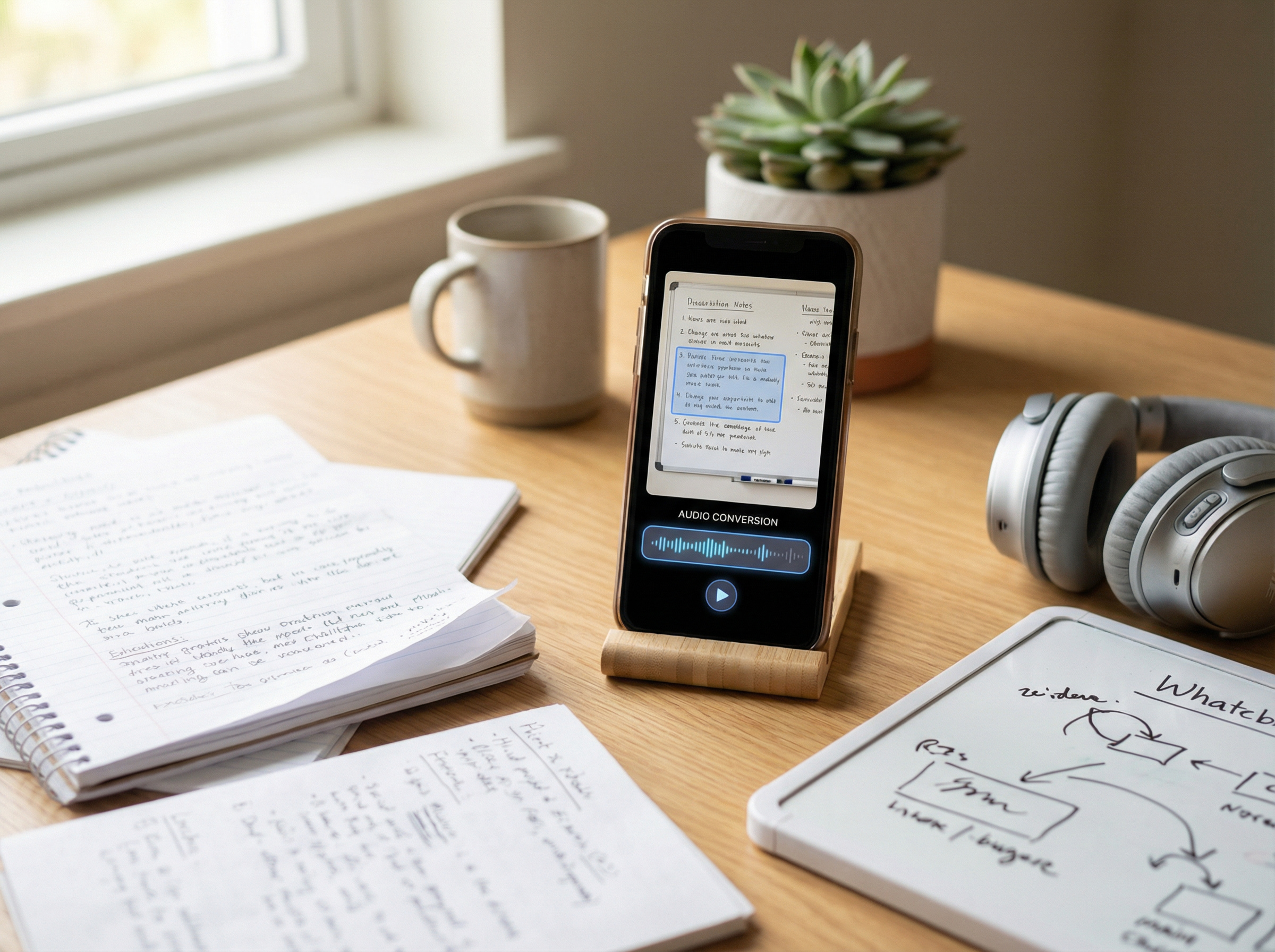
OCR is one of NaturalReader’s most practical and valuable features because it allows scanned PDFs, images, screenshots, and photographed text to be converted into readable audio. That matters in real-world usage, since many documents are not formatted as clean digital text.
During testing, the transcript walkthrough initially assumed PDF support was missing, before later realizing that OCR functionality is only available on paid plans. NaturalReader currently supports PDFs, DOCX files, TXT files, subtitle files, pasted text, and scanned documents through OCR-enabled tiers.
For students, researchers, and accessibility users, OCR is arguably more important than voice cloning because it determines whether physical documents and scanned materials can actually become accessible through audio.material can actually become accessible.
Accessibility and Dyslexia Support
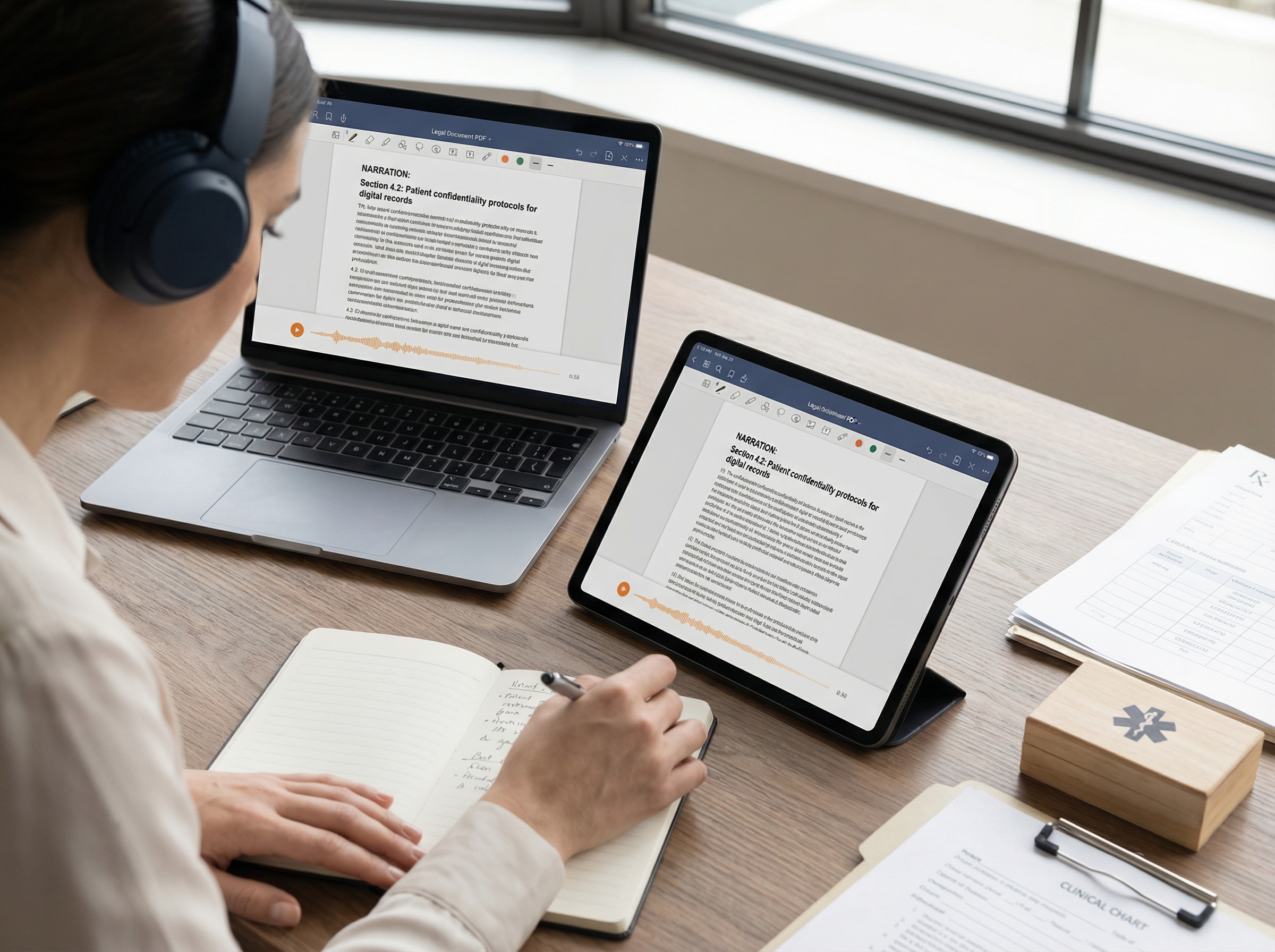
Accessibility is one of NaturalReader’s strongest positioning areas. The platform includes features like word highlighting, playback speed controls, OCR scanning, and dyslexia-friendly reading support. These tools make written content easier to process through audio.
Research also supports the broader value of text-to-speech tools for reading assistance. A 2023 Annals of Dyslexia study found that TTS improved reading comprehension among students with reading and language difficulties, particularly learners with dyslexia.
Assistive technology consultant Jamie Martin summarized the value of these tools clearly: “The most important thing that technology offers is independence.” That perspective matters because the real strength of TTS is not replacing reading altogether, but reducing cognitive strain and improving access to written information.acing reading.” The stronger evidence-based claim is that it reduces cognitive friction and improves access.
NaturalReaders Pros and Cons
While NaturalReader excels in accessibility and document reading workflows, some areas of the platform still feel outdated or confusing.
NaturalReader vs Modern Alternatives
NaturalReader now competes in a much more crowded text-to-speech market. Its main competitors include Speechify, ElevenLabs, Murf AI, and newer AI-native platforms. Speechify focuses more on mobile-first reading and AI productivity features, while NaturalReader offers stronger OCR capabilities, commercial licensing options, and flexibility for document-based workflows. ElevenLabs remains the leader in emotional realism and studio-quality voice cloning, whereas NaturalReader is better suited for accessibility, document reading, and everyday listening.
Murf AI focuses more heavily on professional voice production, e-learning, and business narration. NaturalReader, by contrast, is designed primarily for reading, studying, and content consumption. Users looking to compare the broader landscape can also explore our guide to the best text-to-speech tools in 2026, which compares NaturalReader alongside Speechify, ElevenLabs, Murf AI, and other leading platforms.
Meanwhile, newer AI-native tools often prioritize simpler onboarding and streamlined user experiences. NaturalReader remains one of the most feature-rich options in the category, but its separate Personal and Commercial ecosystems can create a steeper learning curve for new users.
Is NaturalReader Worth It?
For most users, yes — especially for reading, accessibility, and listening to documents more efficiently. NaturalReader works best as a reading assistant, OCR tool, and cross-device text-to-speech platform for PDFs, articles, study material, and work documents.
Its biggest strengths are accessibility features, AI voices, OCR, multilingual support, and overall practicality. However, it is weaker as a professional voice-cloning or studio-grade narration platform, and the pricing structure can feel confusing at first.
Overall, NaturalReader remains one of the most practical TTS platforms available in 2026. It works especially well for users who consume written content through audio.
FAQ
- Is NaturalReader really free?
Yes. The free plan includes unlimited basic voices and limited daily AI voice usage, but advanced features require a paid plan.
- What is the difference between NaturalReader Personal and Commercial?
Personal is for reading and accessibility. Commercial is for creators and businesses that need publishable AI audio.
- Can NaturalReader read PDFs?
Yes. It supports PDFs, but scanned PDFs require OCR on paid plans.
- Does NaturalReader support OCR?
Yes, but OCR is only available on Plus, Pro, and Commercial plans.
- How many voices does NaturalReader have?
NaturalReader currently offers 225+ AI voices across 40+ languages.
- Is NaturalReader good for dyslexia?
Yes. Features like word highlighting, playback controls, and OCR can help reduce reading strain.
- Can NaturalReader clone your voice?
Yes. Paid plans include voice cloning, though quality depends on the audio sample length and clarity.
- Is NaturalReader better than Speechify?
It depends. Speechify focuses more on productivity workflows, while NaturalReader offers stronger commercial licensing and OCR flexibility.
- Does NaturalReader work on mobile devices?
Yes. NaturalReader is available on iOS, Android, web, and Chrome.
- Can NaturalReader read websites aloud?
Yes. The Chrome extension can read webpages, emails, and Google Docs directly in the browser.
- What file formats does NaturalReader support?
NaturalReader supports PDF, DOCX, TXT, EPUB, subtitle files, and scanned documents through OCR.
- Is NaturalReader good for students?
Yes. It works well for listening to textbooks, PDFs, lecture notes, and research material.
- Does NaturalReader support multiple languages?
Yes. It supports more than 40 languages with multilingual AI voices.
- Is NaturalReader good for content creators?
Yes. Commercial plans are designed for YouTube videos, podcasts, ads, e-learning, and voiceovers.
- What are the best NaturalReader alternatives?
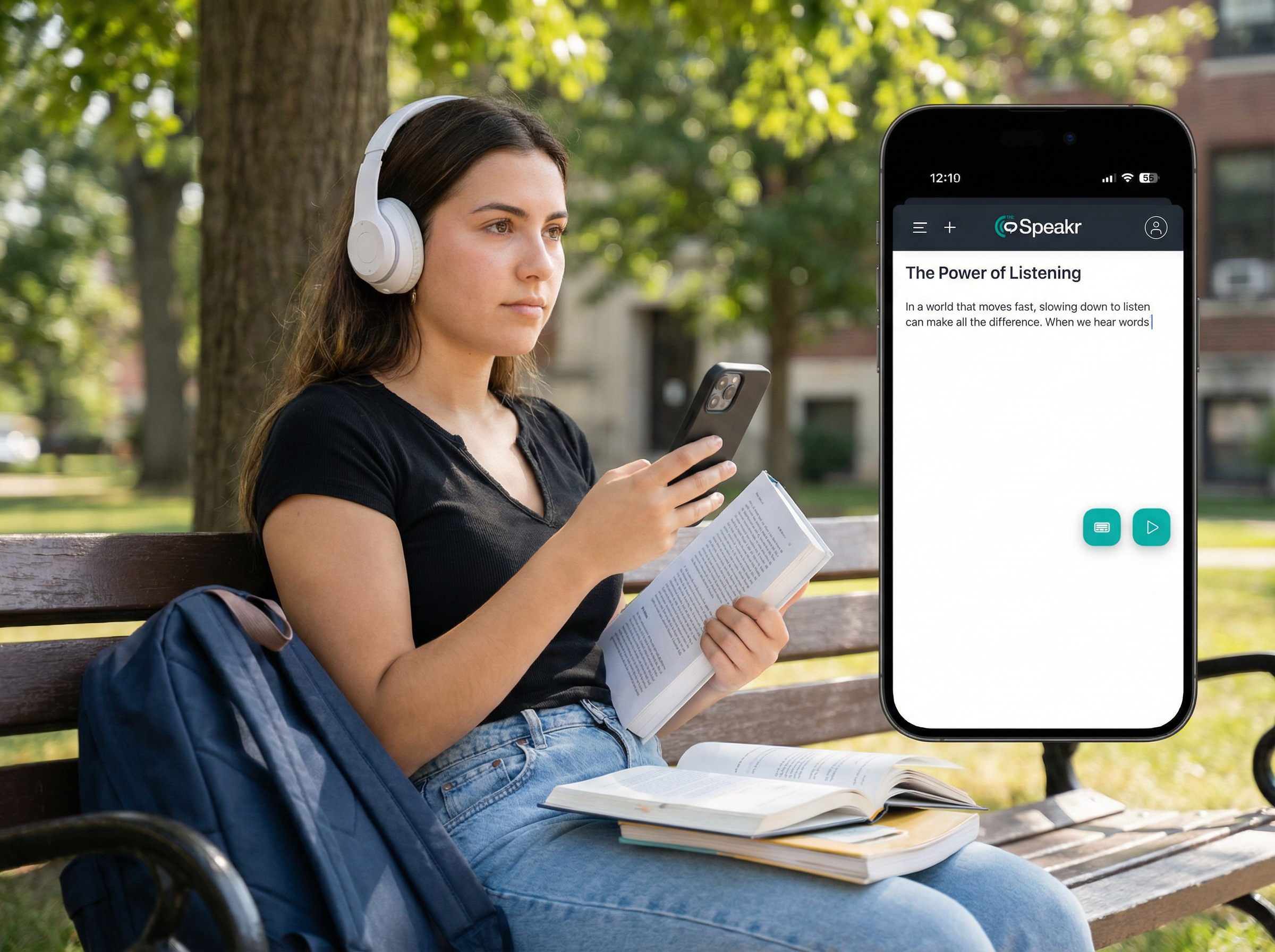
Popular alternatives include Speechify, ElevenLabs, Murf AI, Voice Dream Reader, and The Speakr.
- Is NaturalReader worth paying for in 2026?
NaturalReader works well for listening to documents, PDFs, and study material. Its strongest features are OCR, AI voices, and cross-device support.