Text-to-Speech software for Students
Try this Free text-to-speech tool for students and improve your results, as according to Education, Health & Behavior Studies Faculty Publication, students showed measurable improvements in reading comprehension when text-to-speech was used alongside reading, compared with reading silently alone.
Why The Speakr Is the Best Text-to-Speech software for Students?
According to the article published on International Forum of Educational Technology & Society, showed that text-to-speech enables students to understand learning content of a lecture better, to confirm missed or misheard parts of a speech, to take notes or complete homework, and to prepare for exams.
The Speakr enables students with its student’s friendly pricing. According to the 2026 text-to-speech market analysis, The Speakr offers the best text-to-speech value in terms of price per converted characters. Besides 10 000 Free characters, The Speakr plus plan offers 200 000 characters for only $7,99.
The Speakr enables these popular student workflows
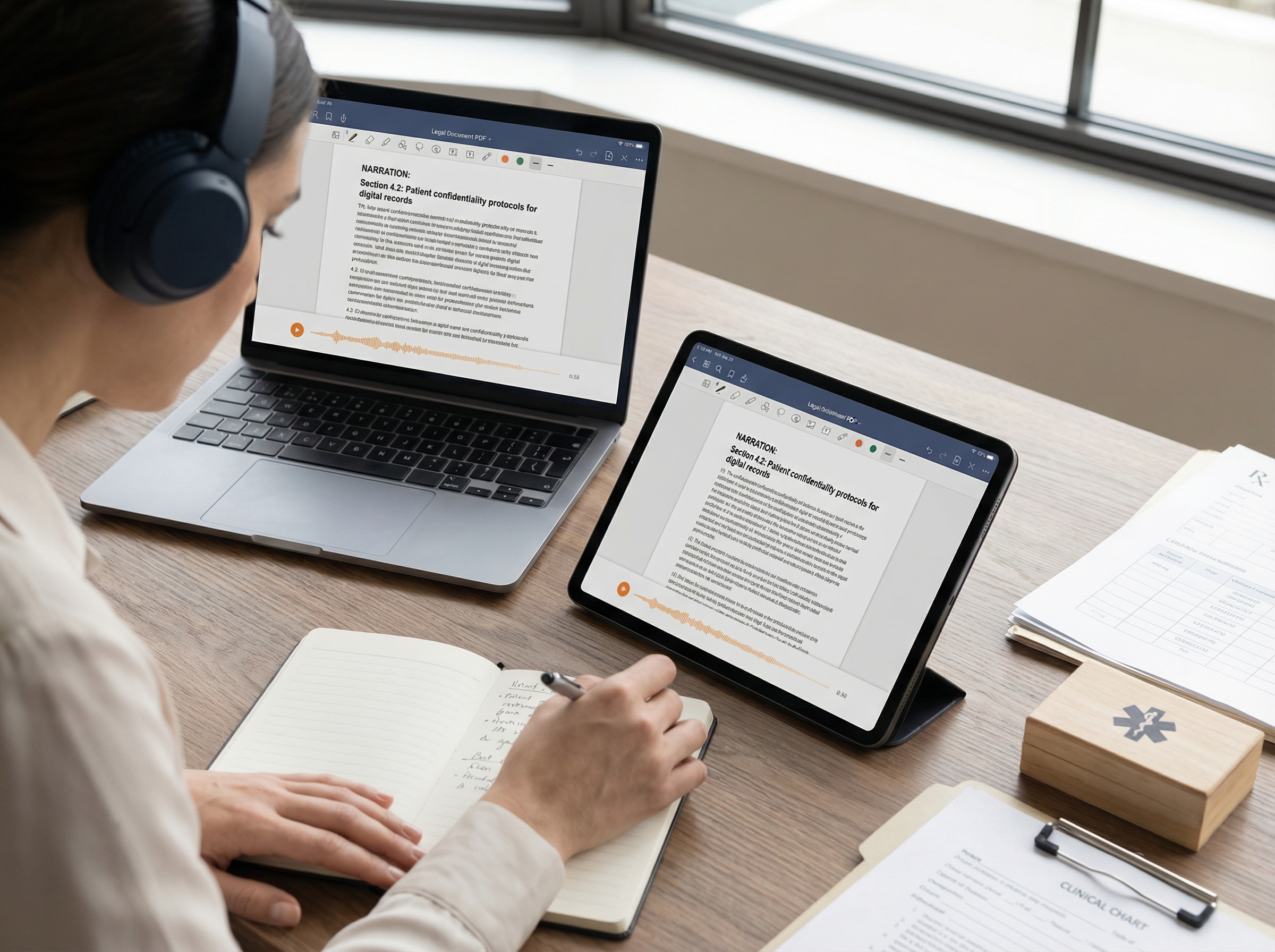
1. Reading Academic Articles with Text-to-Speech
What students usually struggle with
Academic articles are long, dense, and mentally exhausting. Students often lose focus after a few pages, especially when reading PDFs full of citations, jargon, and complex sentence structures.
How the workflow works with TTS
Students upload or paste the article into a TTS tool and listen while either:
- following along with the text, or
- listening first to understand the structure, then rereading key sections.
Many students break articles into sections (abstract, introduction, discussion) and listen to each part separately. Adjusting playback speed helps: slower for theory-heavy sections, faster for literature reviews.
Why this helps learning
Listening reduces visual fatigue and helps students maintain attention. Research shows that “reading while listening” leads to small but reliable comprehension gains compared to silent reading alone, especially when students control pacing and actively follow the text.
Best used when
- Reviewing research papers
- Preparing for seminars
- Reading in a second language
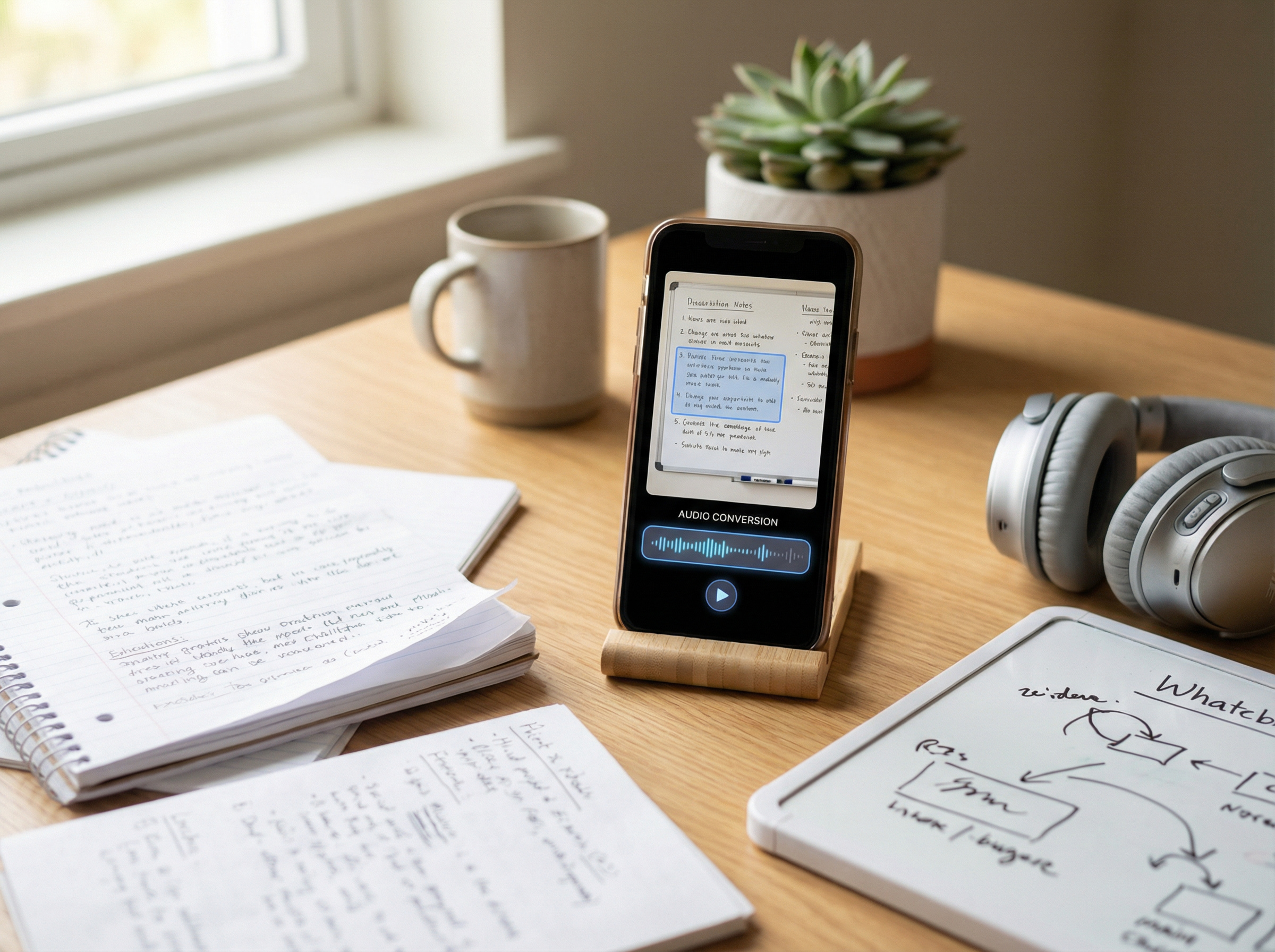
2. Studying Lecture Notes and PDFs Using Text-to-Speech
What students usually struggle with
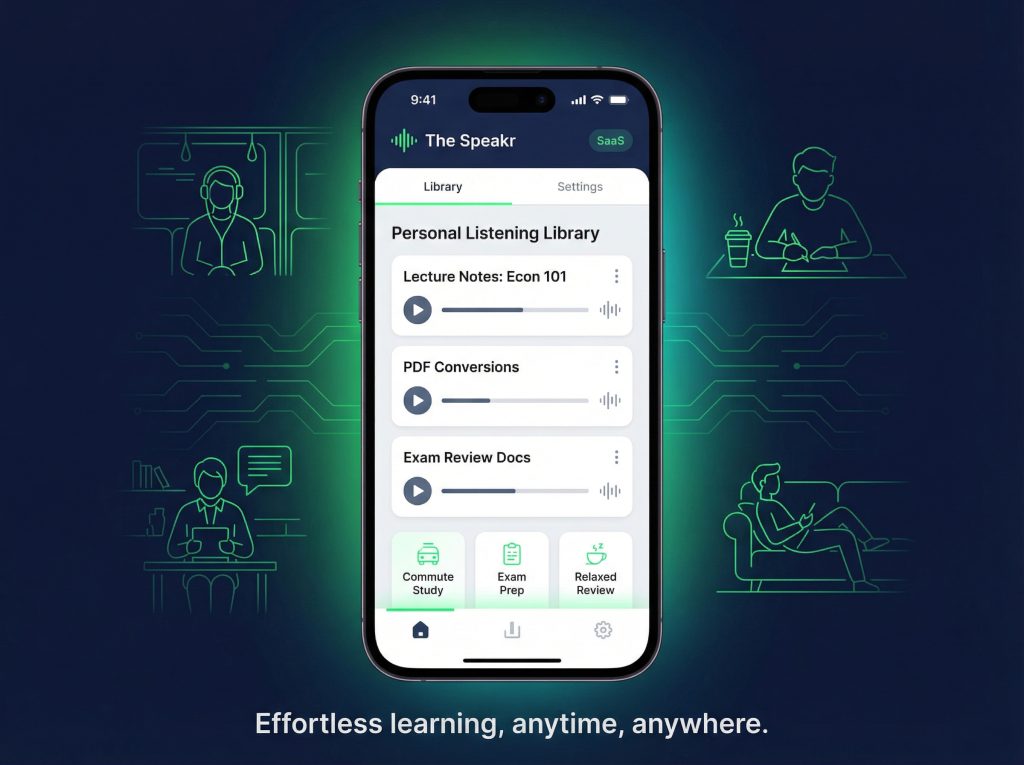
Lecture notes are often unstructured, rushed, or overwhelming when revisited days later. PDFs can feel static and difficult to engage with after long study sessions.
How the workflow works with TTS
Students convert lecture notes or PDFs into audio files (often MP3s). These audio files can then be:
- listened to while commuting or walking
- replayed before exams
- used for passive review when screen time is limited
Some students highlight key sections first, then export only those parts to audio to keep files short and focused.
Why this helps learning
Hearing notes read aloud helps students catch gaps, inconsistencies, or unclear explanations they missed while writing. Research shows TTS use is associated with improved retention and fluency, especially when used for review rather than first exposure.
Best used when
- Reviewing before exams
- Reinforcing lecture material
- Studying during low-energy periods
3. Reviewing Flashcards with Text-to-Speech
What students usually struggle with
Flashcards rely heavily on visual recall. This can be limiting for auditory learners or students who struggle with sustained visual attention.
How the workflow works with TTS
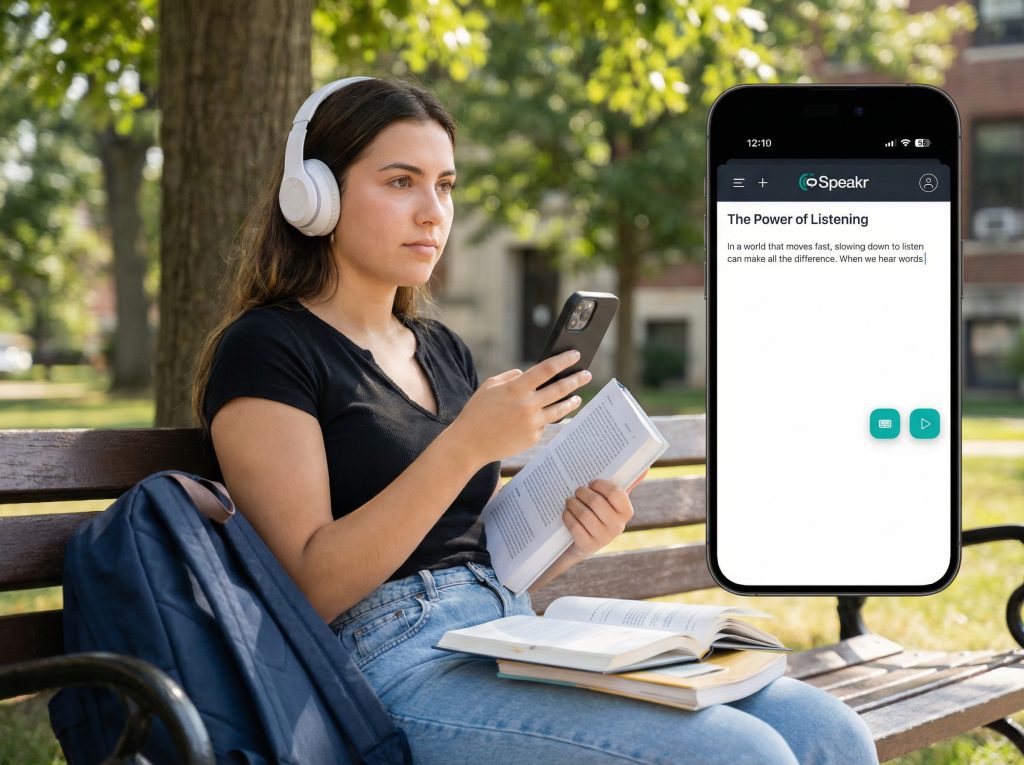
Students export flashcard definitions or answers into audio format. This can be done by:
- converting text decks into spoken lists
- creating question-pause-answer audio sequences
- listening to definitions repeatedly without looking at a screen
Some students listen to flashcards while walking or doing light tasks, turning memorization into a low-effort activity.
Why this helps learning
Audio repetition supports memory consolidation and reduces cognitive strain. Listening also helps reinforce correct pronunciation for technical or foreign-language terms.
Best used when
- Memorising definitions
- Learning terminology
- Reviewing before short quizzes
4. Language Practice with Text-to-Speech
What students usually struggle with
Language learners often know how words look but not how they sound. Pronunciation, stress, and rhythm are difficult to master through text alone.
How the workflow works with TTS
Students use TTS to:
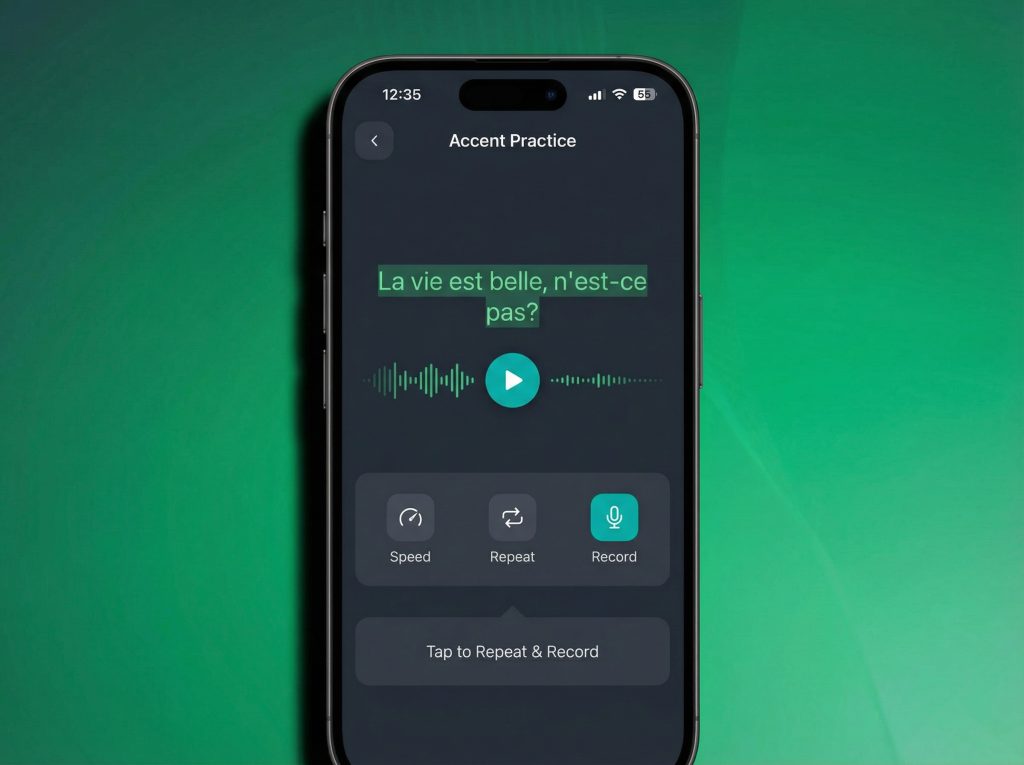
- hear correct pronunciation of words and sentences
- repeat phrases aloud after the audio
- listen multiple times at different speeds
- compare accents if available
Some students listen to vocabulary lists daily, reinforcing sound–meaning connections.
Why this helps learning
Peer-reviewed studies show that learners perceive TTS as helpful for pronunciation and listening comprehension. Repeated exposure to spoken language supports vocabulary acquisition and confidence.
Best used when
- Learning new vocabulary
- Practicing pronunciation
- Studying in a non-native language
5. Accessibility and Screen-Free Study with Text-to-Speech
What students usually struggle with
Long screen time causes eye strain, headaches, and fatigue. This disproportionately affects students with attention difficulties, visual impairments, or reading disorders.
How the workflow works with TTS
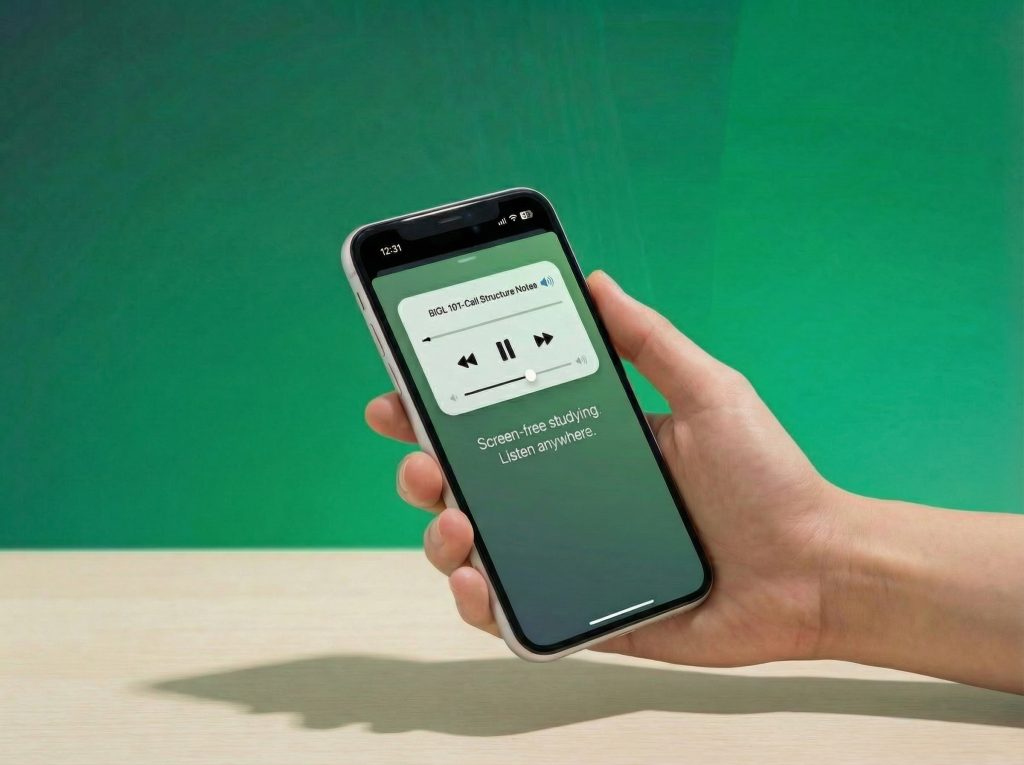
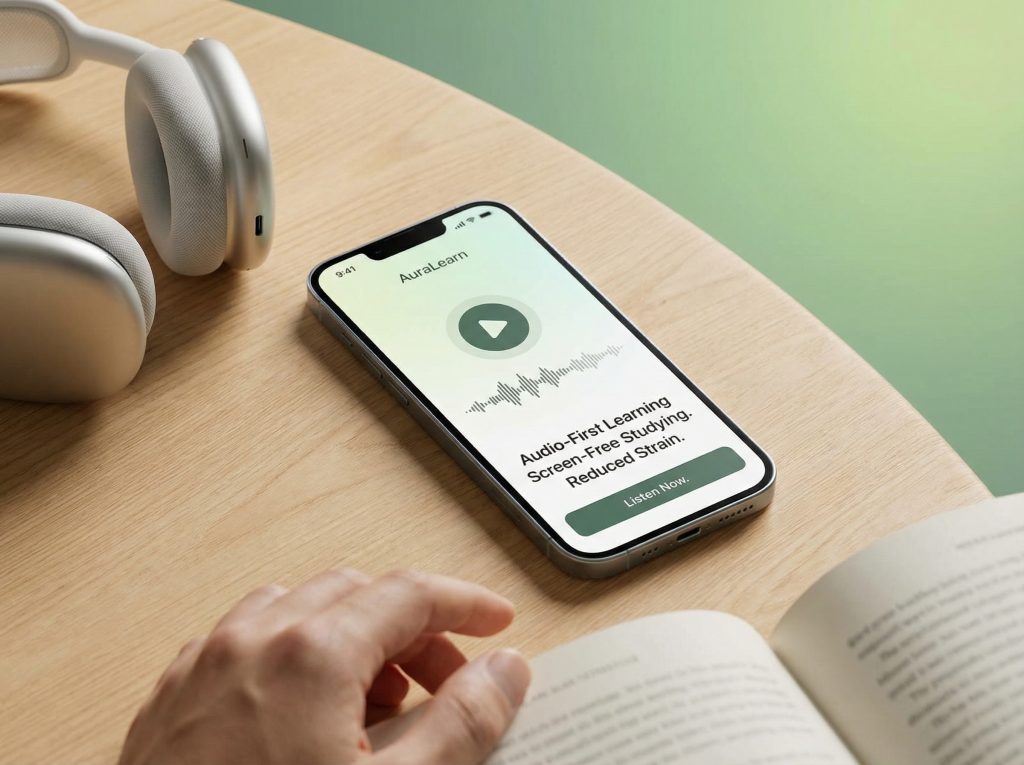
Students rely on audio instead of screens to:
- review notes before sleep
- study during migraines or visual fatigue
- access content without visual overload
For some students, TTS becomes the primary way they interact with academic material, not a secondary aid.
Why this helps learning
Research shows that TTS improves access, motivation, and self-efficacy for students with dyslexia, ADHD, and other learning challenges. Even students without disabilities report benefits from reduced cognitive and visual strain.
Best used when
- Experiencing eye strain or burnout
- Managing ADHD or dyslexia
- Needing flexible, low-effort review
Why Students Use The Speakr Text-to-Speech
1. Accessibility: Essential for students with dyslexia, ADHD, or visual stress.
2. Multitasking: Listen while walking, commuting, or exercising.
3. Retention: Auditory reinforcement enhances memory recall by ~20 % (EdTechReview 2024).
4. Focus: Converts passive reading into active listening with adjustable speed.
5. Language learning: Exposure to pronunciation and rhythm improves oral fluency.
Pro-tip: Save sessions for offline listening — ideal for commuters or visually impaired learners.