How to Use Text to Speech in the Classroom: A Practical Guide for Teachers
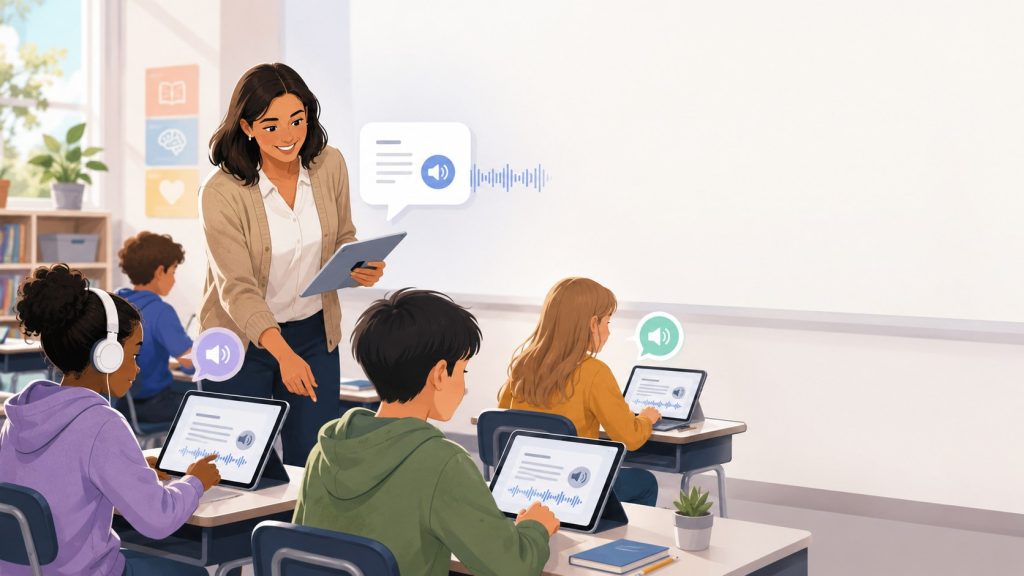
Text-to-speech has become a practical classroom tool for helping students access written content in a more flexible way. By converting digital text into spoken audio, it allows students to listen to lessons, worksheets, articles, PDFs, and other learning materials while following along with the text.
In the classroom, text-to-speech can support different learning needs and teaching goals. It may help students who struggle with decoding, make longer reading assignments easier to manage, support language learners, and give students another way to review their own writing. It can also be useful when the goal is to understand the subject matter rather than practice reading skills themselves.
However, text-to-speech is most effective when it is used with a clear purpose. Teachers need to consider when audio support helps students engage with the material and when independent reading practice should remain the priority.
This guide explains how to use text-to-speech in the classroom, where it can be most useful, and how teachers can integrate it into everyday learning activities without replacing the skills students are expected to develop.
Quick Answer: How Can Teachers Use Text to Speech in the Classroom?
Teachers can use text-to-speech to:
- turn digital reading materials into audio;
- read PDFs, worksheets, articles, and other documents aloud;
- let students listen while following along with the text;
- support students who have difficulty accessing written material;
- help students review their own writing by listening to it;
- practice pronunciation and learn unfamiliar vocabulary;
- make longer reading assignments easier to access;
- listen to online articles and research materials;
- provide appropriate reading accommodations for individual students.
The best approach is to match text-to-speech to the learning task rather than use it automatically for everything. TTS can be especially helpful when understanding the content is the main goal, while independent reading may be more appropriate when students are specifically practicing decoding or reading fluency.
What Is Text to Speech in Education?
Text-to-speech, commonly shortened to TTS, is technology that converts written digital text into spoken audio. Instead of reading everything on a screen, students can listen to the content while following along with the text or use audio as an alternative way to access learning materials.
Depending on the tool, students and teachers can use text-to-speech with:
- typed or pasted text
- web pages
- Word documents
- digital PDFs
- scanned PDFs
- photos of printed pages
- screenshots
- assignments and other digital learning materials
Some TTS tools read text that is already available digitally. Others also use optical character recognition (OCR) to detect and extract text from images, photos, screenshots, and scanned documents before converting it into speech.
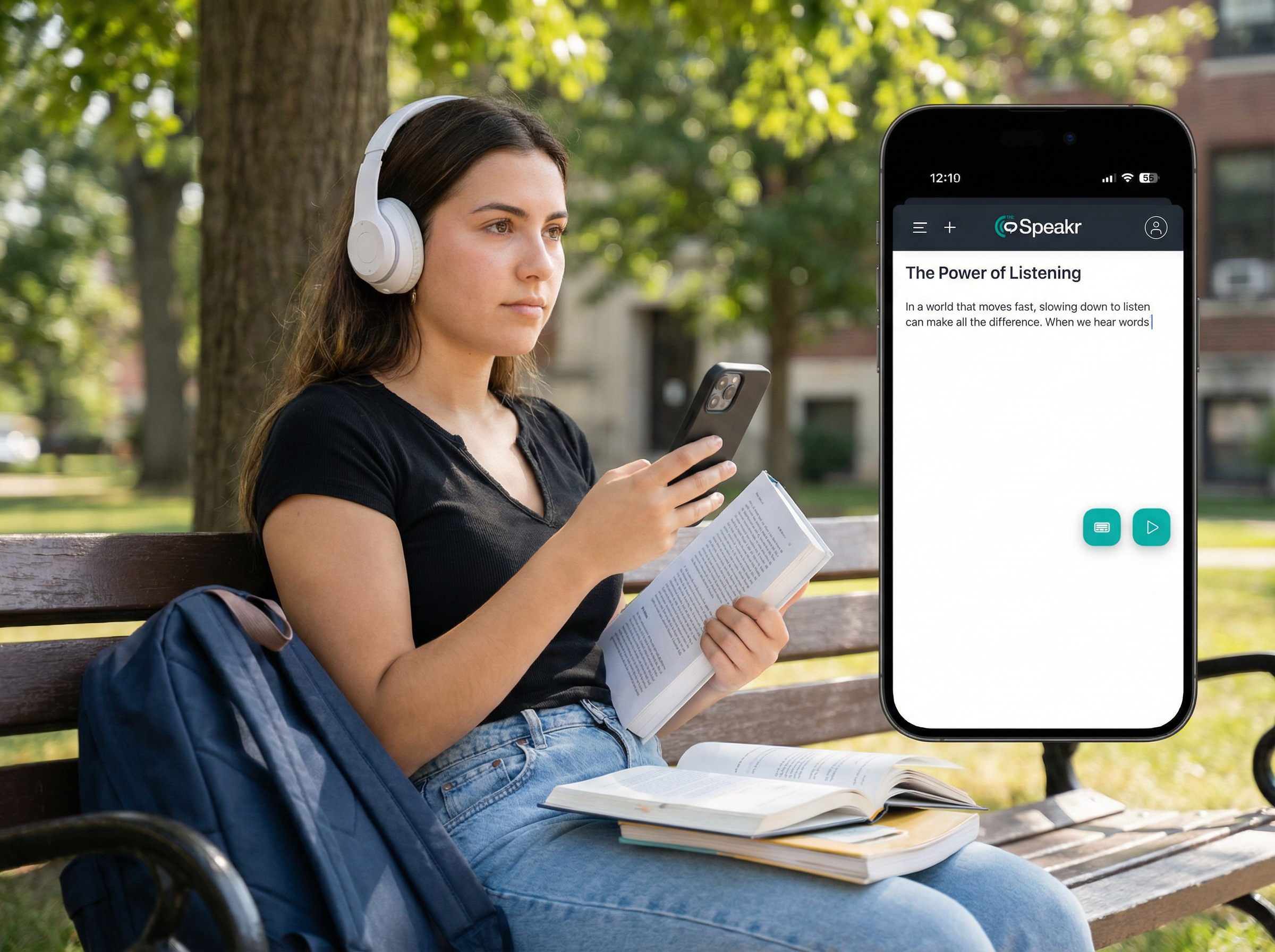
For example, TheSpeakr can turn pasted text, web pages, PDFs, Word documents, plain-text files, screenshots, photos, and scanned PDFs into spoken audio. Its OCR functionality makes it possible to extract text from image-based materials, while additional features such as multiple voices and playback controls give students more flexibility in how they listen. The platform also supports speech generation in more than 40 languages.
This flexibility makes text-to-speech useful across a range of classroom activities. However, how TTS should be used depends on the learning objective and the skills students are expected to practice.
9 Practical Ways to Use Text to Speech in the Classroom
1. Let Students Read and Listen at the Same Time
One of the simplest ways to use text-to-speech in the classroom is to let students listen while following along with the written text.
Depending on the TTS tool, the words or sentences being read aloud may also be highlighted on screen, helping students keep their place as they listen.
This approach can be particularly useful when students are working with:
- longer reading passages
- unfamiliar vocabulary
- dense informational texts
- material that is difficult to read independently
However, teachers should not assume that combining audio and text will automatically improve comprehension for every student.
Research suggests that the benefits of reading while listening can vary depending on the learner and how the activity is structured. A 2023 systematic review and meta-analysis of 30 studies involving 1,945 participants found only a small overall comprehension benefit for reading while listening compared with reading alone. The benefit was more apparent when the pace of reading was controlled rather than self-paced.
The practical takeaway is simple: use TTS when it helps students access and understand the material, but consider whether it is actually supporting the learning goal for that particular student and task.
2. Turn PDFs and Worksheets Into Audio
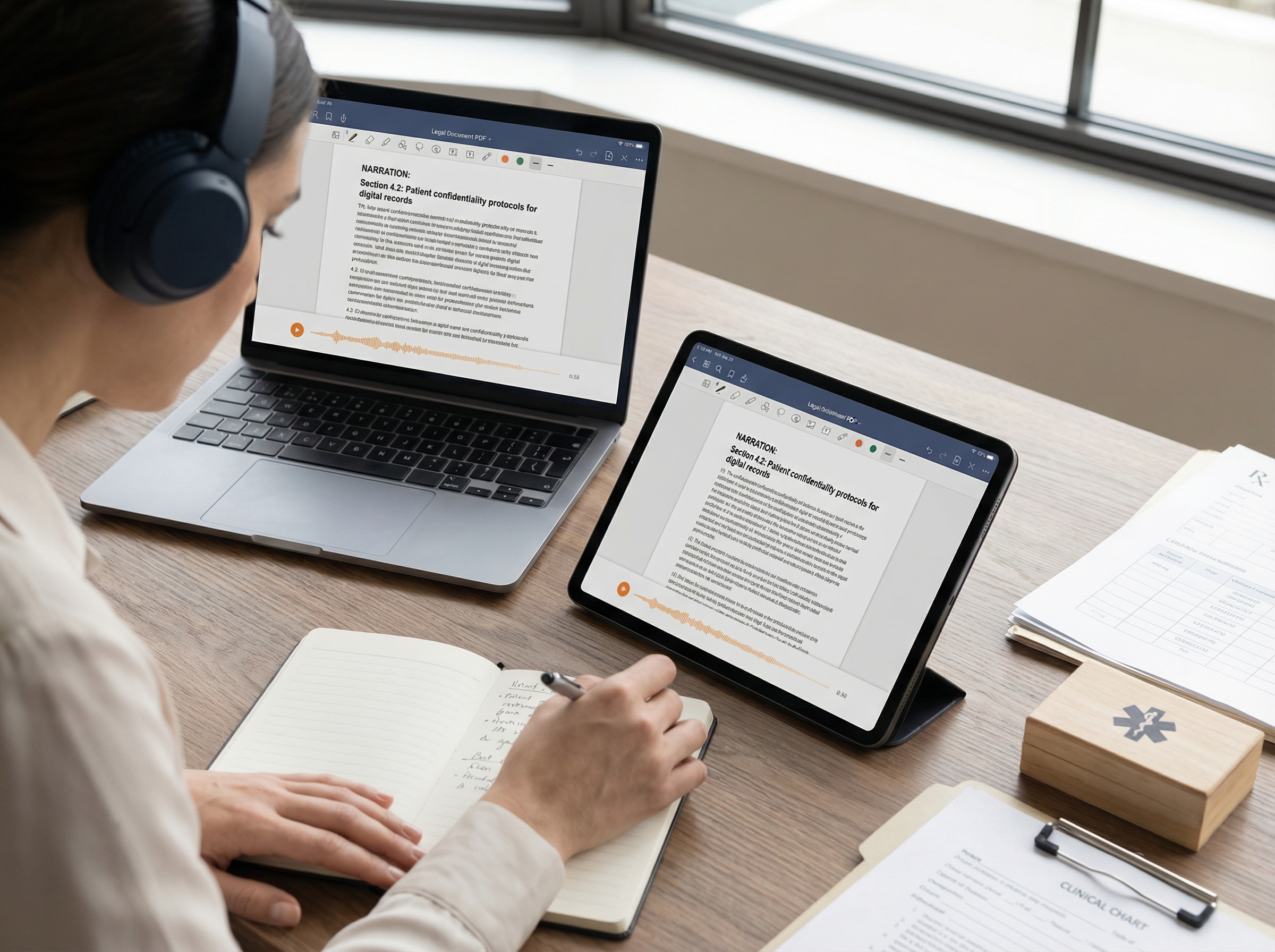
PDFs and worksheets are still widely used in education, but not every document contains text that a text-to-speech tool can read directly.
A digitally created PDF usually contains selectable text that can be processed by TTS software. Scanned worksheets, photocopied handouts, photographed book pages, and some image-based PDFs may contain text only as an image.
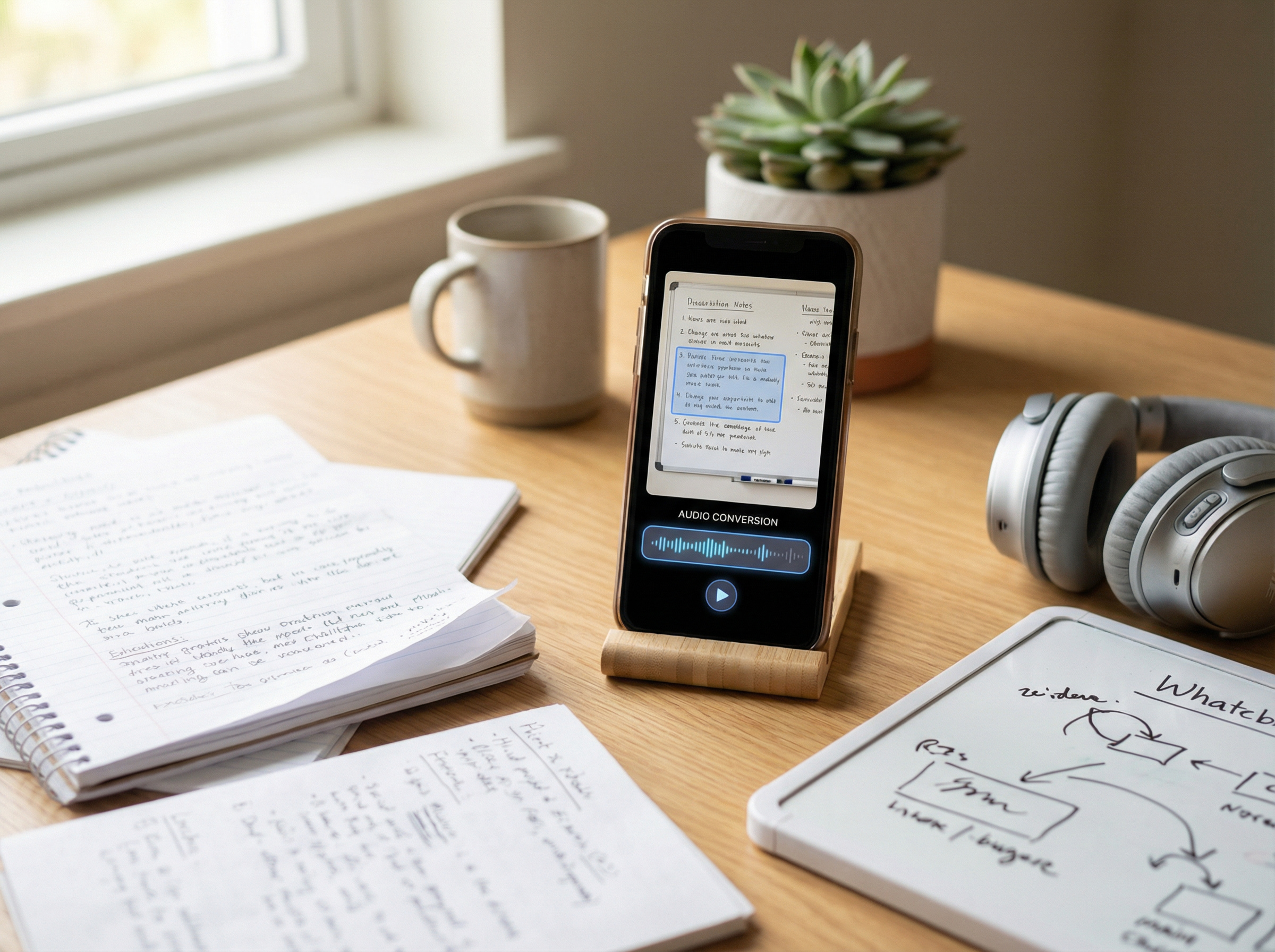
In these cases, teachers need a tool that supports optical character recognition (OCR). OCR detects text within an image or scanned document so that it can then be converted into speech.
For example, teachers can use TheSpeakr to upload PDFs, photos, screenshots, and scanned documents. When a file contains image-based text, OCR can extract the recognized text before converting it into spoken audio.
This can be useful for:
- scanned worksheets
- printed study guides
- older classroom handouts
- photographed textbook excerpts when their use is permitted
- image-based PDFs
- classroom notes saved as screenshots
Teachers should always review OCR-extracted text before using it for instruction. Recognition may be less accurate when documents contain poor-quality scans, unusual layouts, handwriting, tables, mathematical notation, or other complex formatting.
For this reason, OCR should be treated as a convenient way to make otherwise inaccessible text available to TTS, rather than as a guarantee that every part of a document will be reproduced perfectly.
3. Use TTS for Longer Reading Assignments
Students do not need to approach every reading assignment in exactly the same way. For longer or more demanding materials, text-to-speech can provide another way to work through the content without changing the learning objective.
TTS can be useful for:
- textbook chapters
- research papers
- background reading
- study notes
- review materials
- online articles
For example, a student might listen to a chapter once to understand the overall context, return to important sections in the written text, and then use notes or questions to check comprehension.
This is generally more effective than treating TTS as a passive “press play and finish the assignment” tool. Students benefit more when they have a clear purpose for listening.
Teachers can encourage active listening by asking students to:
- identify three key ideas or arguments
- pause after each section and summarize it
- write down unfamiliar vocabulary
- predict what might come next
- answer comprehension questions
- identify evidence that supports a claim
Text-to-speech changes how students access the material, but it does not replace the need to engage with, understand, and think critically about what they are learning.
4. Help Students Proofread Their Own Writing
Text-to-speech can also be a useful tool for reviewing and revising student writing.
When students read their own work, they may overlook mistakes because they already know what they intended to say. Listening to the text aloud can make awkward phrasing, missing words, repeated words or ideas, and punctuation issues easier to notice.
A simple classroom workflow might look like this:
- Write the first draft.
- Review and revise the content.
- Use TTS to listen to the draft.
- Mark any sentences or passages that sound unclear or unnatural.
- Make additional revisions.
- Read through the final version one more time.
This approach can be used with essays, reports, presentations, emails, creative writing, and many other types of assignments.
Text-to-speech should complement the normal revision process rather than replace instruction in grammar, organization, sentence structure, and editing. It gives students another way to evaluate how their writing sounds and identify areas that may need improvement.
5. Review Vocabulary and Pronunciation
Text-to-speech can help students hear how unfamiliar written words are pronounced, making it a useful tool for introducing or reviewing vocabulary.
For example, a teacher might create a list of subject-specific terms such as:
- Photosynthesis
- Ecosystem
- Biodiversity
- Precipitation
- Evaporation
Students can see each word in writing while listening to it spoken aloud. This can be especially useful when introducing new terminology, reviewing vocabulary before a lesson, or preparing multilingual learning materials.
Teachers can also encourage students to listen to unfamiliar words more than once and then practice saying them aloud. This adds an audio component to vocabulary review without requiring the teacher to record every word individually.
However, TTS pronunciation is not always perfect. The way a word is pronounced can vary depending on the selected voice, language, accent, proper noun, or specialized terminology. When accurate pronunciation is especially important, teachers should verify unfamiliar or technical terms using a reliable pronunciation source rather than relying on generated speech alone.
6. Support Some Students With Reading and Language Difficulties
Text-to-speech is often discussed as a support for students with dyslexia and other reading difficulties. However, its benefits should not be presented as universal. Different students may respond differently depending on their reading skills, language abilities, and the task.
A 2023 study examined children ages 8 to 12 with reading and language difficulties across five conditions: silent reading, reading aloud, listening only, TTS without highlighting, and TTS with highlighting. Overall, comprehension scores were significantly higher with TTS than without it, including compared with silent reading. However, the results also differed between groups. Students classified as having dyslexia only benefited more from TTS and listening than students who had both reading and language impairments.
The researchers concluded that TTS may be a useful tool for supporting reading comprehension, particularly for some students with dyslexia, while also noting that further research is needed.
That does not mean TTS will improve comprehension for every student with dyslexia, nor should it be treated as a replacement for reading instruction.
A more useful classroom approach is to consider questions such as:
- Does the student understand the material better when using TTS?
- Does TTS reduce a barrier to accessing the content?
- Can the student use the tool independently and appropriately?
- Is TTS included in an existing accommodation or support plan?
- Is decoding itself the skill being taught or assessed?
For students with disabilities who have an Individualized Education Program (IEP), assistive technology may also be part of their educational support. Under the Individuals with Disabilities Education Act (IDEA), IEP teams must consider whether a student needs assistive technology devices or services. When required for an individual student, assistive technology can be provided as part of special education, related services, or supplementary aids and services.
7. Provide Another Access Option for Classroom Research
Web research can create a different reading challenge from textbooks.
Students may move between:
- news articles;
- academic resources;
- reference pages;
- government websites;
- digital reports.
Some browsers and operating systems already provide built-in read-aloud features. A dedicated TTS tool can be useful when teachers need to move content from several formats into a more consistent listening workflow.
For example, TheSpeakr can extract readable content from a webpage URL and narrate it aloud.
A teacher could combine this with an active-research task:
Listen to the assigned article, identify its main claim, and record two pieces of evidence the author uses to support it.
The educational value comes from the research activity. TTS is simply the access method.
8. Create Audio Versions of Teacher-Prepared Materials
Online research can present a different reading challenge from traditional textbooks because students often need to move between multiple types of sources and formats.
These may include:
- news articles
- academic resources
- reference pages
- government websites
- digital reports
Some browsers and operating systems already include built-in read-aloud features. A dedicated text-to-speech tool can be useful when students need a more consistent way to listen to content from different sources.
For example, TheSpeakr can extract readable text from a webpage URL and convert it into spoken audio. This allows students to listen to online material without manually copying the entire article into a separate tool.
Teachers can combine TTS with an active research task, such as: listen to the assigned article, identify its main claim, and record two pieces of evidence the author uses to support it.
The key is to keep the focus on the research task itself. Text-to-speech provides another way to access the material, but students still need to evaluate the source, identify relevant information, and think critically about what they are reading or listening to.
9. Give Students More Than One Way to Access Information
Not every student needs text-to-speech, and students who benefit from it may not need it for every activity.
In many classrooms, a flexible approach is to give students appropriate options for accessing written material, such as:
- reading silently
- reading while listening
- using an approved text-to-speech tool
- using another accessible format when appropriate
The goal is not to have every student use TTS. Instead, it is to provide different ways to access information when those options support the learning objective and the needs of the individual student.
This approach aligns with Universal Design for Learning (UDL). CAST’s current UDL Guidelines emphasize providing multiple means of representation because no single way of presenting information is optimal for every learner. The guidelines also encourage access to accessible materials and assistive and accessible technologies that can support participation and progress in learning.
How to Use TheSpeakr for Classroom Materials
For teachers working with different types of classroom materials, TheSpeakr provides several ways to turn written content into spoken audio.
Option 1: Paste the Text
For short passages, instructions, vocabulary lists, or teacher-created material:
- Copy or type the text.
- Paste it into TheSpeakr.
- Select a voice and language.
- Adjust the playback settings if needed.
- Generate the speech and review the result.
Option 2: Add a Webpage URL
For online articles and other web-based reading materials:
- Copy the webpage URL.
- Paste it into TheSpeakr.
- Let the platform extract the readable content.
- Review the extracted text.
- Generate the audio.
Option 3: Upload a Document
For PDFs, Word documents, and plain-text files:
- Upload the document.
- Check that the text has been recognized correctly.
- Select the preferred voice and playback settings.
- Generate the speech and review the material before using it in class.
Option 4: Scan Text From an Image
For photographed handouts, screenshots, scanned pages, or image-based PDFs:
- Upload the image or scanned document.
- Let OCR detect and extract the visible text.
- Review the extracted text for recognition errors.
- Generate the speech.
TheSpeakr supports pasted text, webpage URLs, PDF and Word uploads, plain-text files, photos, screenshots, and scanned PDFs. Its OCR feature can extract text from image-based materials before converting it into speech.
This multi-format workflow can be useful when classroom materials come from several different sources rather than from a single application.
Important Note for K-12 Use
TheSpeakr’s current Terms of Service state that users must be at least 18 years old, or the applicable age of majority, to register for an account. Individuals under that age may use the service only with the involvement and consent of a parent or legal guardian, through that adult’s account.
TheSpeakr’s Privacy Policy also states that the service is not directed to anyone under 18 and that it does not knowingly collect personally identifiable information from children.
For that reason, this guide should not be interpreted as recommending independent TheSpeakr accounts for minor students.
For K-12 classroom use, teachers and schools should review TheSpeakr’s Terms of Service, Privacy Policy, district technology policies, and any applicable parental-consent requirements before incorporating the service into student activities. Where appropriate, teacher-operated use with school-approved materials may be preferable to asking students to create their own accounts.
Student Privacy: What Teachers Should Check Before Using TTS Software
Before uploading classroom materials to an online text-to-speech service, teachers should consider how the tool handles student information, not just how useful its features are.
Before using a TTS platform with student-related material, ask:
- Is the tool approved by the school or district?
- Does the document contain personally identifiable student information?
- What information does the service collect?
- Where is uploaded content processed or stored?
- How does the service use or retain uploaded data?
- Are student accounts required?
- What are the platform’s age requirements?
- Could an existing school-approved tool perform the same task?
The U.S. Department of Education recommends that teachers first check with their school or district administration before using an online educational service in the classroom, particularly when the service may receive personally identifiable information from students’ education records.
As a practical precaution, avoid uploading student names, grades, education records, or other sensitive student information to an unapproved TTS service. If classroom material contains student information, follow your school or district’s privacy and technology policies before submitting it to a third-party platform. Find out more.
A Simple Classroom TTS Checklist for Teachers
Before using text-to-speech in the classroom, ask:
- What is the learning objective?
- Is decoding or independent reading the skill being taught or assessed?
- Would audio remove an unnecessary barrier to accessing the content?
- Is the TTS tool approved for use by the school?
- Does the material contain personal or sensitive student information?
- Can the document be read directly, or does it require OCR?
- If OCR is used, have I reviewed the extracted text for errors?
- Is the selected voice clear and easy to understand?
- Is the playback speed appropriate for the student and task?
- Do students have a clear purpose or activity while listening?
- How will I check whether students understood the material?
- Did TTS actually improve access, understanding, or independence?
If these questions have clear answers, it becomes much easier to use text-to-speech intentionally rather than simply adding audio to every reading task.
Final Thoughts
Text-to-speech is most useful when it helps students access information without replacing the skill they are meant to practice.
Teachers should match TTS to the learning objective, choose appropriate materials, and consider whether listening actually improves access or understanding.
Frequently Asked Questions
What is text to speech used for in the classroom?
Text-to-speech can be used to read digital material aloud, provide audio access to PDFs and documents, support some accessibility needs, help students review their own writing, listen to longer assignments, work with unfamiliar vocabulary, and access online research.
Its role should depend on the instructional objective.
Is text to speech good for students?
It can be useful for some students and tasks, particularly when decoding difficulty prevents access to the information being taught.
Research involving children with reading and language difficulties suggests that TTS can support comprehension for some learners, but results vary and should not be generalized to every student.
Does text to speech help students with dyslexia?
TTS may help some students with dyslexia or other reading difficulties access written material, especially when the purpose of the task is understanding content rather than practicing decoding.
It is an assistive option, not a substitute for appropriate reading instruction or an individualized educational assessment.
Can text to speech read PDFs?
Yes, although the type of PDF matters.
A normal digital PDF may contain selectable text that a reader can process directly. A scanned PDF usually requires OCR before the text can be converted into speech.
TheSpeakr supports both document uploads and OCR for scanned PDFs.
Can text to speech read a worksheet from a photo?
A TTS tool with OCR can extract recognizable text from photographs or screenshots and then convert that text into speech.
Always review the recognized text because image quality and document layout can affect OCR accuracy.