Best Speechify Alternatives in 2026: 10 Text-to-Speech Apps Compared
Speechify is one of the most recognized text-to-speech apps on the market, but it is not the only option available. Whether you are looking for a more affordable reading app, better support for PDFs and scanned documents, a free text-to-speech tool, or a solution designed specifically for creators, there are several strong Speechify alternatives worth considering in 2026.
In this guide, we compare the best Speechify alternatives based on voice quality, pricing, document support, OCR capabilities, language availability, ease of use, and the type of user each tool is best suited for..
What Is Speechify?
Speechify is a popular text-to-speech app that turns written content into spoken audio. It is designed to help users listen to articles, emails, PDFs, documents, web pages, and other written materials instead of reading them on screen.
Speechify’s Main Features
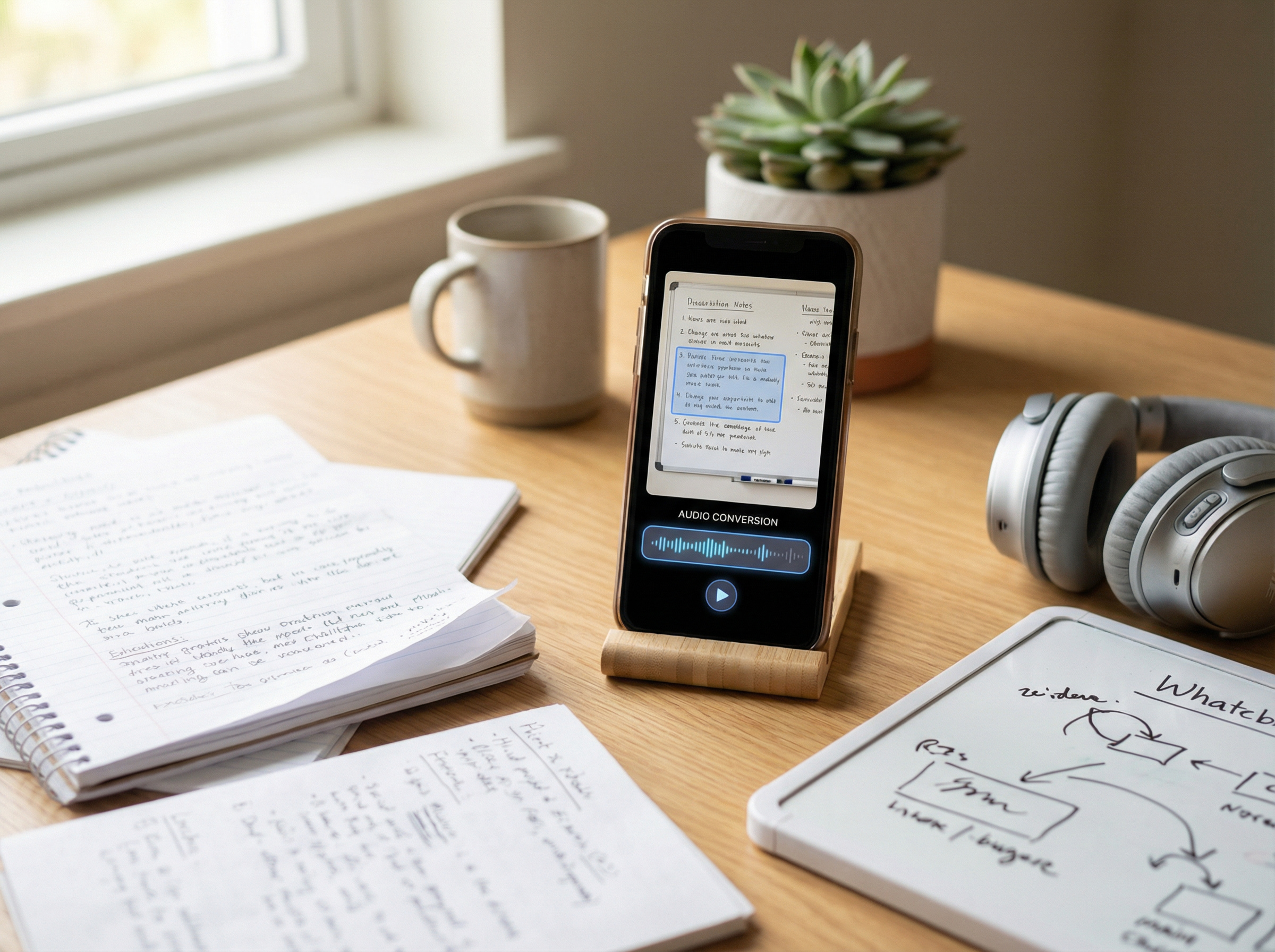
Speechify includes text-to-speech for PDFs, documents, copied text, and web pages. It also offers OCR for scanning printed pages or images, mobile apps, browser extensions, AI summaries, AI podcasts, voice typing, and a Voice AI Assistant.
This makes Speechify more than a basic TTS reader. It is positioned as a broader reading, productivity, and AI voice assistant platform.
Speechify Pricing in 2026
Speechify offers a free plan with basic text-to-speech features and limited voices. Its Premium plan is listed at $29 per month and includes higher-quality voices, more languages, faster listening speeds, Scan & Listen, AI summaries, chats, and related productivity features.
Compare Speechify Alternatives by Pricing, OCR, PDF Support, Languages, and Best Use Case
| Tool | Best for | Free plan | OCR / scan support | PDF / docs | Web URL reading | Mobile app | Pricing from |
| TheSpeakr | Affordable everyday TTS | Yes | Yes | Yes | Yes | Yes | From $7.99* |
| Speechify | Premium voice reading | Yes, limited | Yes | Yes | Yes | Yes | $29/mo |
| ElevenReader | Free AI reading | Yes | Limited / check | Yes | Yes | Yes | Free / future paid |
| NaturalReader | Students & accessibility | Yes | Yes | Yes | Yes | Yes | From ~$9.99/mo |
| Voice Dream Reader | iOS reading control | No / paid app | Limited | Yes | Yes | iOS | One-time / app pricing |
| Murf AI | Voiceovers | Limited | No | Text/scripts | No | Web | From ~$19/mo |
| Amazon Polly | Developers | AWS free tier | No | API-based | No | API | Pay-as-you-go |
| Balabolka | Free Windows TTS | Yes | No | Yes | No | Windows | Free |
| ReadSpeaker | Web accessibility | Limited | No | Web-focused | Yes | Browser | Paid |
| Descript | Audio/video editing | Yes | No | Scripts | No | Desktop/web | Paid |
The 11 Best Speechify Alternatives in 2026
1. TheSpeakr: Best Affordable Speechify Alternative for Everyday Reading
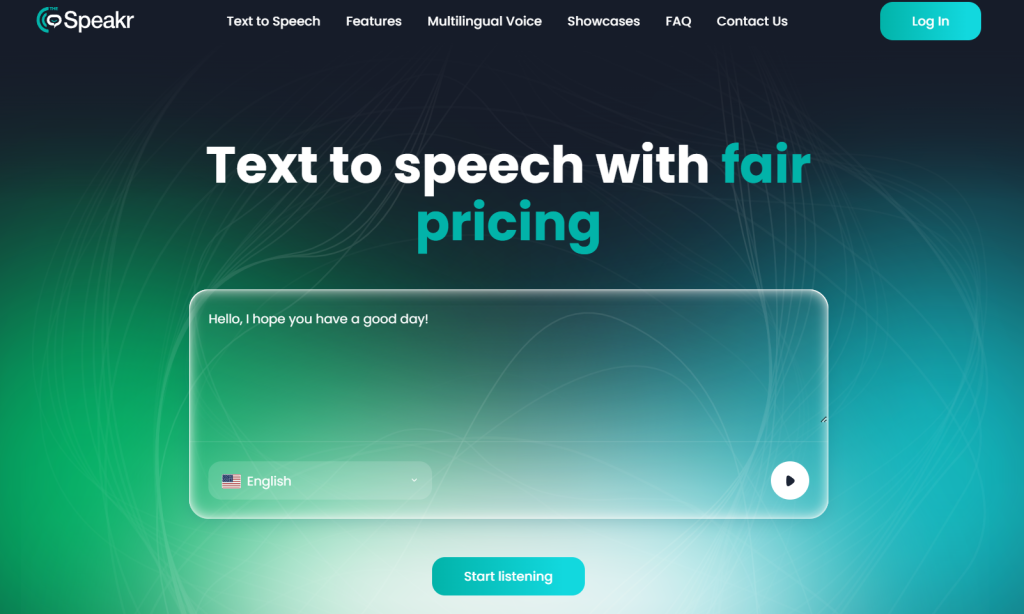
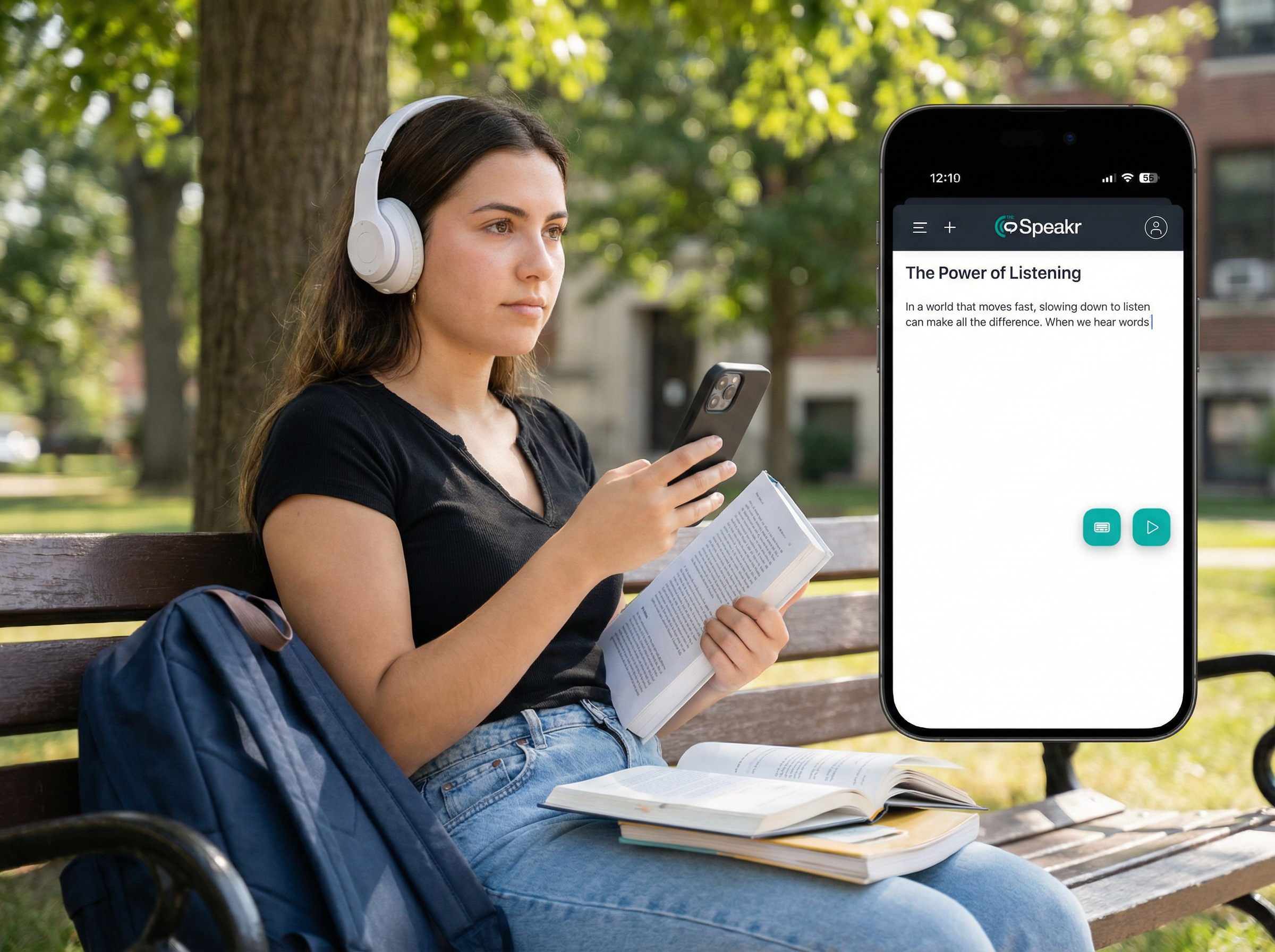
TheSpeakr is one of the best affordable Speechify alternatives for users who want a simple and practical text-to-speech app for everyday reading. It is especially useful for students, researchers, casual readers, accessibility users, and anyone who needs to listen to PDFs, web pages, documents, copied text, images, or scanned content.
What makes TheSpeakr a strong alternative is its focus on value and ease of use. It supports browser and mobile reading, OCR for image-to-speech, URL reading, PDF and Word document uploads, text input, and more than 40 languages. This makes it a flexible option for people who want to turn different types of written content into audio without a complicated setup.
TheSpeakr stands out for its fair pricing, simple interface, and fast everyday reading workflows. It is a strong choice if you want a cost-effective tool for listening to articles, study materials, research papers, documents, or scanned pages.
2. ElevenReader: Best for AI Reading
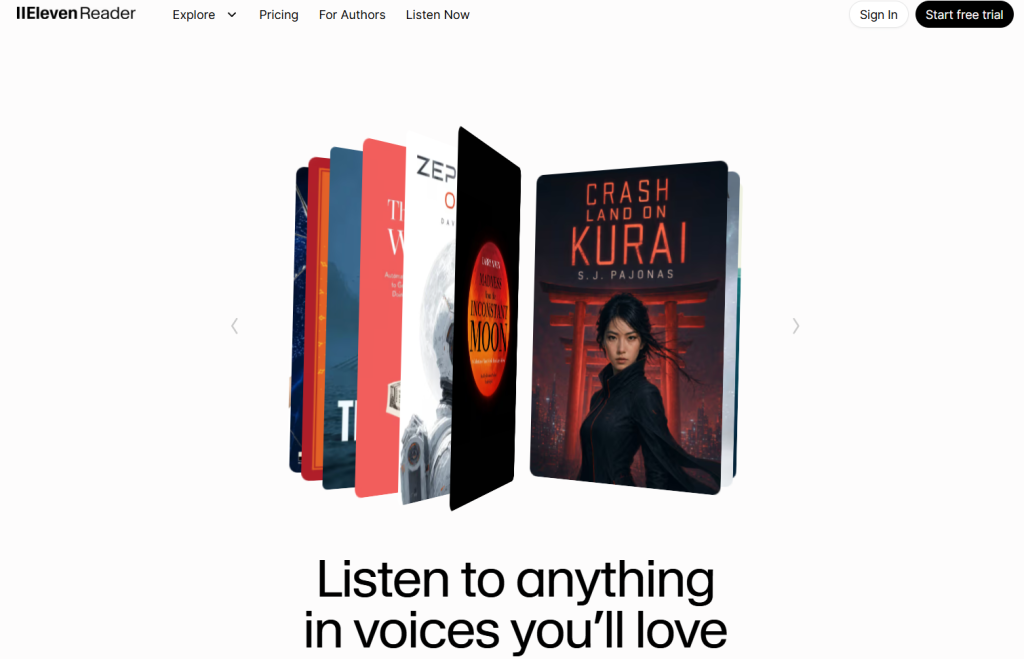
ElevenReader is a strong alternative for users who want high-quality AI reading with a free plan to get started. It is built around listening to written content with natural-sounding AI voices, making it a good option for casual readers, students, and people who want a simple mobile reading experience.
Pros:
ElevenReader offers impressive AI voice quality, a reading-first interface, and strong mobile usability. Its guide to free Speechify alternatives highlights a generous free tier, 800+ AI voices, syncing across iOS, Android, and Chrome, and file imports for web articles, PDFs, and ePubs. This makes it a good choice for users who want to listen to articles, PDFs, books, or long-form text without immediately paying for a premium text-to-speech app.
Cons:
ElevenReader may feel less straightforward for users who want a very simple, no-setup reading app. As noted in ElevenReader’s guide to free Speechify alternatives, one of its main weaknesses is the learning curve created by more advanced settings. These customization options can feel a bit overwhelming at first, especially for casual users who only want to quickly listen to articles, PDFs, books, or long-form text without adjusting playback, highlighting, or reading preferences in detail.
3. NaturalReader: Best for Students and Accessibility
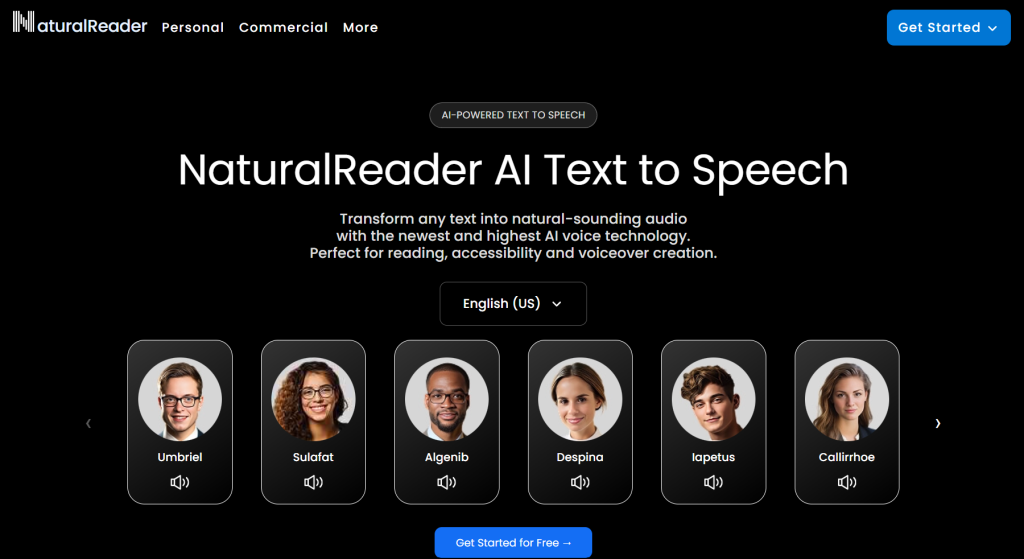
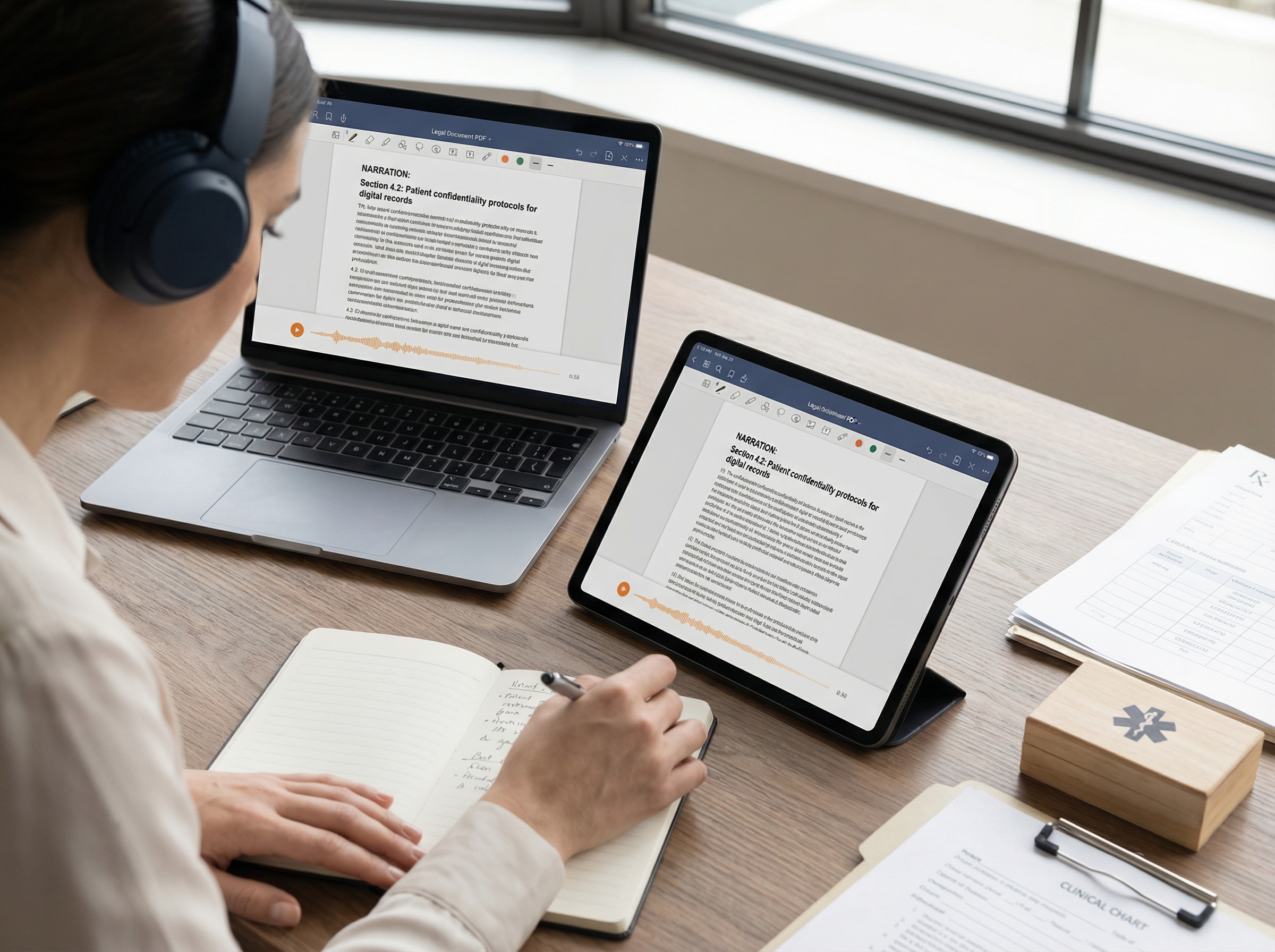
NaturalReader is one of the most established Speechify alternatives for students, educators, and accessibility users. It supports text-to-speech for documents, PDFs, web pages, and learning materials, making it useful for studying, proofreading, and reading support.
Pros:
NaturalReader is strong for students, dyslexia support, PDF reading, OCR, text highlighting, and accessibility-focused reading. Speaktor’s Speechify alternatives roundup describes NaturalReader as a text reader that can read text, PDFs, eBooks, and web pages aloud, while also offering OCR for scanned documents and images. This makes it a reliable choice for users who need help following along with written content or listening to study materials.
Cons:
Some of NaturalReader’s best voices and advanced features are available only on paid plans. ElevenReader’s comparison describes the free plan as restrictive and notes that more natural voices are paywalled. Speaktor’s roundup also mentions occasional glitches or inaccuracies and limited support channels. The platform can also feel more traditional compared with newer AI-first reading apps.
4. Voice Dream Reader: Best for iPhone and iPad
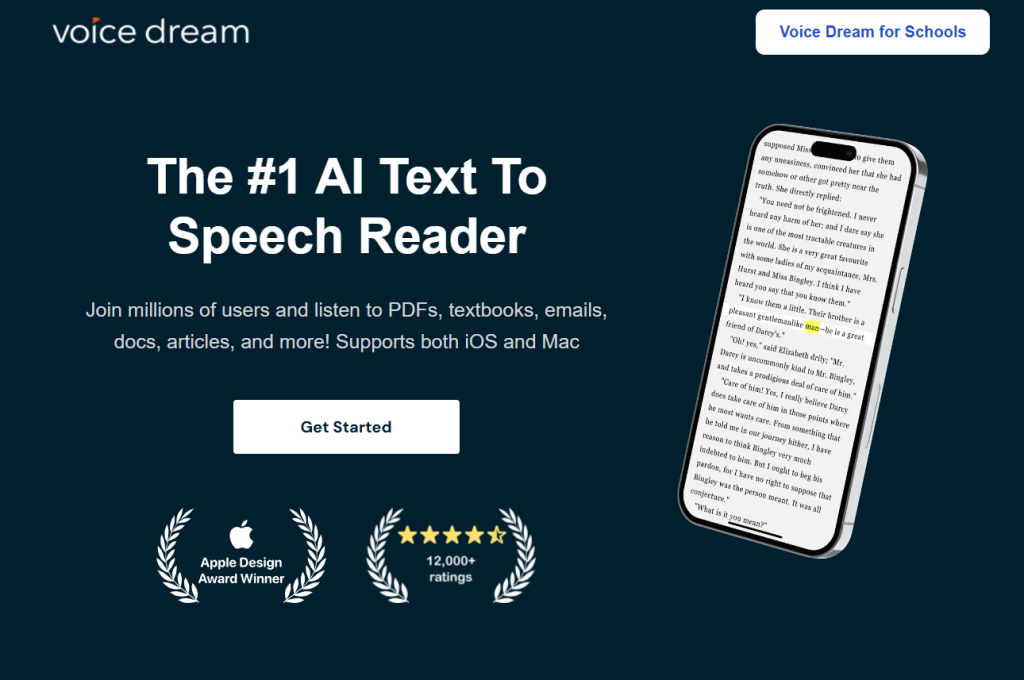
Voice Dream Reader is a strong Speechify alternative for iPhone and iPad users who want a dedicated mobile reading app. It is especially useful for people who prefer listening to documents, articles, books, and PDFs on Apple devices.
Pros:
Voice Dream Reader offers offline reading, custom pronunciations, document support, highlighting, and strong playback controls. Vapi’s review highlights detailed control over speed, pitch, emphasis, and custom pronunciations, plus offline use after voices are downloaded. Speaktor’s roundup also notes document format support and speed controls. It is a practical option for students, accessibility users, and anyone who wants more control over their listening experience on iOS.
Cons:
Voice Dream Reader is best suited for Apple users. It may not be ideal for people who need Android support, a browser-based workflow, or a modern cross-platform AI reading experience. Vapi and Speaktor both point to the Apple-only limitation, while Speaktor also flags that some voices may be less natural without additional purchases.
5. Murf AI: Best for Professional AI Voiceovers
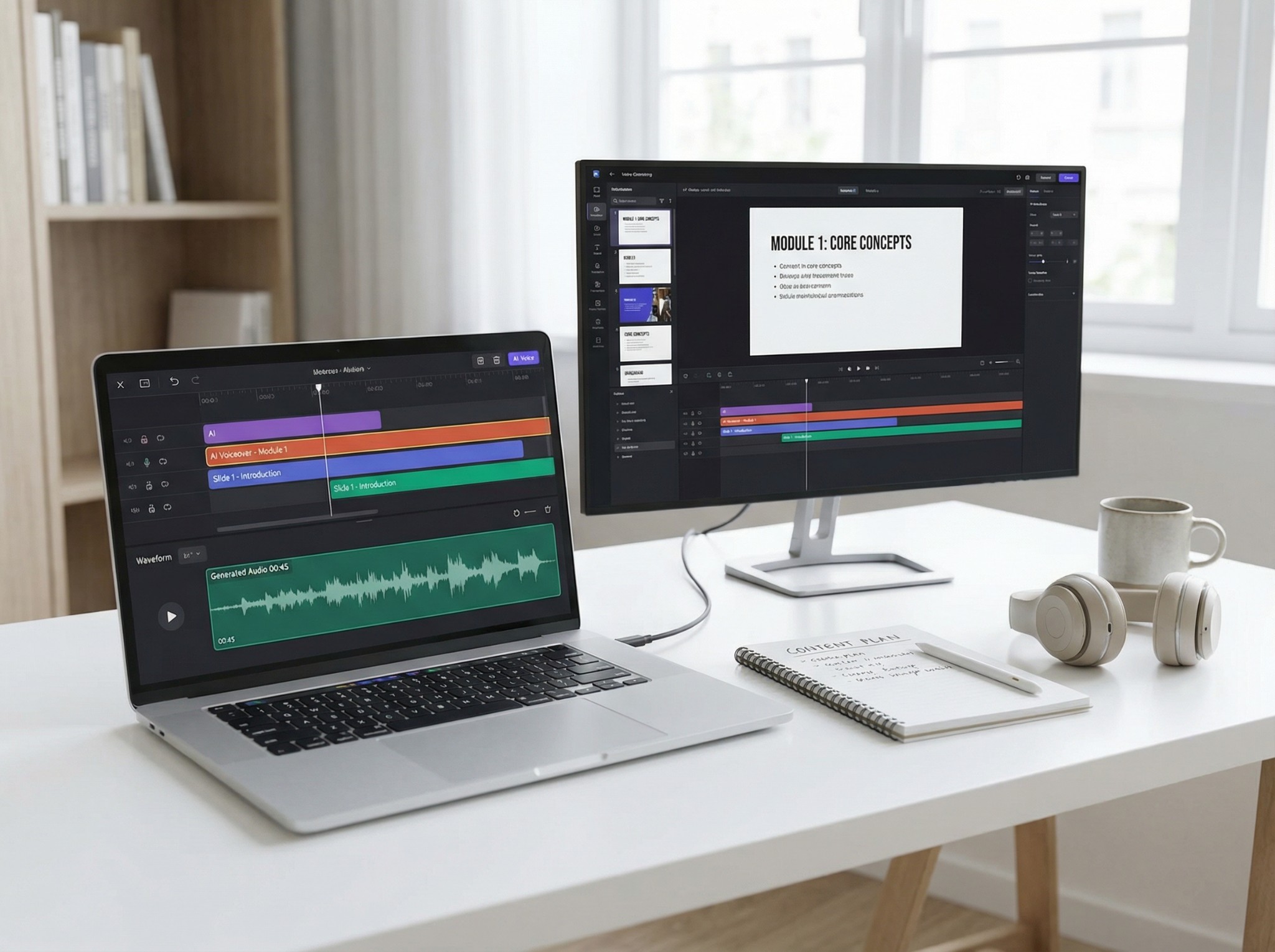
Murf AI is not a direct read-aloud competitor to Speechify, but it is a strong alternative for users who need professional AI voiceovers. It is built for creating polished audio for videos, ads, presentations, podcasts, training materials, and business content.
Pros:
Murf AI is a strong Speechify alternative for users who need content production features rather than a simple read-aloud tool. PC Tech Magazine’s Speechify alternatives guide describes Murf AI as best suited for voiceovers and presentations, highlighting its AI voice generation for training videos, ads, presentations, podcasts, and other polished media. The same guide notes that Murf AI offers 200+ voices, 35+ languages, voice editing controls, and a voiceover workflow designed for presentations and video. This makes it a strong choice for creators, marketers, educators, and business teams that need finished audio instead of everyday document reading.
Cons:
Murf AI is less suitable for everyday reading because its workflow is designed more for content creation than personal listening. ElevenReader’s guide to free Speechify alternatives describes Murf AI as a tool for users who need studio-style narration, advanced editing, voice customization, and voice cloning. It also notes that its free plan offers only 10 minutes of voice generation, which may work for small projects like short explainer videos or product demos, but is unlikely to be enough for users who want to listen to PDFs, articles, web pages, or longer documents on a regular basis.
6. ElevenLabs: Best for Realistic AI Voice Generation
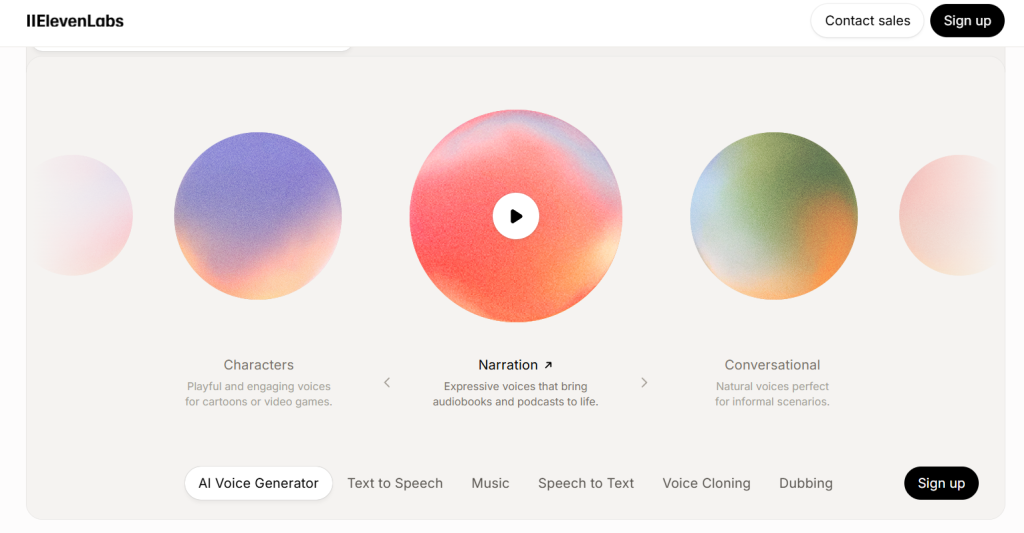
ElevenLabs is one of the best Speechify alternatives for realistic AI voice generation. It is especially useful for creators working on audiobooks, dubbing, narration, character voices, multilingual audio, and professional spoken content.
Pros:
ElevenLabs stands out for voice realism, expressive AI speech, voice cloning, multilingual generation, and advanced creator tools. ReadLoudly highlights human-like voices, voice cloning, multilingual support, and dubbing, while Maestra points to context-aware voices, emotional range, AI dubbing, and Voice Design. It is a strong option for users who care about natural-sounding, production-quality audio.
Cons:
ElevenLabs may not be the best fit for users who mainly want a simple app for listening to PDFs, articles, documents, or study materials. PC Tech Magazine’s Speechify alternatives guide positions ElevenLabs around realistic AI voice generation, expressive speech, and voice cloning, which makes it more relevant for creators, developers, and advanced audio projects than for everyday reading. For users who only need a straightforward text-to-speech reader, this production-focused feature set may feel more advanced than necessary.
7. Amazon Polly: Best for Developers
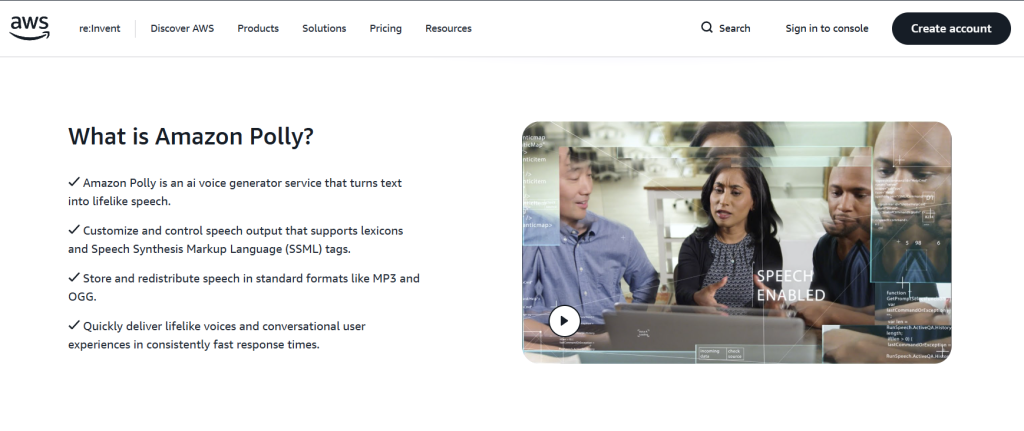
Amazon Polly is a cloud-based text-to-speech service designed for developers and businesses. Instead of being a consumer reading app, it provides APIs that let teams add speech generation to websites, apps, products, and internal tools.
Pros:
Amazon Polly is scalable, developer-friendly, and suitable for building custom text-to-speech experiences. It offers neural voices, API access, and strong integration with the AWS ecosystem. Cartesia’s Speechify alternatives guide positions Polly around language support, MP3/OGG output formats, and a robust developer API, while WP Login Lockdown lists Amazon Polly as a fit for app developers.
Cons:
Amazon Polly is not ideal for non-technical users. It does not provide the same simple reading experience as apps like Speechify or TheSpeakr, and setup usually requires development knowledge. Cartesia’s comparison notes that Polly requires technical expertise and familiarity with cloud services, and that customization is more limited than some creator-focused tools.
8. Balabolka: Best Free Windows Alternative
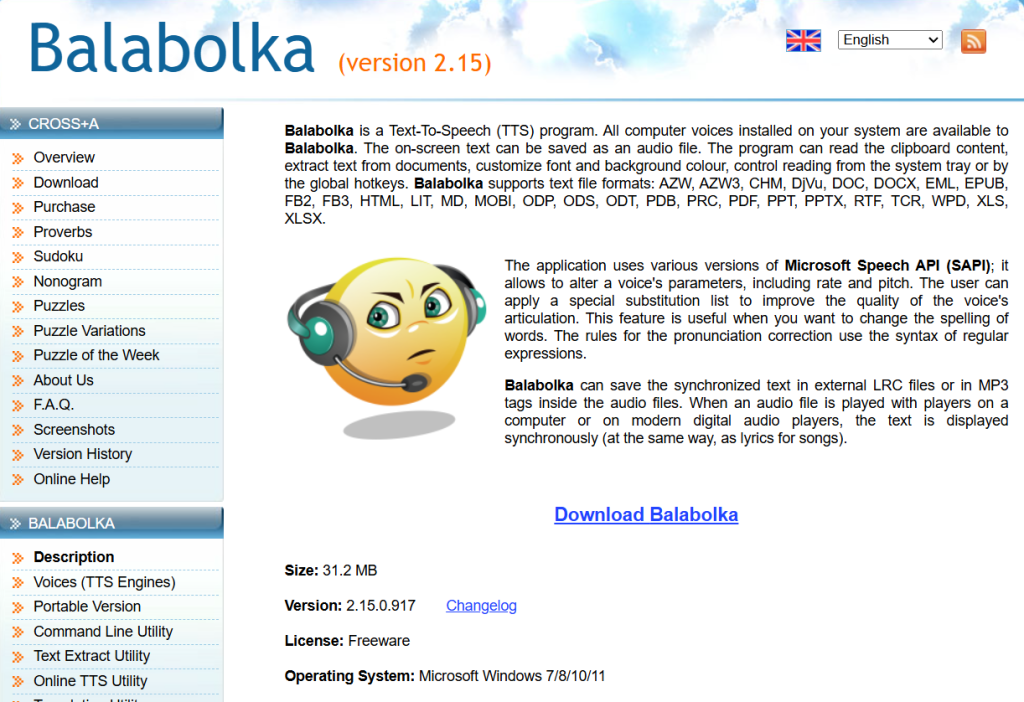
Balabolka is a free text-to-speech app for Windows users. It is a practical choice for people who want a no-cost desktop tool for reading text aloud and converting written content into audio files. Other Speechify alternatives roundups describe it as an offline, Windows-first option, including.
Pros:
Balabolka is free, lightweight, and useful for Windows users who want basic text-to-speech functionality. It supports voice customization, reading controls, and audio export, making it a flexible offline-style option. ElevenReader’s guide highlights that it is completely free, works offline, supports many file formats, and can export MP3/WAV/OGG files
Cons:
Balabolka is less suitable for users who want a modern, cross-platform text-to-speech app. ElevenReader’s guide to free Speechify alternatives notes that Balabolka is Windows-only, has a dated interface, and that voice quality can vary depending on the voices installed on the user’s system. Because of this, it may not be the best choice for people who need mobile apps, browser-based reading, or a more polished AI voice experience.
9. ReadSpeaker: Best for Website Read-Aloud Accessibility
ReadSpeaker is a strong option for businesses, publishers, schools, and public organizations that want to add read-aloud functionality directly to their websites. It is more of a web accessibility solution than a personal reading app.
Pros:
ReadSpeaker is useful for improving website accessibility, supporting users who prefer listening, and adding text-to-speech to online content without requiring visitors to install an app. Vapi describes it as strong for messy websites, browser reading, targeted page sections, and 45 languages, while Listnr highlights browser-first handling of ad-heavy or dynamic pages. It is a good fit for organizations that want a professional web reader.
Cons:
ReadSpeaker is not designed as a personal Speechify replacement for reading PDFs, scanned documents, or private files. It is better suited for website owners than individual users. Vapi and Listnr both point to a browser-focused, internet-dependent workflow rather than a standalone document-reader setup.
10. Descript: Best for Editing Audio and Video with AI Voices
Descript is a strong alternative for users who need to edit audio and video with AI-powered tools. It is especially useful for podcasters, video creators, marketers, educators, and teams that work with recorded content.
Pros:
Descript combines transcription, audio editing, video editing, AI voices, voice generation, and content production tools in one platform. ReadLoudly highlights text-based audio editing, voice cloning, filler-word removal, transcription, and studio sound, while Cartesia frames Descript as an all-in-one audio/video editor with TTS capabilities. It is a great choice for users who want to create, edit, and polish spoken content.
Cons:
Descript is not primarily a text-to-speech reading app. If your goal is to listen to PDFs, articles, web pages, or documents, it may offer more editing features than you actually need. ReadLoudly notes a learning curve and potentially overwhelming interface, while Cartesia says Descript is more oriented toward full audio/video editing than pure TTS conversion.
How to Choose the Best Speechify Alternative
The best app depends on what you need text-to-speech for. If your main goal is everyday reading, choose a tool that supports PDFs, web pages, documents, images, and scanned files. For this use case, TheSpeakr is a strong option because it focuses on simple, affordable, and practical reading workflows.
If you need a free AI reading app, ElevenReader is worth considering. If accessibility, dyslexia support, or student use is your priority, NaturalReader and Voice Dream Reader are also strong choices. For professional voiceovers, audiobooks, videos, or creator content, tools like Murf AI, ElevenLabs, and Descript may be a better fit.
Before choosing, compare each tool by pricing, voice quality, supported file types, OCR, mobile access, language support, and ease of use. A good Speechify alternative should match your actual workflow, not just offer the largest number of features.
Final Verdict: What Is the Best Speechify Alternative?
The best overall Speechify alternative for everyday reading is TheSpeakr. It is a practical choice for users who want an affordable text-to-speech app for PDFs, web pages, documents, images, scanned content, and multilingual reading.
TheSpeakr stands out because it focuses on value, simplicity, and real reading needs. It is especially useful for students, researchers, professionals, accessibility users, and anyone who wants to turn written content into audio without a complicated setup.
Frequently Asked Questions
What is the best Speechify alternative?
The best Speechify alternative depends on your use case. TheSpeakr is a good option for affordable everyday reading, especially for PDFs, web pages, documents, and image-to-speech. ElevenReader is a strong choice for free AI reading, while Murf AI and ElevenLabs are better suited for professional voiceovers and creator workflows.
What is the best Speechify alternative for students?
For students, the best option is usually a tool that supports PDFs, documents, web pages, highlighting, and mobile listening. NaturalReader is a strong choice for study and accessibility use, while Voice Dream Reader is useful for iPhone and iPad users who want detailed playback controls. TheSpeakr can also be a practical option for students who want an affordable way to listen to study materials, research papers, and scanned content.
Can text-to-speech apps help with proofreading?
Yes. Listening to written content can make it easier to catch awkward sentences, repeated words, missing punctuation, or unclear phrasing. This can be useful for students, writers, marketers, and professionals who review a lot of text. A basic reader may be enough for proofreading, but playback speed control and natural voices can make the process more comfortable.
Is offline reading important in a text-to-speech app?
Offline reading matters if you travel often, study without stable internet, or want to listen without relying on cloud access. Some apps allow offline use after downloading voices or files, while others need an internet connection for AI voices or document processing. If offline access is important, check this before choosing an alternative.