What Is Text to Speech (TTS)? How It Works, Uses, and Examples
Text-to-speech, or TTS, is technology that converts written text into spoken audio. Instead of reading content on a screen, users can listen to it through a computer, smartphone, tablet, or dedicated text-to-speech application.
Today, TTS is used in a wide range of situations, from listening to articles and documents to improving digital accessibility, supporting language learning, reviewing written work, and creating spoken versions of online content. Modern tools can often process more than simple typed text, including PDFs, webpages, Word documents, screenshots, and scanned pages.
Although the basic idea is simple, text-to-speech technology involves several steps behind the scenes, including text processing, pronunciation modeling, and speech synthesis. Newer systems can also produce increasingly natural voices with different languages, accents, speaking styles, and playback options.
What Does Text-to-Speech Mean?
TTS stands for text-to-speech, a technology that automatically converts written text into spoken audio. The World Wide Web Consortium (W3C) similarly defines text-to-speech as the automatic generation of speech output from text or annotated text input. [1]
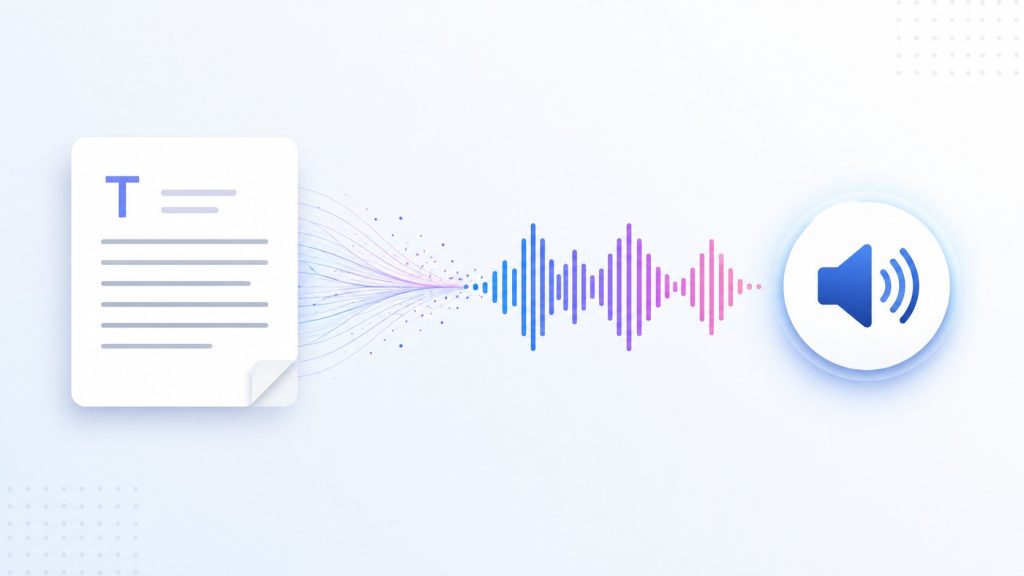
The basic relationship is simple:
Written text → Text-to-speech system → Spoken audio
For example, if the input is:
Your appointment is at 2:30 PM on Friday.
A TTS system processes the sentence and generates spoken audio, allowing the user to listen to the information instead of reading it on a screen.
Text-to-speech is closely related to speech synthesis, although the terms are not always identical. Speech synthesis is the broader process of generating artificial speech, while TTS specifically refers to systems that use written or annotated text as their input. The W3C makes this distinction in its Speech Synthesis Markup Language (SSML) specification. [1]
Today, TTS is used in many different applications. It can read text pasted into an app, narrate webpages and documents, provide spoken directions in navigation systems, support accessible reading experiences, or generate narration for digital content.
It is also useful to distinguish TTS from several related technologies:
- Speech recognition converts spoken language into text or commands.
- Transcription creates a written record of spoken audio.
- Screen readers are assistive technologies that help users navigate and interact with digital interfaces, often using TTS to produce spoken output.
- Voice cloning creates a synthetic voice designed to resemble a particular person’s voice.
These technologies can work together, but they perform different functions. At its core, text-to-speech has one primary job: turn written text into speech that can be heard.
How Does Text-to-Speech Work?
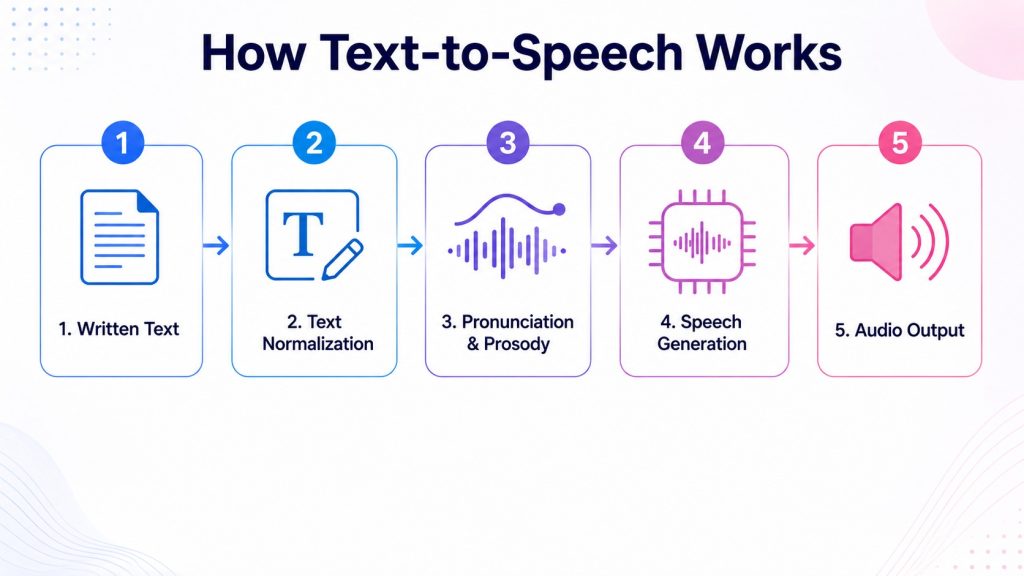
Text-to-speech systems can work in different ways depending on the technology behind them, but the basic process is similar. Written text is first prepared and interpreted, then converted into speech that can be played through a device or saved as an audio file.
At a high level, the process typically involves five stages:
- The system receives or extracts the text.
- The text is processed and interpreted.
- The system determines how the text should be pronounced and spoken.
- A speech-synthesis model generates the audio.
- The resulting speech is played, streamed, or saved.
The technology behind these stages can vary significantly between traditional and modern TTS systems, so this is best understood as a simplified overview of how text becomes speech.
1. The System Receives the Text
The process begins with written text. In the simplest case, a user types or pastes text directly into a text-to-speech application.
However, text can also come from other sources. A TTS tool may process a document, extract readable content from a webpage, or work alongside optical character recognition (OCR) technology to obtain text from an image or scanned page.
Before standard TTS processing can begin, the content needs to be available as machine-readable text. For example, a scanned worksheet or photograph of a printed page may contain visible words, but those words are stored as part of an image rather than as digital text.
In that situation, OCR first identifies and extracts the words from the image. The resulting text can then be processed by the text-to-speech system and converted into spoken audio.
2. The Text Is Normalized and Interpreted
Once the system receives the text, it needs to determine how that text should actually be spoken. Written language contains numbers, abbreviations, symbols, dates, and other elements that cannot always be read exactly as they appear on the screen.
Consider this sentence:
Dr. Smith paid $12.50 on 8/16/2026.
For US English, a TTS system might interpret it as:
Doctor Smith paid twelve dollars and fifty cents on August sixteenth, twenty twenty-six.
This process is commonly known as text normalization. It converts written forms into words and expressions that can be pronounced naturally.
A TTS system may need to interpret:
- numbers
- dates and times
- currencies
- measurements
- abbreviations
- acronyms
- punctuation
- website addresses
- email addresses
- proper names
- words with more than one possible pronunciation
Context plays an important role. For example, “Dr.” usually means “Doctor” when it appears before a person’s name, but the same letters may have a different meaning in another context. Similarly, “US” may refer to the United States, while “us” is an ordinary English pronoun.
Modern TTS systems use the surrounding text to determine the most likely interpretation before generating speech. The more accurately this stage is handled, the more natural and understandable the final audio is likely to sound.
3. Pronunciation and Prosody Are Planned
Once the system understands what needs to be spoken, it has to determine how it should sound.
Pronunciation is only one part of this process. Natural speech also contains prosody, which includes elements such as rhythm, stress, timing, pauses, and intonation.
Compare:
You’re coming.
with:
You’re coming?
The words are almost identical, but the intonation can change the meaning.
A good TTS system therefore needs to model more than individual sounds. It must consider the structure and context of a sentence so that the output does not sound like a flat sequence of unrelated words.
Some systems and developer platforms also support Speech Synthesis Markup Language (SSML). The W3C SSML standard provides ways to control aspects of synthesized speech such as pronunciation, pitch, speaking rate, and volume. [1]
4. The Speech Is Generated
This is the stage where some of the biggest technological advances in text-to-speech have taken place.
Earlier TTS systems often relied on concatenative synthesis, which combined prerecorded fragments of human speech, or on statistical parametric synthesis, which generated speech using statistical models. Neural approaches introduced new ways to learn the relationship between text and speech directly from training data. [2][3]
One influential neural architecture was Tacotron 2, introduced by Google researchers. The system first converts text into a mel spectrogram, a representation of the acoustic characteristics of speech. A modified WaveNet vocoder then converts that spectrogram into the final audio waveform. [2]
WaveNet itself was introduced by DeepMind in 2016 as a generative model capable of modeling raw audio waveforms one sample at a time. Its approach represented an important shift away from earlier methods that depended heavily on prerecorded speech fragments or conventional vocoders. [3]
However, Tacotron 2 represents only one approach to neural speech synthesis. Modern TTS systems do not all follow the same text-to-spectrogram-to-vocoder pipeline.
More recent research has explored neural audio codecs and language-model-based speech generation. Microsoft’s VALL-E, for example, represents speech using discrete codes produced by a neural audio codec and treats text-to-speech generation as a conditional language-modeling task rather than predicting a continuous spectrogram representation. [4]
The important point is that there is no single architecture behind all modern text-to-speech systems. Different models may represent and generate speech in different ways, even though the user ultimately experiences the same basic result: written text becomes spoken audio.
5. The Audio Is Played or Exported
Once the speech has been generated, the final audio needs to be delivered to the user.
Depending on the TTS system, synthesized speech can be:
- played immediately through a device
- streamed in real time
- used within an application or digital interface
- added as narration to other content
- saved as an audio file for later use
The available options depend on the TTS tool. Some systems are designed primarily for real-time playback, while others allow users to generate and download audio files in formats such as MP3 or WAV.
At this point, the text-to-speech process is complete: the original written content
What Is Text-to-Speech Used For?
Text-to-speech is useful in situations where written information needs to be made available as spoken audio. It is used for accessibility, learning, productivity, navigation, content creation, and many other everyday applications.
| Use case | How TTS helps |
| Accessibility | Makes digital text available as spoken audio and can support users who have difficulty accessing written content visually |
| Studying and learning | Allows students to listen to written material while studying or reviewing |
| Documents and PDFs | Turns reports, papers, ebooks, and other documents into content that can be listened to |
| Productivity | Allows users to listen to written content while commuting, walking, or doing other compatible activities |
| Navigation | Provides spoken directions without requiring users to continuously look at a screen |
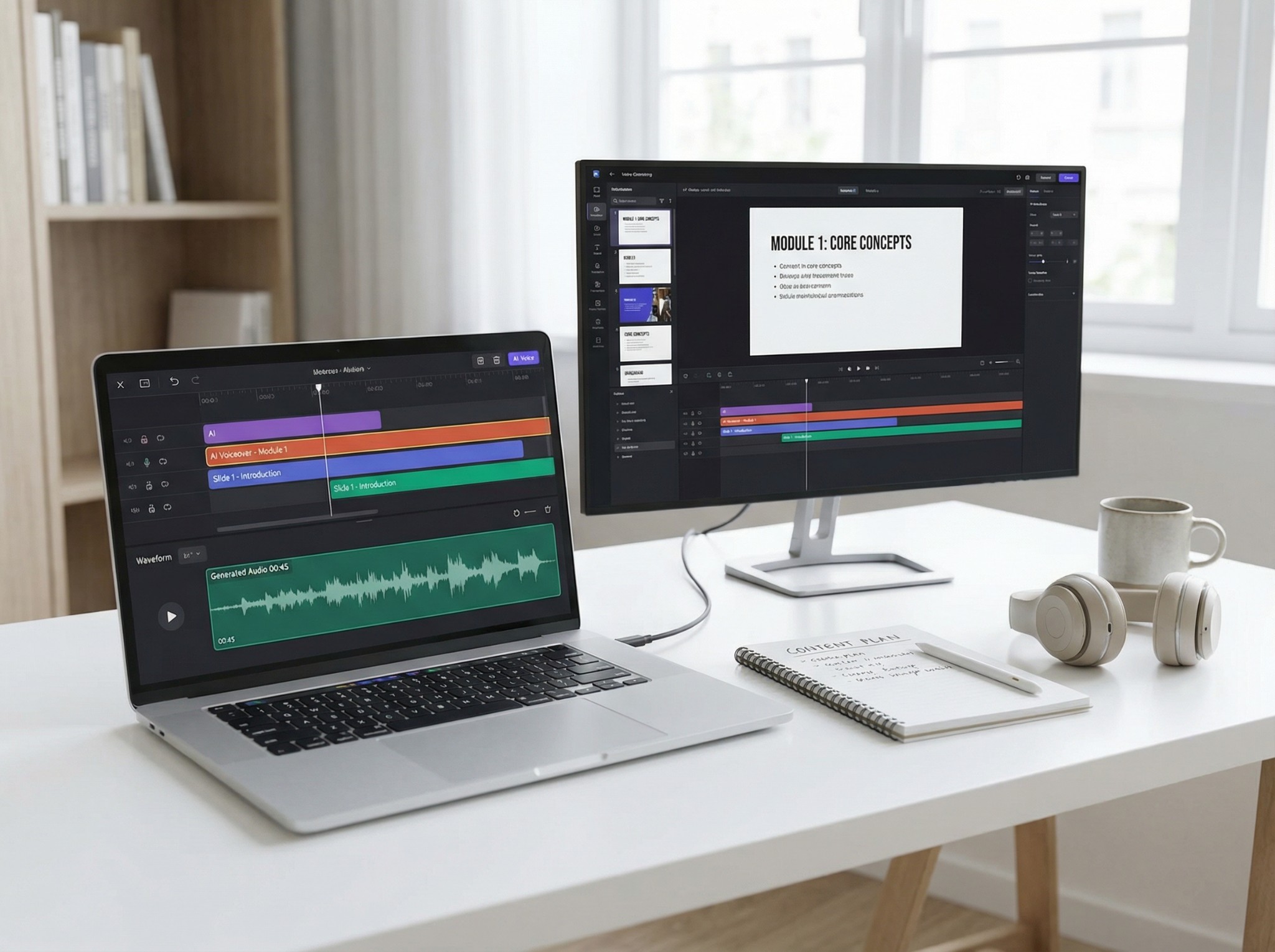
| Content creation | Generates narration for videos, presentations, training materials, and other media |
| Voice interfaces | Enables applications and digital assistants to provide spoken responses |
| Customer service | Generates automated speech for phone systems and conversational interfaces |
| Language learning | Provides pronunciation examples and additional listening practice |
TTS vs Speech-to-Text, Screen Readers, and Voice Cloning
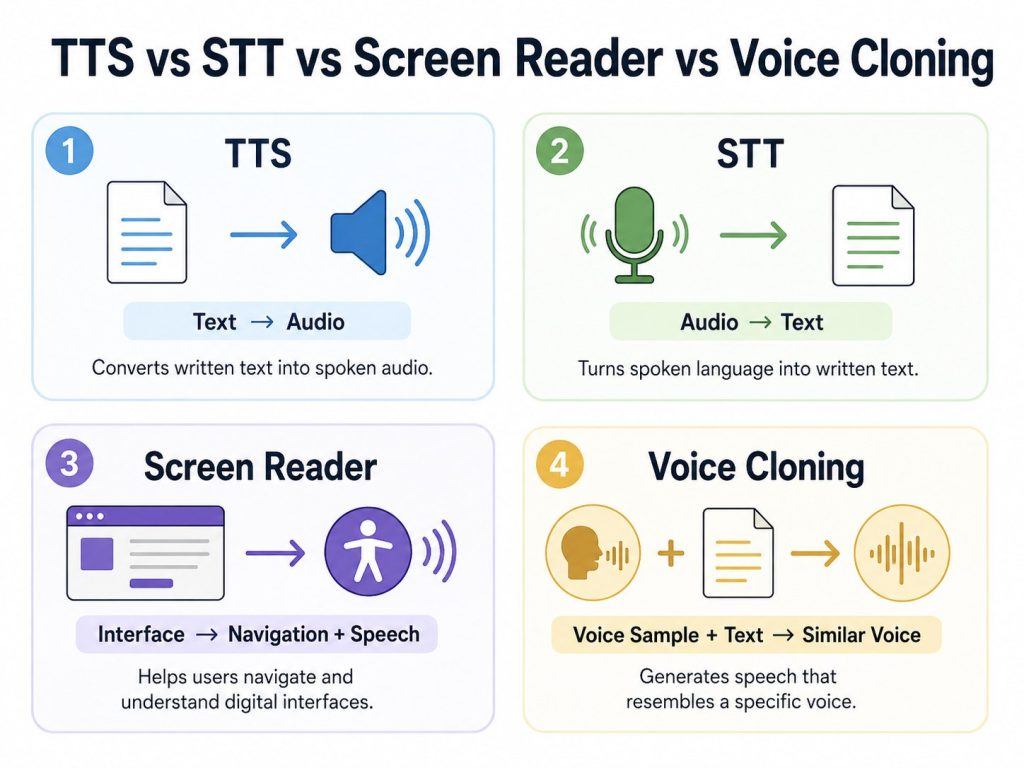
Text-to-speech is often confused with other technologies that involve speech, audio, or digital accessibility. Although some of these tools can work together, they have different inputs, outputs, and purposes.
| Technology | Input | Output | Main purpose | Example |
| Text-to-speech (TTS) | Written text | Spoken audio | Convert written content into speech | Listening to a PDF instead of reading it |
| Speech-to-text (STT) | Speech or recorded audio | Written text | Convert spoken language into text | Transcribing a meeting recording |
| Voice cloning | Voice samples and target content | Synthetic speech resembling a specific voice | Reproduce the characteristics of a particular speaker’s voice | Generating authorized narration in a cloned voice |
| Screen reader | Digital interfaces, content, and accessibility information | Speech and/or Braille | Help users navigate, understand, and interact with digital interfaces | Announcing headings, links, buttons, image descriptions, and page content |
The easiest way to remember the difference is to focus on what each technology is designed to do. TTS turns text into speech, while speech-to-text does the opposite and turns speech into text. Voice cloning focuses on reproducing the characteristics of a particular voice, while a screen reader is a broader assistive technology that helps users navigate and interact with digital content.
A screen reader may use text-to-speech to produce spoken output, but TTS alone does not provide all of the navigation and interaction features of a screen reader.
Benefits of Text-to-Speech
Text-to-speech can offer a range of practical benefits, depending on the user, the content, and the task.
Makes Written Information Audible
The most fundamental benefit of TTS is that it makes written content available as spoken audio.
This can support accessibility while also giving users another way to access information when reading from a screen is difficult, inconvenient, or simply not the preferred format.
Makes Documents Easier to Listen To
TTS can turn long reports, research papers, articles, notes, and other documents into content that can be listened to.
Listening is not always a substitute for visual reading. Tables, mathematical notation, source code, charts, and information that requires frequent visual comparison may still be easier to understand on screen.
For text-heavy, linear content, however, spoken playback can provide a useful alternative to reading everything visually.
Supports Review and Proofreading
Listening to your own writing can make it easier to notice problems that may be overlooked when reading silently, including:
- missing words
- repeated words or phrases
- awkward sentence structure
- unnatural phrasing
- punctuation issues
TTS does not replace careful editing, but it provides another way to review how written content sounds when read aloud.
Scales Narration
Text-to-speech can generate spoken audio without requiring a human narrator to record every sentence individually.
This can be useful for frequently updated content, educational materials, applications, voice interfaces, training resources, and other workflows where producing or updating recorded narration manually would be impractical.
Offers Adjustable Playback
Depending on the TTS tool, users may be able to adjust the voice, language, speaking speed, pitch, and other playback settings.
These options make it possible to adapt the listening experience to different preferences, types of content, and use cases.
How to Choose a Text-to-Speech Tool
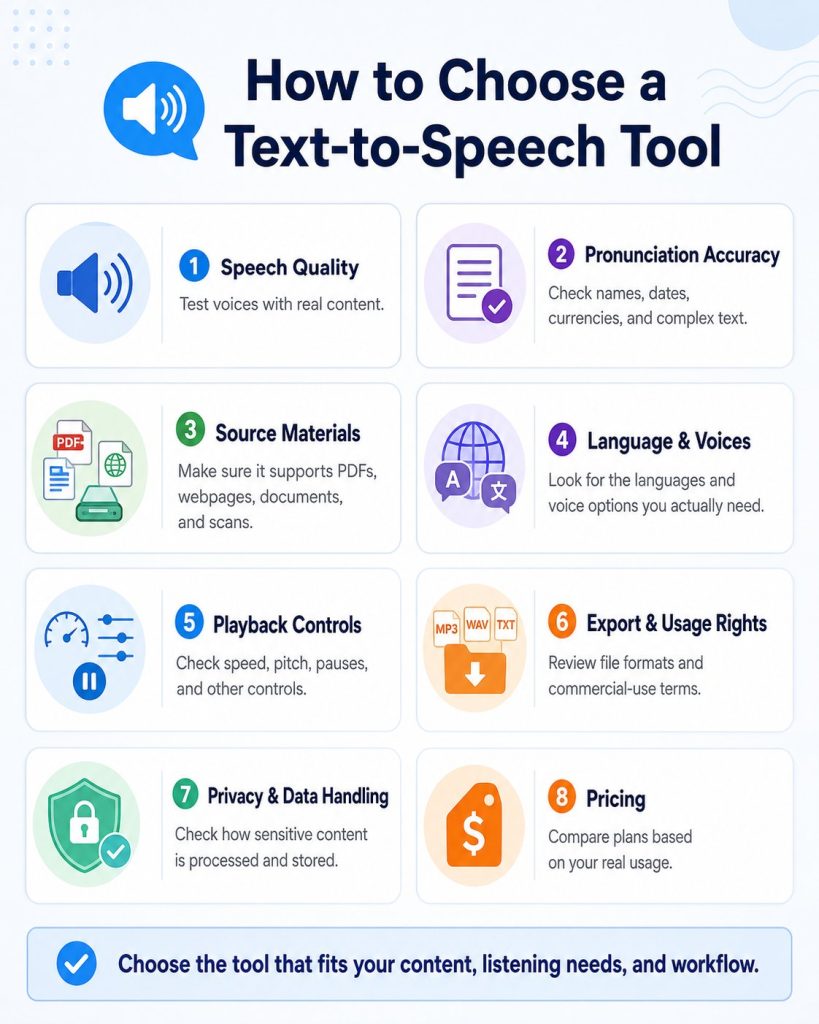
There is no single text-to-speech tool that is best for every user or every task. A student listening to research papers, a creator producing narration, a user who relies on TTS for accessibility, and a developer building a voice application may all need very different features.
Before choosing a TTS tool, consider the following factors.
1. Speech Quality
Start by listening to the available voices with realistic content.
A short demo may sound impressive, but that does not necessarily mean the voice will remain clear, natural, and comfortable during a long article, report, or book chapter. Test the tool with content similar to what you actually plan to listen to or produce.
2. Pronunciation Accuracy
A good TTS system should handle more than simple sentences. Create a small test sample that includes:
- people’s names
- place names
- acronyms
- currencies
- dates and times
- decimal numbers
- abbreviations
- technical terminology
- words with multiple pronunciations
- long or complex sentences
- mixed-language content, if relevant
Use the same sample across different tools to compare how accurately and naturally they interpret the text.
3. Supported Source Materials
Consider where your text usually comes from.
If you only need to type or paste text, a basic TTS tool may be enough. If you regularly work with:
- PDFs
- Word documents
- webpages
- screenshots
- photos of printed text
- scanned documents
then document support, text extraction, and OCR capabilities may be just as important as voice quality.
4. Language and Voice Support
Check whether the tool supports the specific languages, regional variants, and voices you actually need.
Do not choose a service based only on the total number of advertised languages. Providers may count languages, accents, regional variants, and individual voices differently, so it is more useful to test the specific options relevant to you.
5. Playback and Voice Controls
Different use cases require different levels of control. Depending on the platform, available options may include:
- speaking speed
- pitch
- pauses
- pronunciation controls
- emphasis
- speaking style or mood
- SSML support
Someone using TTS primarily for reading may need little more than speed and voice controls. A professional narration or developer workflow may require much more detailed control over how the speech is generated.
6. Audio Export and Usage Rights
If you plan to download, publish, share, or monetize generated audio, check both the available export formats and the provider’s licensing terms.
Being able to download an MP3 or WAV file does not automatically mean you have unrestricted rights to publish or commercially use the generated audio. Review the provider’s current terms before using TTS output in commercial projects.
7. Privacy and Data Handling
Consider what type of content you will be submitting to the service and how sensitive that information is.
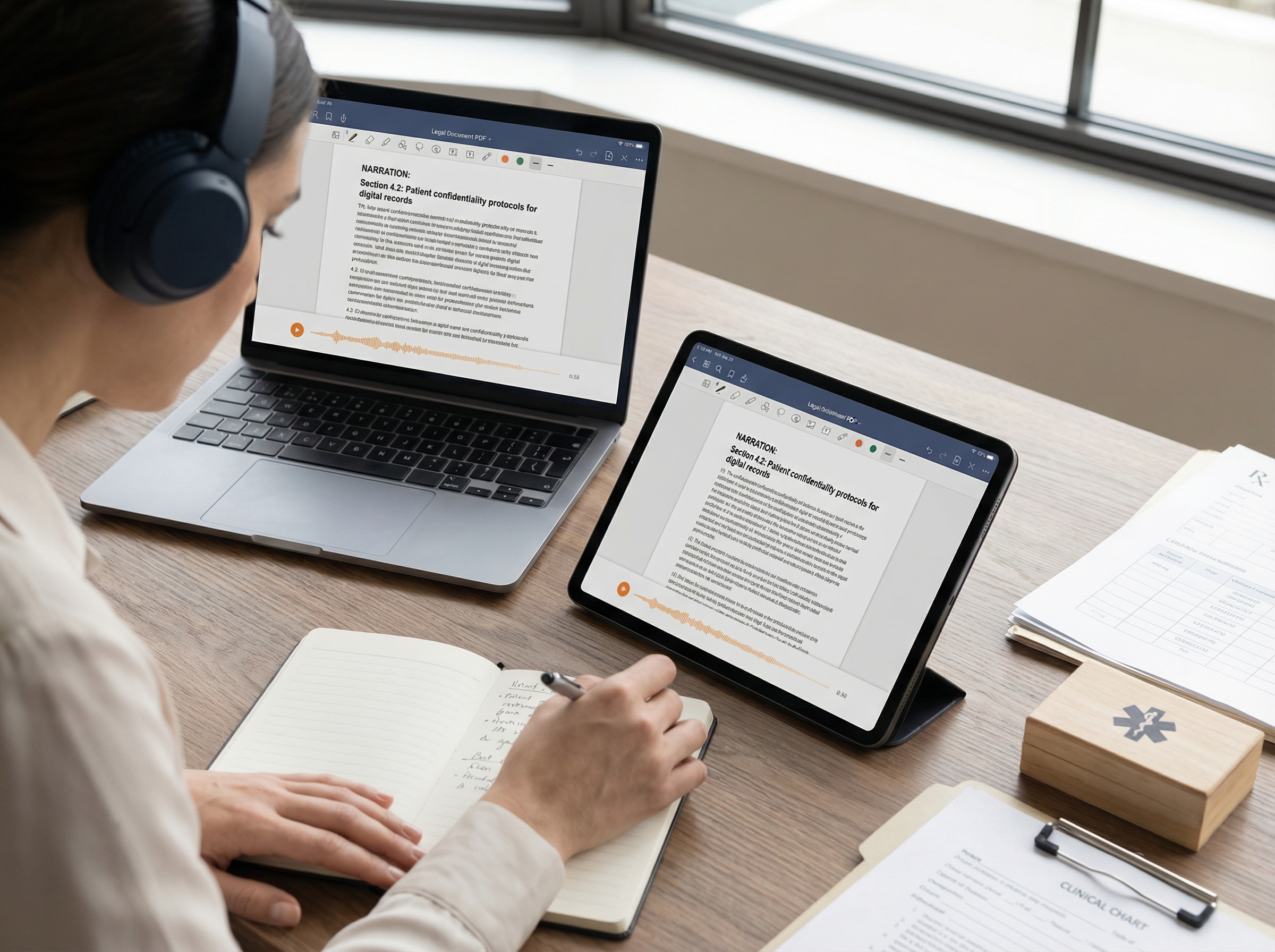
Before uploading confidential or personal material, review how the provider processes, stores, retains, and uses submitted content. This is particularly important for:
- workplace documents
- personal information
- legal documents
- medical or educational records
- unpublished research
- confidential business information
For sensitive material, an organization’s approved tools and data-handling policies may be more important than convenience or voice quality.
8. Pricing Based on Your Actual Usage
Text-to-speech services can use very different pricing models, including:
- character limits
- minutes of generated audio
- credits
- monthly usage allowances
- API consumption
- subscription tiers
Estimate how much content you realistically expect to process rather than comparing entry-level prices alone.
For example, someone listening to several hours of documents each week has a very different usage pattern from a business generating thousands of short automated voice responses.
The best TTS tool is therefore not necessarily the one with the most voices or features. It is the one that handles your content well, produces speech you are comfortable listening to, supports the formats and languages you need, and fits your privacy, licensing, and budget requirements.
Using TheSpeakr for Text-to-Speech
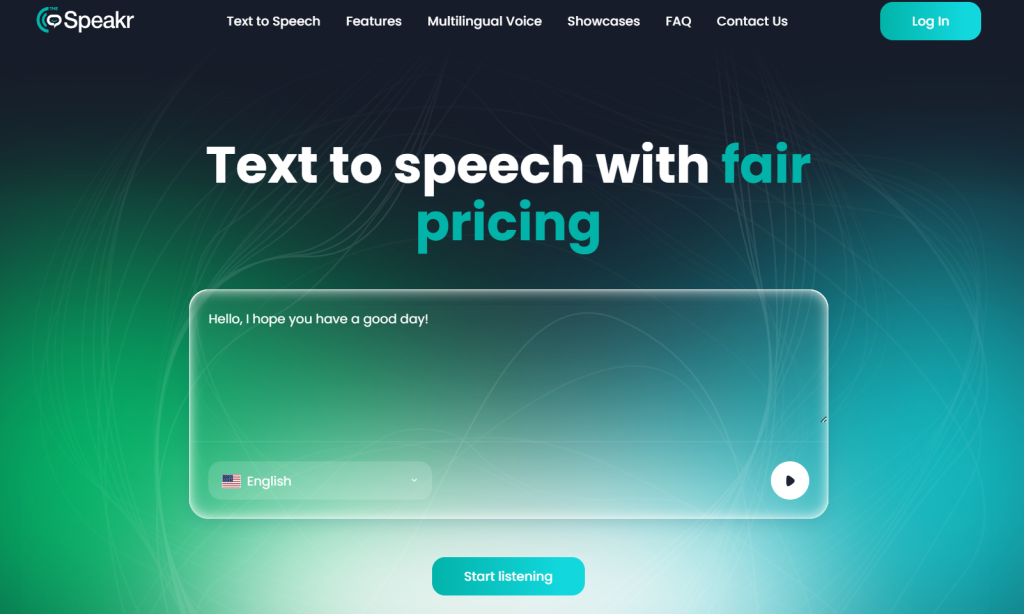
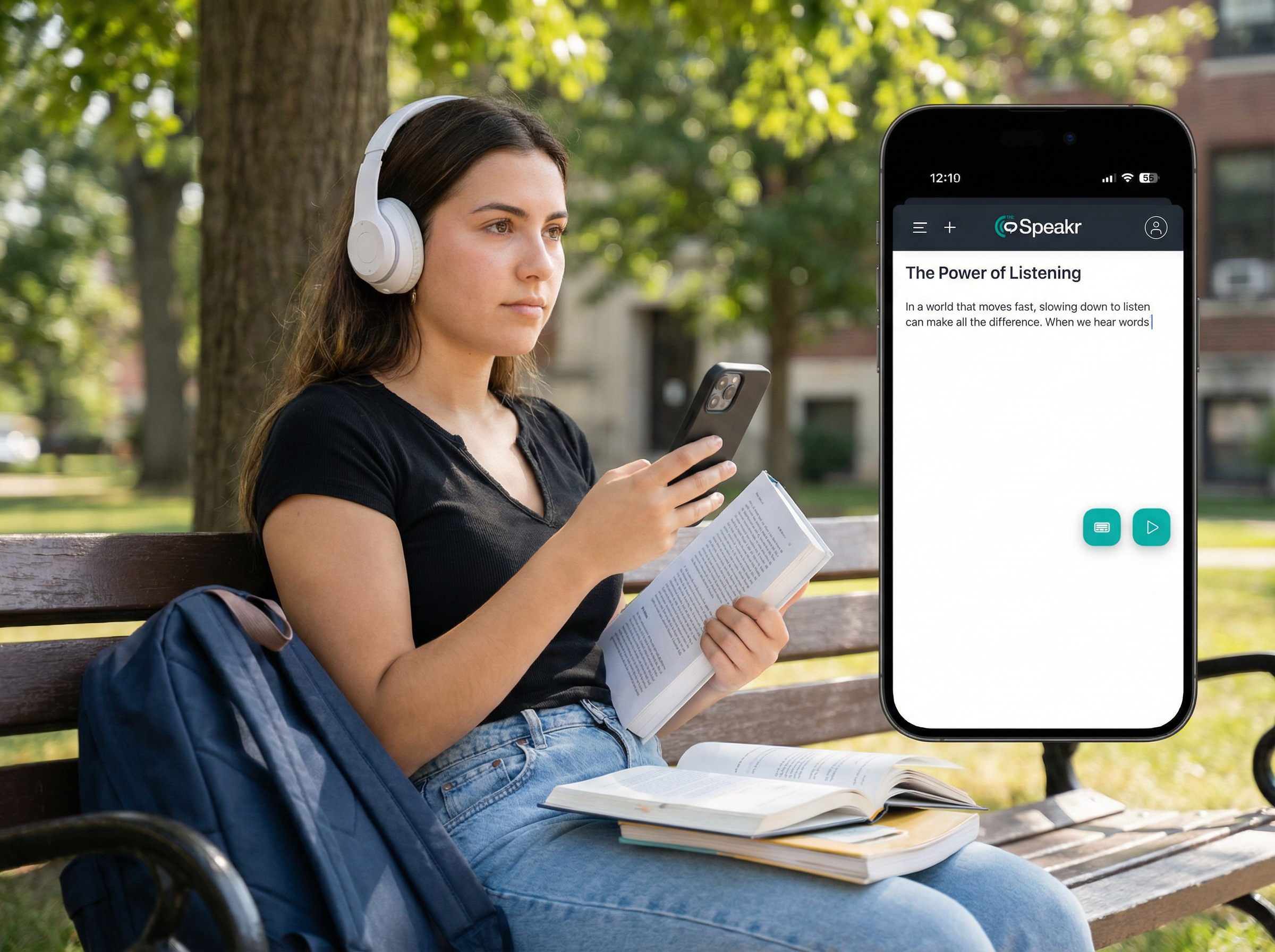
TheSpeakr is a text-to-speech tool designed for users who want to turn different types of written content into spoken audio. Instead of working only with text pasted into a box, it supports several common reading formats, making it useful for documents, online content, and image-based text.
With TheSpeakr, users can convert:
- typed or pasted text
- webpages from a URL
- PDF documents
- Word documents
- plain-text files
- screenshots
- photos of printed text
- scanned PDFs and other image-based documents
For scanned pages, screenshots, and photos, TheSpeakr uses optical character recognition (OCR) to detect and extract visible text before converting it into speech. This can be particularly useful when the original material does not contain selectable digital text.
Users can also choose from multiple voices, adjust settings such as speed, pitch, and mood, and generate speech in more than 40 languages. Generated audio can be downloaded as an MP3 for later listening.
TheSpeakr is therefore most relevant for people whose main goal is to listen to existing written content, whether that content comes from a document, webpage, screenshot, or scanned page. It provides a different type of workflow from TTS platforms built primarily around professional voiceovers, voice cloning, or developer APIs.
Final Thoughts
Text-to-speech is a practical technology that turns written content into spoken audio and can support accessibility, learning, productivity, and content creation.
The best TTS tool depends on what you want to do with it. Some users need simple reading support, while others may prioritize document compatibility, OCR, language options, voice quality, or audio export.
Understanding how TTS works and what features matter makes it easier to choose a tool that fits your content, workflow, and listening needs.
Frequently Asked Questions
What does TTS stand for?
TTS stands for text-to-speech, a technology that converts written text into spoken audio.
The acronym can have other meanings in different contexts. For example, “TTS” can mean “true to size” in clothing and fashion, so the intended meaning depends on the topic.
Is text-to-speech AI?
Modern text-to-speech systems often use artificial intelligence, machine learning, and neural networks to generate natural-sounding speech.
However, text-to-speech technology existed long before today’s neural AI systems. Earlier TTS systems used methods such as concatenative synthesis and statistical speech models. For that reason, modern TTS is often AI-powered, but TTS and AI are not the same thing.
What is neural TTS?
Neural TTS is text-to-speech technology that uses neural networks to model and generate spoken language.
Neural approaches can produce more natural and expressive speech than many older synthesis methods. However, quality still varies depending on the model, voice, language, source text, and use case.
What is the difference between TTS and speech-to-text?
Text-to-speech converts text into spoken audio, while speech-to-text converts spoken language into written text.
Speech-to-text is commonly associated with automatic speech recognition (ASR) and is used for applications such as transcription, voice typing, and voice commands.
Sources
[1] World Wide Web Consortium (W3C), Speech Synthesis Markup Language (SSML) Version 1.1. W3C defines text-to-speech as the automatic generation of speech from text or annotated text input. https://www.w3.org/TR/speech-synthesis11/
[2] Shen, J. et al., Google Research, Natural TTS Synthesis by Conditioning WaveNet on Mel Spectrogram Predictions. Describes the Tacotron 2 architecture. https://arxiv.org/abs/1712.05884
[3] van den Oord, A., Dieleman, S. et al., DeepMind, WaveNet: A Generative Model for Raw Audio, 2016. https://deepmind.google/blog/wavenet-a-generative-model-for-raw-audio/
[4] Wang, C. et al., Microsoft Research, Neural Codec Language Models are Zero-Shot Text to Speech Synthesizers (VALL-E), 2023. https://www.microsoft.com/en-us/research/publication/neural-codec-language-models-are-zero-shot-text-to-speech-synthesizers/