Speechify Review 2026: AI Reading Tools, Pricing, and Real Testing
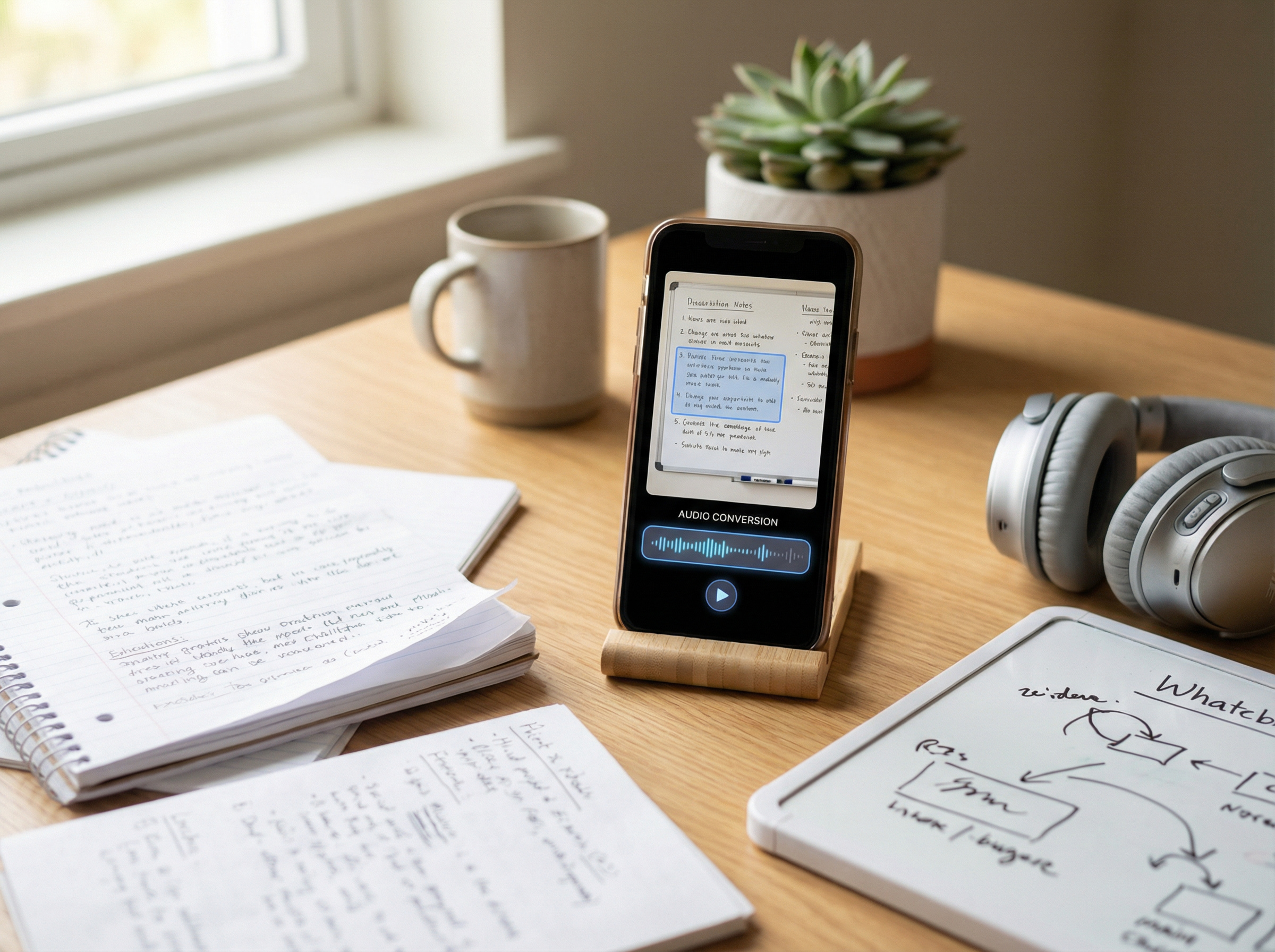
Speechify is a text-to-speech app that turns PDFs, web pages, documents, emails, and scanned text into audio. In 2025, Apple gave Speechify an Apple Design Award in the Inclusivity category, calling it “a critical resource that helps people live their lives.” Speechify says the platform supports 1,000+ voices in 60+ languages and has more than 50 million users worldwide.
Speechify works best for people who regularly listen to PDFs, articles, class material, or work documents across devices and want features like OCR, AI summaries, quizzes, and accessibility tools in one app. It is less convincing for professional voice production or for users who want fully transparent pricing before starting a trial.
The platform’s biggest strength is the combination of accessibility and productivity. Apple’s award coverage highlighted its role in reducing cognitive load for students, professionals, auditory learners, and people with low vision. Research supports that use case: a 2023 Annals of Dyslexia study found that text-to-speech improved reading comprehension for children with reading and language difficulties, especially students with dyslexia. Assistive technology consultant Jamie Martin summarized the practical value clearly: “the most important thing that technology offers is independence.”
This review is based on Speechify’s official pricing, support, and product documentation, along with Apple’s award coverage and competitor comparisons. Where public evidence is missing, I say so directly.
Free Trial and Pricing
The biggest buyer question is not how natural the voices sound, but what actually happens when you click “Try for free.” Speechify’s public pages show a free plan and a Premium subscription marketed at $29/month. The free plan is limited to 10 robotic voices, 1.5x playback speed, and basic text-to-speech, while Premium adds unlimited storage, AI summaries, offline downloads, and advanced controls.
Speechify’s support documentation makes the trial flow clearer than its landing pages do. To start the 3-day free trial, users must enter payment details, and the subscription automatically renews into an annual plan unless canceled before the trial ends. After cancellation, Premium access remains active until the billing period expires. In practice, this is not a no-commitment product demo — it is a short trial tied to an annual subscription.
Pricing is also less straightforward than it first appears. Speechify’s main pricing page promotes “Save 60%” on annual billing, but official support pages reference different yearly prices, including $139/year and $159/year, with lower promotional pricing sometimes available on Android. The result is that pricing varies by platform and documentation source, not one fixed universal number.
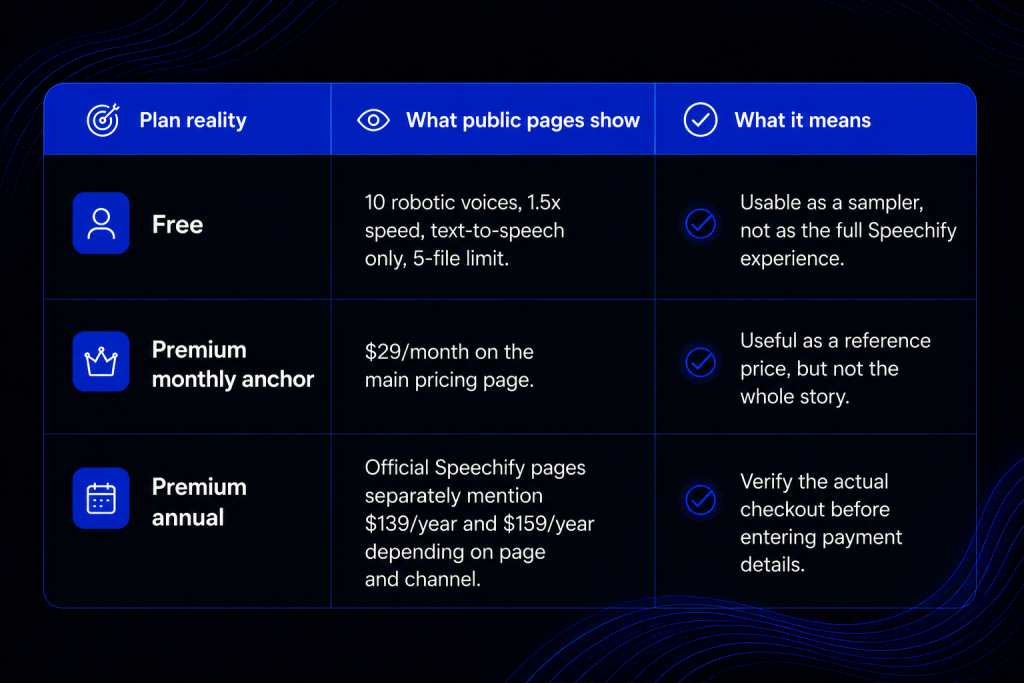
The real pricing math matters more than the marketing copy. At $139/year, Speechify works out to about $11.58 per month. At $159/year, the effective monthly cost is $13.25. Compared with the public $29/month plan, the annual subscription becomes cheaper after roughly five months of use. A full year on the monthly plan would cost $348, so the annual plan can save between $189 and $209 depending on the final checkout price. Those savings only make sense if you expect to use Speechify long term.
Speechify’s refund policy is also stricter than many reviews mention. According to the company’s official support pages, users must request a refund within seven days of the subscription date, including the trial period, and annual subscribers must use fewer than 500 HD voice words to qualify as “unused.” Speechify also states that discounted, monthly, and quarterly subscriptions are non-refundable, while App Store and Google Play purchases follow platform refund policies. In practice, users need to cancel early and use the service minimally if they want refund eligibility.
Usage limits are another detail worth knowing. Speechify’s official limits page says Premium users are guaranteed up to 1 million Premium-voice words per month in 2026, with a baseline minimum of 150,000 words. That is generous for normal reading and productivity use, but it also means the platform is not truly unlimited for audiobook-scale exports or commercial redistribution.
One widely repeated claim online is that Speechify offers a guaranteed 50% discount when users try to cancel. I could not find a primary Speechify source confirming that as a standard retention offer. Publicly documented promotions mention discounts for new members and annual billing, but not a guaranteed 50% cancellation deal. Based on the available evidence, I would not present that discount as something users should expect.
Here’s a quick walkthrough of Speechify’s interface, pricing flow, voice tools, and reading features in practice.
Voice Quality, Voice Cloning, and AI Features
Speechify’s biggest strength is the size of its voice library. Current product pages promote 1,000+ voices in 60+ languages, although some older official pages still mention 200+ voices. The safest conclusion is that Speechify now offers a large multilingual voice catalog, but its documentation has not been updated consistently across all pages.
Celebrity voices are part of that ecosystem. Public Speechify pages and app listings reference voices like Snoop Dogg and MrBeast, and the platform includes public demo paths for celebrity-style narration. That confirms availability, but not necessarily quality. I could not find a reliable public benchmark comparing celebrity voices, so they are better viewed as novelty features than serious reasons to buy the platform.
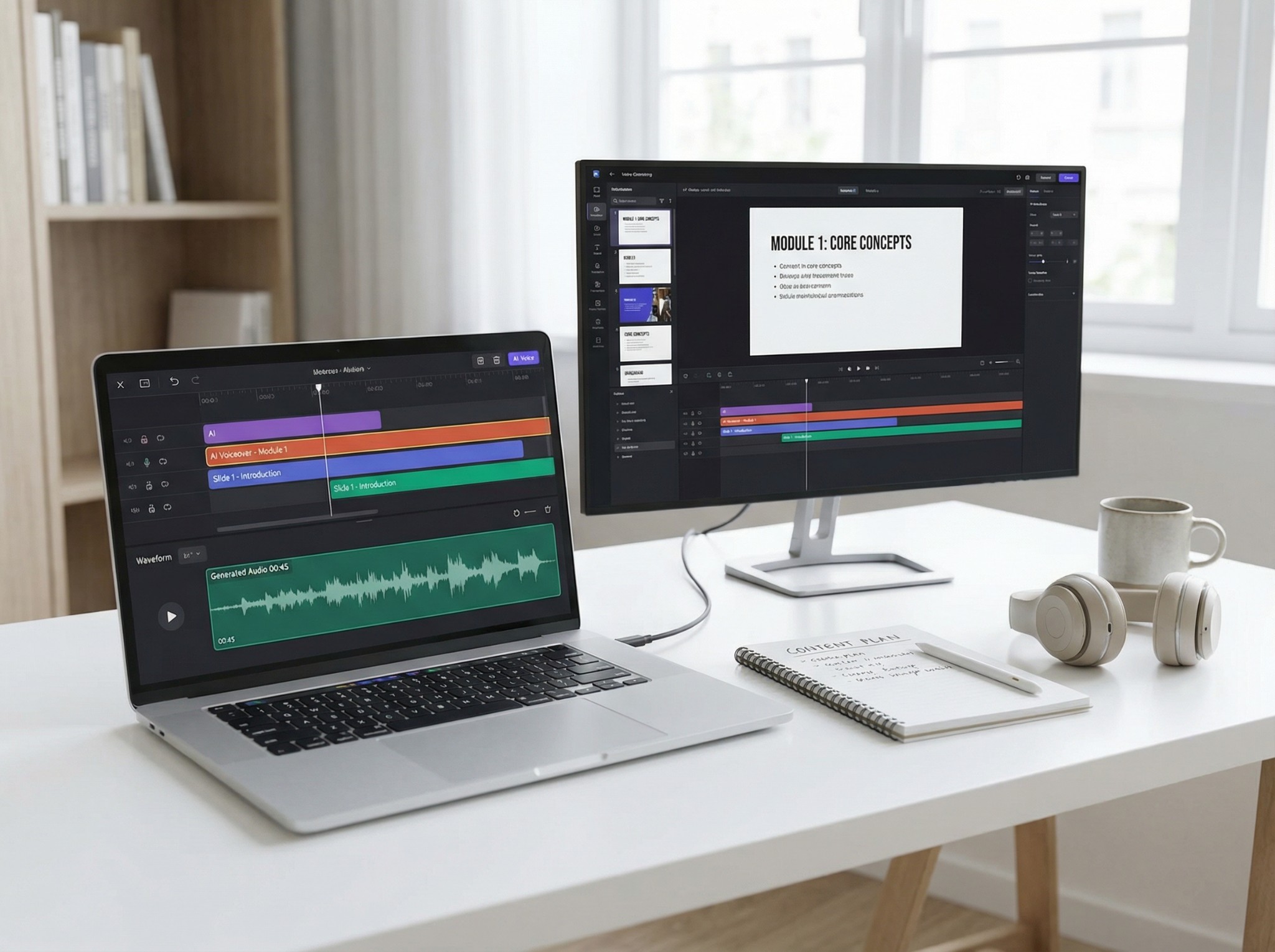
Voice cloning is where expectations matter most. Speechify says users can create a clone from a 10–30 second audio sample, with some pages promoting a 20-second workflow. That is fast, but short-sample cloning usually trades quality for speed. ElevenLabs recommends several minutes of audio for higher-quality clones, while Murf explicitly describes instant cloning as useful mainly for experiments rather than polished production.
In practice, Speechify’s cloning works best for lightweight personalization inside a reading app, not for professional narration or studio-grade voice work. If voice cloning is your main priority, dedicated voice platforms still have a stronger public track record.
The more important part of Speechify is the AI layer around reading. Official documentation highlights OCR, AI summaries, quizzes, document Q&A, AI podcasts, and a voice assistant that can explain or summarize what you are reading. Users can ask questions about documents, generate study prompts, or turn written content into podcast-style audio.
That shift matters because Speechify is no longer just a text-to-speech reader. It is positioning itself as a voice-first productivity tool that combines reading, summarization, dictation, and AI assistance in one workflow.
Devices, Controls, Accessibility, and Daily Use
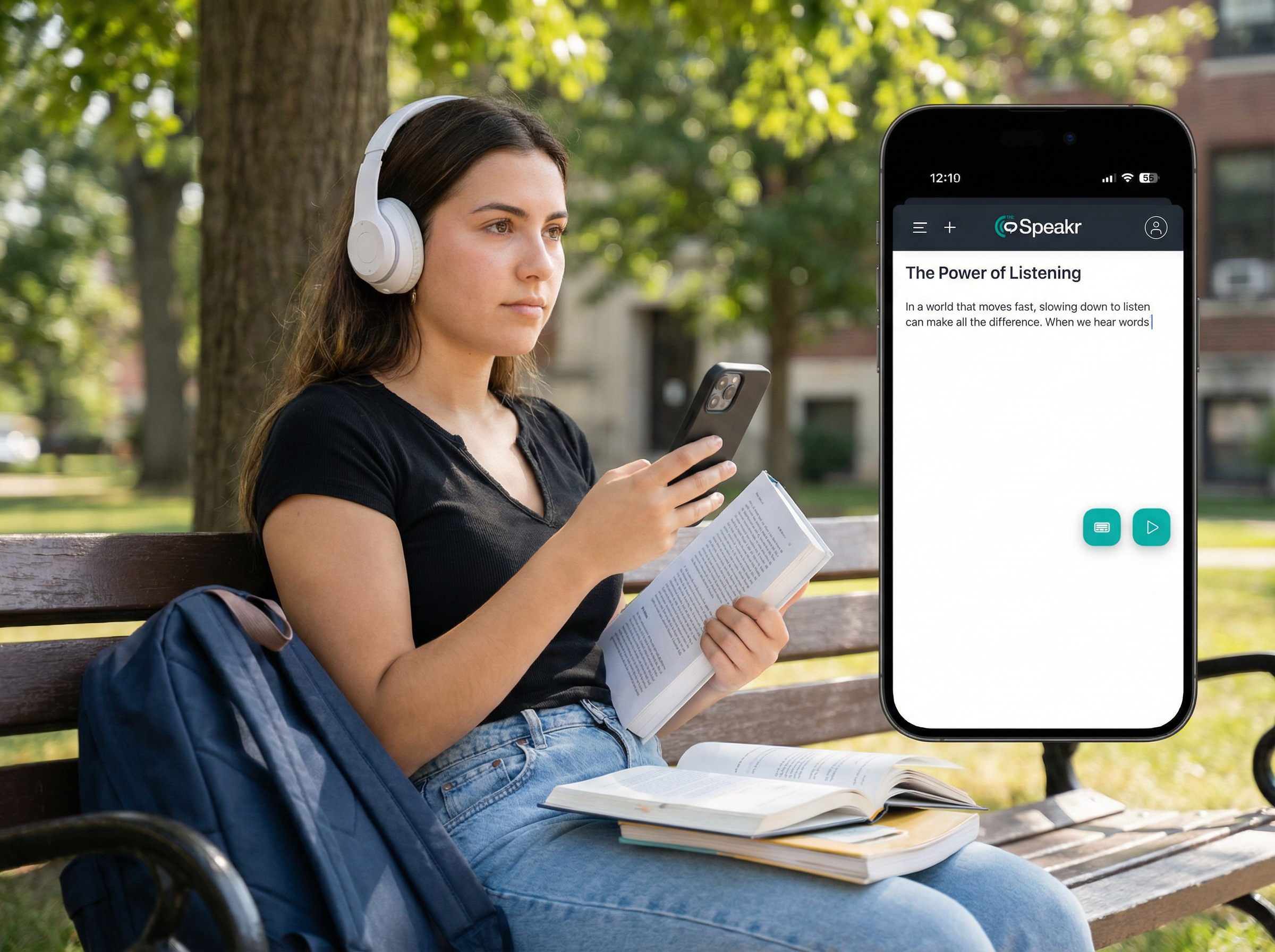
Speechify’s cross-device support is one of its clearest strengths. The platform works across iPhone, iPad, Android, Mac, Windows, the web, Chrome, and Edge, with synced libraries between desktop and mobile. The Android app has more than 10 million downloads and over 277,000 reviews on Google Play, while the iOS app holds a 4.6 rating from roughly 38,000 App Store reviews. Those numbers do not prove perfection, but they do show adoption at real scale.
The Chrome extension is a major part of the experience. Speechify positions it as the main way to listen to web pages, PDFs, and Google Docs directly in the browser. The Chrome Web Store listing currently shows more than 1 million users and a 4.6 rating from over 22,000 reviews, reinforcing how central browser-based reading is to the product.
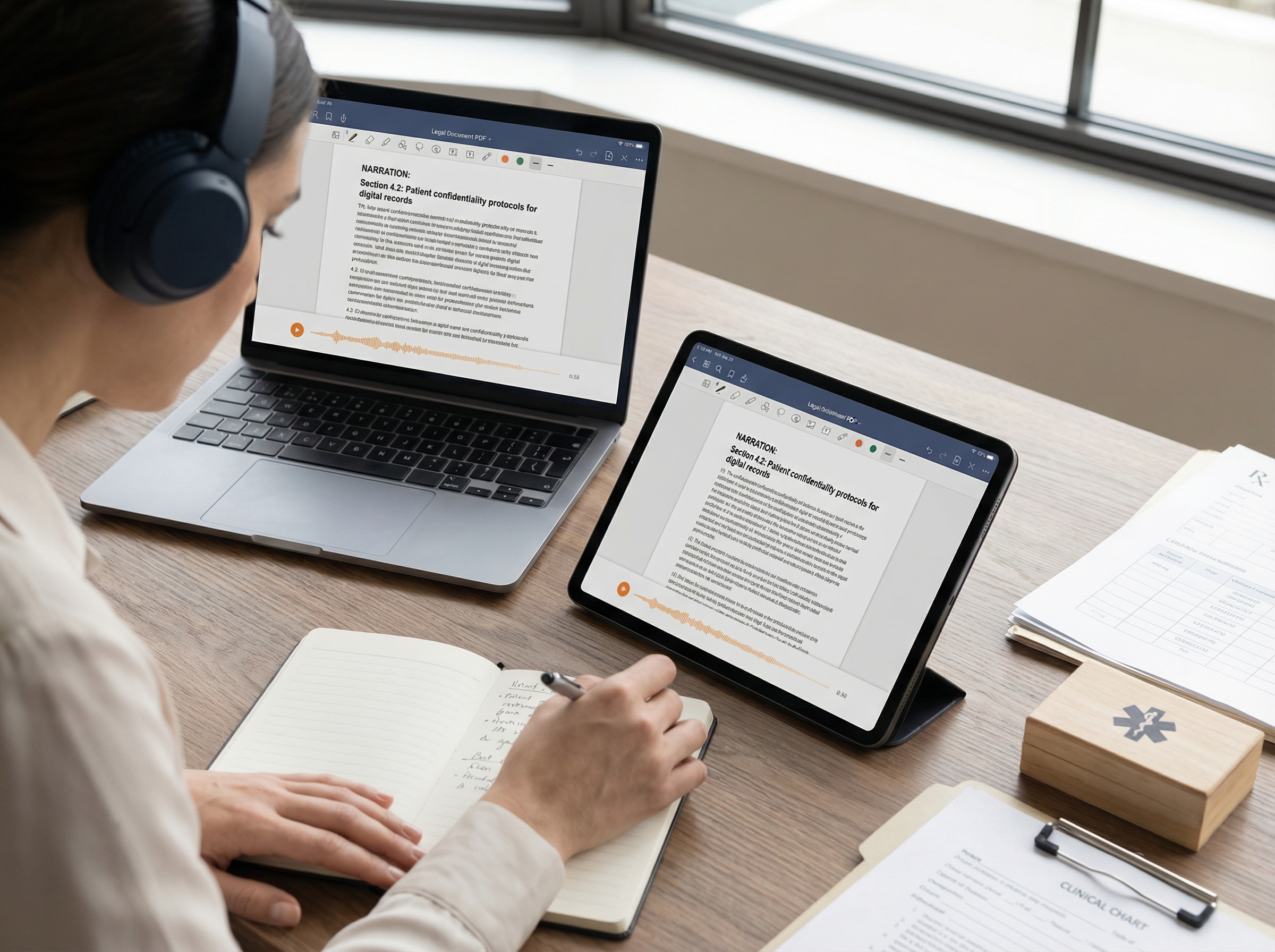
Speechify also includes a solid set of reading tools. Public feature pages highlight text highlighting, playback speed controls, OCR scanning, AI questions, notes, and autoskip settings for headers, citations, URLs, and other distracting elements. That makes the app more than a simple text reader — it is designed for active reading and document cleanup.
Some advanced controls are less clearly documented. I found strong evidence for core features like OCR, notes, autoskip, and syncing, but not for every fine-grained playback setting power users may expect. The fragmented support documentation creates unnecessary friction when comparing Speechify with more transparently documented tools.
Accessibility remains the strongest argument for the platform. Apple’s Apple Design Award coverage highlighted Speechify’s support for Dynamic Type and VoiceOver, along with its usefulness for students, professionals, auditory learners, and people with low vision. Research also supports the broader value of text-to-speech: a 2023 Annals of Dyslexia study found that TTS significantly improved comprehension for children with reading and language difficulties, especially students with dyslexia.
Pros and Cons
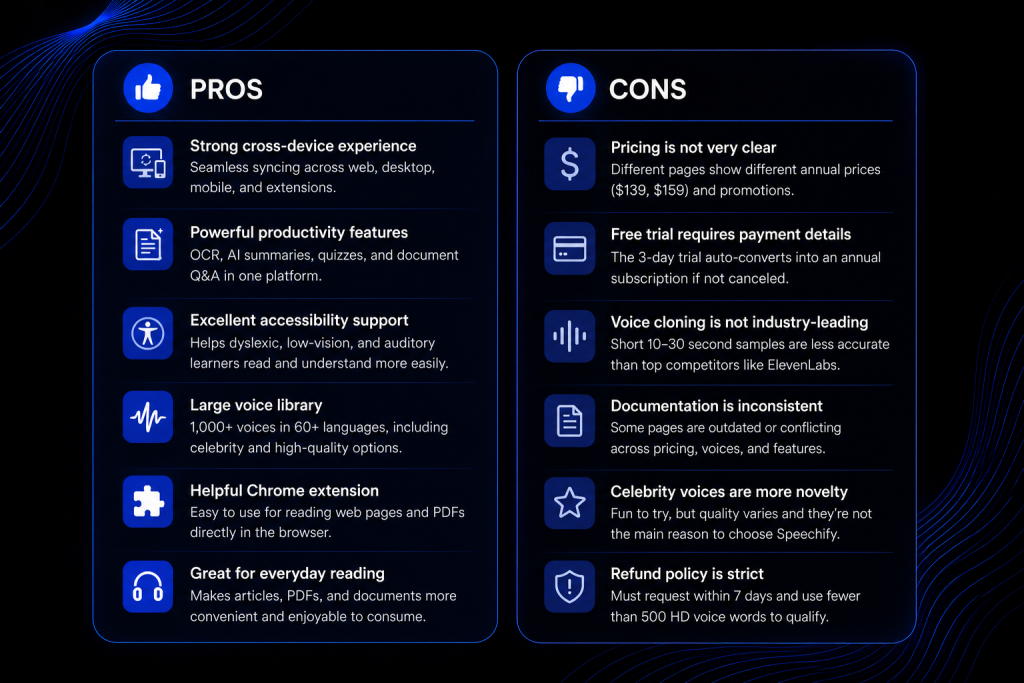
After reviewing Speechify’s pricing, features, accessibility tools, and voice quality, these are the platform’s clearest strengths and weaknesses.
Alternatives
If voice quality and realistic cloning matter most, ElevenLabs is the strongest alternative to Speechify. It is better suited for creators, publishers, and businesses that need production-grade voice fidelity, advanced cloning capabilities, and a wider range of voice-generation tools. Murf is another strong option, particularly for business narration, audiobooks, ads, podcasts, and e-learning content. While Speechify focuses primarily on reading and accessibility, both ElevenLabs and Murf are designed more around voice production workflows.
For users who care more about reading assistance than content creation, NaturalReader and Voice Dream are often the closest competitors. NaturalReader combines OCR, accessibility features, and AI tools with relatively transparent pricing, while Voice Dream remains popular among Apple users for its reading controls and offline functionality.
For a broader comparison of leading platforms, see our guide to the best text-to-speech tools in 2026, which compares Speechify, ElevenLabs, Murf, NaturalReader, and other popular AI voice solutions.
Is Speechify Worth It?
Speechify is worth it for users who regularly listen to PDFs, articles, study material, or work documents and want OCR, AI summaries, and cross-device reading in one app. Its biggest strengths are accessibility, convenience, and productivity features, while its weaker areas are pricing transparency and professional-grade voice cloning. Overall, Speechify works best as a reading and accessibility platform rather than a studio-quality voice-generation tool.
FAQ
- Is Speechify really free?
Yes, but the free plan is limited. It includes 10 robotic voices, up to 1.5x speed, text-to-speech only, and a 5-file storage cap. - Does Speechify’s free trial auto-convert into a paid plan?
Yes. Speechify’s 3-day trial requires payment details and automatically converts into an annual subscription unless canceled before the trial ends. - How much does Speechify cost in 2026?
Speechify publicly advertises $29/month, while official support pages reference annual pricing between $139/year and $159/year depending on platform and promotion. - Can Speechify read scanned PDFs and images?
Yes. Speechify supports OCR, allowing scanned PDFs, screenshots, and images to be converted into audio. - Is Speechify good for dyslexia and reading difficulties?
It can be. Research and accessibility coverage suggest text-to-speech improves comprehension and reduces reading effort for many users with dyslexia and related difficulties. - Is Speechify a professional voice-cloning tool?
Not really. Speechify’s cloning is fast and convenient, but specialist platforms like ElevenLabs offer higher-quality results for professional voice production. - What is the best alternative to Speechify?
ElevenLabs is the strongest option for voice quality, while NaturalReader and Voice Dream are better fits for accessibility-focused reading. - Should you buy Speechify annual or monthly?
The annual plan becomes cheaper if you expect to use Speechify for more than five months. If you are unsure, start with the free tier or a monthly option.