TTSReader Review 2026: Free Plan, Premium Voices & Real Limitations
TTSReader is one of the oldest text-to-speech platforms still actively used in 2026, and that age is visible in both good and bad ways. While newer platforms like ElevenLabs, Speechify, and The Speakr focus heavily on AI-native workflows, emotional narration, and creator ecosystems, TTSReader still prioritizes something much simpler: fast browser-based reading. You can open the website, paste text, press play, and immediately start listening without complicated onboarding, bloated dashboards, or aggressive upsells. That simplicity is still part of the platform’s appeal.
But after testing TTSReader across PDFs, browser reading, MP3 exports, premium Azure voices, and mobile workflows, it became clear that the platform sits somewhere between old-school accessibility software and modern AI voice tools. Some parts still work surprisingly well, while others feel noticeably outdated compared with newer TTS platforms. A few of the platform’s biggest limitations — particularly around OCR, export handling, and plan restrictions — are also explained far less clearly than they probably should be.
What Is TTSReader?
TTSReader is a browser-based text-to-speech platform that converts written text into spoken audio. Unlike many modern AI voice platforms, TTSReader is not built primarily for creators or production workflows. Instead, it functions more like a practical utility tool focused on fast and simple text-to-speech playback.
At its core, the platform focuses on five things:
- reading pasted text aloud
- converting PDFs and documents into speech
- browser-based listening
- MP3/WAV export
- accessibility-focused reading support
The platform includes both free browser voices and Microsoft Azure neural voices, and the difference between them is much larger than many reviews suggest. The free voices sound closer to classic operating-system narration, with flatter pacing and more robotic delivery, while the premium Azure voices sound significantly more natural and modern. That distinction matters because many people researching TTSReader assume all voices offer a similar experience, when in reality the platform feels almost completely different depending on which voice system you use. Understanding that quality gap is probably the single most important thing before deciding whether TTSReader fits your workflow.
How We Tested TTSReader
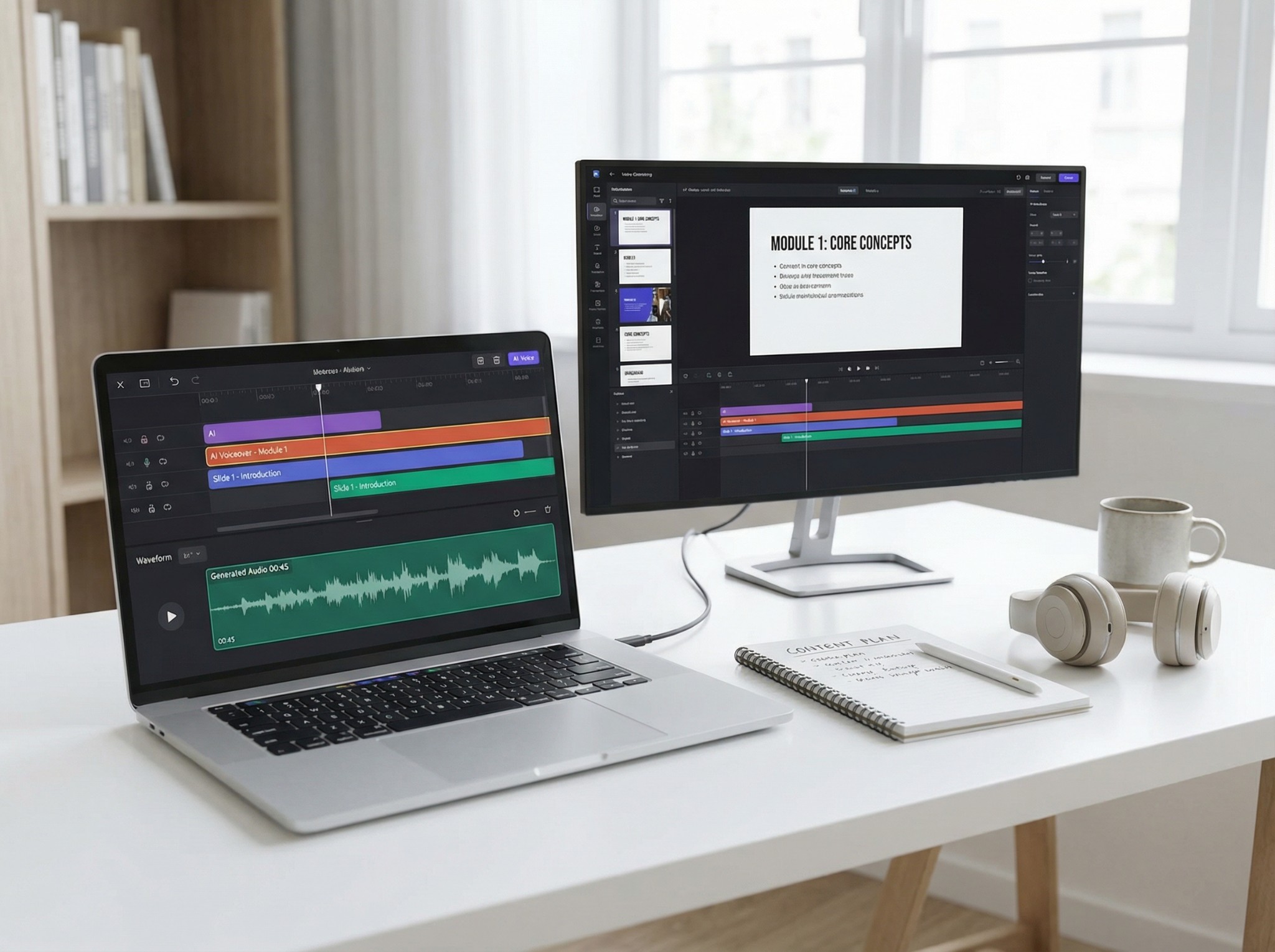
We tested TTSReader across multiple real-world workflows rather than relying on short demo generations alone. Testing included desktop and mobile browser usage, Chrome extension workflows, PDF narration, scanned PDF handling, website URL reading, MP3 exports, premium Azure voice generation, multilingual voice testing, and API access through the PAYG system. We also compared the platform directly against competitors including Speechify, ElevenLabs, NaturalReader, The Speakr, and Murf AI. The goal was not only to evaluate voice quality, but to understand where TTSReader still fits within the rapidly evolving modern text-to-speech ecosystem.
TTSReader Free Plan
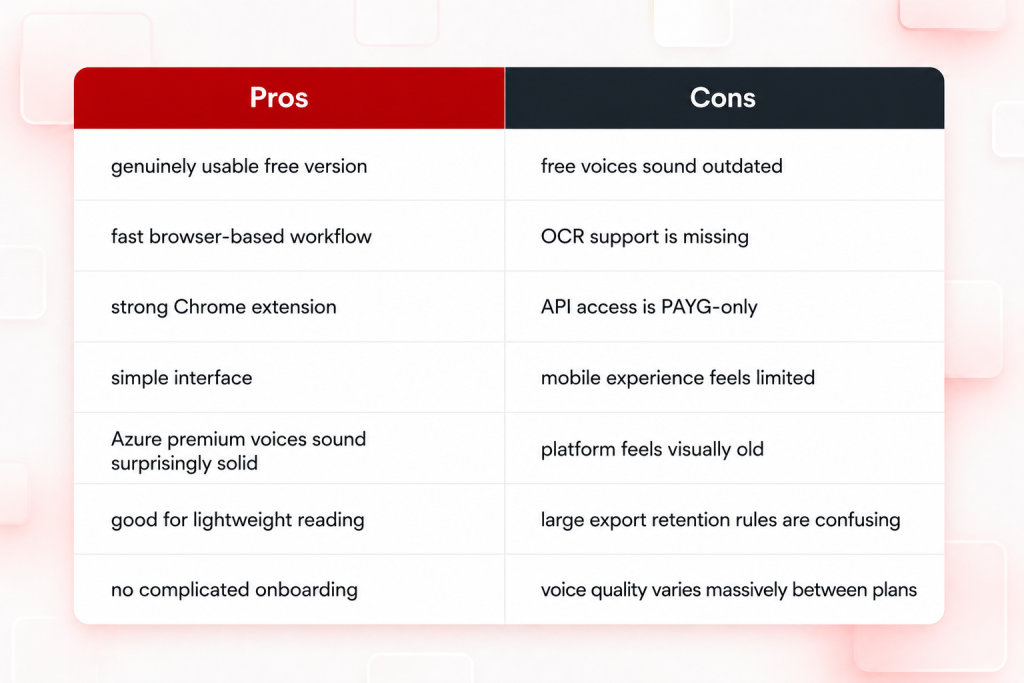
One reason TTSReader continues to survive in a competitive market is that the free version is genuinely usable. Unlike many AI voice platforms, the free plan works for real reading and listening workflows rather than functioning only as a short demo. Users get unlimited access to standard browser voices, although they sound noticeably robotic compared with modern neural TTS systems. The platform also includes 5,000 premium Azure voice characters, but this is a lifetime quota rather than a monthly refresh, which often creates confusion. MP3 export is available on the free tier as well, though larger exports, retention features, and commercial usage rights are tied to Premium access.
The Azure Technology Behind TTSReader
One of the most important things to understand about TTSReader is that its premium voices are powered primarily by Microsoft Azure neural TTS. They are not entirely proprietary voices built by TTSReader itself. This explains why the premium voices sound dramatically more modern than the free browser voices, which rely much more heavily on standard operating-system speech engines. In practice, the platform can feel like two completely different products depending on which voice system you use. That is also why users often leave with very different opinions about its overall voice quality.
This distinction changes how TTSReader should really be viewed within the AI voice market. Rather than operating as a full-stack AI voice company building its own complete voice ecosystem from scratch, TTSReader functions more like a lightweight browser interface layered on top of existing voice infrastructure. That is not necessarily a weakness — in fact, it helps keep the platform simple and accessible — but it does explain both the strengths and limitations of the experience compared with newer AI-native competitors.
The Difference Between Premium and Free Voices
This was the most obvious result during testing.
The free browser voices sound similar to classic accessibility narration:
- flatter pacing
- weaker emotional delivery
- robotic transitions
- inconsistent pronunciation
- less natural pauses
Meanwhile, the Azure premium voices immediately sound far more modern and natural than the free browser voices. They may not reach the same level of emotional realism as platforms like ElevenLabs V3, but the improvement is still dramatic enough to completely change the experience. In practice, TTSReader almost feels like two different products depending on which voice system you use. Someone testing only the free voices may leave thinking the platform sounds outdated and robotic, while users trying the premium Azure voices will likely come away with a much stronger impression of the platform overall.
Where TTSReader’s PDF Reader Falls Short
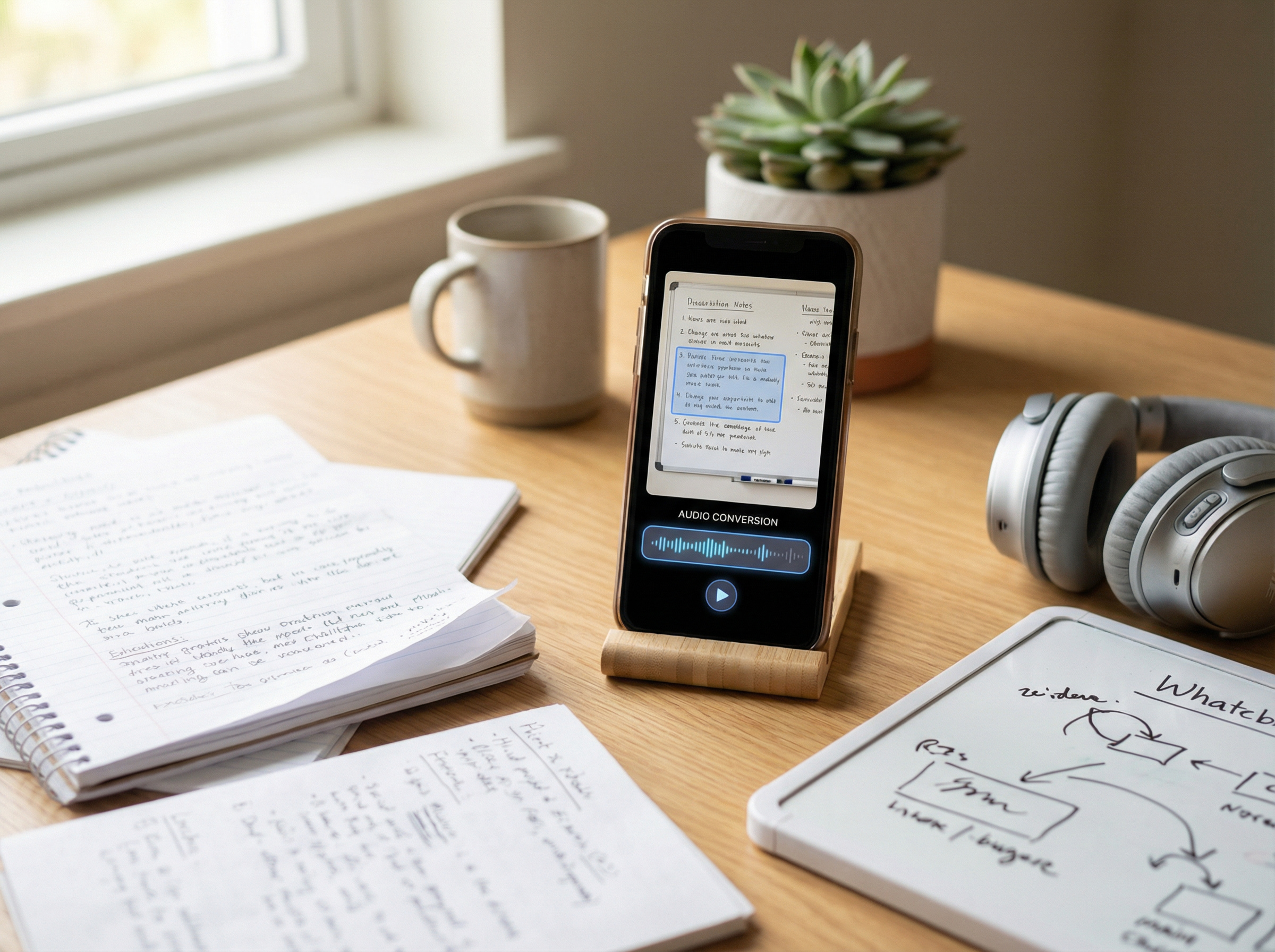
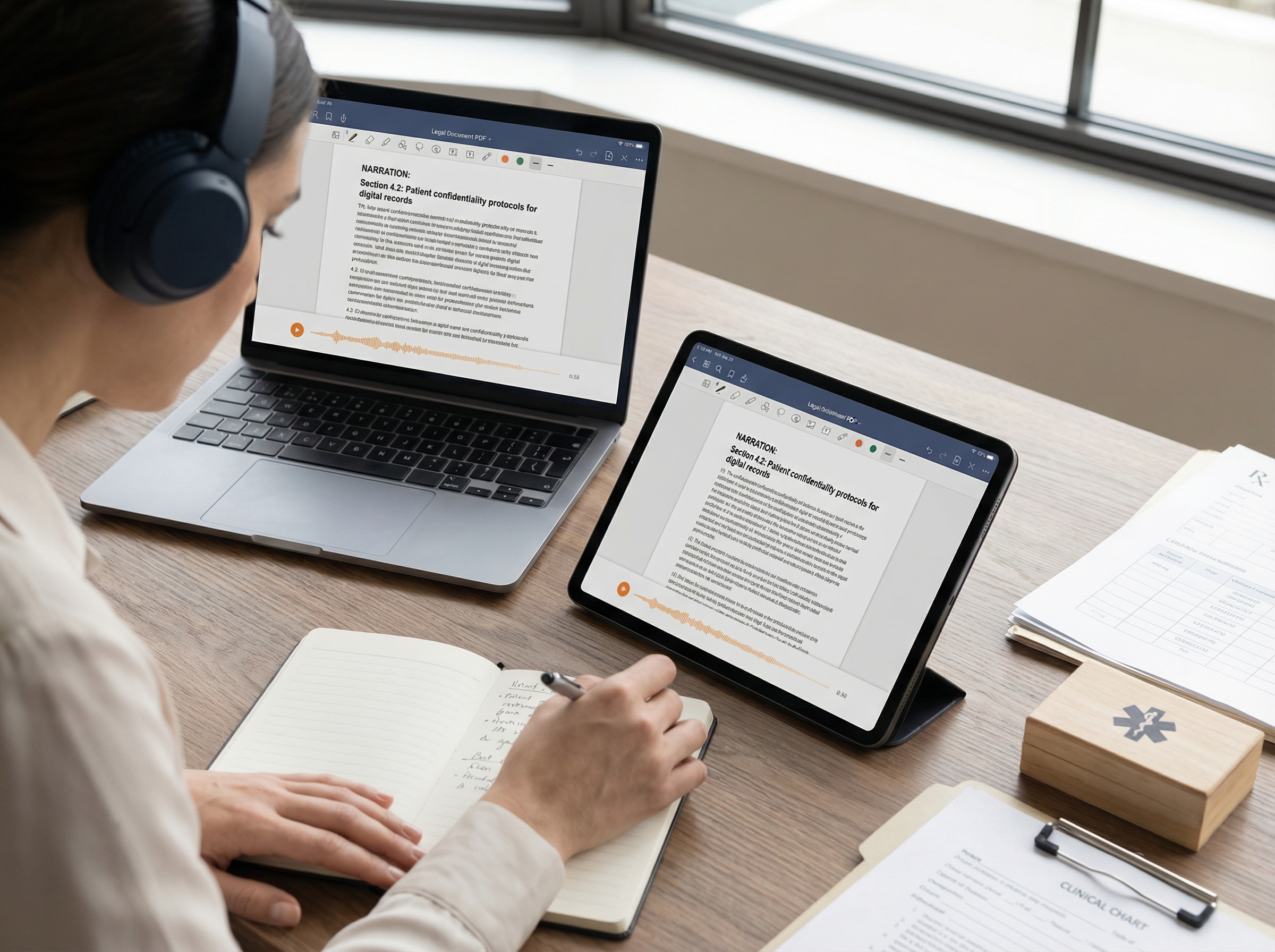
TTSReader handles standard text-based PDFs relatively well, allowing users to upload files, extract text, and start listening with very little friction. For students, casual readers, and accessibility-focused users, that simplicity is genuinely useful. However, scanned PDFs expose one of the platform’s biggest weaknesses: there is no built-in OCR support. If a PDF is image-based rather than text-based, extraction often fails, and the platform does not clearly explain why. In many cases, users only discover the limitation through silent failure instead of guided feedback or OCR suggestions. That matters more today than it did a few years ago because OCR has become a standard feature across many TTS tools. Platforms like Speechify, NaturalReader, and The Speakr now treat OCR as a core part of the reading workflow rather than an optional workaround.
Choosing the Right TTSReader Plan
Compared with platforms like ElevenLabs, TTSReader pricing is relatively straightforward. However, a few important details are still easy to overlook. The biggest one is that API access is tied entirely to the PAYG system rather than the Premium subscription. Many users do not realize this at first. As a result, the platform creates a clear divide between regular listening plans and developer-focused workflows. Unfortunately, that distinction is not always communicated very clearly across the platform.
Current Pricing Structure
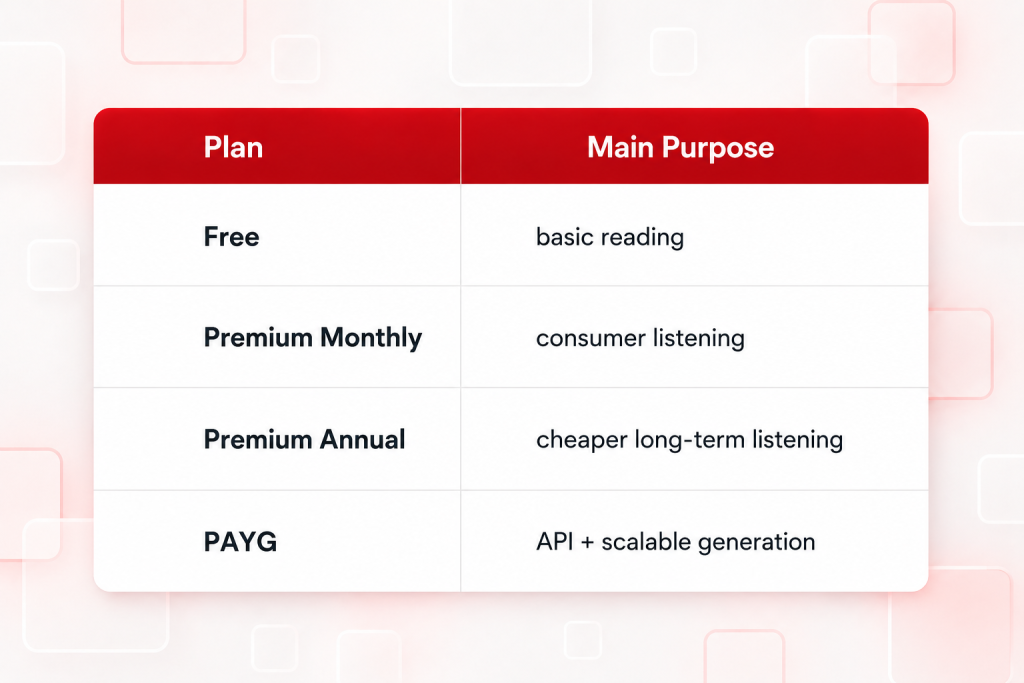
The Premium plan makes sense mostly for users who want:
- better voices
- larger exports
- commercial rights
- regular listening
Chrome Extension: One of TTSReader’s Strongest Features
One area where TTSReader still performs surprisingly well is browser integration. The Chrome extension remains lightweight, fast, and genuinely practical for everyday reading workflows. Users can highlight text on webpages, instantly start playback, continue listening while browsing, and avoid constantly copy-pasting content into separate dashboards or editors.
That simplicity matters more than it sounds. Many newer AI voice platforms now focus heavily on creator tools, production workflows, and complex interfaces. As a result, basic reading can sometimes feel unnecessarily complicated. TTSReader’s Chrome extension still prioritizes simplicity and utility first. That is one of the main reasons the platform continues to work well for casual listening and accessibility-focused users.
Best TTSReader Alternatives
TTSReader competes very differently depending on which platform you compare it against. Compared with Speechify, TTSReader feels simpler and lighter overall. Speechify offers stronger OCR support, cross-device syncing, and a more polished accessibility experience, while TTSReader focuses on fast browser-based reading with minimal setup.
Against ElevenLabs, the difference is even more pronounced. ElevenLabs prioritizes AI voice generation, cloning, dubbing, and creator workflows, whereas TTSReader remains primarily a reading and accessibility tool. For a broader comparison of leading platforms, see our guide to the best text-to-speech tools in 2026, which compares ElevenLabs, Speechify, NaturalReader, Murf AI, and other popular TTS solutions.
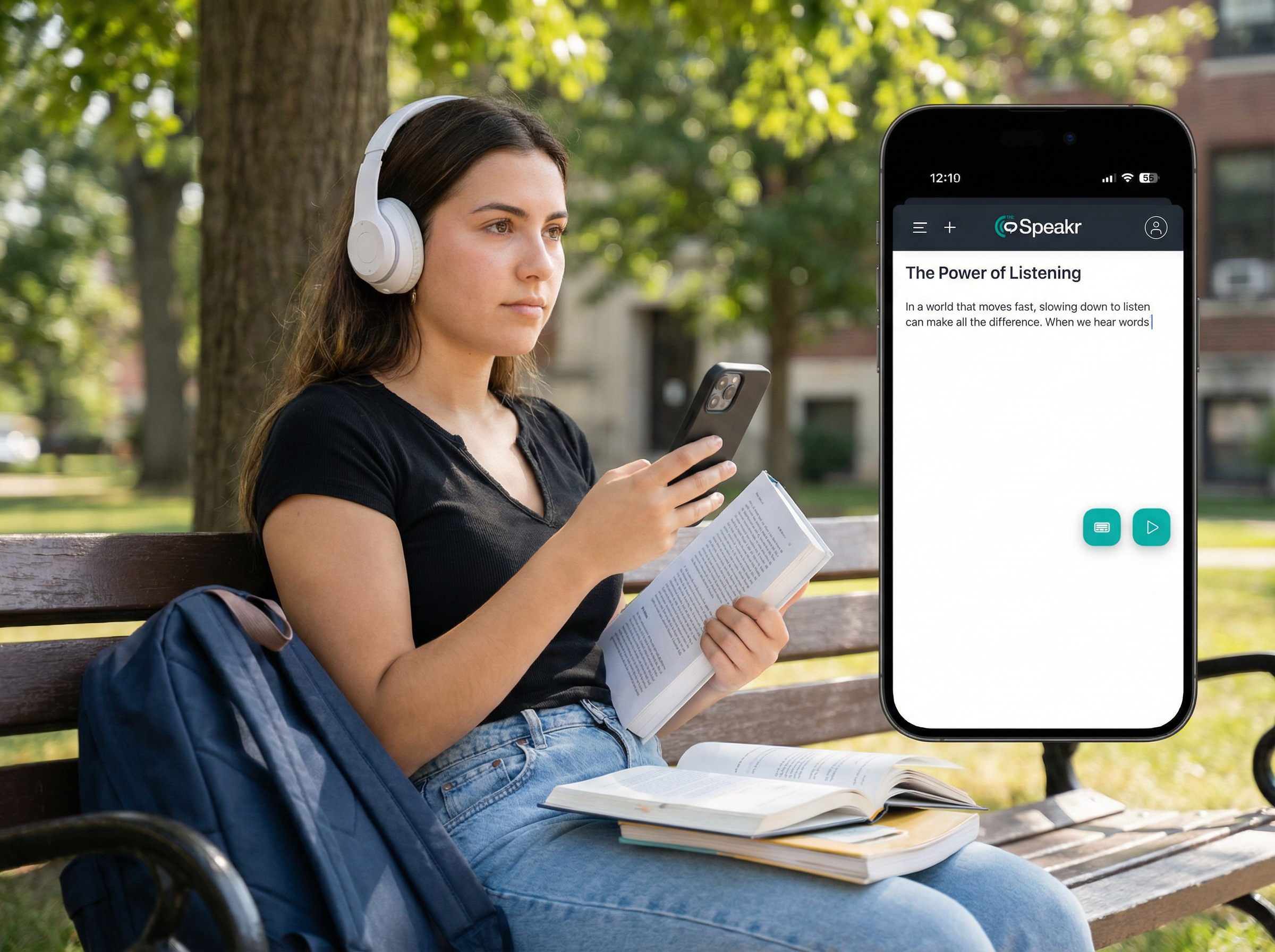
The Speakr sits somewhere between these categories by focusing more heavily on AI-native reading experiences and modern listening workflows, while TTSReader prioritizes simplicity and lightweight browser-based narration.
TTSReaders Pros and Cons
Here’s a quick overview of where TTSReader performs well — and where its limitations become much more noticeable.
Is TTSReader Worth It?
TTSReader still works well for simple browser-based listening, article reading, lightweight accessibility support, and basic PDF narration. It is especially useful for users who value speed and simplicity over advanced AI features. However, the broader TTS market has evolved much faster in recent years. Modern platforms now focus more heavily on emotional narration, OCR, voice cloning, multilingual production, and creator-focused workflows. As a result, TTSReader remains a solid option for casual reading and lightweight use cases, but it feels increasingly limited for creators, advanced accessibility workflows, and production-grade AI voice generation.
FAQ
- Is TTSReader free?
Yes. TTSReader offers unlimited basic browser voices and a limited lifetime quota of premium Azure voices on the free plan.
- How much does TTSReader cost?
TTSReader Premium costs $10.99/month or $99/year, while PAYG credits start at $10 for 200K characters.
- Where do TTSReader’s premium voices come from?
The premium voices are powered primarily by Microsoft Azure neural TTS.
- Does TTSReader support PDFs?
Yes, but only text-based PDFs. Scanned or image-based PDFs require external OCR conversion first.
- Does TTSReader have an API?
Yes, but API access is available only through the PAYG system, not the Premium subscription.
- Can I use TTSReader audio commercially?
Only on paid plans. Commercial rights are not included on the free tier.
- What’s the difference between free and premium voices?
Free voices sound more robotic, while premium Azure voices sound significantly more natural and modern.
- Does TTSReader have a Chrome extension?
Yes. The extension allows users to read highlighted webpage text directly inside the browser.
- Is TTSReader good for dyslexia and ADHD readers?
Yes. Adjustable playback speed and simple listening workflows make it useful for accessibility-focused reading.
- What are the best TTSReader alternatives?
Popular alternatives include The Speakr, ElevenLabs, Speechify, NaturalReader, and Murf AI.